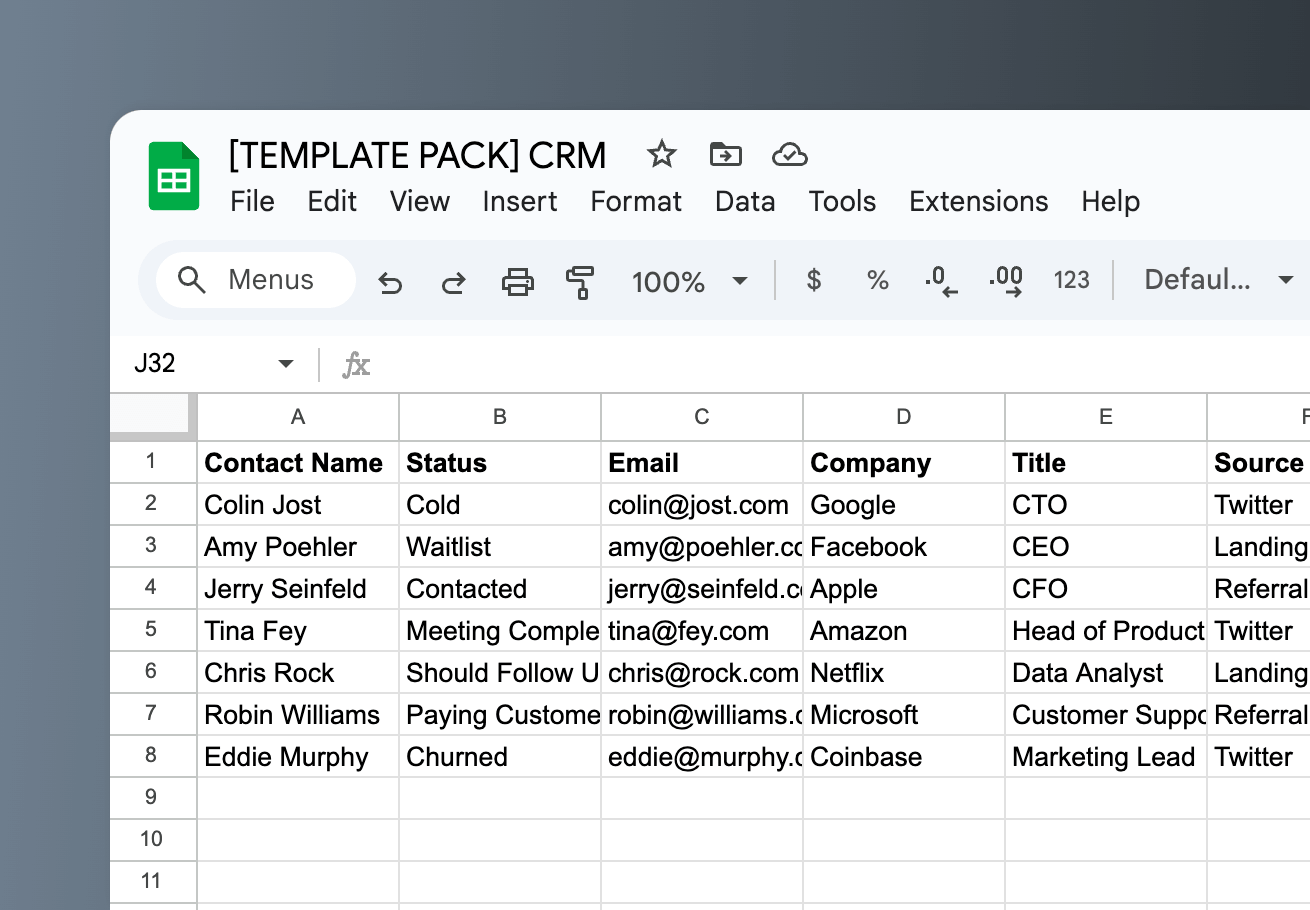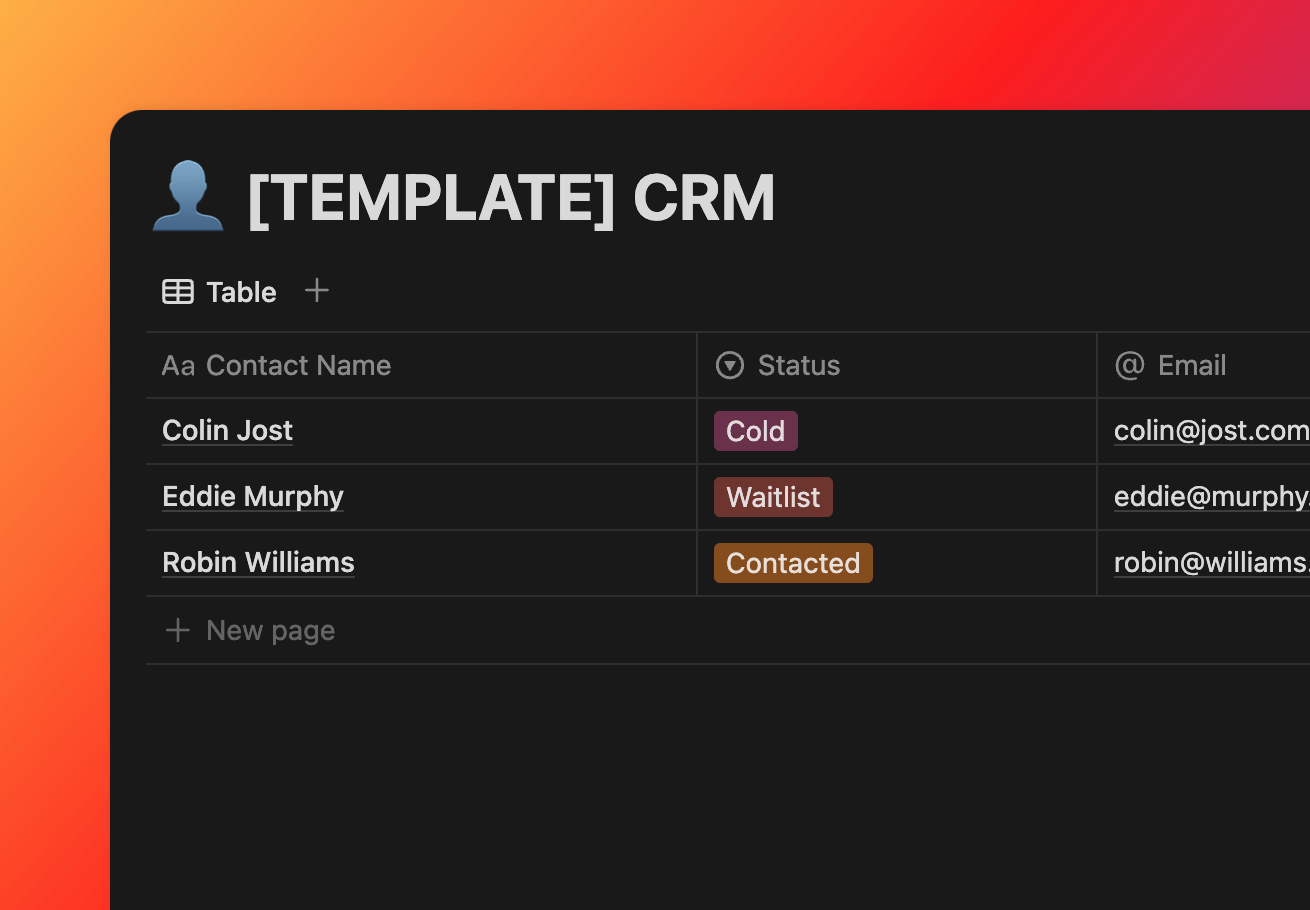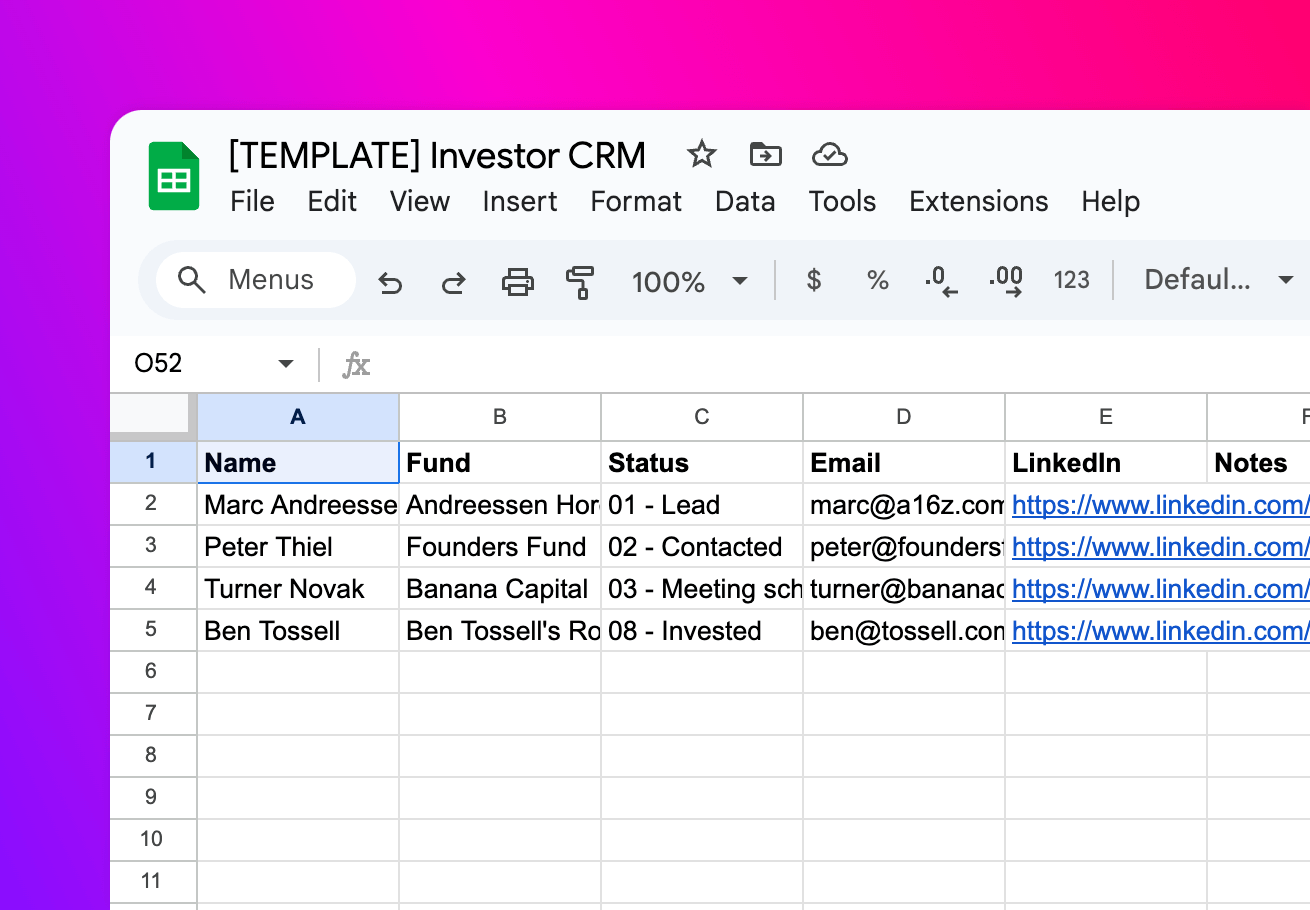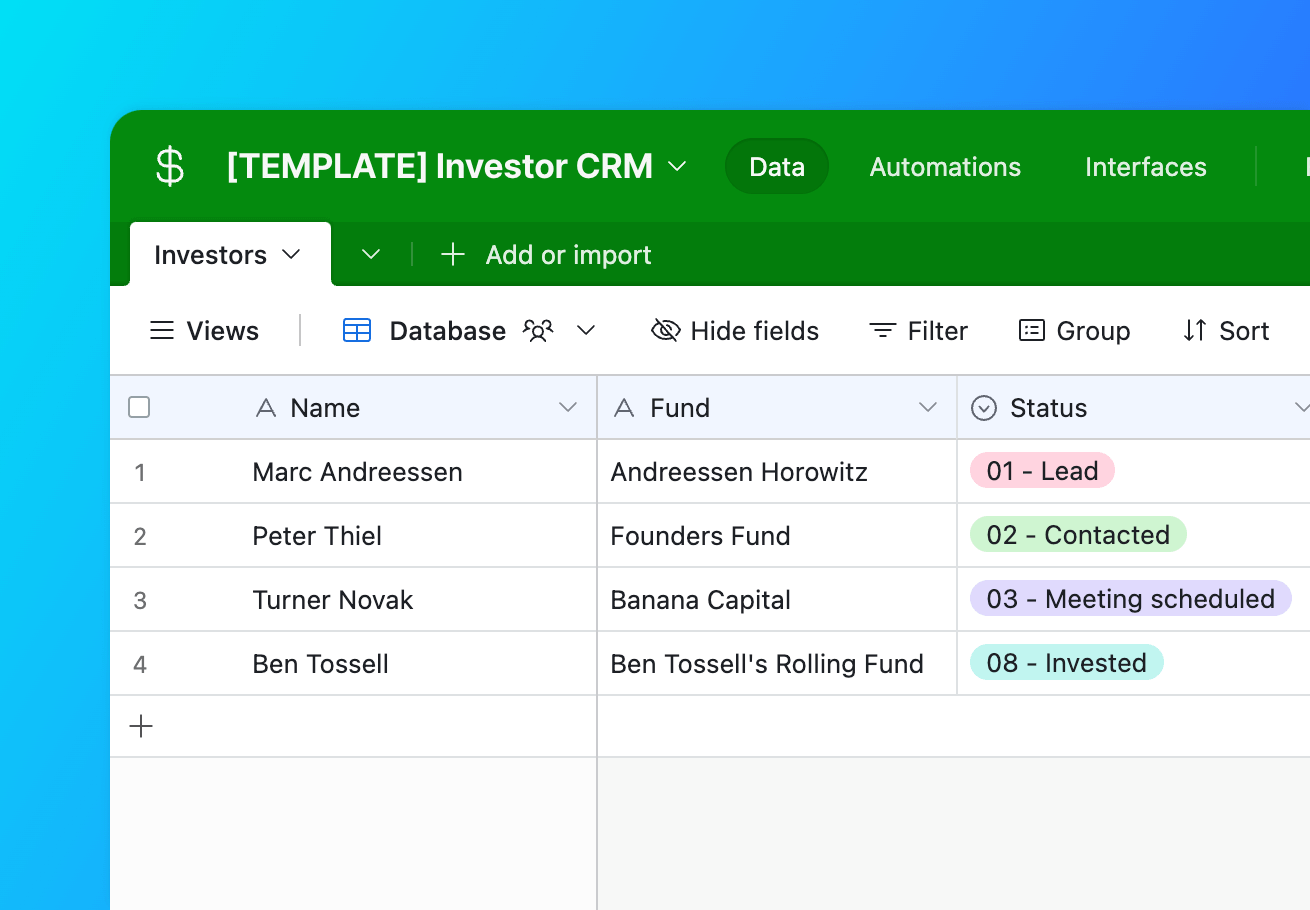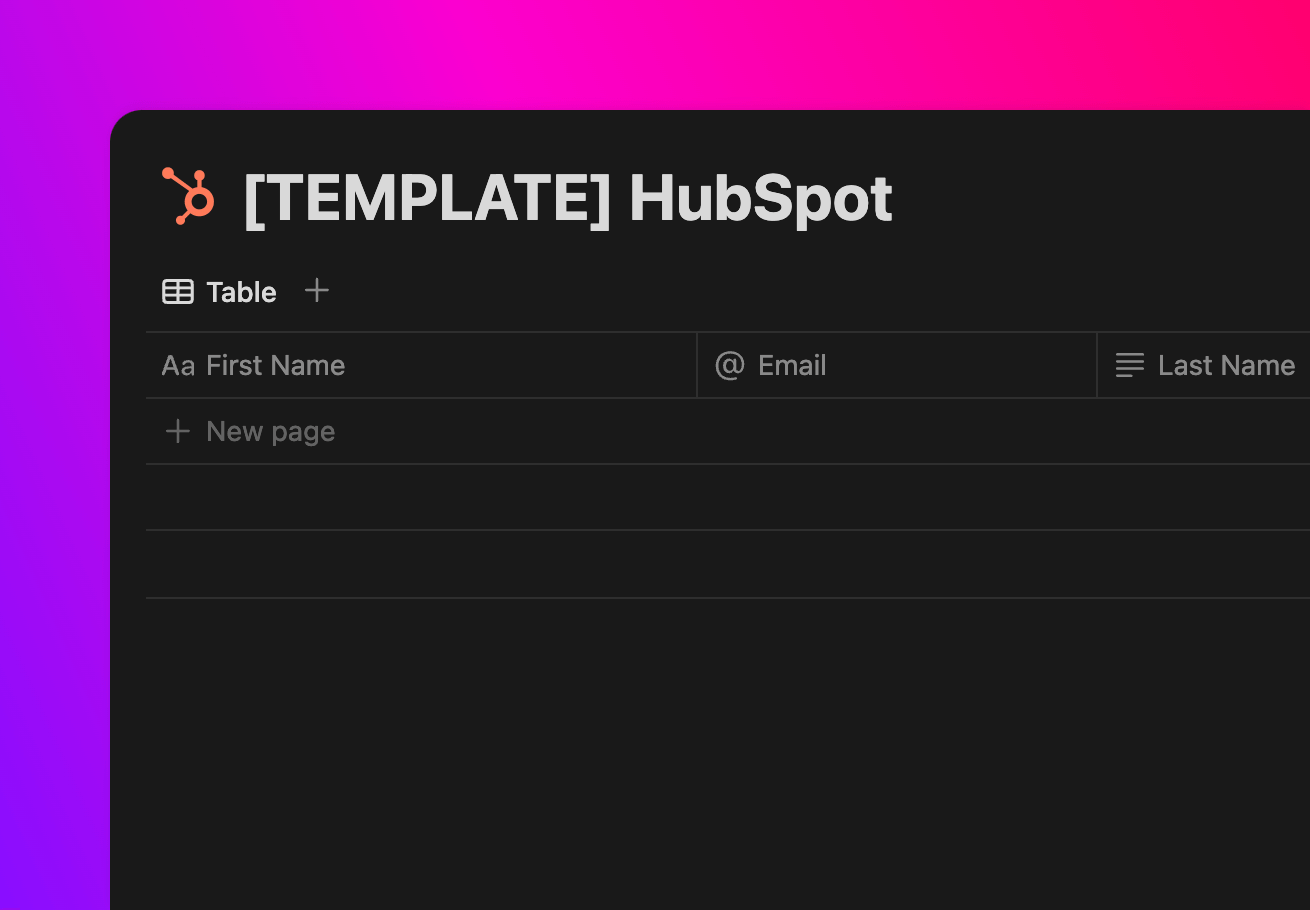
HubSpot (Notion)

Manage all your sales and marketing in HubSpot from Notion

How to setup
Setup

How to setup the HubSpot (Notion) template

1

Copy HubSpot

Click the button below to open and clone the HubSpot template.

No need to copy a template for HubSpot! You can move on to the next step.

Open template
2

Copy Notion

Click the button below to open and clone the Notion template.

Click the button below to open the template then find a button in the top right to duplicate.

Open template

3

Sync with Whalesync

Now the fun part! Use Whalesync to connect these two templates and build your app.

Get started free
Discover more

Related template packs
Shopify (Notion)

Manage Shopify products from Notion.

Read post

Close (Notion)

Track your leads in Close from Notion

Read post

Zoho CRM (Notion)

Track your Zoho CRM Accounts, Leads, Contacts and many more through Notion.

Read post

Internal Tool (Notion)

Create an internal tool on top of your prod data.

Read post

HubSpot (Airtable)

Manage your HubSpot marketing from Airtable

Read post

Notion Blog

Run your content marketing from Notion.

Read post

Connect your tools in minutes