Bulk update customers and deals from a spreadsheet
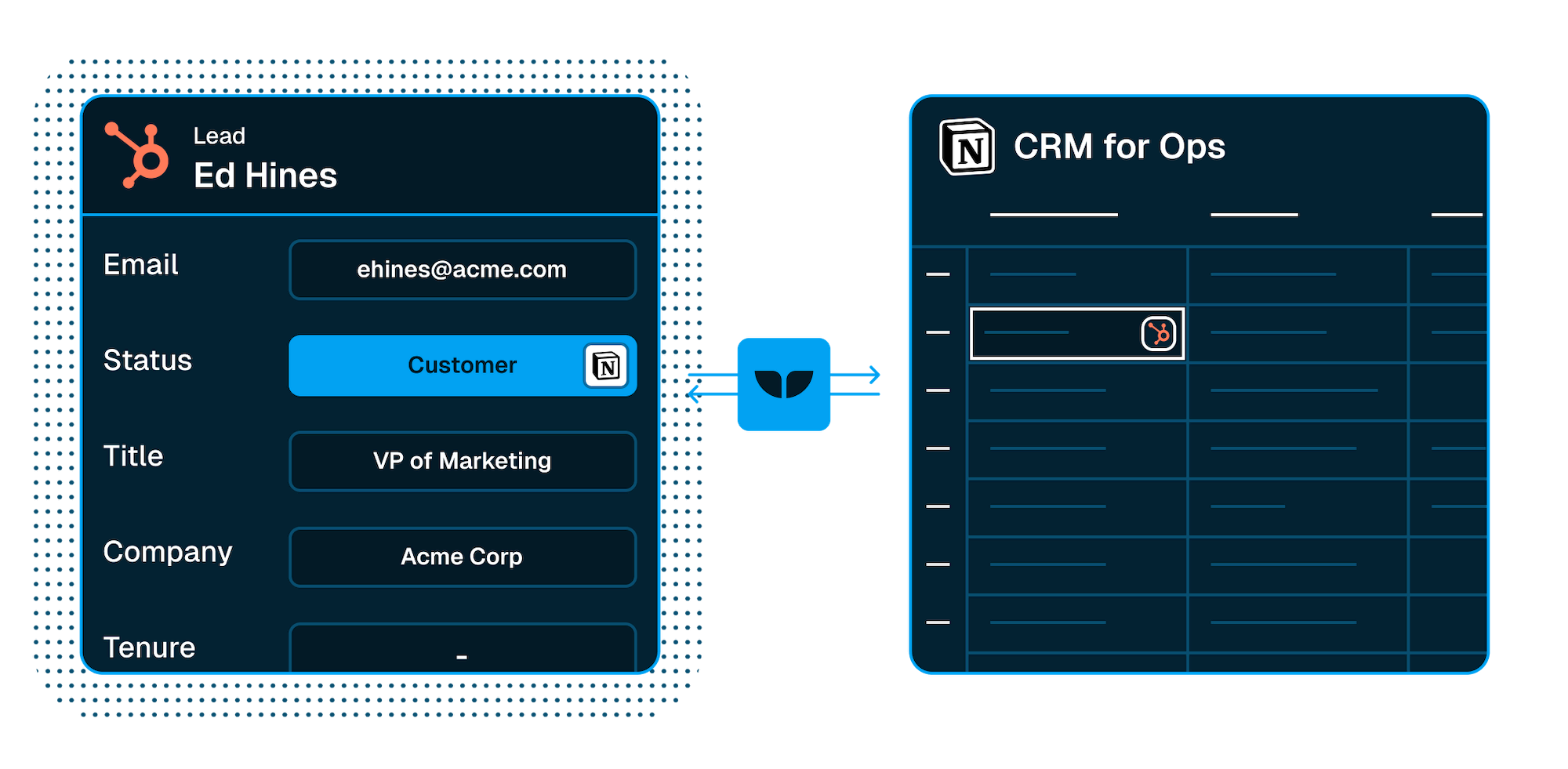
Update your CRM deals in a spreadsheet so you can help customers quicker. Use formulas, AI, and bulk updating to move fast.
Empowering top operators — From startups to enterprises
-
 Series C$350M
 -
 Series C$330M
 -
 Series C$100M
 -

-
 Series B$72M
 -
 Series C$30M
 -
 Series A$50M
 -
 Series B$86M
 -
 Series B$65M
 -
 Series B$100M
Manage your CRM from a spreadsheet
-
Automatic sync 24/7
Save time by using a purpose built tool for data synchronization rather than managing it yourself.
-
Extend your CRM with internal apps
Build internal tools that take your CRM to the next level of collaboration and personalization.
-
No engineers necessary
Whalesync lets non-devs build scalable, reliable syncs.

Connect your apps and spreadsheets with ease
Apps
-
 Live
LiveClose
CRMClose is a CRM for inside sales teams with calling and email built in. Whalesync two-way syncs its leads and contacts with Airtable, Notion, and more.
View connector -
 Live
LivePipedrive
CRMPipedrive is an easy-to-use sales CRM known for its kanban pipeline view. Whalesync two-way syncs its deals and contacts with Notion and more.
View connector -
 Live
LiveZoho CRM
CRMZoho CRM is a customizable sales CRM for startups through enterprises. Whalesync two-way syncs its leads and deals with Airtable, Notion, and more.
View connector -
 Live
LiveSalesforce
CRMSalesforce is the world's most popular CRM for sales teams. Whalesync two-way syncs its accounts, contacts, and leads with Airtable, Notion, and more.
View connector -
 Live
LiveHubSpot
CRMHubSpot is a leading CRM platform for marketing, sales, and service. Whalesync two-way syncs its contacts and deals with Airtable, Notion, and more.
View connector -
 Live
LiveAffinity
CRMAffinity is a relationship-intelligence CRM for VC and finance teams. Whalesync two-way syncs it with Airtable, Notion, and Google Sheets.
View connector -
 Live
LiveAttio
CRMAttio is a modern, flexible CRM for go-to-market teams. Whalesync two-way syncs its people, companies, and deals with Airtable, Notion, and more.
View connector -
 Live
LiveCopper
CRMCopper is a CRM built for Google Workspace that lives inside Gmail. Whalesync two-way syncs its people, companies, deals, and projects with Airtable and more.
View connector -
 Live
LiveGong
CRMGong is a revenue intelligence platform that captures and analyzes customer conversations. Whalesync syncs its calls and users into Airtable, Notion, and more.
View connector
Spreadsheets
-
 Live
LiveAirtable
SpreadsheetAirtable is an easy-to-use relational database in the browser. Whalesync two-way syncs its bases with Notion, HubSpot, Webflow, and more.
View connector -
 Live
LiveNotion
SpreadsheetNotion is an all-in-one workspace for docs, wikis, and databases. Whalesync two-way syncs its databases with Airtable, HubSpot, Webflow, and more.
View connector -
 Live
LiveGoogle Sheets
SpreadsheetGoogle Sheets is the free web-based spreadsheet in Google Workspace. Whalesync two-way syncs your sheets with Airtable, Notion, HubSpot, and more.
View connector
Spreadsheets let you do more
-

Don’t waste eng time on two-way sync
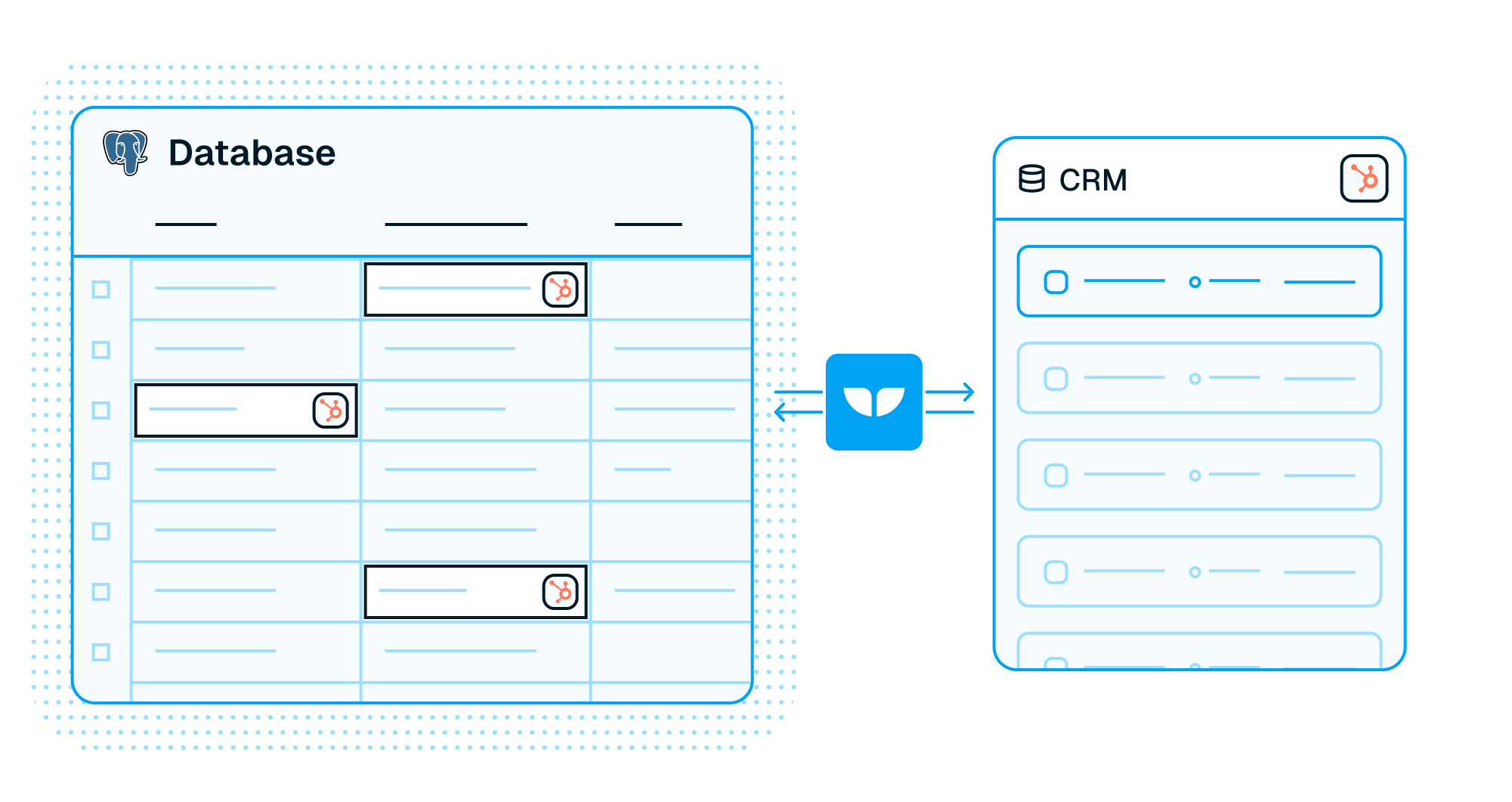
Whalesync integrates Postgres with your CRM in minutes. Build internal tools on top of your CRM without using up your eng roadmap.
Learn more -
Turn Airtable into an internal tool
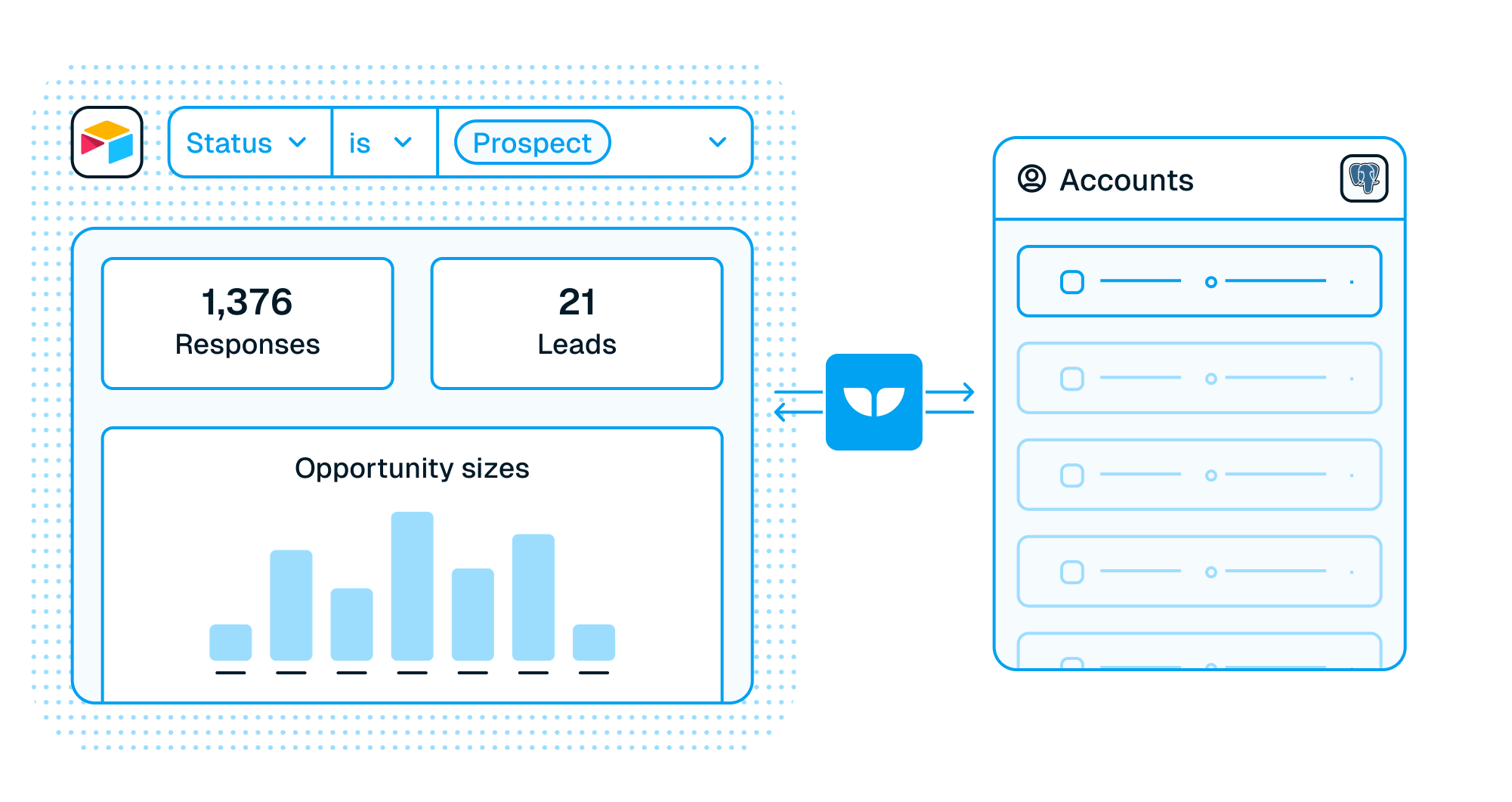
Stop coding internal tools from scratch. Whalesync two-way syncs Airtable with Postgres so your team builds internal tools without touching the roadmap.
Learn more
Build enterprise-grade integrations
Connect your CRM in minutes
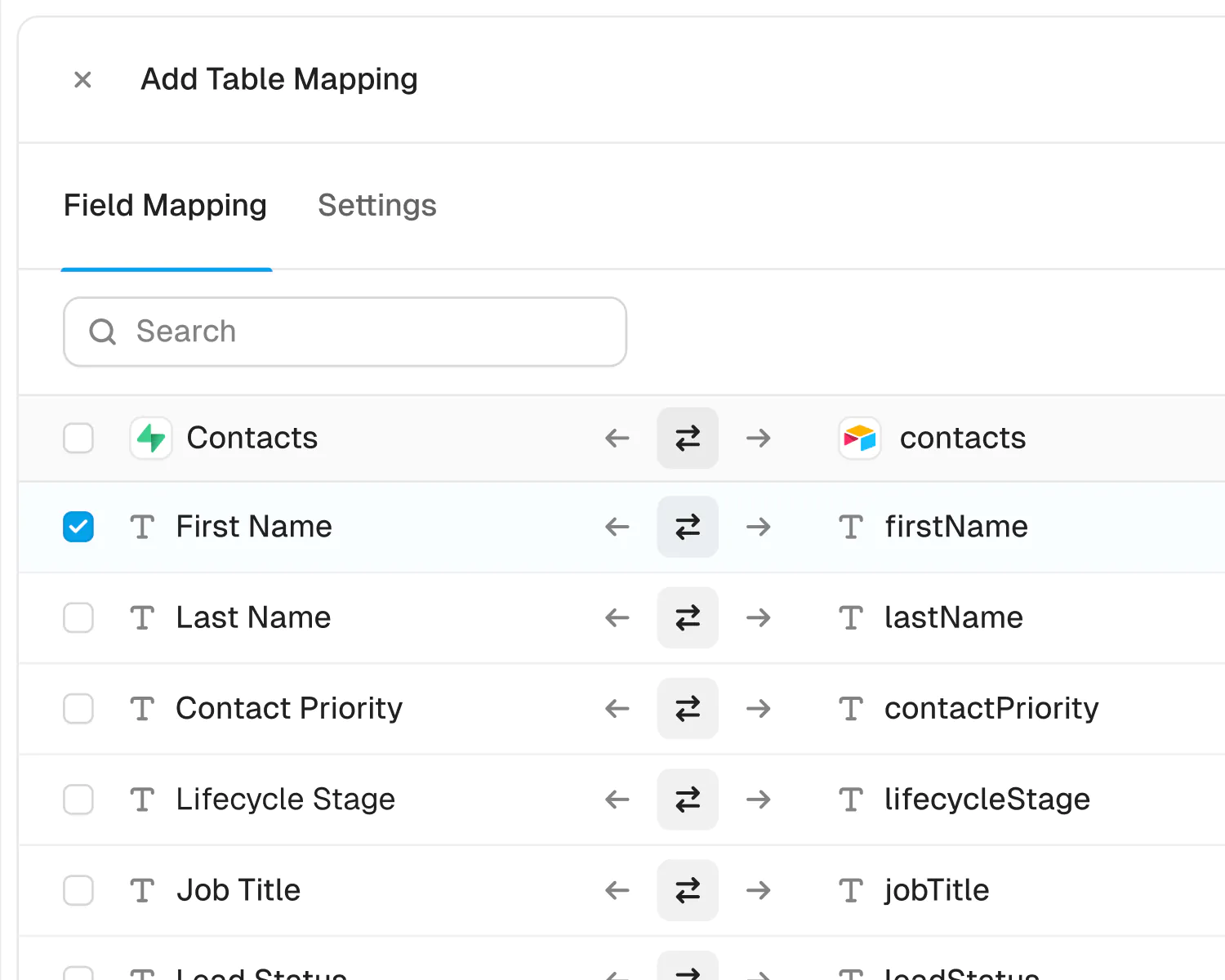
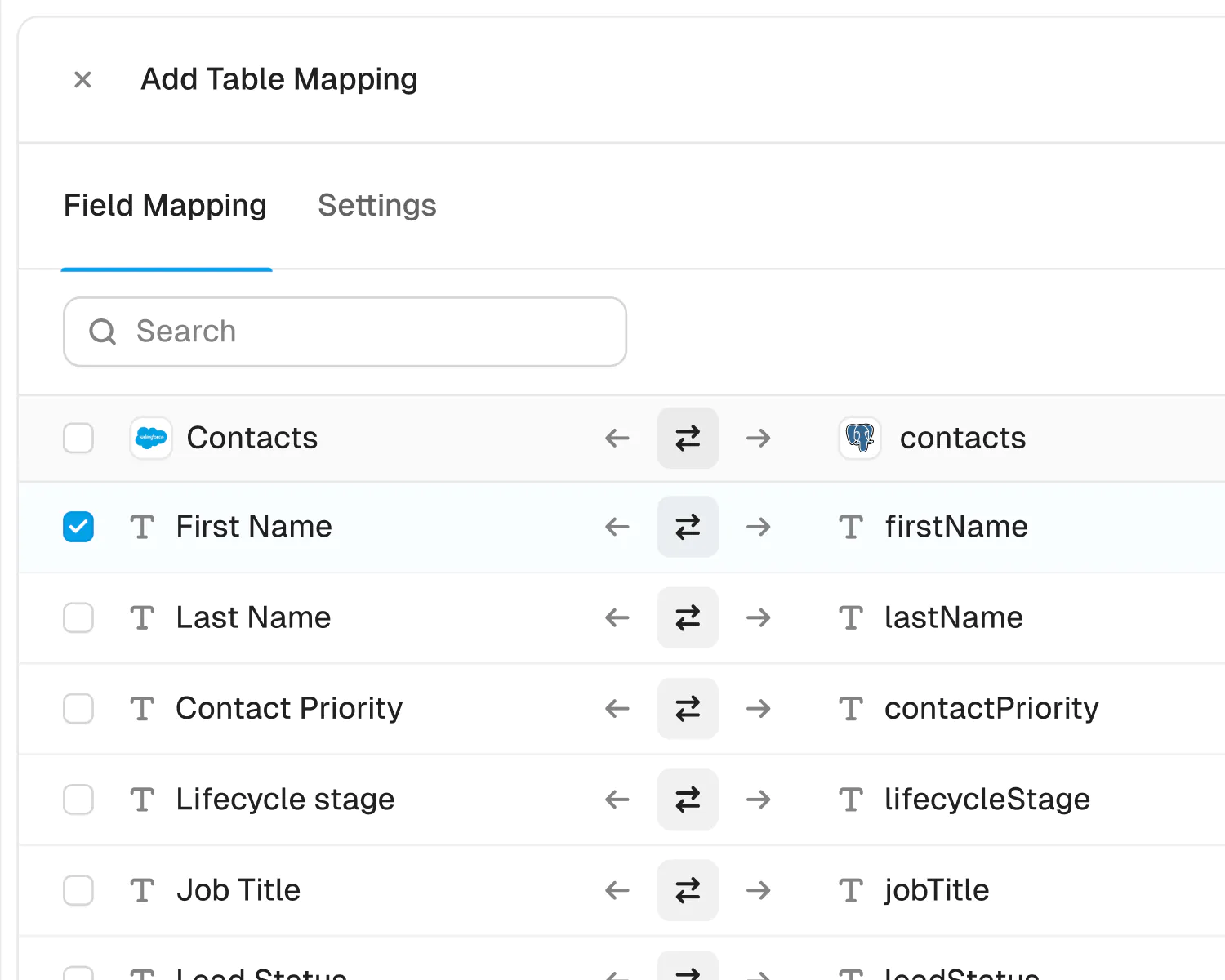
Whalesync is purpose-built to connect CRMs to spreadsheets, all you have to do is map your data and activate.
Choose your apps
Securely connect your accounts in seconds. Just authorize Whalesync with a few clicks and you're ready for the next step.
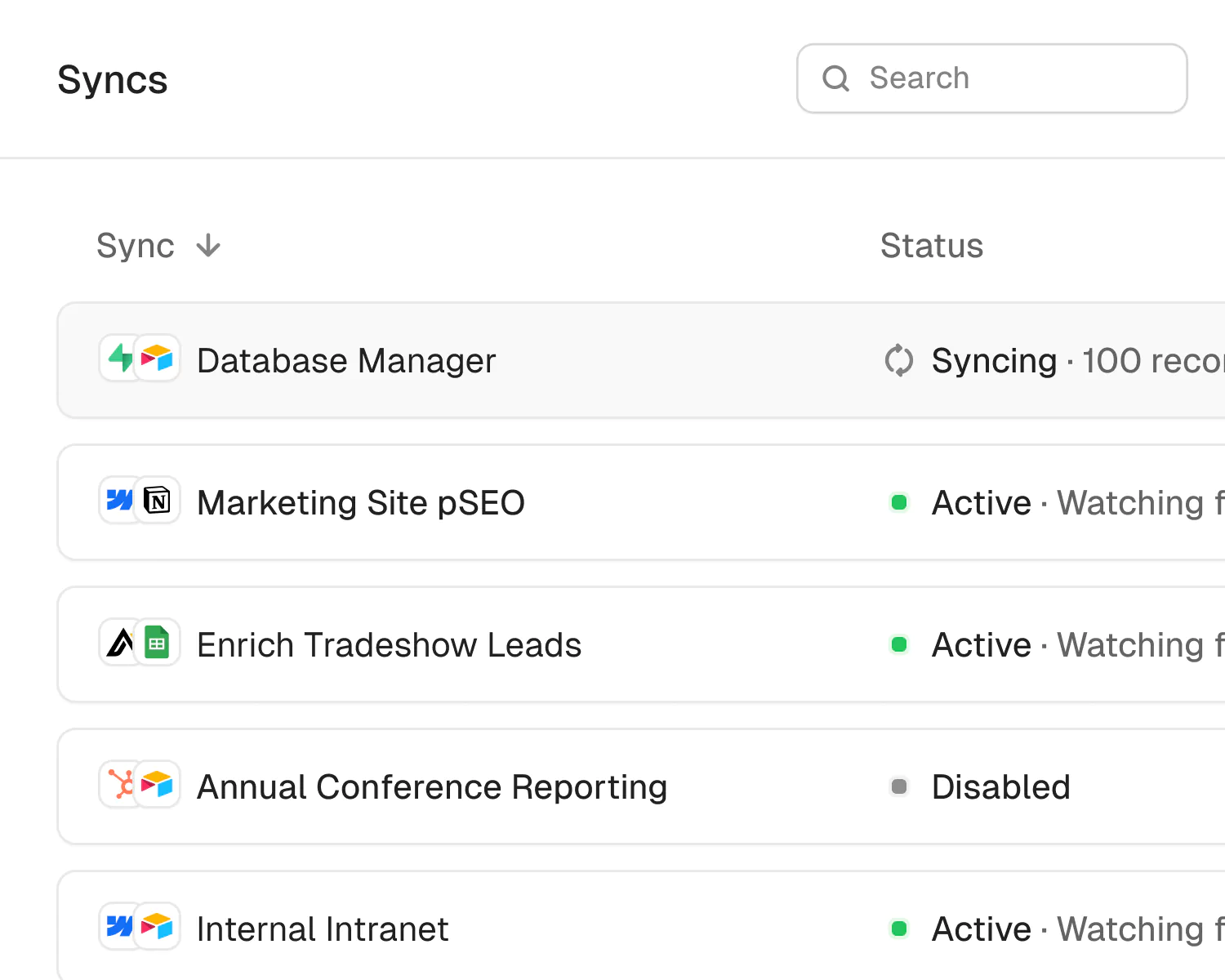
Webflow built products 5x faster with Whalesync
How Webflow deployed Whalesync to launch three different internal products, resulting in significant time and efficiency savings and new, unique capabilities for their teams.

Webflow's marketing team can more confidently manage multiple streams of data because they trust Whalesync to handle the complexity of ensuring that data is updated across multiple, different live websites.
“If Whalesync didn’t exist, we simply wouldn’t have been able to build some of these products to the same degree of capability nor achieve the same time and efficiency savings that they provide.”

Community tutorials
A collection of some of our favorite videos showing the power of Whalesync in the community.
-

How to Build a High-Quality Grid Page For Your Directory (Step-by-Step No-Code Guide)

Connor Finlayson
Watch video -
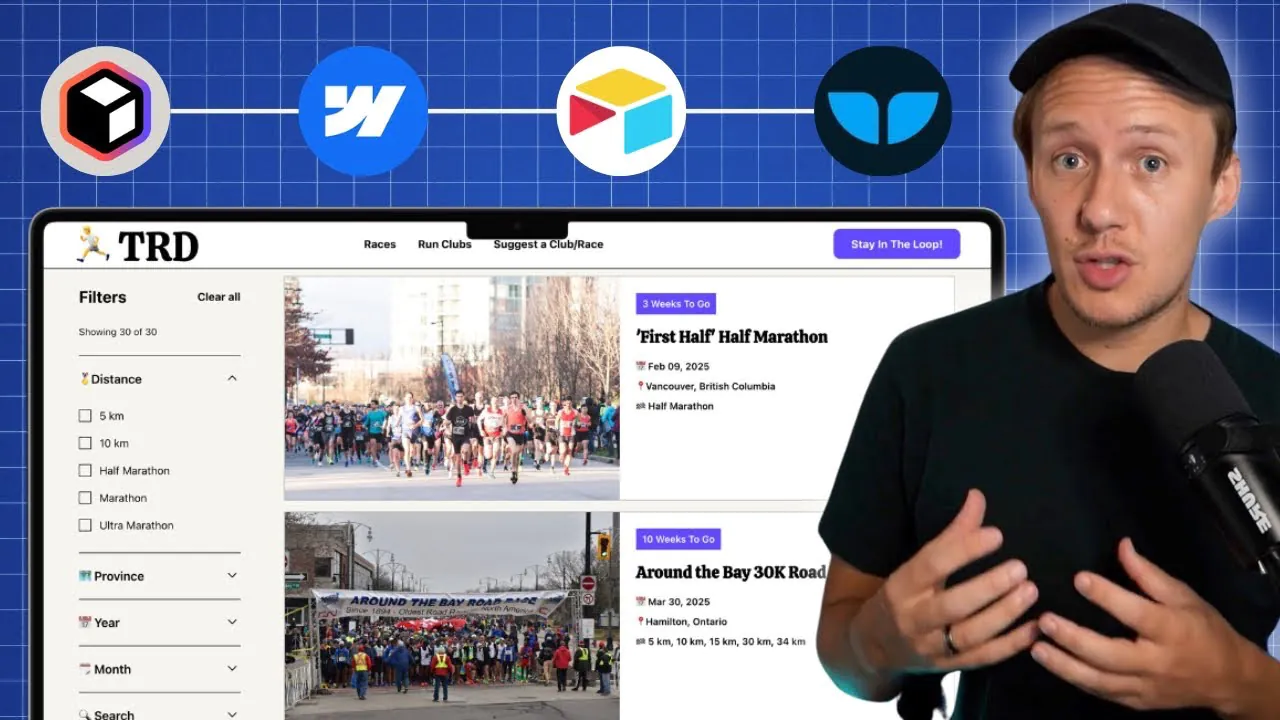
How I Built a Local Directory Website in 48 Hours With No-Code Tools (Step-by-Step)
Connor Finlayson
Watch video






Spreadsheet all the things
Take advantage of everyone’s favorite tool by using spreadsheets to power your website, CRM, database, and more.
-
Spreadsheet to Spreadsheet
Two-way sync Airtable, Google Sheets, and Notion so every team works in its favorite spreadsheet while the data stays identical everywhere.
View solution -

Database to Spreadsheet
Sync your database to a spreadsheet with true two-way sync. Edit records using formulas, AI, and bulk changes, no SQL or code required.
View solution -

Website CMS to Spreadsheet
Manage your Webflow, Wix, or WordPress CMS from a spreadsheet. Two-way sync lets you bulk-edit and publish thousands of pages, no code.
View solution
Give your ops team superpowers