Plans & pricing
Start free with a 7-day trial, no credit card required.
Unlimited mappings and row changes with every plan.
Two-way sync connectors:













-
2-way sync
-
Real-time updates
-
Live Export
-
Automated monitoring
-
Email support






-
2-way sync
-
Real-time updates
-
Live Export
-
Automated monitoring
-
Email + chat support
All two-way sync connectors


-
2-way sync
-
Real-time updates
-
Live Export
-
Automated monitoring
-
Priority support
-
Security assessment
-
Custom agreement
Empowering top operators — From startups to enterprises










Compare our plans
Features
-
Two-way sync connectors
-
Live Export connectors
A read-only copy of your data in another tool, kept up to date. Included on every plan.
Syncing
-
Max records in sync
-
Active syncs
-
Update frequency
-
1-way sync
-
2-way sync
-
Filters
-
Smart API limits
-
Historical sync
-
Bulk update handling
-
Issues
-
Operations
Support
-
Docs
-
Email support
-
Chat support
-
Priority support
Admin
-
Users
-
RBAC
-
Versioning
Security
-
SOC 2 Certification
-
GDPR Compliance
-
Single sign-on (SSO)
-
Security assessment
Starter
Two-way sync connectors:
From:






Into:
Syncing
-
up to 2,000
-
Unlimited
-
Live
Support
-
Does not qualify
Admin
-
10
Security
-
via OAuth
-
Does not qualify
Plus
Everything in Starter, plus:
From:
Into:
Syncing
-
up to 1,000,000
-
Unlimited
-
Live
Support
Admin
-
Unlimited
Security
-
via OAuth
Pro
All two-way sync connectors
From:
Into:
Syncing
-
up to 1,000,000
-
Unlimited
-
Live
Support
Admin
-
Unlimited
Security
-
via OAuth
-
Available via NDA
Frequently asked questions
Do I need a credit card to start?
No. Every plan starts with a 7-day free trial, and we don't ask for a card up front. When the trial ends, syncing pauses until you pick a plan, and picks right back up once you do.
Is it really two-way sync?
Yes! Whalesync offers true two-way sync. Unlike most apps that offer one-way syncs in two directions, Whalesync actually keeps your data in sync bi-directionally. Update data in one app and see it instantly to sync to the other (or vice-versa).
What counts as a "record in sync"?
When a record syncs for the first time it becomes a record in sync. For example, if you sync 10 rows from Airtable to Webflow, you will have 10 records in sync. We do not "double-count" records across the two different apps.
Unlike other automation tools that count updates or tasks, Whalesync allows unlimited updates: those records can change as many times as you'd like.
What is a "sync"?
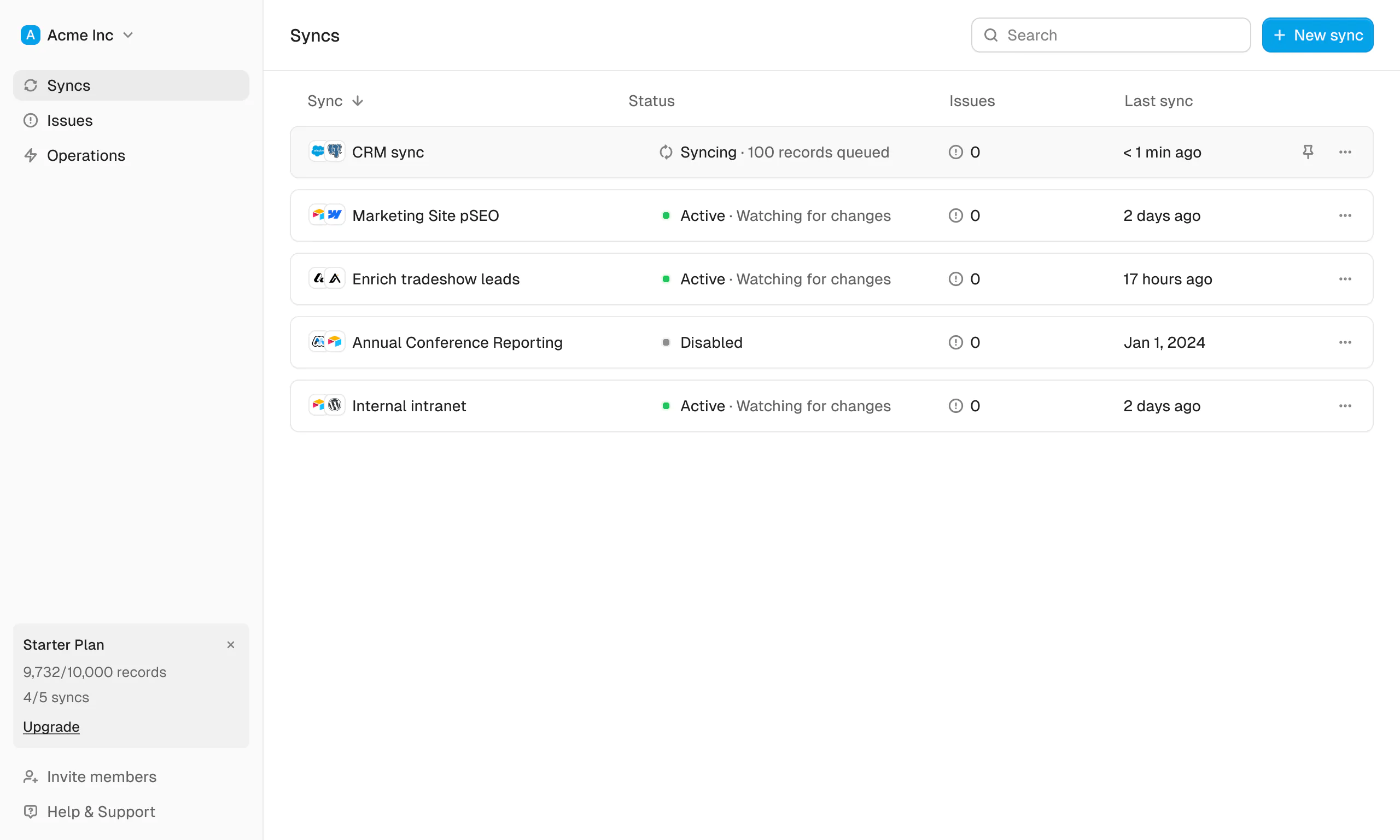
A sync is a connection between two apps, like Airtable and Webflow. One sync covers as many tables and fields as you like. You map the tables, map the fields, choose a direction for each, and turn it on; from then on Whalesync keeps both sides current until you pause it.
Does Whalesync support multi-reference fields? Rich text?
You bet! We've simplified all the annoying parts of setting up a sync with Zapier. We support multi-reference fields, rich text, and images. For a full list, see our supported fields docs.
What happens if my data has an error and can't be synced?
If data can't be synced (e.g. a required field is missing), Whalesync will alert you on the Issues page. This alert provides the exact error from your destination app and any other info that will help you fix the issue. In the meantime, Whalesync will continue to sync all data that doesn't have errors.
Do you offer a discount for nonprofits?
Absolutely! We love supporting organizations that are making the world a better place, so we're happy to offer a 20% discount to all nonprofits. To apply, just send us a note with proof of your nonprofit status (e.g. your 501(c)(3) determination letter) to support@whalesync.com and we'll get the discount applied to your account.
Connect your tools in minutes