A powerful Zapier alternative
The Zapier alternative for data sync: Zapier moves records one way per trigger, while Whalesync keeps entire tables in true two-way sync.


Empowering top operators — From startups to enterprises
-
 Series C$350M
 -
 Series C$330M
 -
 Series C$100M
 -

-
 Series B$72M
 -
 Series C$30M
 -
 Series A$50M
 -
 Series B$86M
 -
 Series B$65M
 -
 Series B$100M
Why teams choose Whalesync for sync
A comparison of Whalesync’s Plus plan and Zapier’s 50k task Team plan.
Features
-
Ease of useEasyEasy
-
Sync and automation2-way1-way
-
Historical syncing
-
Foreign key (linked record) syncing
-
Live training
-
Sync setup timeMinutesHours
-
Sync setup efficiency1 syncMultiple, multi-step zaps
-
Integrations25+7,000
-
Integration depthDeep (many supported objects and fields)Varies widely per integration
-
Update timeInstant1-min
-
Updates (tasks)Unlimited50,000 tasks/mo
-
Error managementDetailed issue messagesZap history
Don’t take it from us
This is what true data sync feels like.
-
It's awesome! It's just the perfect tool 💪

Paul R
Member since2022 -
I LOVE WHALESYNC... It has made my life 10000% better.

Andrea P
Member since2022 -
Cannot recommend it enough - as valuable as Airtable and weblow alone imo.

art_lover
Member since2022 -
Whalesync is an absolute game changer - I wish I had this a year ago when we were building our current website!

Cait T
Member since2022 -
Whalesync is a godsend for the project I'm working on!

Aaron R
Member since2022 -
It works like a Dream! 👌

Steve S
Member since2022 -
Works simply perfect. Today my #nocode dev process become faster and more powerful.

Iar R
Member since2022 -
My jaw is in the f****** floor - whalesync rocks.

Joe H
Member since2022 -
It is a simple, fast, and absolutely fantastic product which will make your life 10x easier at least.

Cody A
Member since2022 -
🤯🤯 Pure magic.

Frazer M
Member since2022 -
Finally figured out how to do Programmatic SEO on Webflow. Whalesync makes it easy.

Jay A
Member since2022 -
Has really made updating CMS data a breeze for my no-code programmatic SEO project.

Ian R
Member since2022 -
The best out there. I've tried parabola, nobull, make,... Whalesync is just flawless.

Joachim B
Member since2022 -
Love it! Super easy to set up.

Jake M
Member since2022 -
You guys literally saved me so much time.

Josse M
Member since2022 -
Webflow + Whalesync + Airtable = everything you need and more.

Aiva G
Member since2022 -
OH MY, this product is nothing short of epic and worth every penny if you have a large, complex CMS!

Corey M
Member since2022 -
This service is lightyears ahead of other apps I've tried.

Hausia S
Member since2022 -
This is epic! Whalesync has been one of the most innovative automation tools in the last 12 months!

Connor F
Member since2022
Two-way sync, simplified
Whalesync is the no-code tool built to handle data syncing. In a few minutes, you can hook up your apps and have them 2-way syncing in real-time.

-
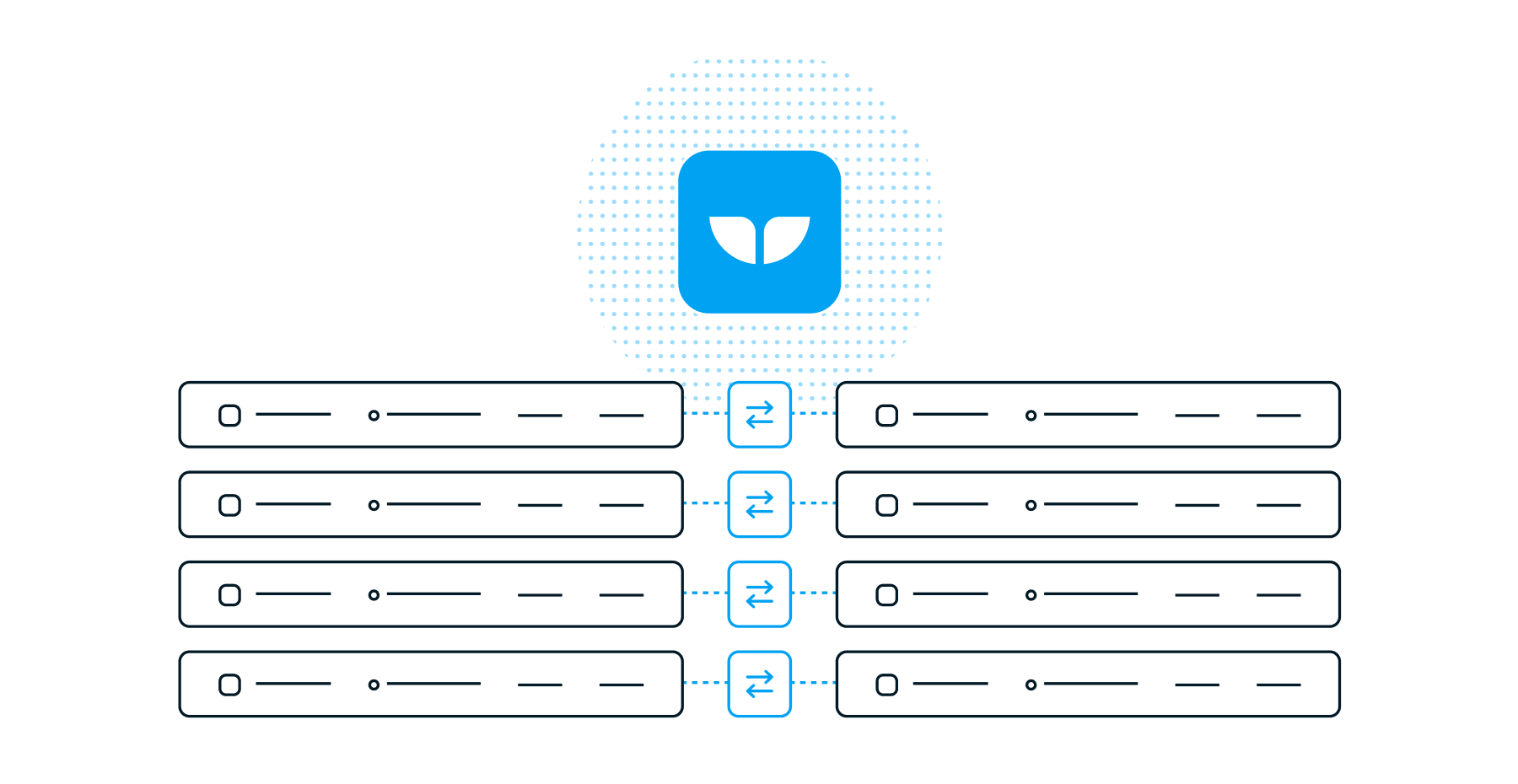
Syncs vs. Zaps
Zapier supports traditional, 1-way automation. Each Zap represents one trigger causing one action. With Whalesync, you can create deep integrations where all of your data across multiple apps is kept in sync.
-
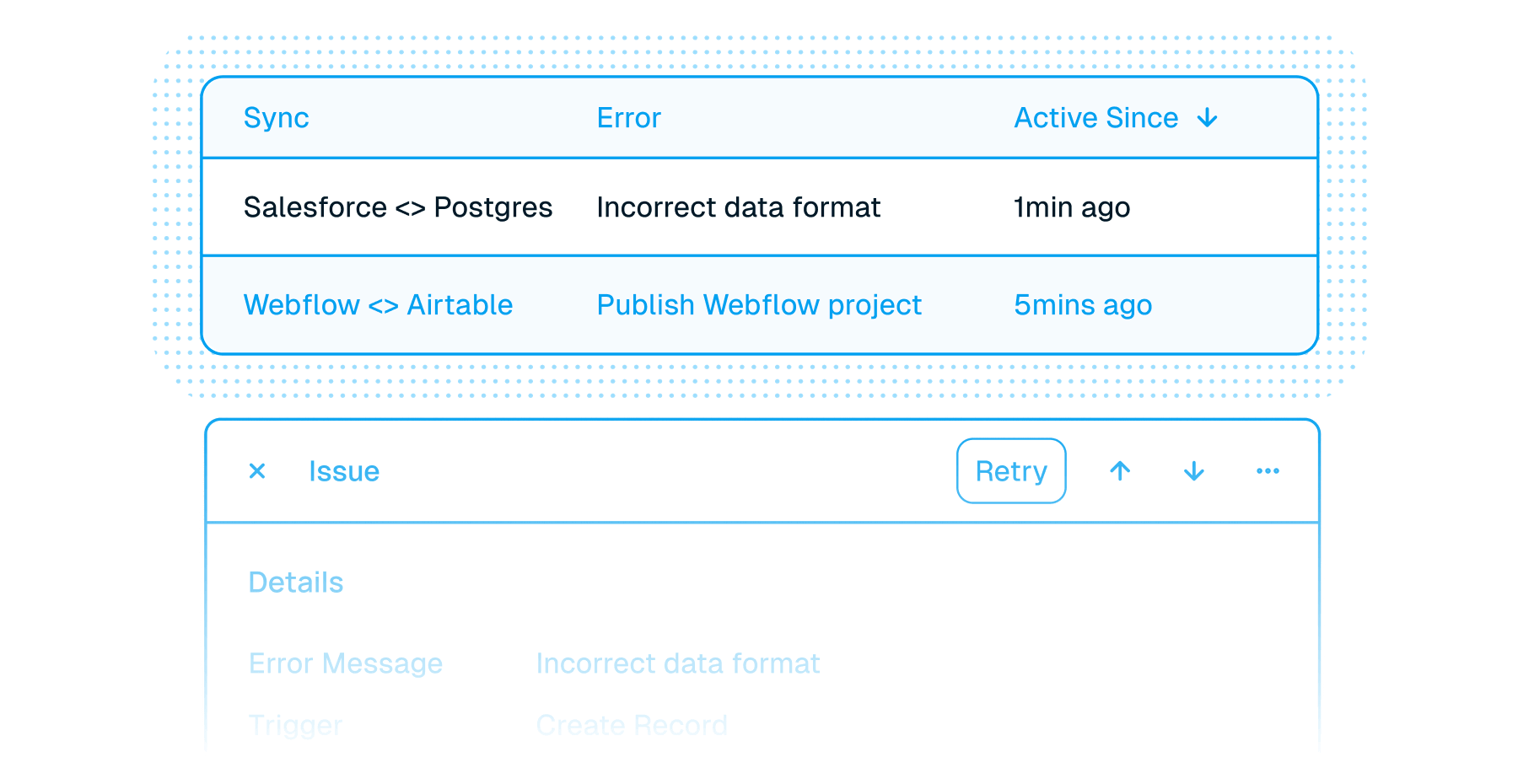
Issues vs. Failed History
Stop wasting hours trying to track down errors and failed Zaps. Whalesync provides a simplified dashboard for managing issues any time a record can’t be updated. Detailed error messages tell you what’s wrong so you can fix it quickly and get back to work.
-
Bulk vs. Single Record
Zapier is great for simple, one at a time automations with small amounts of data. Whalesync is built to handle syncing of up to millions of records at scale. Deeply connect enterprise tools like Salesforce and Postgres.
-
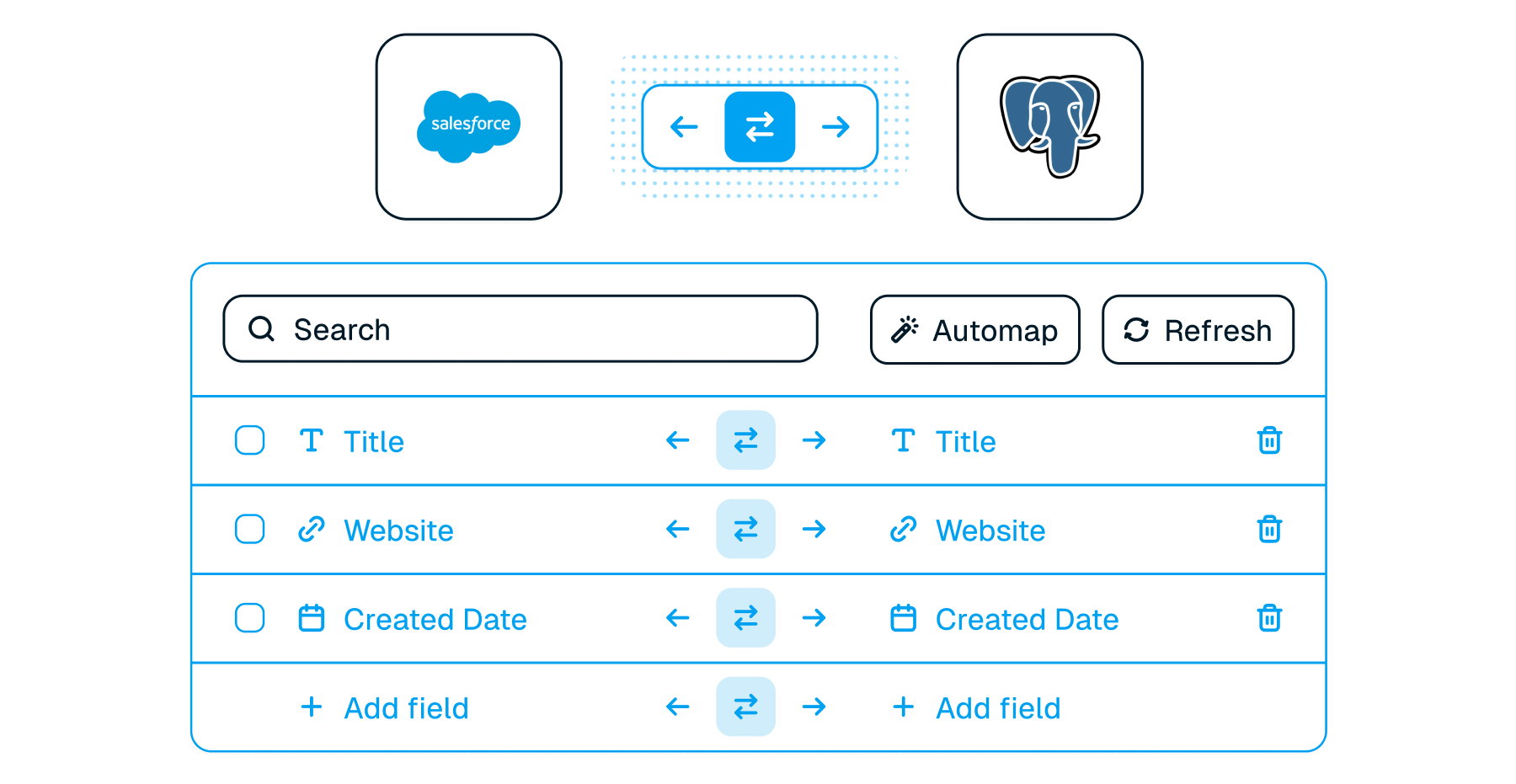
Depth vs. Breadth
Zapier has >7,000 integrations but most of them are relatively shallow. Whalesync has many fewer integrations but each integration goes much deeper to include the objects and fields you need to fulfill your use case.
Frequently asked questions
Does Whalesync truly offer real-time, two-way syncing?
Yes! Whalesync offers true two-way sync in real time. Unlike most apps that offer one-way syncs in two directions, Whalesync actually keeps your data in sync in both directions, so your team can work in the tools they love without compromising your data. Update data in one tool, and see it sync to the other instantly (or vice versa).
What does "live" update frequency mean?
Live means changes sync as soon as Whalesync hears about them. Where an app supports webhooks, that is moments after the change; where it does not, Whalesync scans on a schedule and picks changes up on the next pass. Every plan syncs at the same speed. Each connection defaults to the fastest frequency its app supports, and you can slow a connection down to save API quota but not push it past its default. The sync frequency docs cover each app.
What happens if my data has an error and can't be synced?
If data can't be synced (e.g. a required field is missing), Whalesync will alert you on the Issues page. This alert provides the exact error from your destination app and any other info that will help you fix the issue. In the meantime, Whalesync will continue to sync all data that doesn't have errors.
Connect your tools in minutes