ProductHunt (Google Sheets)

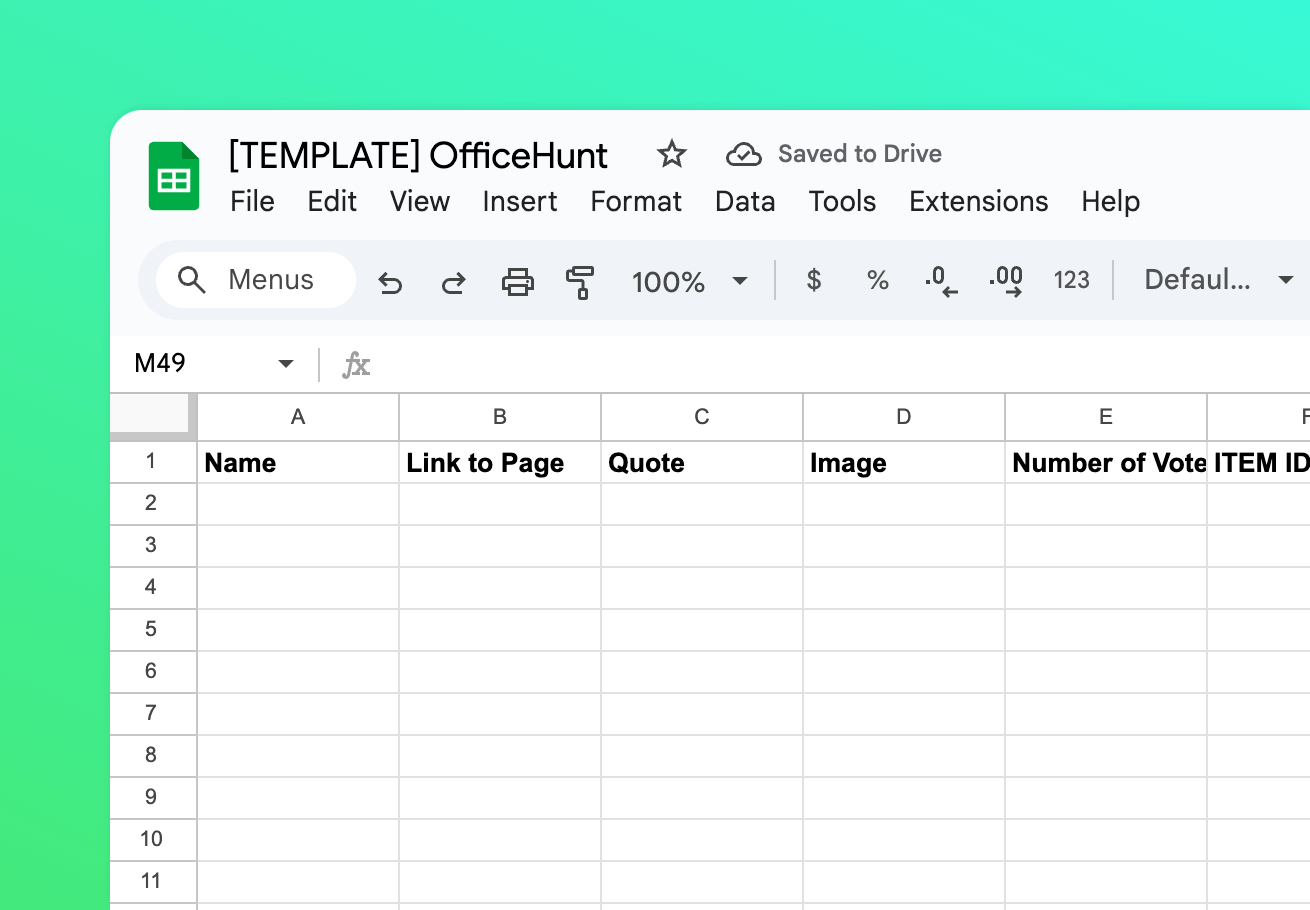
Create a ProductHunt clone backed by a Google Sheets database. The fun, Office-themed Webflow template was created by Ben Parker.

How to setup
Setup

How to setup the ProductHunt (Google Sheets) template

1

Copy Google Sheets

Click the button below to open the template then go to 'File' and click 'Make a Copy'.

Open template

2

Copy Webflow

Click the button below to open the template then find a button in the top right to copy.

Open template

3

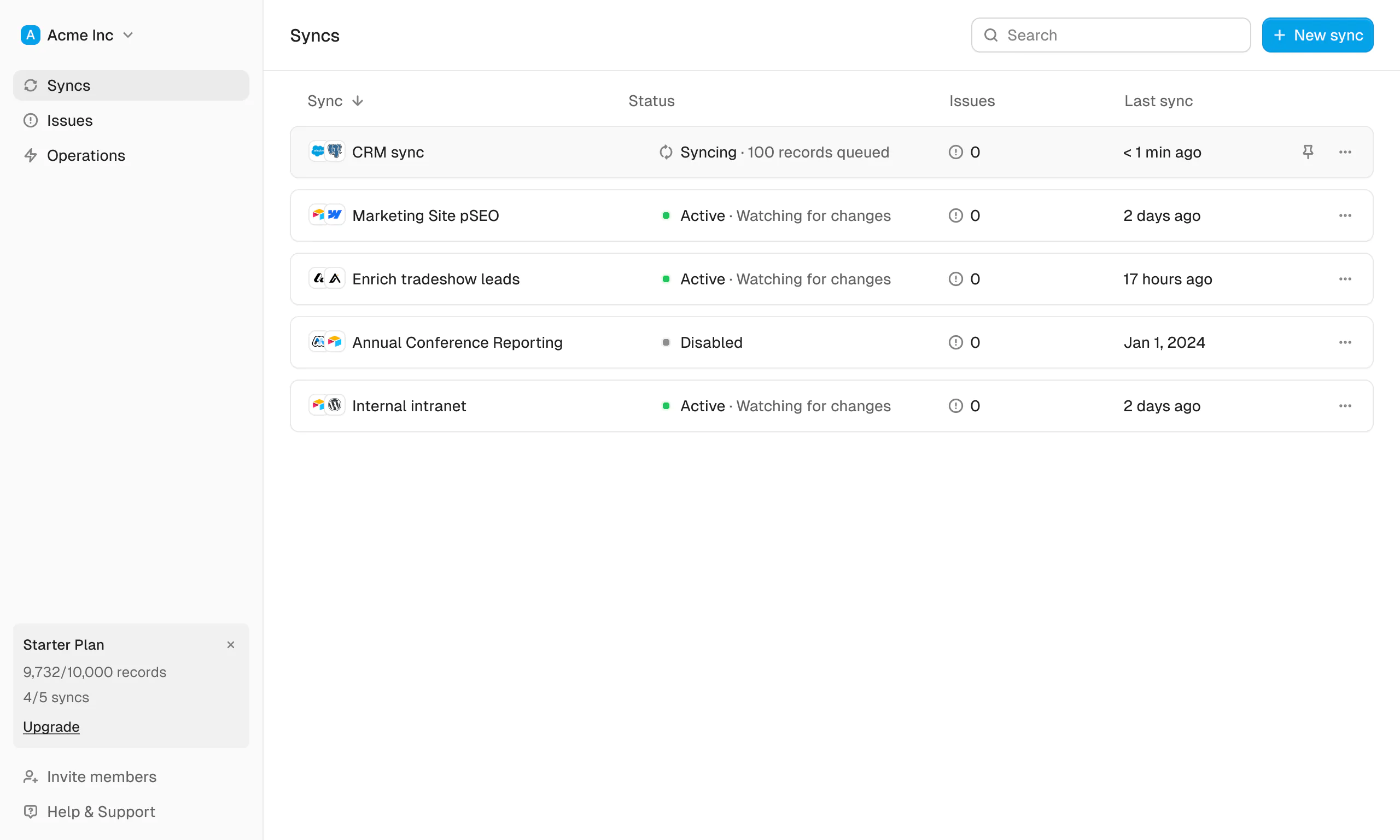
Sync with Whalesync

Now the fun part! Use Whalesync to connect these two templates and build your app.

Get started free
Discover more

Related template packs
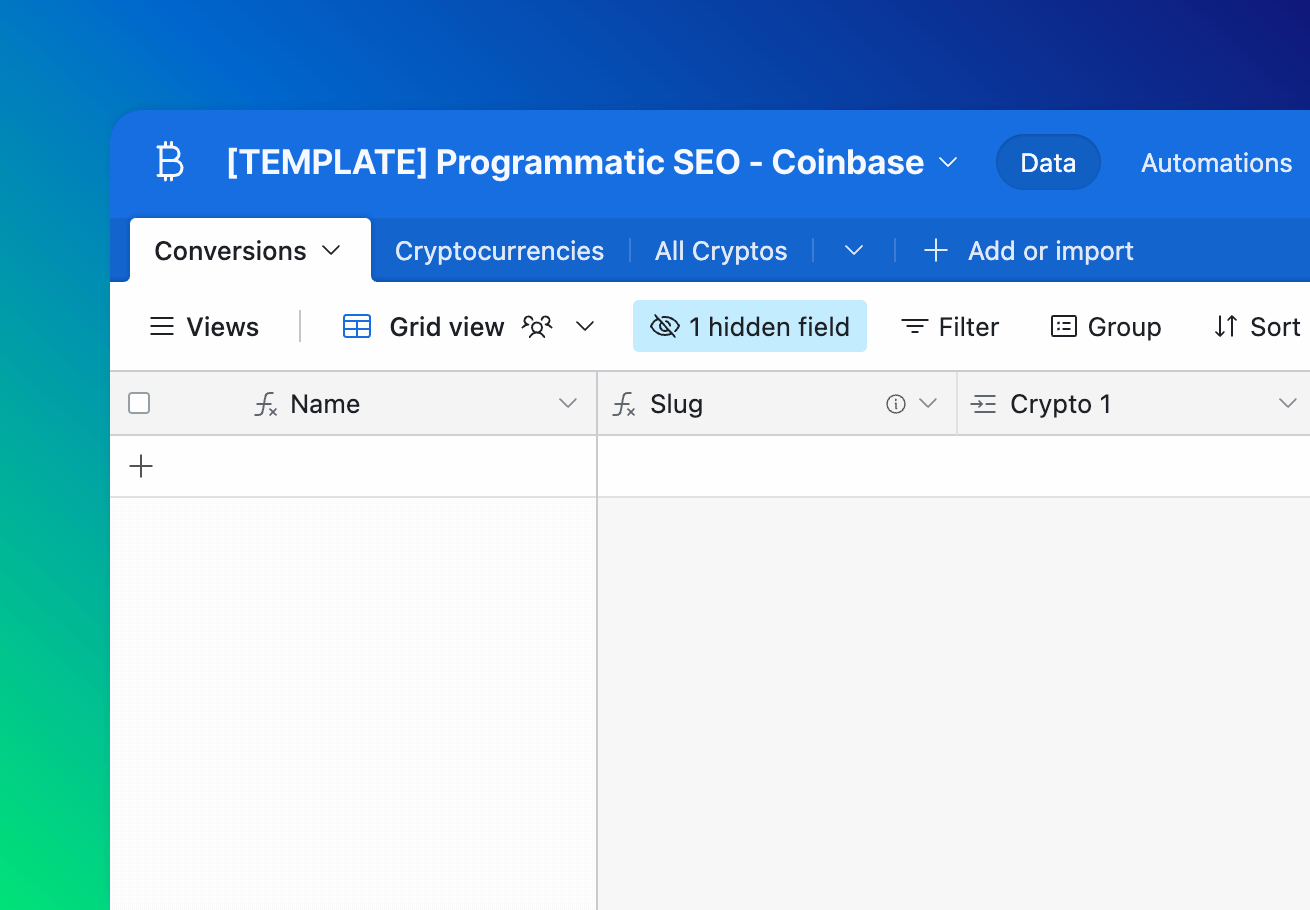
Programmatic SEO - Coinbase

Build Programmatic SEO pages just like how Coinbase did.

View templates

pSEO Integrations (Airtable)

Build programmatic SEO integration combos.

View templates

pSEO Integrations (Google Sheets)

Build programmatic SEO integration combos.

View templates

pSEO Locations (Google Sheets)

Build programmatic SEO pages for each US city.

View templates

pSEO Locations (Webflow)

Build programmatic SEO pages for each US city.

View templates

Resource List

Build a curated resource list for your community.

View templates

Connect your tools in minutes