Write in Notion, publish in Webflow
Two-way sync Notion with Webflow so your team drafts, reviews, and approves content where they already work, and your site updates itself.
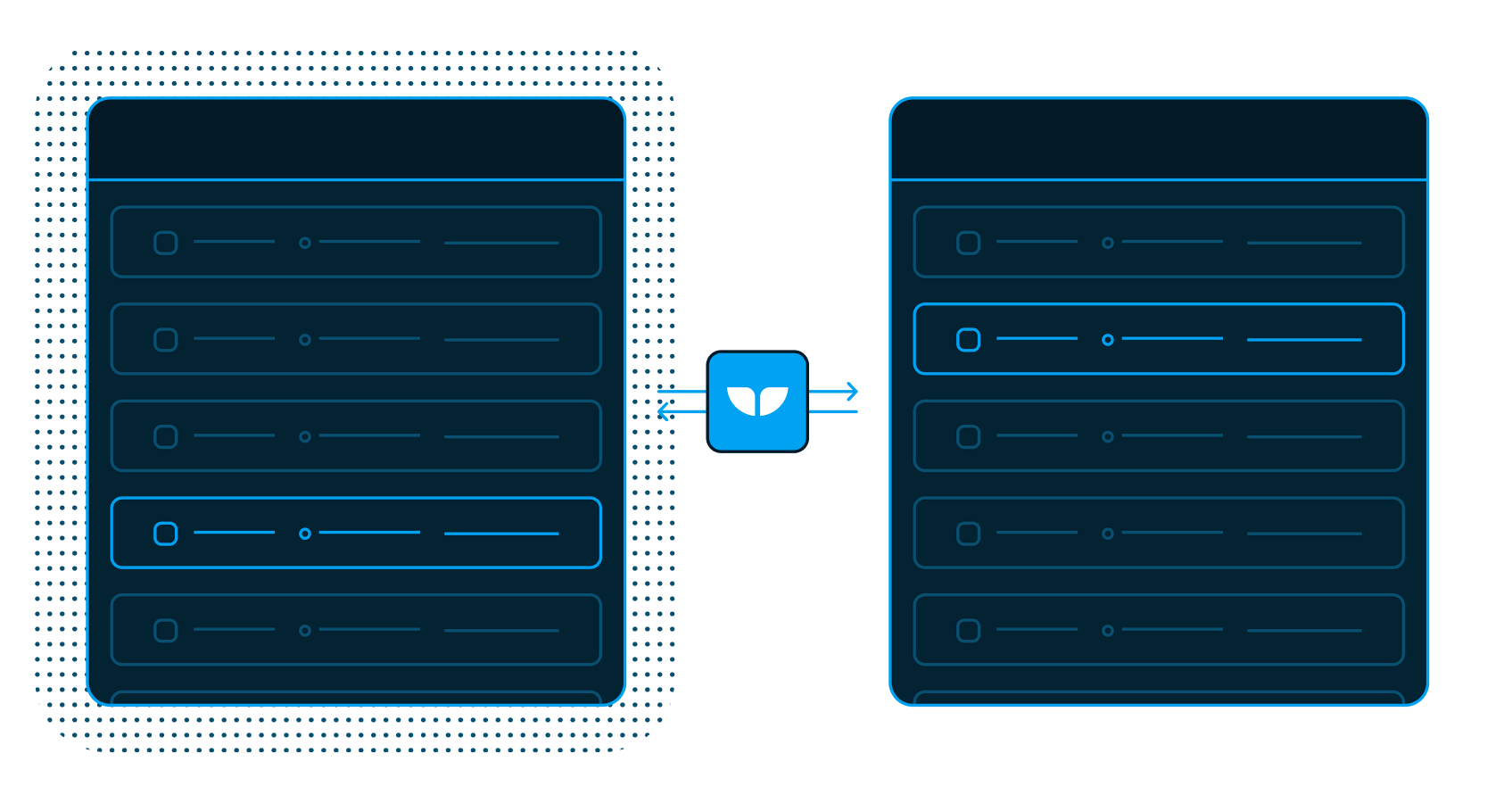


Trusted by modern content teams
-
 Series C$350M
 -
 Series C$330M
 -
 Series C$100M
 -

-
 Series B$72M
 -
 Series C$30M
 -
 Series A$50M
 -
 Series B$86M
 -
 Series B$65M
 -
 Series B$100M
Your CMS should feel like your wiki
Blogs, FAQs, help docs, and thousands of CMS items, all managed from Notion databases. Use a status property as your staging workflow: nothing publishes until you say so.
-
Notion blog
Write in Notion, display on your site.
-
Images & videos
Sync headings, code blocks, & more.
-
Real-time updates
As soon as data changes in one app, it syncs to the other.
Your docs and your site connected
-
Live
Notion
SpreadsheetNotion is an all-in-one workspace for docs, wikis, and databases. Whalesync two-way syncs its databases with Airtable, HubSpot, Webflow, and more.
View connector -
Live
Webflow
CMSWebflow is a visual web design tool for building sites without code. Whalesync two-way syncs its CMS items with Airtable, Notion, and Google Sheets.
View connector
Build enterprise-grade integrations
Start syncing in minutes
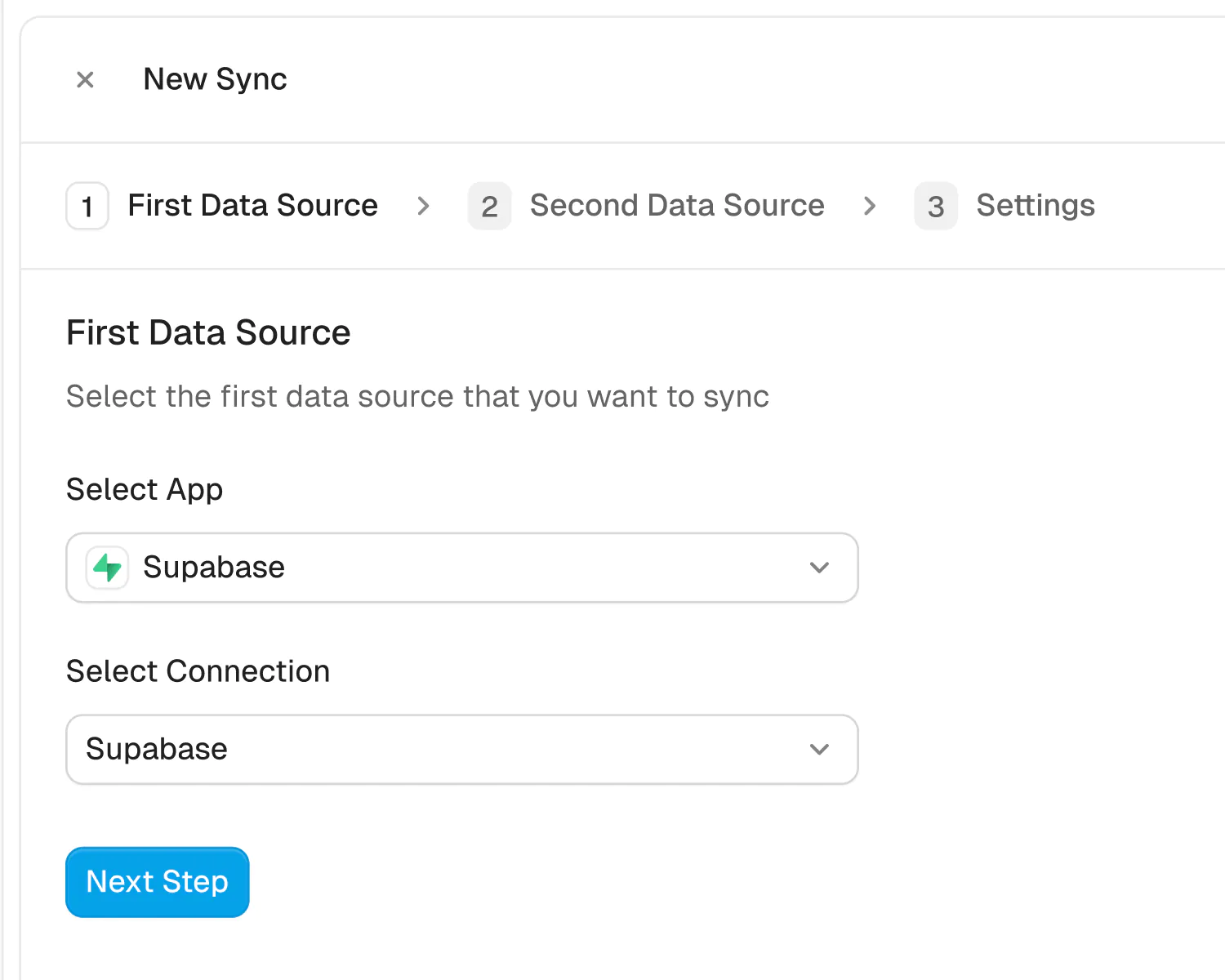
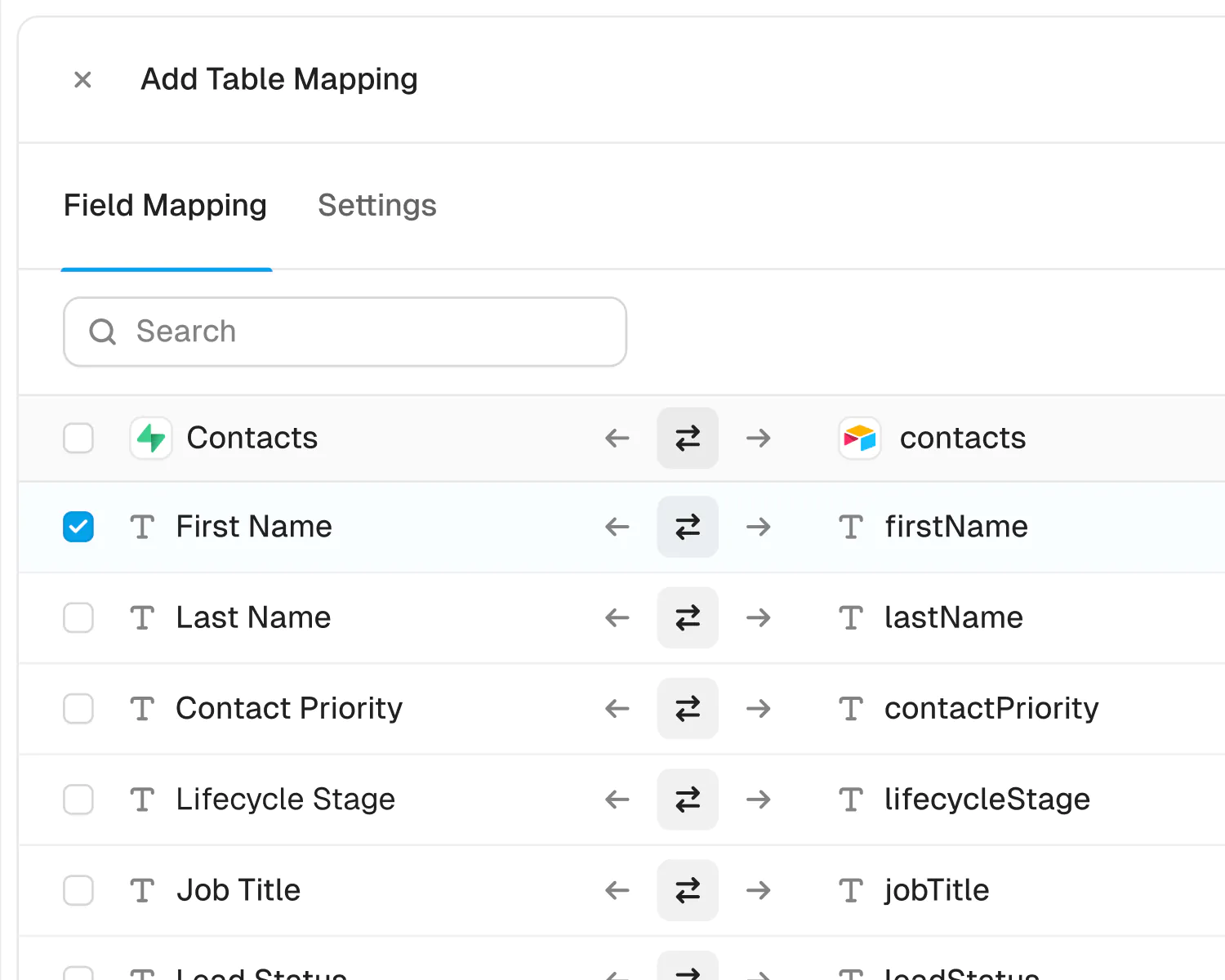
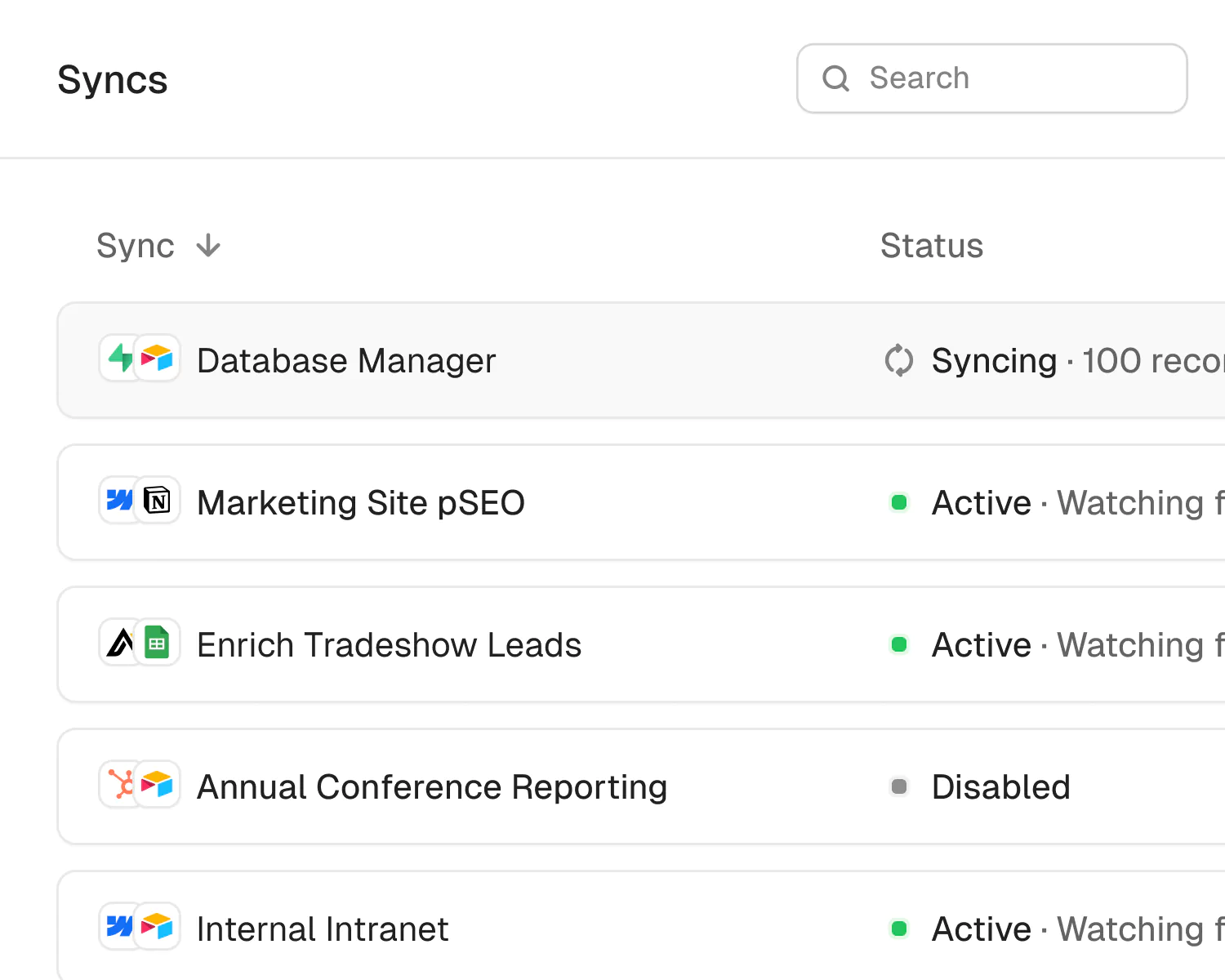
We built Whalesync specifically to help operators sync data, so all you have to do is connect your apps, map your data, and turn sync on.
Built for Enterprise
Sync your data with top-grade security, dedicated support, and SSO.

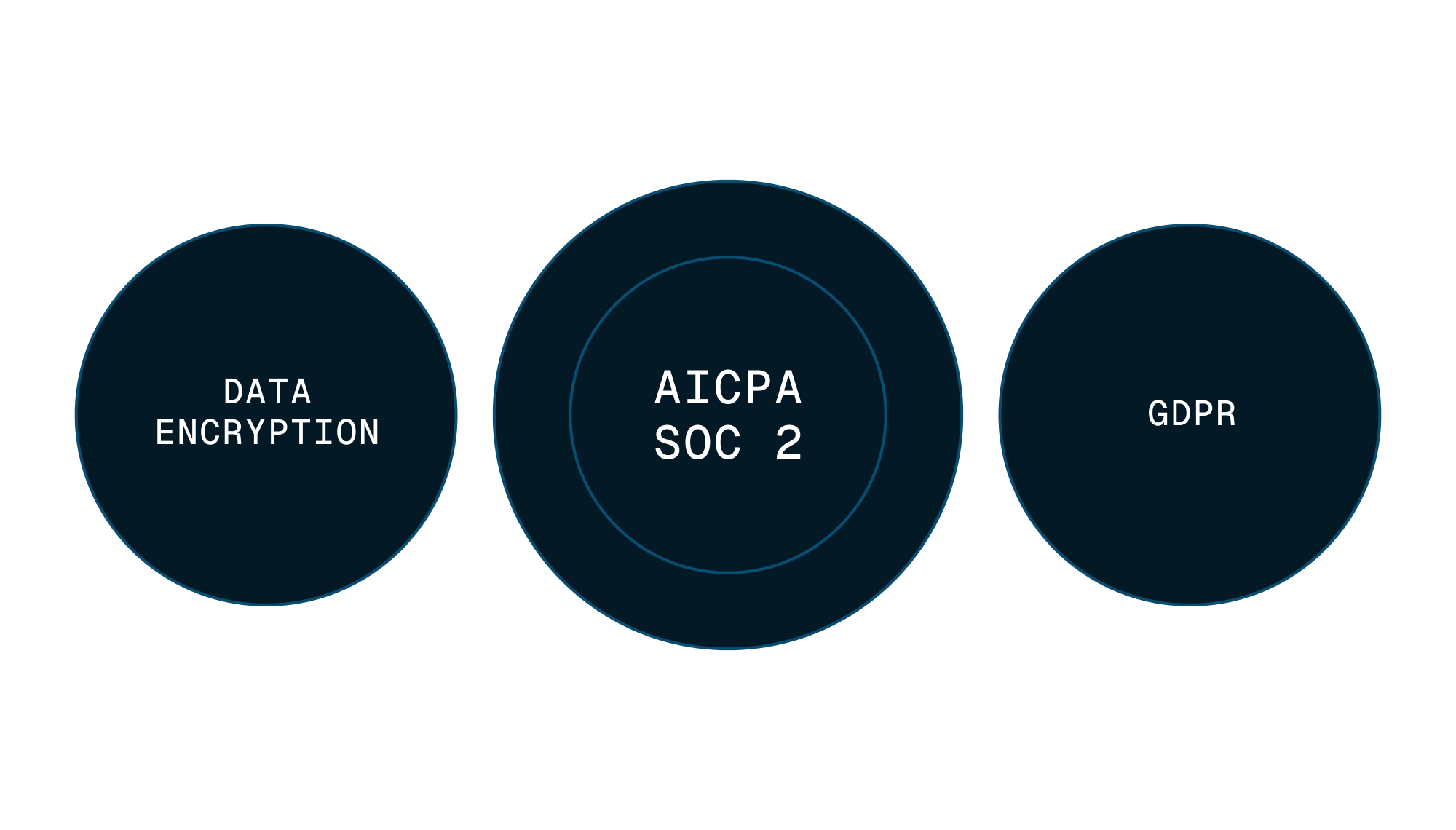

Security
Enterprise-grade data safety with SOC 2 Type II, GDPR compliance, and encryption at rest monitored by Vanta.
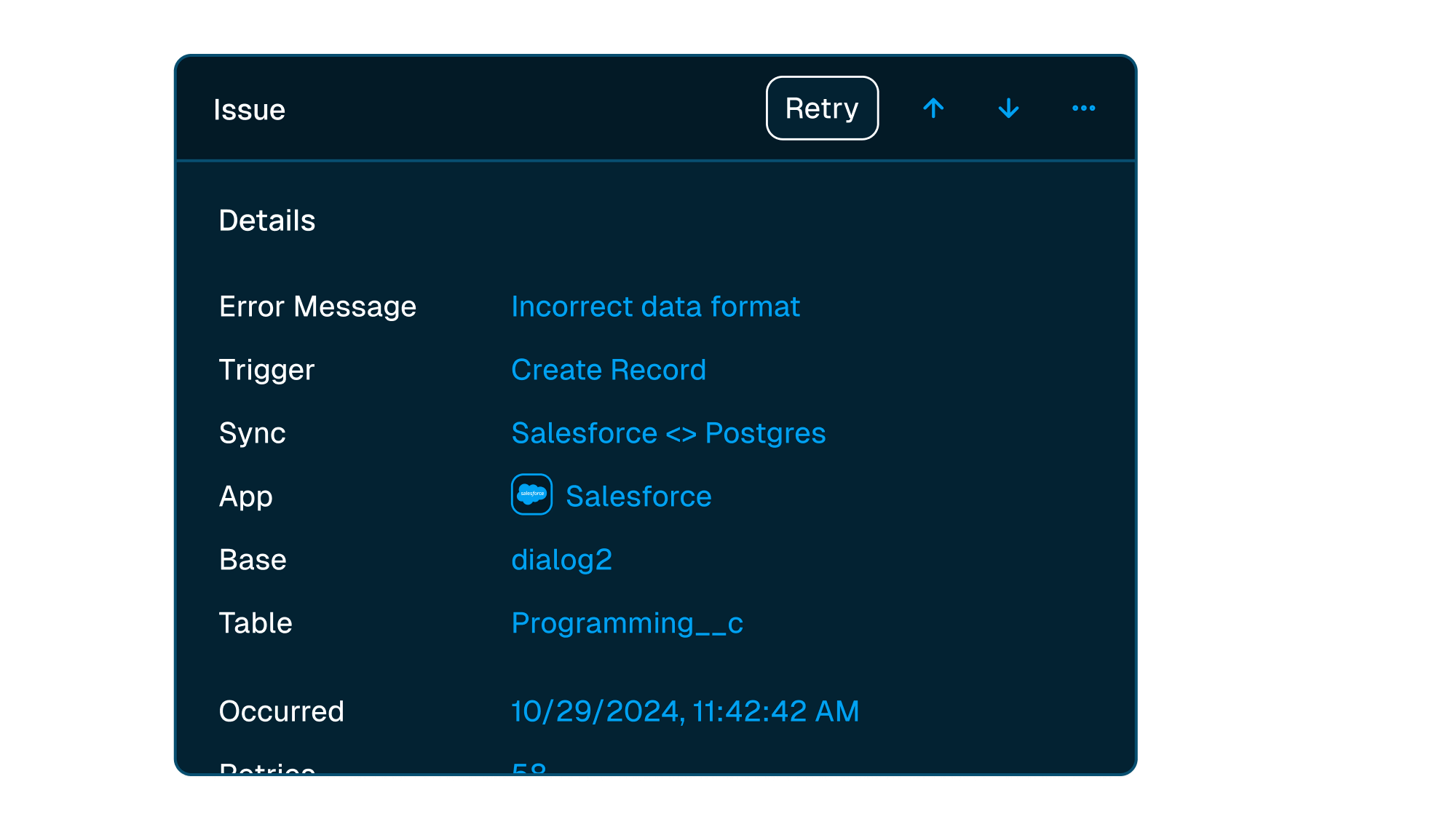


Scale with support
Easily manage issues at scale, while knowing you have a dedicated account manager on stand by to support.
Level up your operations
-
Programmatic SEO
Power programmatic SEO with a two-way Airtable to Webflow sync. Manage thousands of CMS pages from a spreadsheet while Whalesync handles the complexity.
View use case -

Stop copy-pasting into the CMS
Draft in Notion, hit sync once, and never paste a blog post into Webflow again.