Connect HubSpot with Notion
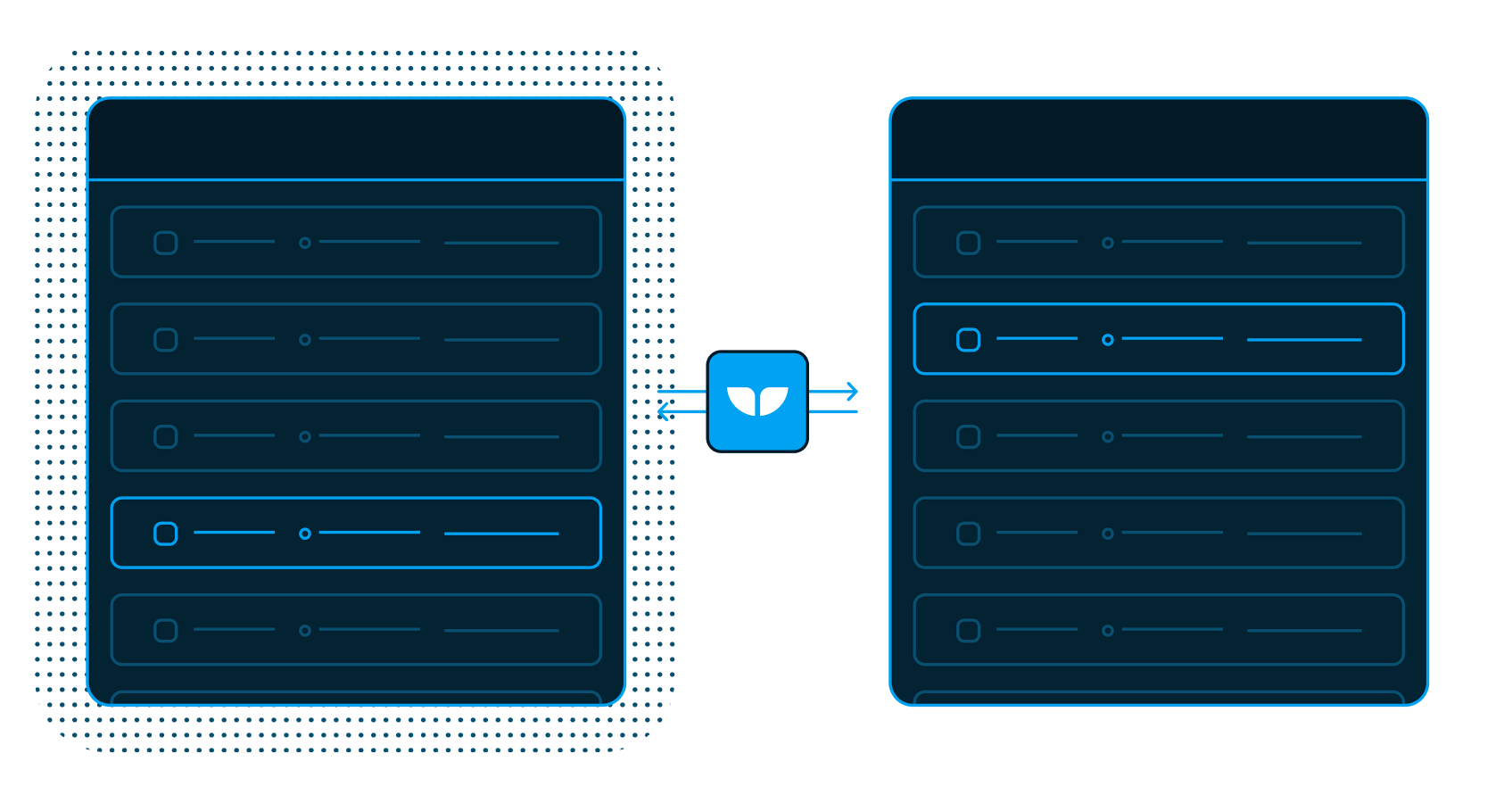
Two-way sync HubSpot with Notion so onboarding timelines, playbooks, and customer context flow between your CRM and your workspace automatically.


Trusted by modern customer success teams
-
 Series C$350M
 -
 Series C$330M
 -
 Series C$100M
 -

-
 Series B$72M
 -
 Series C$30M
 -
 Series A$50M
 -
 Series B$86M
 -
 Series B$65M
 -
 Series B$100M
Onboarding lives in Notion. The record lives in HubSpot. Sync both
Run dozens of concurrent onboardings from Notion databases (one customer runs 70 at once) while every status, date, and note lands back on the HubSpot record, so sales, support, and CS all see the same truth.
-
Instant updates
Close more deals and give better customer support with instantly updated data.
-
Two-way sync
Truly connect your CRM and no-code tool.
-
Field permissions
Limit access to only the fields you want editable.
Your CRM and your workspace connected
-
Live
HubSpot
CRMHubSpot is a leading CRM platform for marketing, sales, and service. Whalesync two-way syncs its contacts and deals with Airtable, Notion, and more.
View connector -
Live
Notion
SpreadsheetNotion is an all-in-one workspace for docs, wikis, and databases. Whalesync two-way syncs its databases with Airtable, HubSpot, Webflow, and more.
View connector
Build enterprise-grade integrations
Start syncing in minutes
We built Whalesync specifically to help operators sync data, so all you have to do is connect your apps, map your data, and turn sync on.
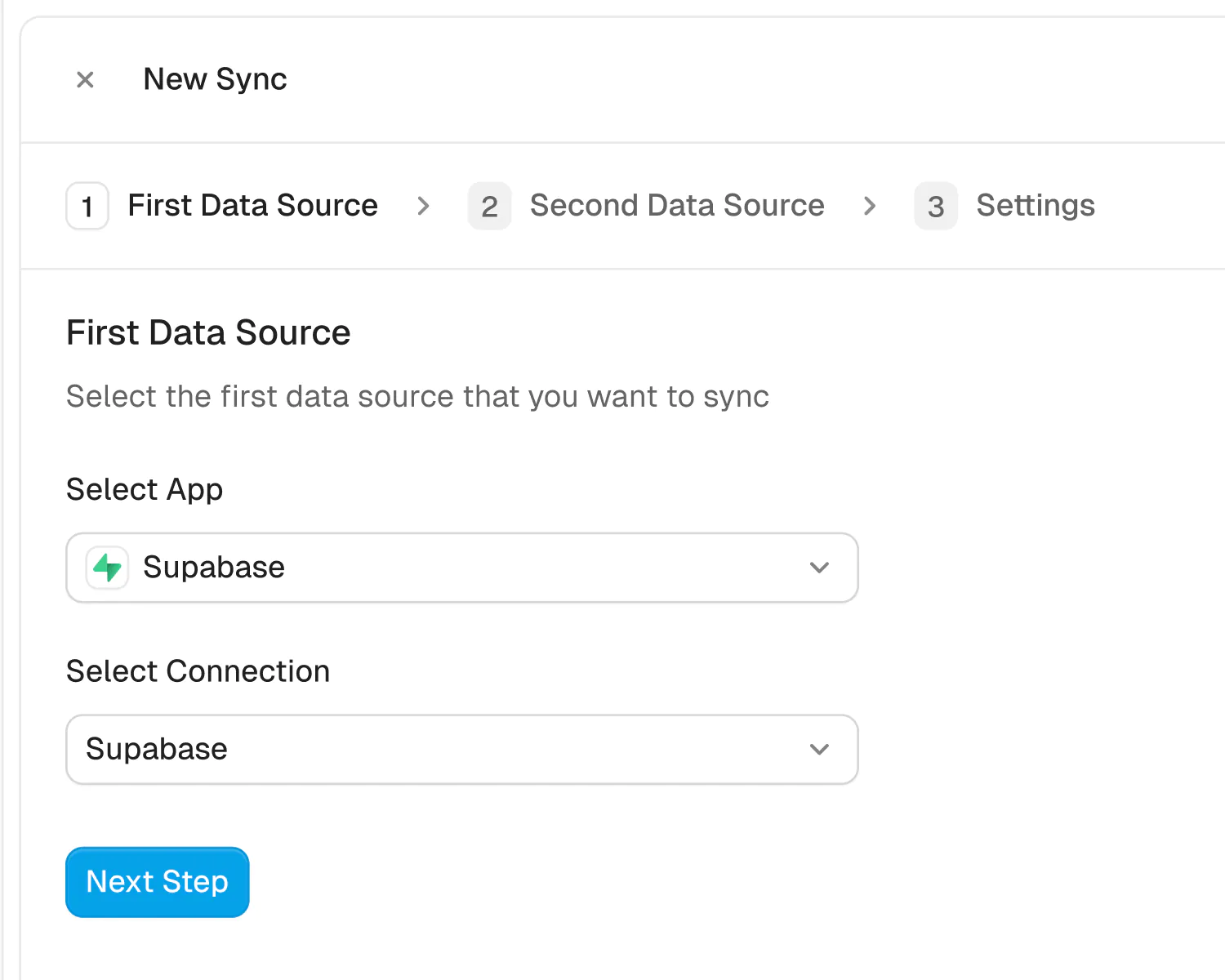
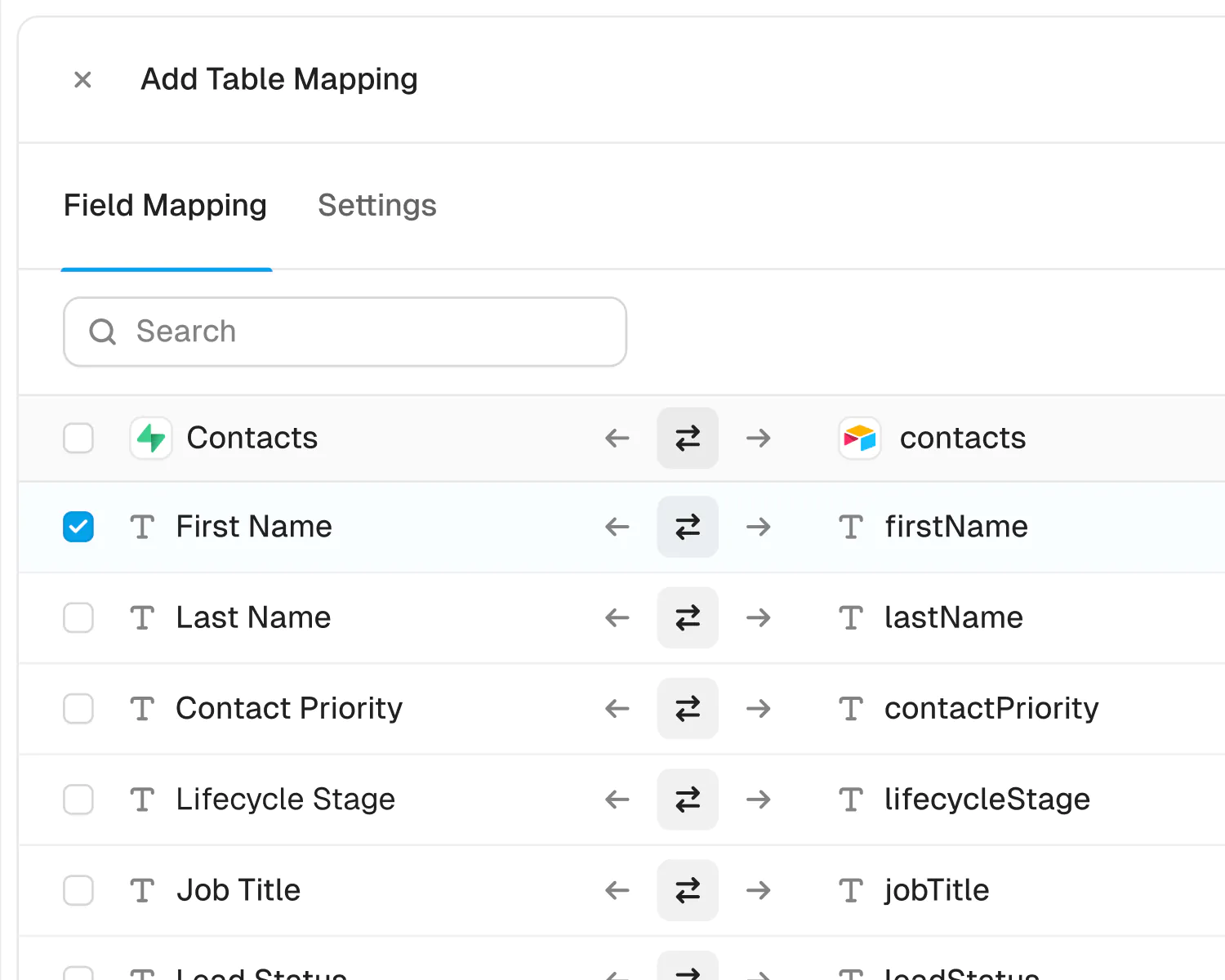
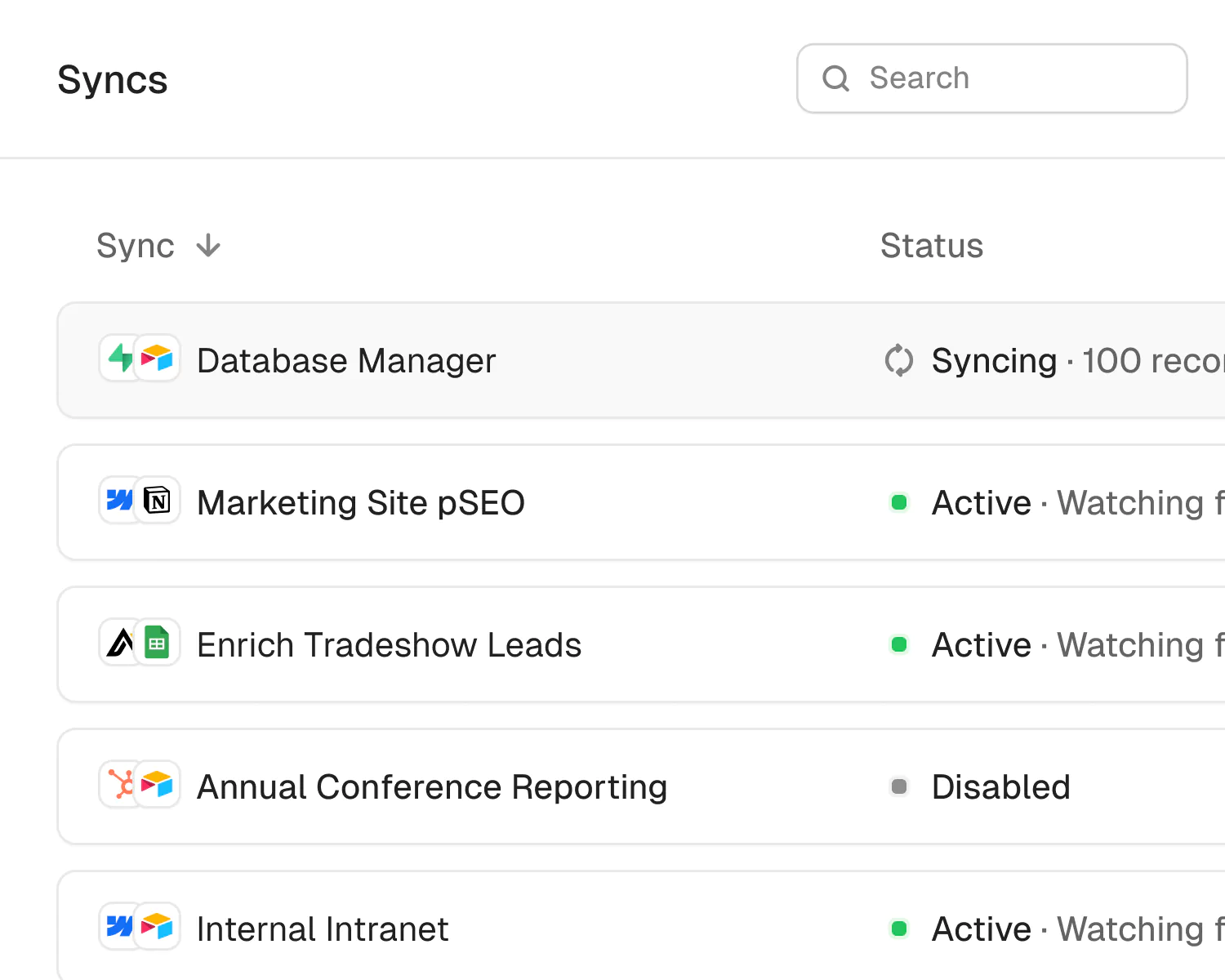
Built for Enterprise
Sync your data with top-grade security, dedicated support, and SSO.

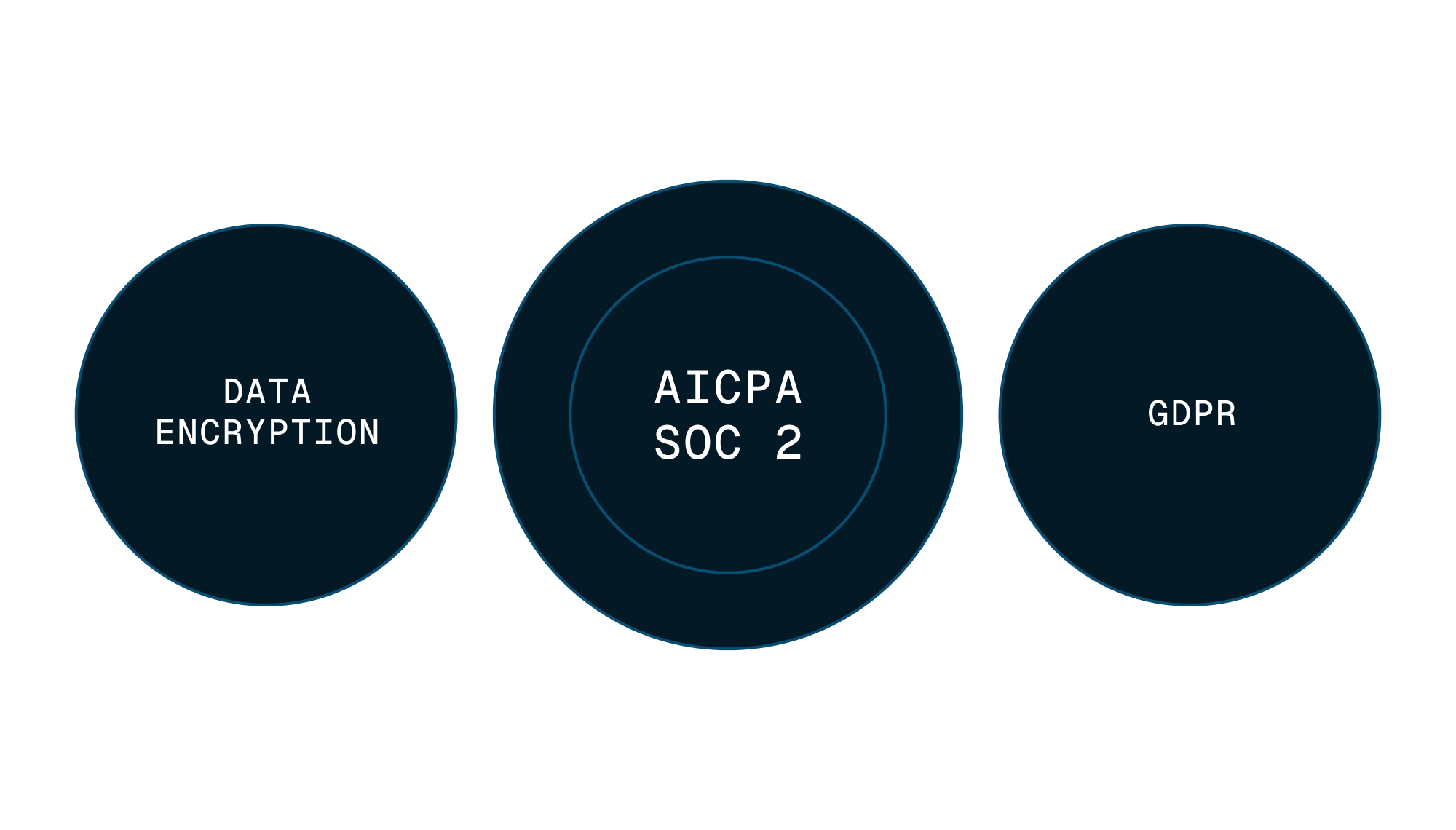

Security
Enterprise-grade data safety with SOC 2 Type II, GDPR compliance, and encryption at rest monitored by Vanta.
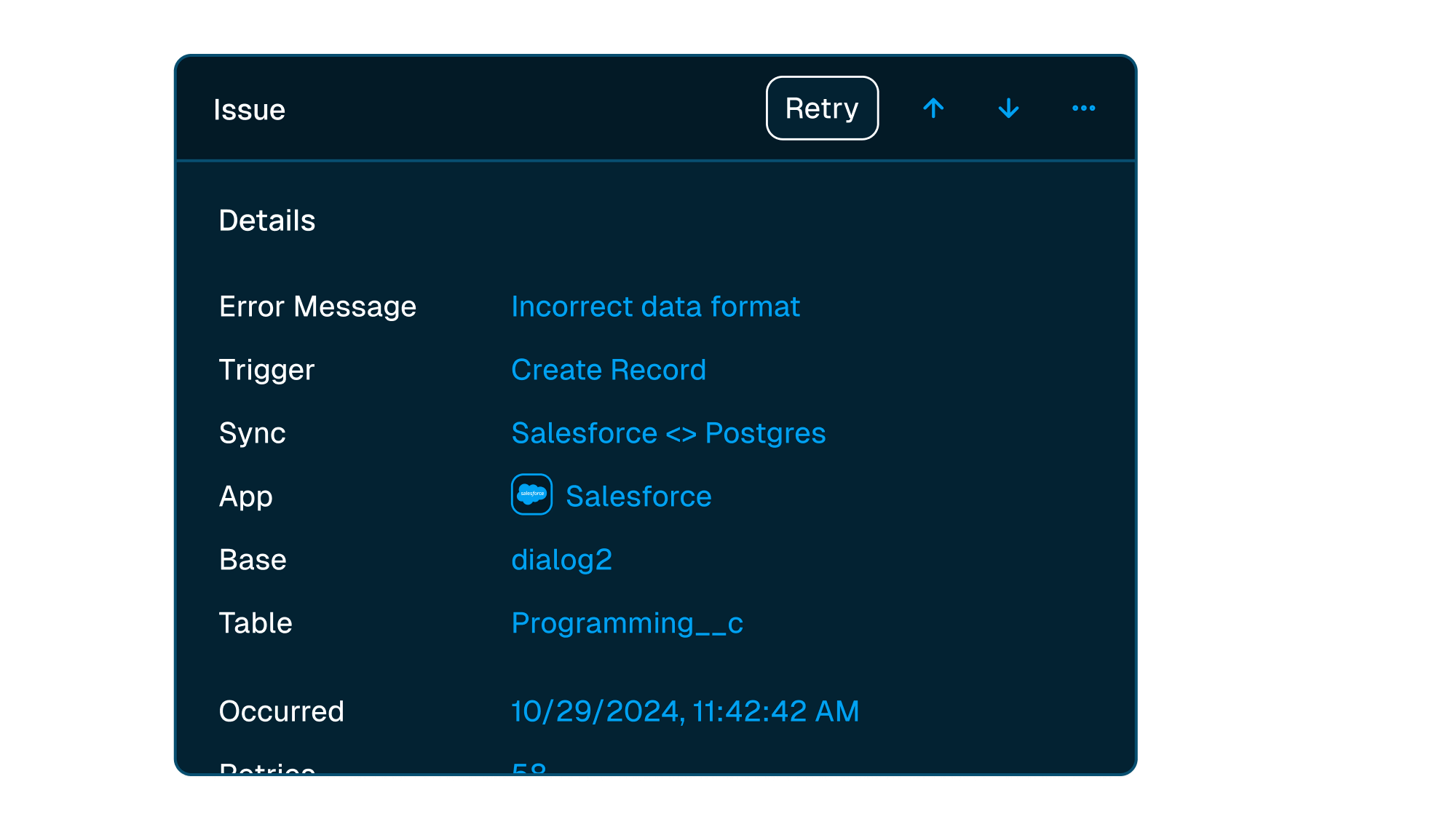


Scale with support
Easily manage issues at scale, while knowing you have a dedicated account manager on stand by to support.
Level up your operations
-
Customer 360
Build a reliable customer 360 by two-way syncing Salesforce with HubSpot and the rest of your stack. Every tool gets clean, current data.
View use case -
Streamlining Ops
Two-way sync Airtable with Salesforce so ops teams work with live CRM data. Streamline workflows and help customers faster, no code required.
View use case -

Give every customer a synced start
Keep onboarding plans in Notion and customer records in HubSpot, without double entry.