A modern Heroku Connect alternative
The Heroku Connect alternative that keeps evolving. Whalesync two-way syncs Salesforce with any Postgres database, no Heroku lock-in.


Empowering top operators — From startups to enterprises
-
 Series C$350M
 -
 Series C$330M
 -
 Series C$100M
 -

-
 Series B$72M
 -
 Series C$30M
 -
 Series A$50M
 -
 Series B$86M
 -
 Series B$65M
 -
 Series B$100M
Why teams switch to Whalesync
Features
-
Salesforce x Postgres
-
2-way sync
-
Millions of records
-
Foreign key syncing
-
Postgres hostingAny Postgres DBLocked into Heroku
-
Actively developing new featuresSustaining mode since Feb 2026 — no new features
-
Dozens of other integrations
-
Modern interface
-
Sync speedInstant10 min
-
Sync setup timeMinutesHours
-
Error managementDetailed issue messagesBrittle logs
Don’t take it from us
This is what true data sync feels like.

“Whalesync helped us create the perfect integrations library on our website. No one on my team has to bother me now for updates!”

Vishal Agarwala
Two-way sync, simplified
Whalesync is the no-code tool built to handle data syncing. In a few minutes, you can hook up your apps and have them 2-way syncing in real-time. See how teams replace Heroku Connect.
-
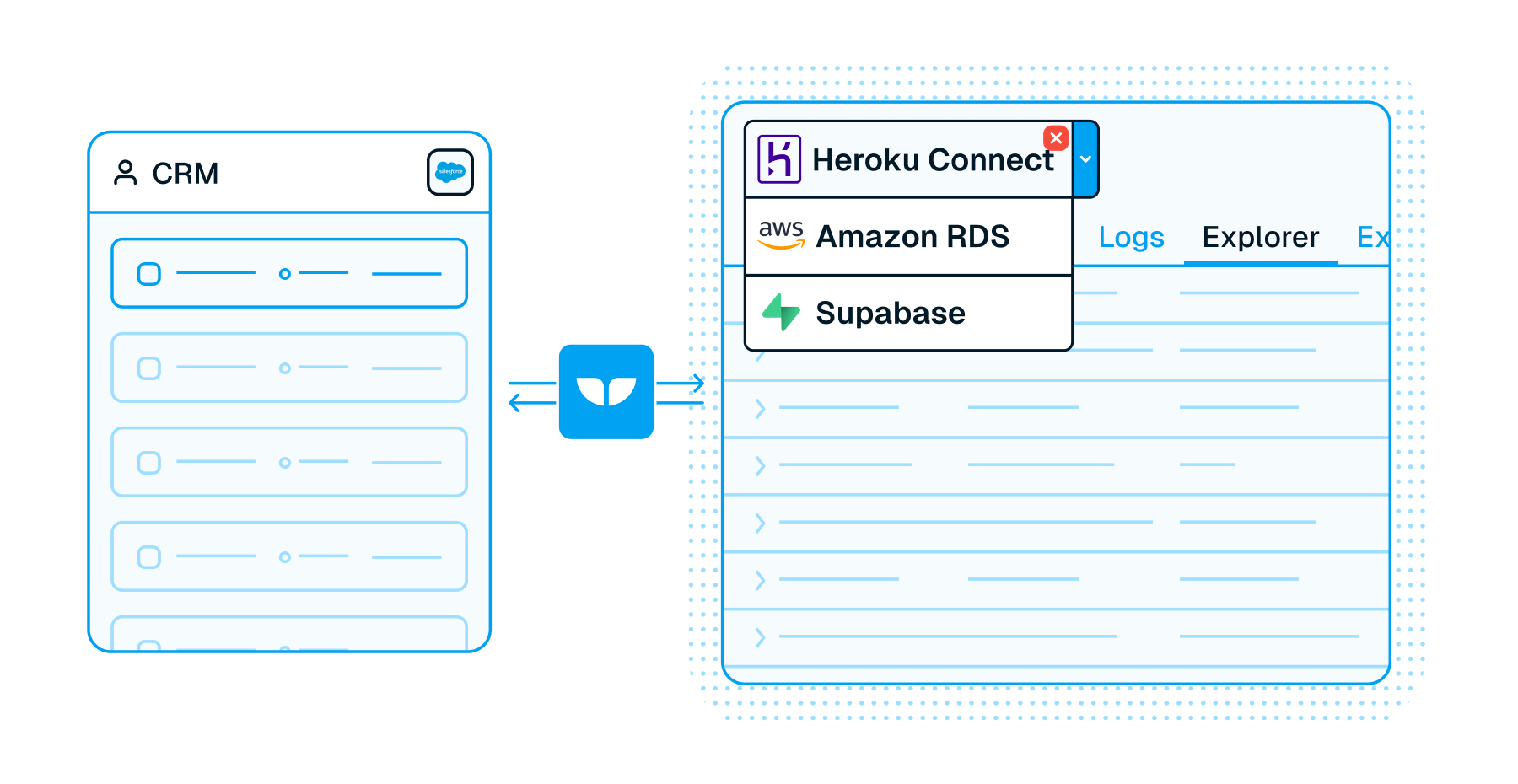
Host anywhere
Heroku Connect keeps you locked into the Heroku ecosystem. With Whalesync, you can two-way sync Salesforce with any Postgres database you like.
-
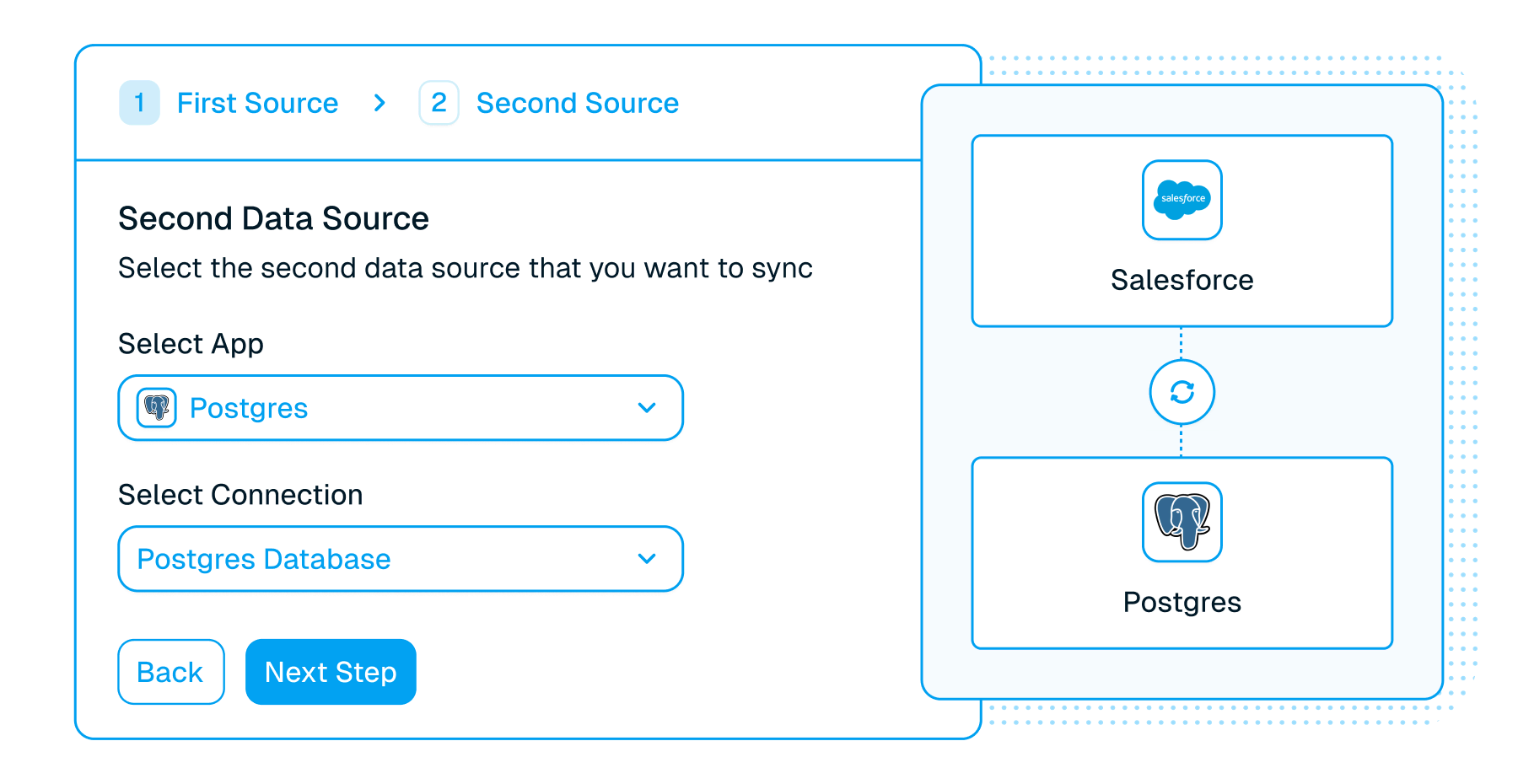
Modern experience
Whalesync can be set up in minutes by both developers and operators with new features shipped every week. Heroku Connect hasn’t been updated in years.
-
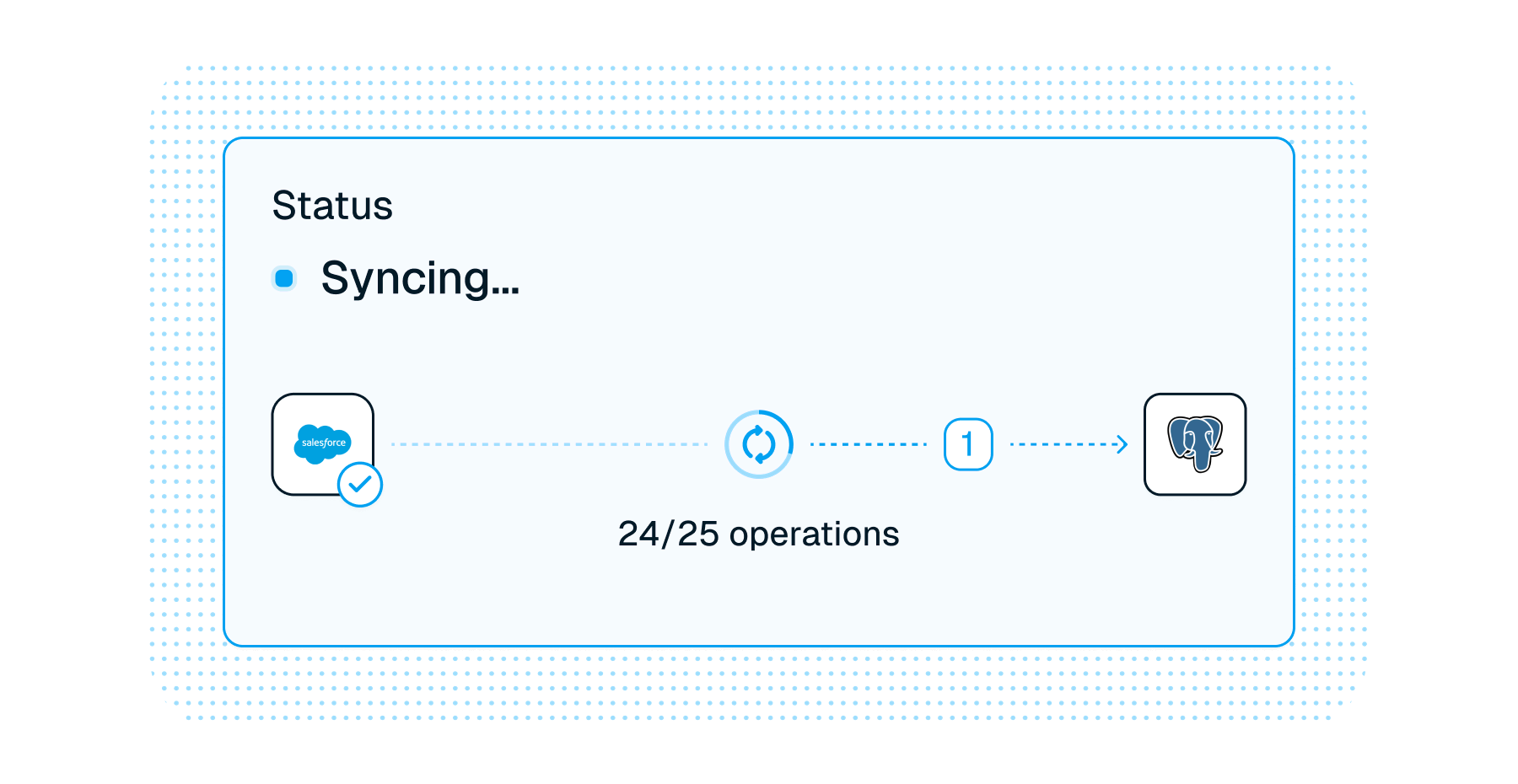
Faster syncing
Whalesync streams data so individual updates can sync almost instantly.
Frequently asked questions
Is it really two-way sync?
Yes! Whalesync offers true two-way sync. Unlike most apps that offer one-way syncs in two directions, Whalesync actually keeps your data in sync bi-directionally. Update data in one app and see it instantly to sync to the other (or vice-versa).
What does "live" update frequency mean?
Live means changes sync as soon as Whalesync hears about them. Where an app supports webhooks, that is moments after the change; where it does not, Whalesync scans on a schedule and picks changes up on the next pass. Every plan syncs at the same speed. Each connection defaults to the fastest frequency its app supports, and you can slow a connection down to save API quota but not push it past its default. The sync frequency docs cover each app.
What happens if my data has an error and can't be synced?
If data can't be synced (e.g. a required field is missing), Whalesync will alert you on the Issues page. This alert provides the exact error from your destination app and any other info that will help you fix the issue. In the meantime, Whalesync will continue to sync all data that doesn't have errors.
Connect your tools in minutes