Webflow Users (Google Sheets)
Crete and manage all of your Webflow users from Google Sheets.
How to setup
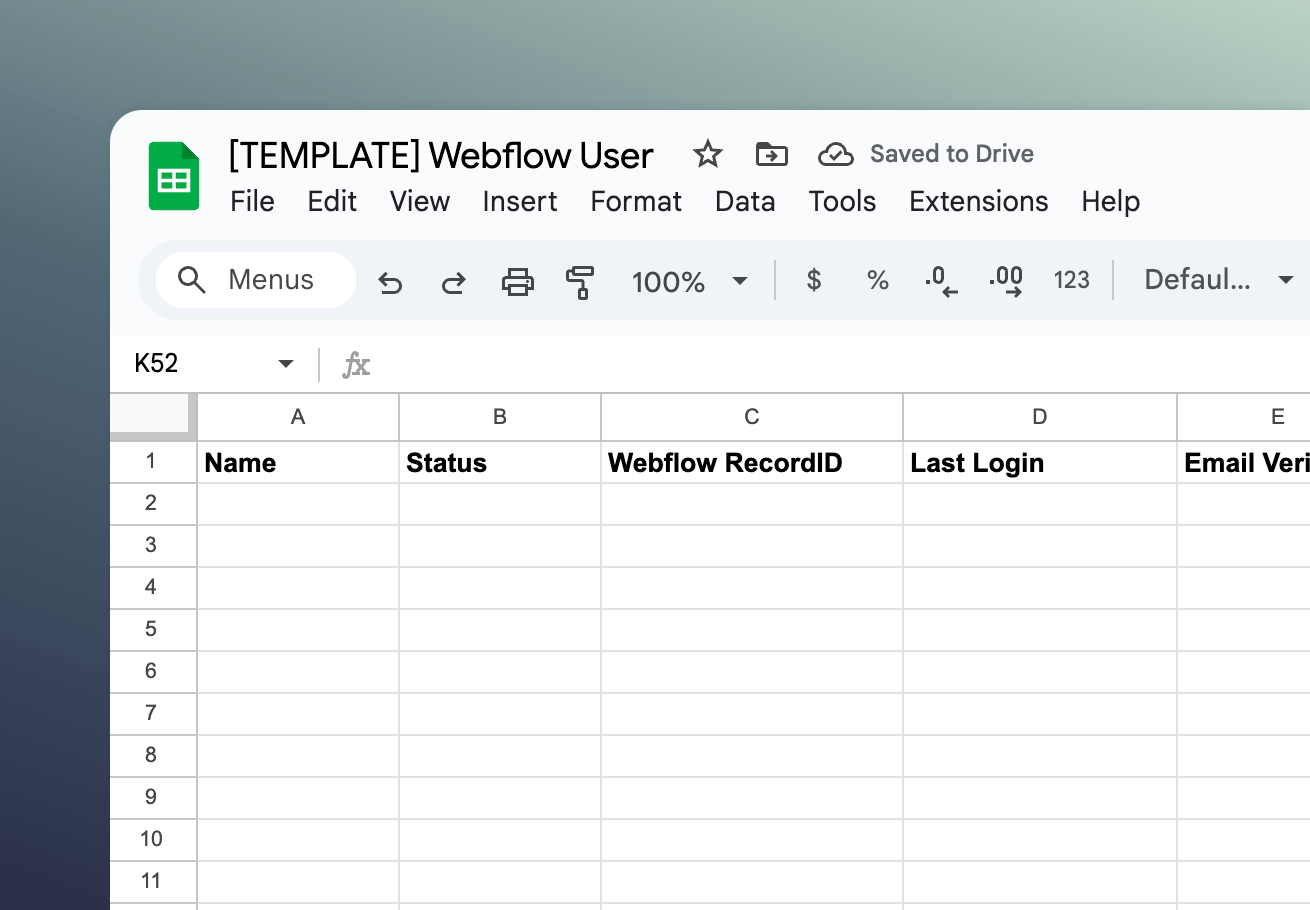
Setup
How to setup the Webflow Users (Google Sheets) template
1
Copy Webflow
Click the button below to open the template then find a button in the top right to copy.
Open template

2
Copy Google Sheets
Click the button below to open the template then go to 'File' and click 'Make a Copy'.
Open template

3
Sync with Whalesync
Now the fun part! Use Whalesync to connect these two templates and build your app.
Get started free
Discover more
Related template packs
-
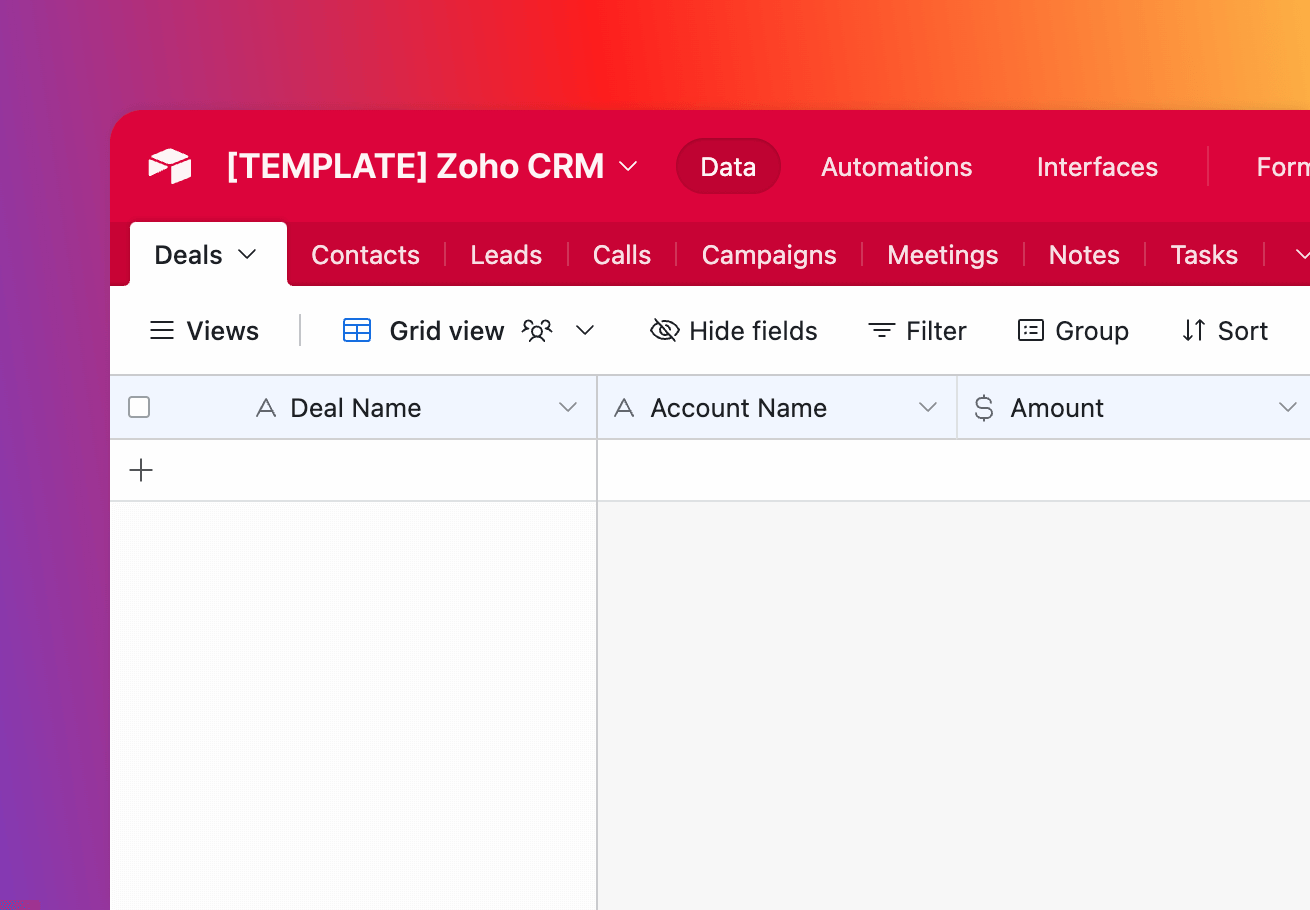
Zoho CRM (Airtable)
Track your Zoho CRM Accounts, Leads, Contacts and many more through Airtable.
View templates -
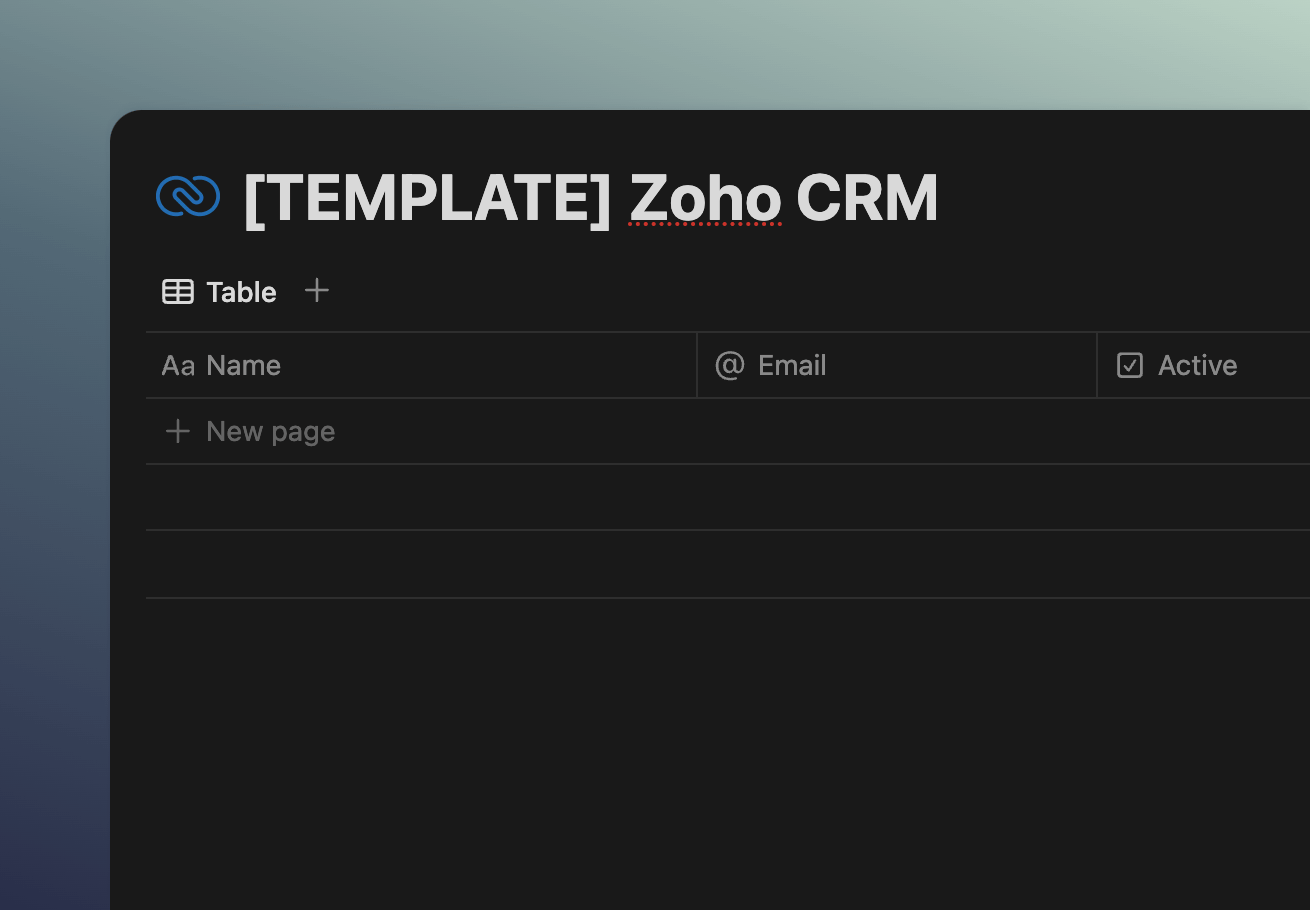
Zoho CRM (Notion)
Track your Zoho CRM Accounts, Leads, Contacts and many more through Notion.
View templates





Connect your tools in minutes