Whalesync Is Now HIPAA Compliant
Sign a BAA with us and sync protected health information
Contents

Curtis is the CEO of Whalesync. Previous startup founder, MIT grad, and Googler. Loves pushing the limits of automation.
Healthcare teams keep their data in the same places everyone else does: a Postgres database behind the product, an Airtable base for operations, plus whatever Google Sheet someone built for reporting. When that data includes protected health information (PHI), the tool that moves it between those places has to be covered by HIPAA too.
Whalesync is now HIPAA compliant, and we’ll sign a business associate agreement (BAA) with your organization through our HIPAA add-on.
What we put in place
There’s no official HIPAA certification. A business associate complies by putting the safeguards the law requires in place and keeping them there, so that’s what we did.
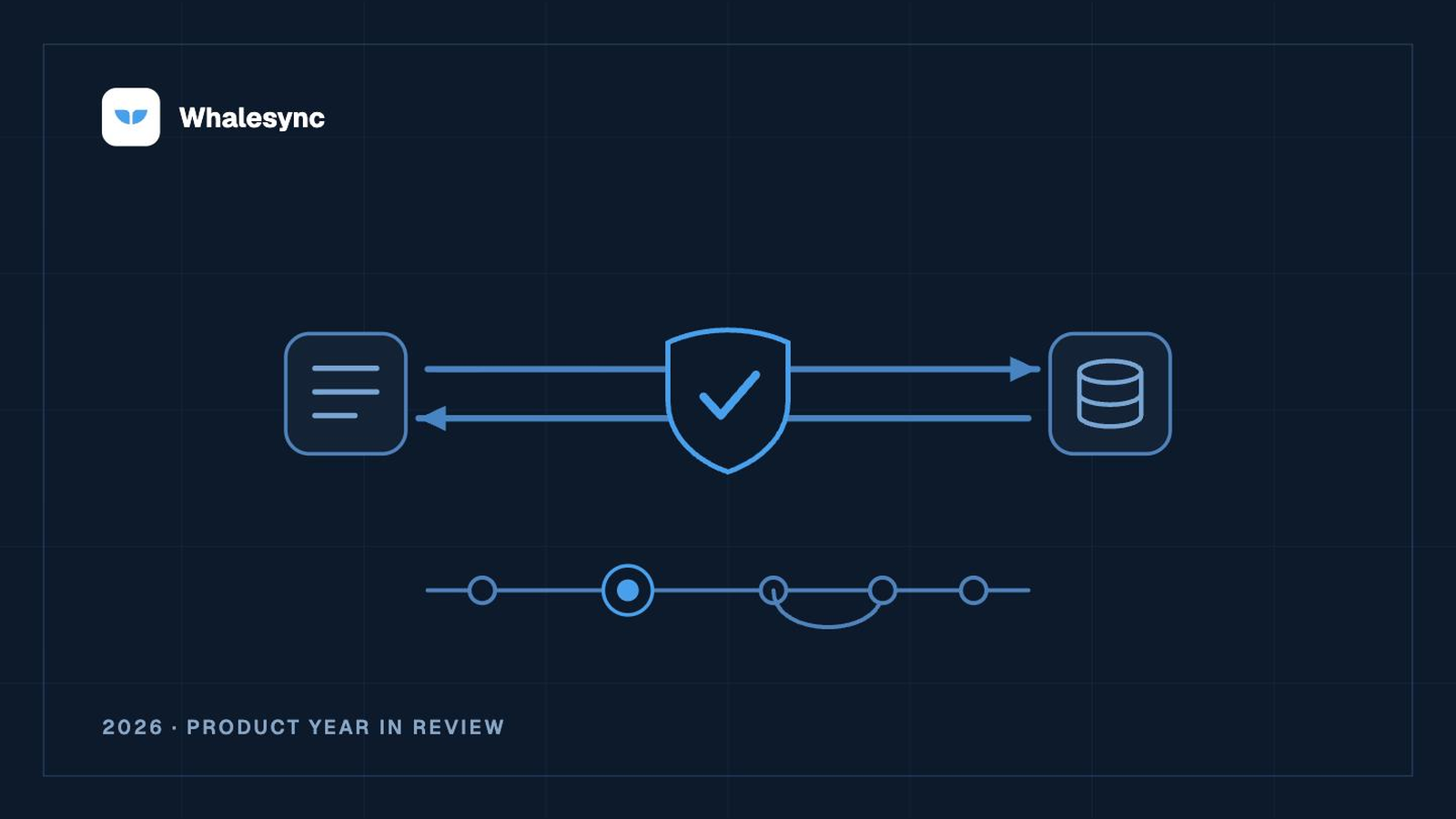
All of Whalesync runs on Google Cloud, and Google has signed a BAA with us. Every record is encrypted, with TLS in transit and AES-256 at rest. We don’t send the contents of your records to any other vendor. The services we use for sign-in, billing, analytics and email never see them.
Each person on our team has their own account, getting into production requires multi-factor authentication, and we review who has access on a schedule. The systems that hold PHI have audit logs and alerts on them, and sessions time out on their own.
We have a named HIPAA Security and Privacy Officer. Everyone on the team gets HIPAA training when they join and every year after that, we run a risk analysis annually, and we have an incident response plan with breach notification procedures. All of this sits on top of the SOC 2 Type II program we already run.
The apps you connect need a BAA too
Our BAA covers Whalesync. When a sync writes PHI into Airtable, Notion, HubSpot or a database, that app is storing PHI too, so you need a BAA with the app on each side of the sync as well. Many of them offer one, often on their higher-tier plans. Check before you turn on a sync that carries PHI.
Getting started
The HIPAA add-on’s pricing and requirements are in Whalesync under Settings → Billing, along with a link to book a call with us. You can also book a call here directly. Once the BAA is signed, we add the add-on to your account and the Billing page confirms you’re covered.
Syncing PHI requires both a signed BAA and an active HIPAA add-on, so please wait until both are in place before you connect anything with PHI in it. Questions about our security program can go to security@whalesync.com.
Subscribe for more
Stay up to date with the latest no-code data news, strategies, and insights sent straight to your inbox!