The year we made sync even more boring
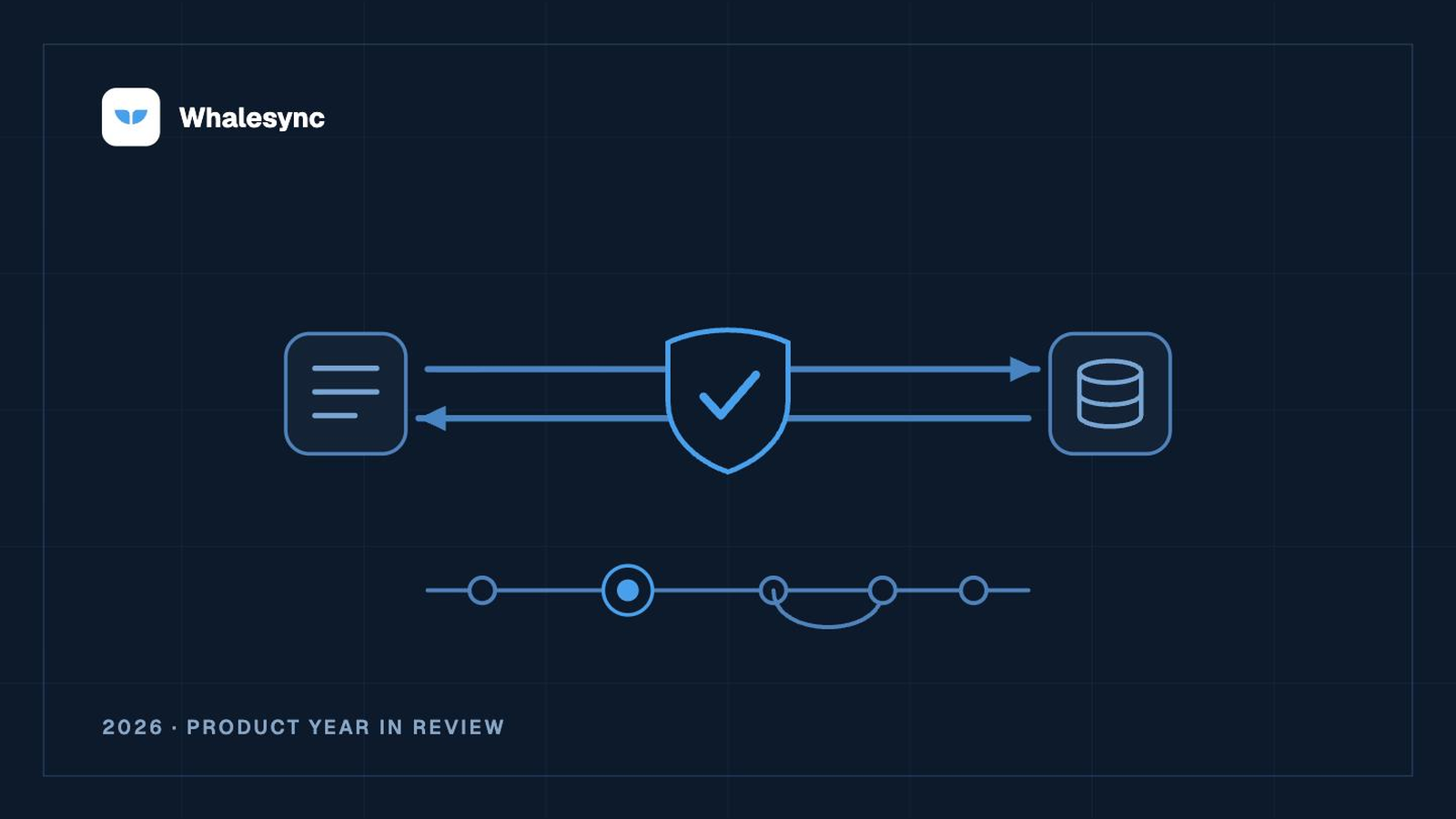
The story of the year we made two-way sync delete-proof, built Scratch, and brought CRM sync back.
Contents

Curtis is the CEO of Whalesync. Previous startup founder, MIT grad, and Googler. Loves pushing the limits of automation.
The short version. A while ago we turned off our CRM connectors. This year we made two-way sync safer than it has ever been, built a new product for cleaning up and recovering data with AI, and brought CRM sync back, delete-proof. Here is everything that changed.
What shipped:
- Delete approvals. No sync removes a record without your sign-off.
- CRM sync is back. Two-way HubSpot, Salesforce, Attio, Affinity, and Pipedrive.
- Record status and history. Search any row, see exactly what happened to it.
- Multi-language Webflow. Each locale gets its own table.
- Two new CMS connectors. WordPress and Wix.
- Scratch. A desktop app where your AI agent does the data work, and you approve every change.
- Coming soon: Live Export. A guided CRM mirror.
We turned off CRM sync, and we were not planning to bring it back
A while ago, we turned off our CRM connectors. And we were not planning to turn them back on.
The reason was simple. A sync that can quietly delete a record in your CRM is not a sync we wanted our name on. CRM data is the data you can least afford to lose: the deal you have worked for months, the contact history your whole team relies on. So we pulled HubSpot, Salesforce, and the rest, and pointed our attention at the harder problem underneath them.
The question was never whether the sync runs. It was whether you can walk away from it. This is the story of the year we spent answering that, and how it led us right back to the connectors we thought we were done with.
First, we made sync even more boring
Boring is the highest compliment you can pay a sync. A boring sync is one you set up once and forget: nothing deleted by surprise, nothing drifting out of alignment, no late-night firefight. Boring means you trust it. Everything we shipped this year was in service of boring.
Deletes now wait for your approval. This is the change you feel the first time it matters. When a sync would remove records on the other side, Whalesync now holds those deletes in an approval queue instead of running them. You see exactly what is about to go, and nothing disappears until you say yes. It is on by default for every new sync. A two-way sync that cannot delete your data without permission is a different thing to leave running, and it is what made the rest of this list possible.
See exactly what happened to any record. Sync used to be a black box. Now there is a record view: search any row by name or ID and see its current status, its history, the issues affecting it, and any operations still queued. When something looks off, you find the answer in seconds instead of guessing.
The hard parts survive the round trip. Most tools that claim to sync quietly give up on the data that is hardest to move. Linked records get flattened into plain text. Images become URLs that rot. Rich text turns into escaped HTML. Whalesync treats these as first-class: a linked record stays a real relationship on both sides even when the two apps use different ID schemes, an image is re-uploaded as a real file on the destination, and rich text stays rich text. Sync that only moves plain text is not really sync.
Then we built Scratch
Somewhere in the middle of making sync boring, we started building something that is not a sync at all. It grew out of the same instinct: the data you can least afford to lose is usually the data that most needs fixing, and fixing it by hand never happens.
Scratch is a desktop app that sits between your AI agent and your live data. You point your favorite agent (Claude, Codex, Goose, anything that reads and writes files) at a local copy and let it do the work you keep putting off: the thousand product descriptions, the CRM clogged with duplicates, the CMS that never got translated. Then you review every change like edits in a shared doc, approve what is right, reject what is not, and roll back anything you miss. Nothing touches your live data until you say so.
Undo the exact edits that broke something, and nothing else. Because Scratch keeps your data as local files with full version history, an AI agent can do the repair itself. Tell Claude to reverse the edits that last night's batch job made, and it reads the history, works out exactly what changed, and writes the corrective edits record by record, using nothing more than the files on disk. You review them in Scratch like any other change, and publish those edits and only those edits. Not a restore that rolls everything back to last night and loses the good work since. The exact bad changes, reversed, with you approving the set.
This is not a feature we built. It is what Scratch makes possible for any agent: files it can read, history it can reason over, and a human check before anything goes live. It is how we repair customer data today, with Claude doing the edits.
It is the same belief as delete approvals, in a new shape. Sync makes it safe to connect your tools. Scratch makes it safe to point AI at them. And building it is what made us look again at the CRM connectors we had shelved.
That is what brought CRM sync back
Here is the part we did not see coming.
Once deletes waited for your approval, and once Scratch proved we could clean up and reshape messy CRM data without breaking it, the reason we pulled the connectors no longer held. We could finally offer a CRM sync we were proud of: two-way, reconciled, and unable to delete a record behind your back.
So they are back. Two-way sync for HubSpot, Salesforce, Attio, Affinity, and Pipedrive, each keeping your CRM in step with the spreadsheet, database, or CMS your team actually works in. Pick the objects you care about, map your fields, and both sides stay right. More CRM connectors are close behind.
More places to sync
CRM was the headline, not the whole year. We also opened new destinations and made the existing ones sturdier.
- WordPress and Wix. Two new CMS connectors, both two-way with Notion, Airtable, and Google Sheets. Draft your content in the tool you like, publish it where your audience is.
- Multi-language Webflow. Every locale gets its own Whalesync table next to your primary content, so translated CMS content syncs cleanly instead of colliding.
- Pipedrive API keys. Connect Pipedrive with an API key, not only OAuth. It is the faster path for shared team connections.
What syncs two-way:
- CRM (HubSpot, Salesforce, Attio, Affinity, Pipedrive), paired with Airtable, Notion, Google Sheets, or Postgres.
- Webflow, including multi-language, paired with Airtable, Notion, or Google Sheets.
- WordPress and Wix, paired with Notion, Airtable, or Google Sheets.
- Notion, Airtable, and Google Sheets, paired with any of the above.
- Postgres and Supabase, paired with Airtable or Notion.
What is coming
We are not done. Live Export is a guided wizard that provisions your destination tables and sets up a clean one-way mirror of your CRM in a few clicks, with real record counts and suggested transforms along the way. It lands on our Plus and Pro plans soon. More CRM connectors are close behind it.
FAQ
Is Whalesync a two-way sync?
Yes. Change a record on either side and both stay right. That is the core of the product and the hardest part to build. One-way trigger tools fire once and forget. Whalesync keeps both sides reconciled continuously.
Can a sync delete my data by accident?
No. Deletes wait for your approval. When a sync would remove records, Whalesync holds them in a queue, and nothing gets deleted until you sign off. It is on by default for new syncs.
Which CRMs does Whalesync sync?
HubSpot, Salesforce, Attio, Affinity, and Pipedrive, all two-way, with more on the way.
What is Scratch?
Scratch is a separate Whalesync product: a desktop app that sits between your AI agent and your live data. Your agent edits a local copy, you review the changes, and nothing goes live until you approve it, with full rollback.
What if an AI agent messes up my data?
If you're using Scratch, you can undo exactly what it changed. Because Scratch keeps your data in version control, an agent can read the history, reverse the specific edits that went wrong, and leave everything else in place. You review those corrections and publish only those. It is a targeted fix, not a full restore that loses your recent work.
What apps can I sync two-way?
Airtable, Notion, Google Sheets, Webflow, WordPress, Wix, Postgres, Supabase, and the CRMs listed here, among others.
Start where your mess is
Two ways to begin:
- Start a two-way sync, free. Pick two apps, map your fields, done in minutes.
- Try Scratch on your data. Point your AI agent at a mess and watch it clean up, with your sign-off on every change.
Subscribe for more
Stay up to date with the latest no-code data news, strategies, and insights sent straight to your inbox!