Announcing Our Sanity and Asana Connectors
Two new connectors in beta: Sanity and Asana

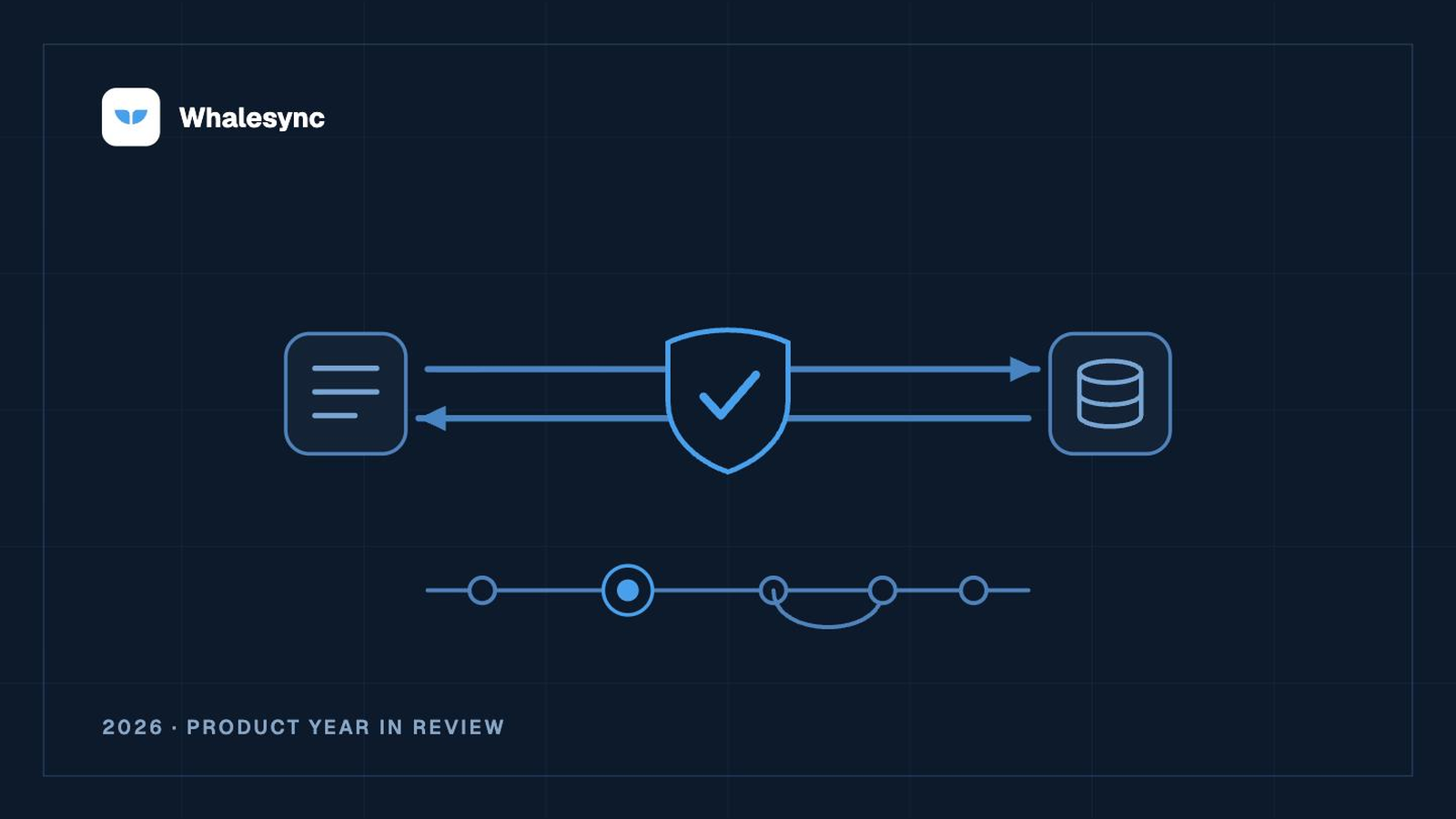
There are two new connectors out today: Sanity and Asana. Both sync two-way with Airtable, Notion, Google Sheets, Supabase, and all the other services we support.
Sanity
Sanity is a headless content platform built around structured content: you define your document types in code, edit them in Sanity Studio, and query the Content Lake from whatever front end you like. What it doesn’t come with is a spreadsheet. Bulk edits, imports from a CRM, a content calendar the whole team can see still happen somewhere else.
With our Sanity connector, every document type in your deployed Studio schema becomes a table you can map, nested objects like SEO settings, references between types, dates, slugs, and select lists included. We’ve added some sugar to make drafts first class: each record shows a document’s latest content, draft or published, and a Status field (Draft, Published, or Changed, which is live with unpublished edits) says which versions exist. Change it from the other app to publish a draft, unpublish a document, or keep your edits in a draft until you’re ready. Portable Text and images sync out of Sanity as HTML and image URLs, so your content can feed reports, search indexes, or other tools.
Sanity’s Content Lake is schemaless, so Whalesync reads your document types from the schema your Studio deploys. Just create an Editor-role API token at sanity.io/manage, paste it into Whalesync, and pick the dataset to sync.
Asana
When you connect to your Asana workspace, each project is shown as a table with each task as a row. All of the fields are there (name, description, assignee, section, due date, completed, tags, followers, parent task), including the project’s own custom fields. A launch tracker with a Budget column and a bug queue with a Severity column come through as two tables with two different shapes.
People are synced as a link to the Users table, and tags are a link to the Tags table. Sections are a select whose options are the project’s sections: move a task in Asana and the select’s value changes on the other side of your sync.
Sync every client project into one Airtable base and report across all of them at once. Sync a project to a Notion database and share that page with a client who doesn’t live in Asana; the edits they make land back in Asana. Or keep the content calendar in the base it already lives in, and let the tasks appear in Asana with their section, owner, and due date set.
Some things only flow one way for now: attachments, dependencies, and the Users, Tags, and Projects tables are read-only, a section or tag has to exist in Asana before a row can name it, comments are not synced, and a subtask only syncs when it is also in the project.
Getting started
The Sanity docs and the Asana docs have all the details. Both connectors are in beta, so if you try it and have thoughts, reach out so we can understand how you’re using it.
Subscribe for more
Stay up to date with the latest no-code data news, strategies, and insights sent straight to your inbox!