How to Build a Revenue Dashboard in Notion
Manage all your key financial data using Whalesync + Superchart

Keeping track of your revenue is a universal business problem. We all use Stripe (or an equivalent tool) to collect payments, understand demand, and measure the health of the business.
That’s why we’re so excited by the possibility of combining Whalesync with tools like Superchart which allows you to instantly build beautiful charts from your data.
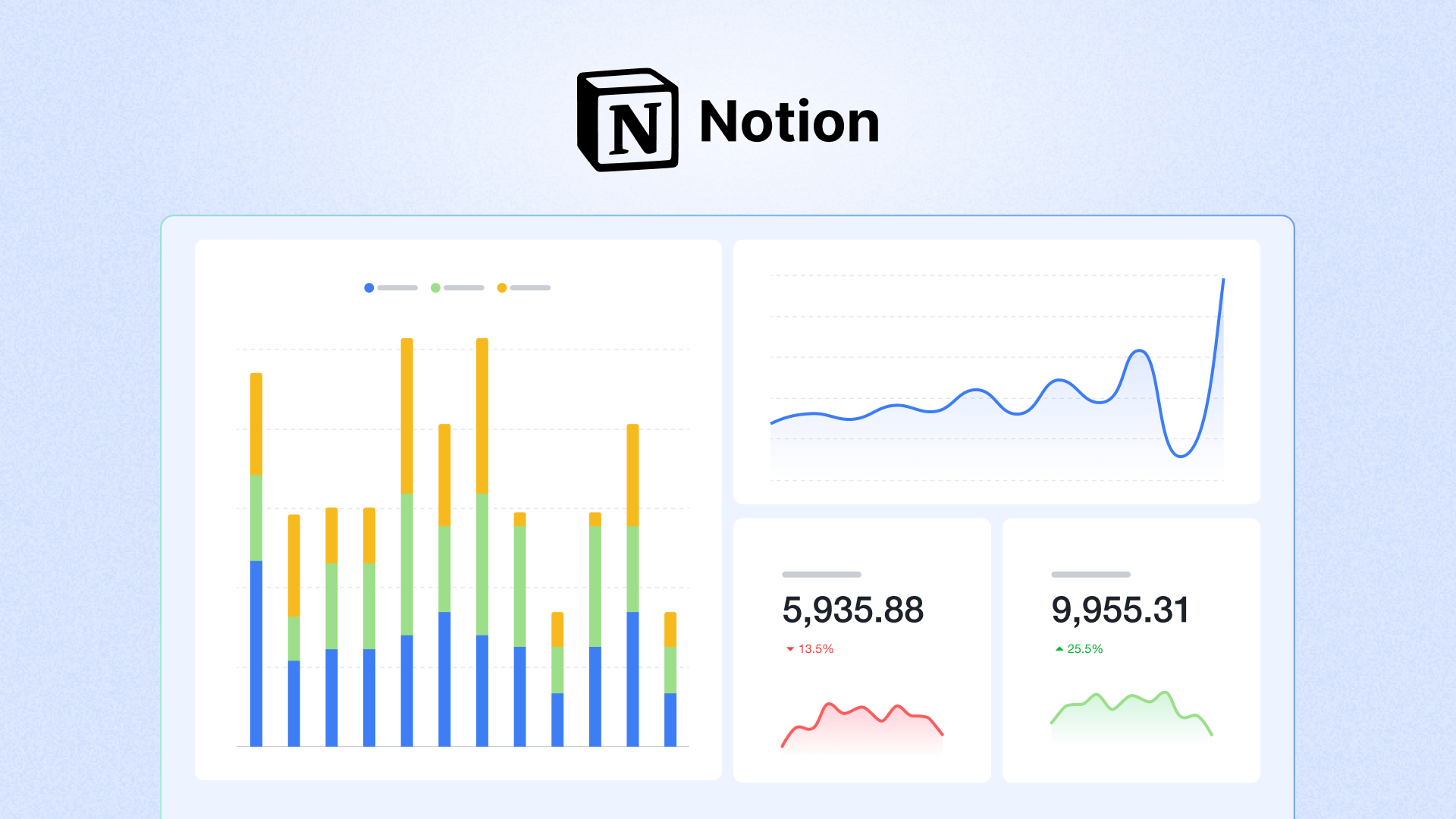
In the detailed post below, our friends at Superchart walk through how you can build a revenue dashboard using Stripe, Superchart, Whalesync and either Airtable or Notion.
Hi there, you are reading the Whalesync blog. Whalesync is a workflow automation tool that makes editing Webflow CMS, Supabase, or HubSpot data directly from Notion or Airtable really easy. Try it today!
For the full walk-through, check out the original post here 👇
https://www.superchart.io/blog/revenue-dashboard
Subscribe for more
Stay up to date with the latest no-code data news, strategies, and insights sent straight to your inbox!