Note: These connectors aren't available to sync yet.


Empowering top operators — From startups to enterprises










HubSpot
About
HubSpot is a leading CRM platform that unifies marketing, sales, and service in one place. With Whalesync, you can two-way sync HubSpot contacts, companies, deals, and more with tools like Airtable, Google Sheets, and Notion.
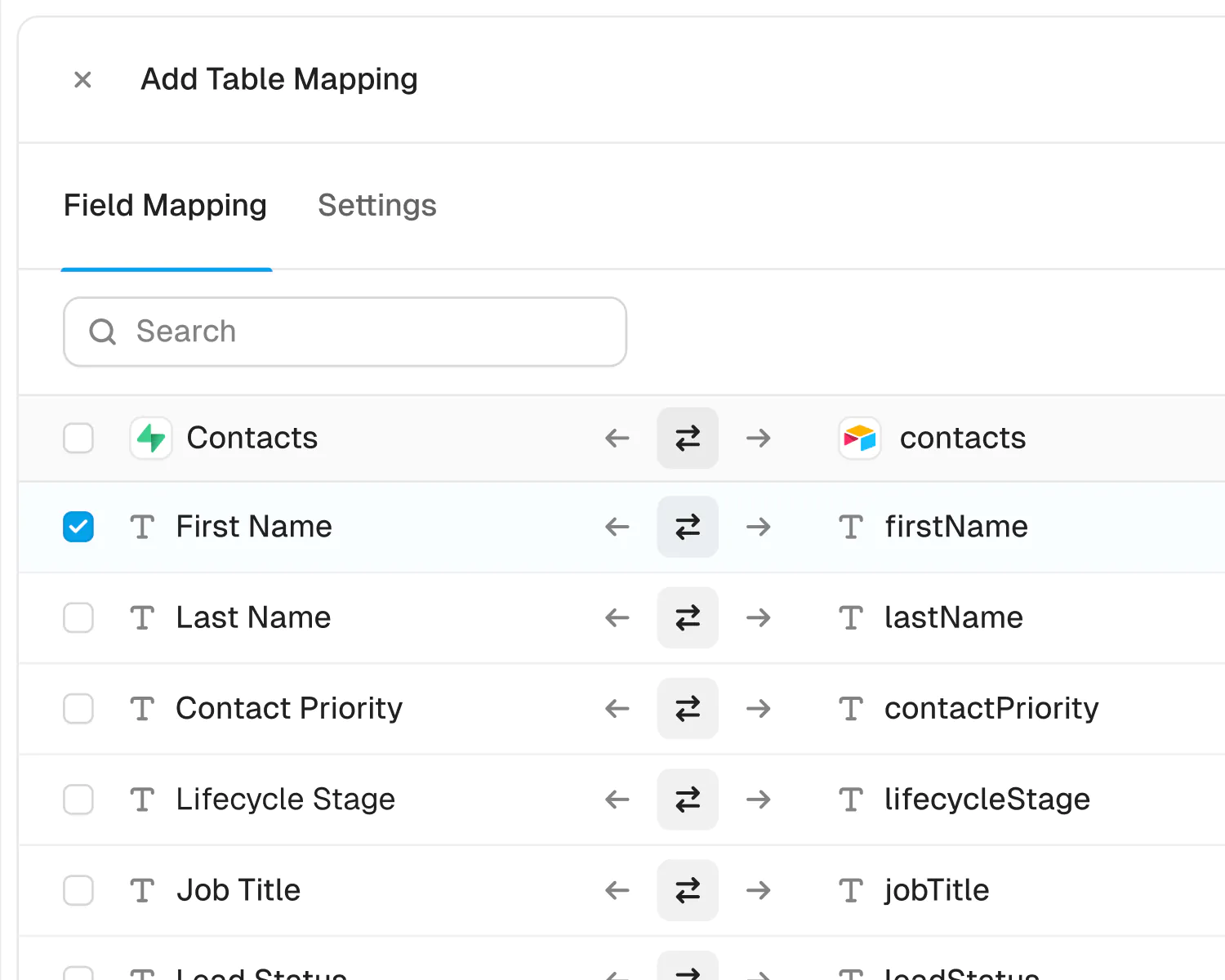
HubSpot is one of the world's most popular CRM platforms, bringing marketing, sales, and customer service together on a single system of record. Whalesync's HubSpot connector creates a true two-way sync between HubSpot and your other tools: contacts, companies, deals, tickets, tasks, notes, calls, meetings, quotes, line items, products, and even custom objects stay in sync automatically, in real time.
Use it to manage your HubSpot data from a spreadsheet: bulk-edit contacts in Airtable or Google Sheets, build reporting dashboards in Notion, or pipe CRM data into Postgres for analytics. Because the sync is bidirectional, updates made in either app flow to the other instantly: no CSV exports, no Zapier chains, no stale data.
Status
Category
Supported Objects
Klaviyo
About
Klaviyo is the email and SMS marketing platform built for ecommerce brands. Whalesync two-way syncs Klaviyo profiles and lists with Airtable, Google Sheets, Notion, and more.
Klaviyo is where many ecommerce brands keep their customers: every subscriber is a profile with contact details, an address, and whatever custom properties the store sends along, grouped into lists and segments that drive email and SMS campaigns. With Whalesync, a Klaviyo account becomes three tables you can sync with Airtable, Notion, Google Sheets, or a database. Profiles sync both ways, custom properties and list membership included, so a row added in Airtable lands in the right Klaviyo list and an edit made in Klaviyo comes back to the sheet. Lists can be created, renamed, and deleted from the other side, while segments, consent, and Klaviyo’s predictive analytics come across read-only. Whalesync never sends a message to anyone and never deletes a profile.
Status
Category
Supported Objects
Powerful features, built for reliability
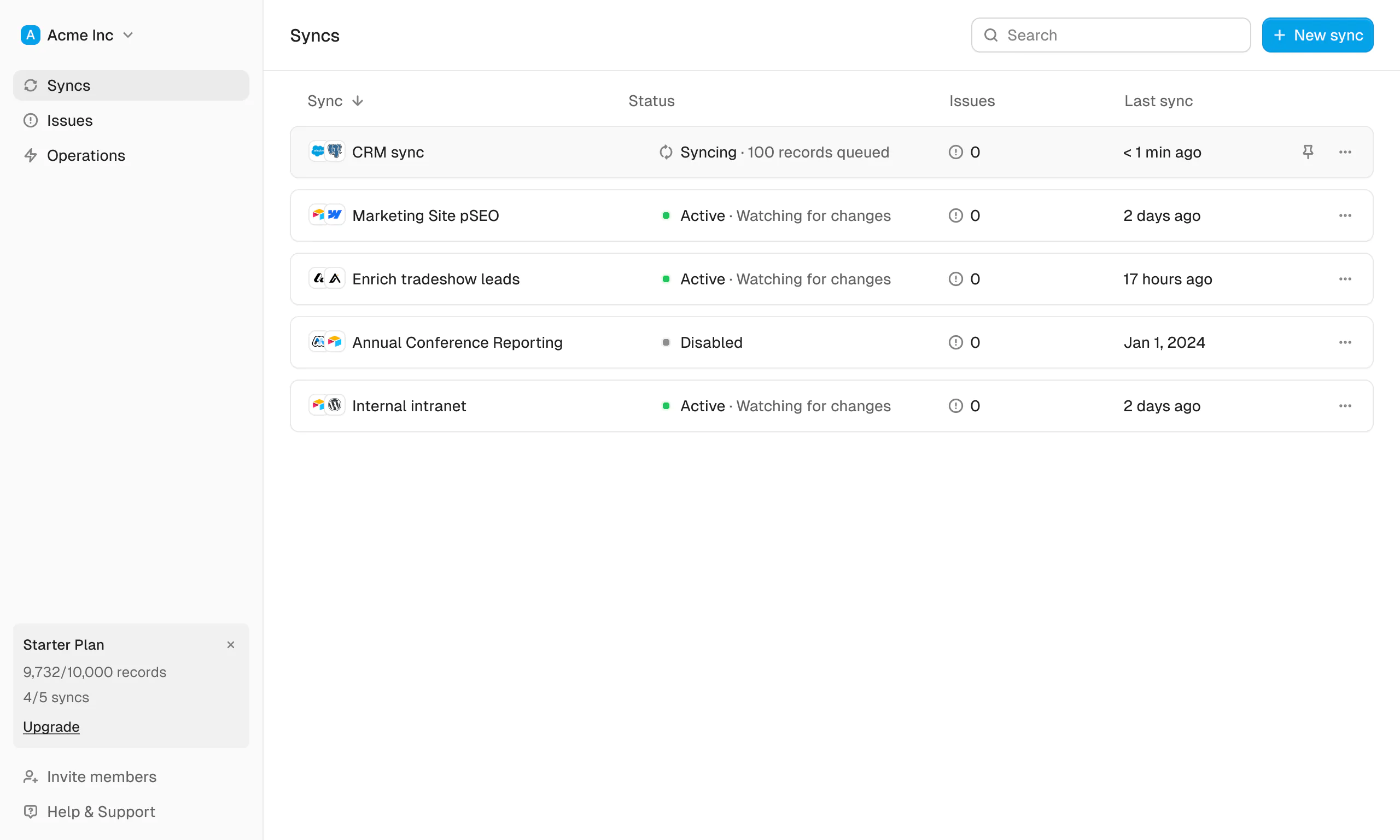
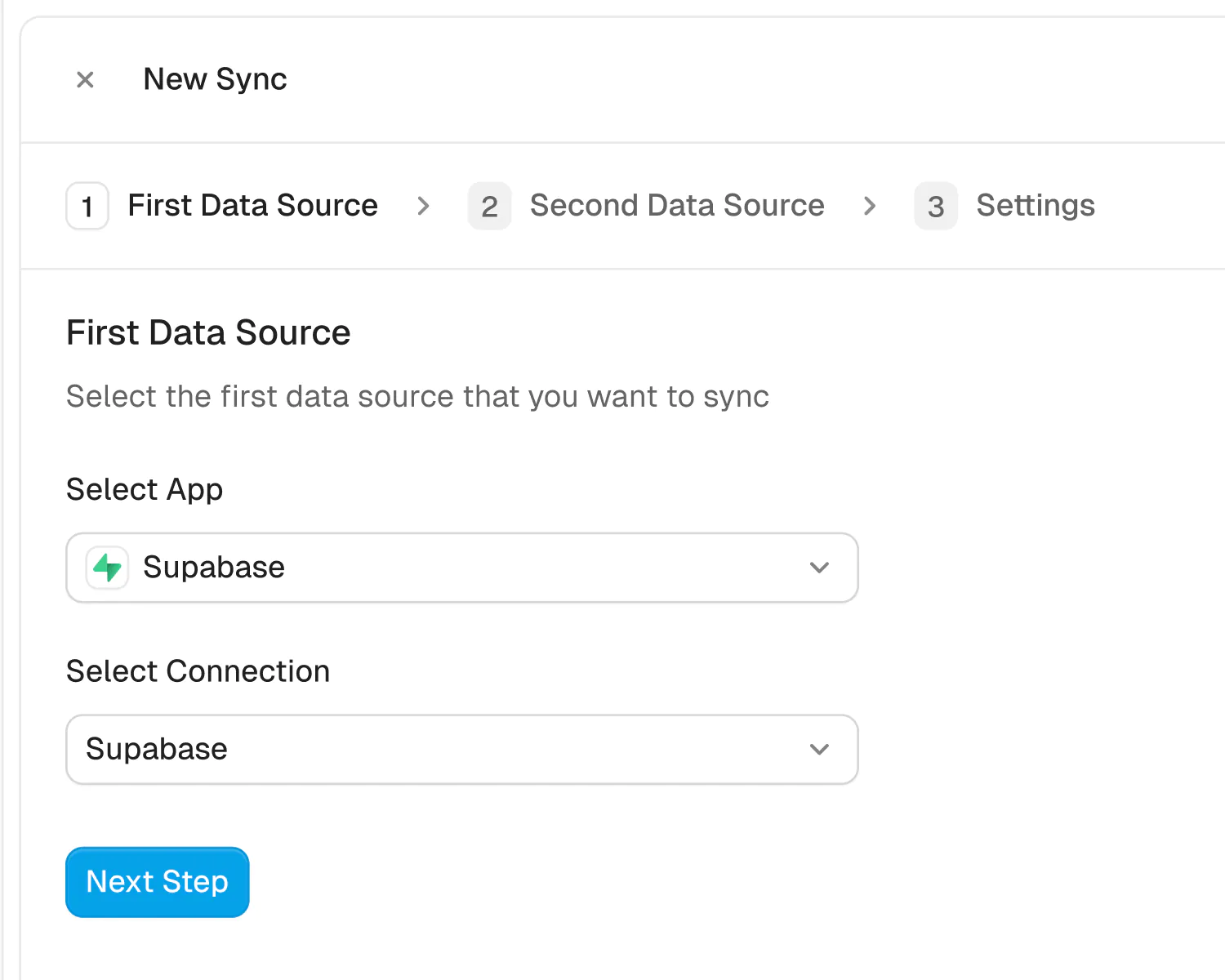
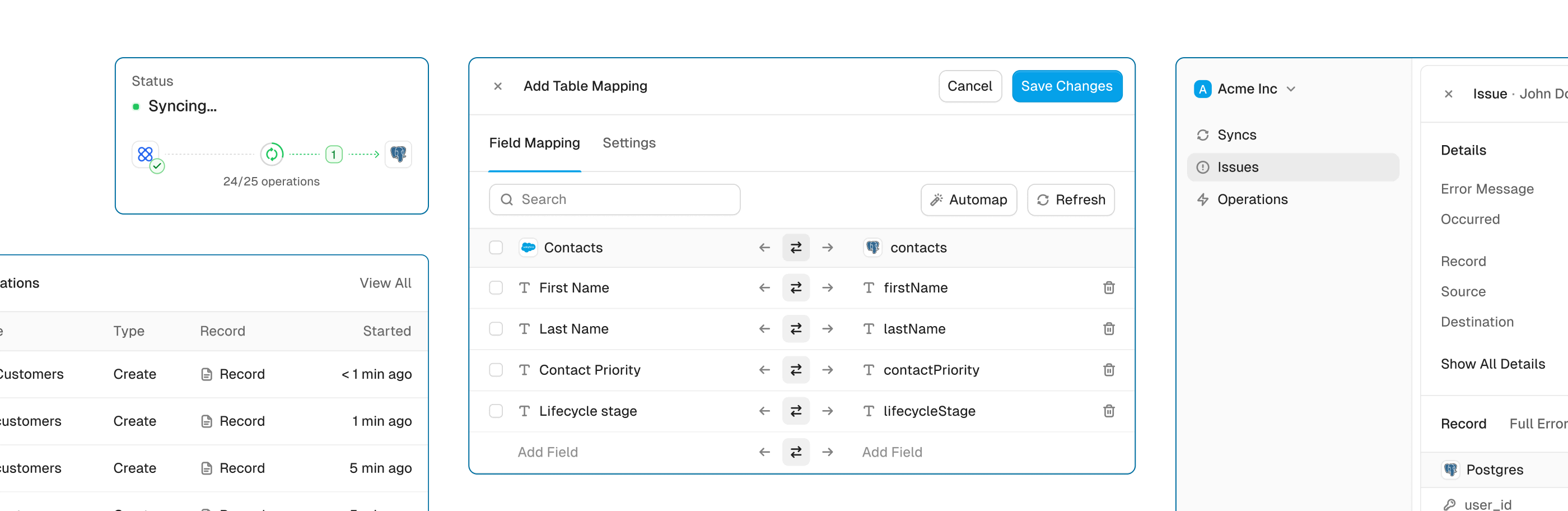
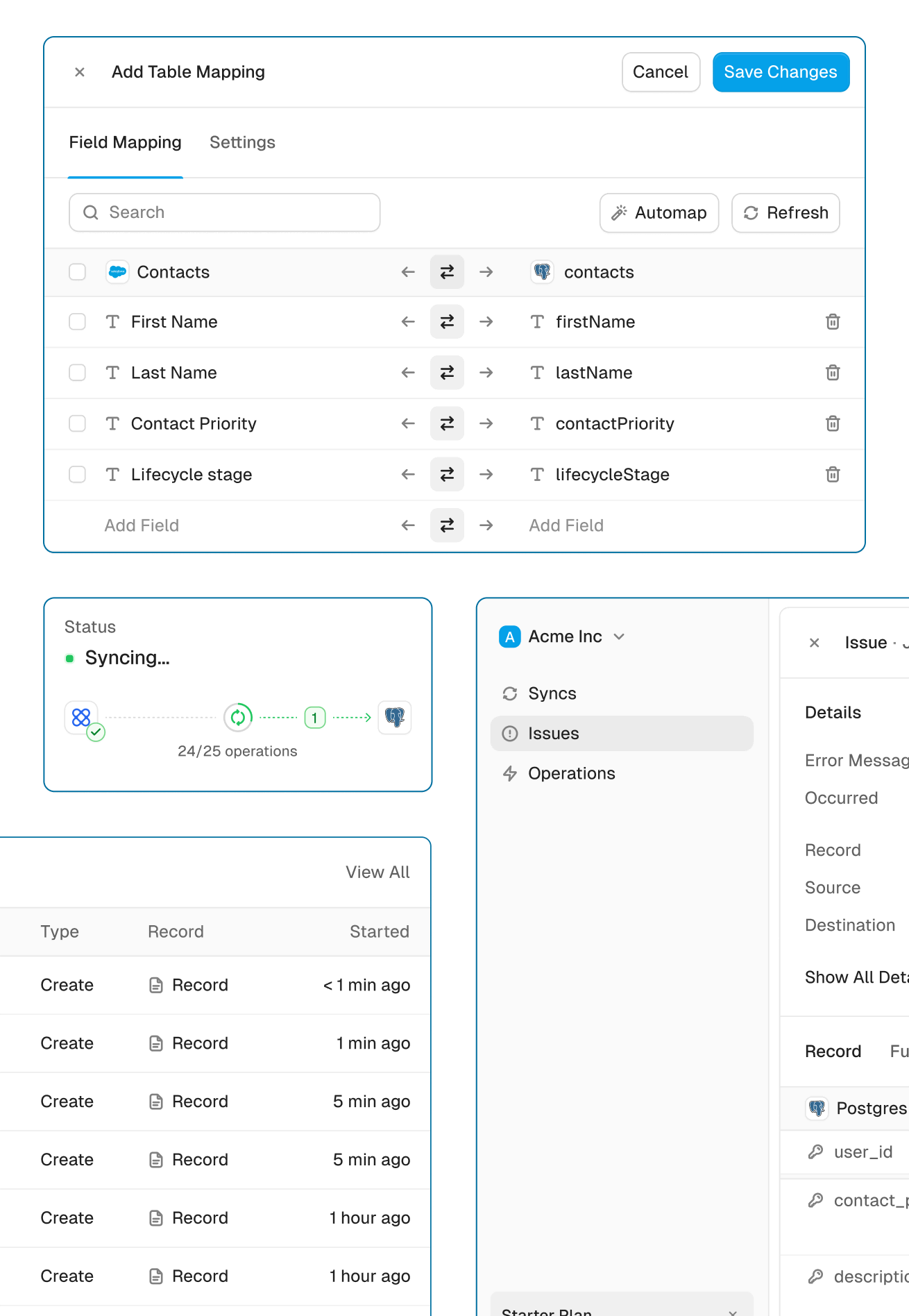
Get the power of an engineering-grade data sync with the simplicity of a no-code tool. Whalesync lets you build a robust, two-way, real-time sync between your apps in minutes, all through a simple visual interface.
Real-time & historical sync
Instantly sync new changes and bring over all your historical data. Your records will be up-to-date across apps from day one.
Efficient error handling
Instant email alerts for quick issue monitoring.
Automatic API handling
Forget about rate limits. Whalesync automatically manages API traffic and retries to ensure your sync runs smoothly without breaking.
Advanced filters
Precision filtering for targeted data sync.
Built for Enterprise
Connect your data with top-grade security, role based access control, SSO, and audit logs.

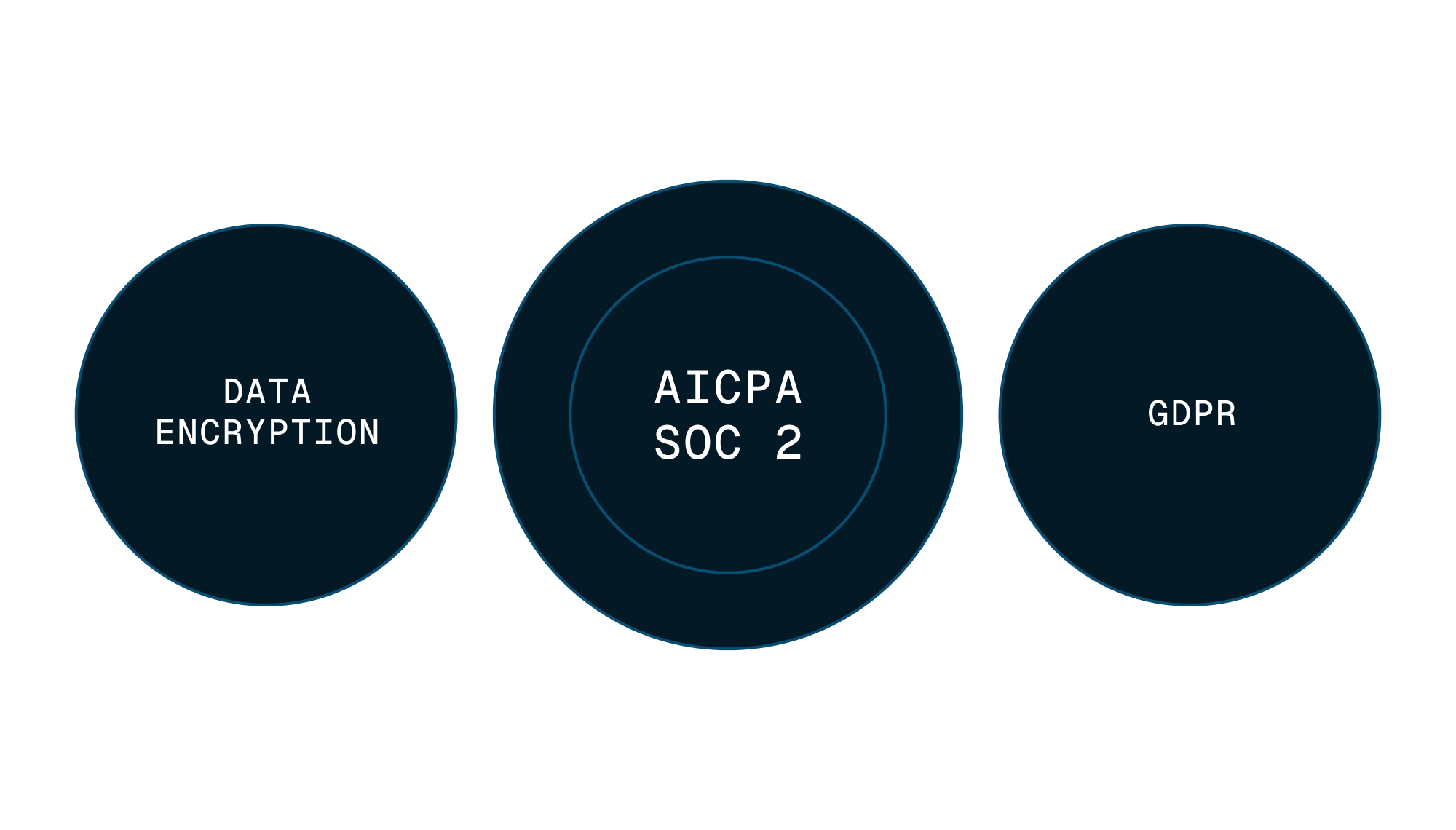

Security
Enterprise-grade data safety with SOC 2 Type II, GDPR compliance, and encryption at rest monitored by Vanta.
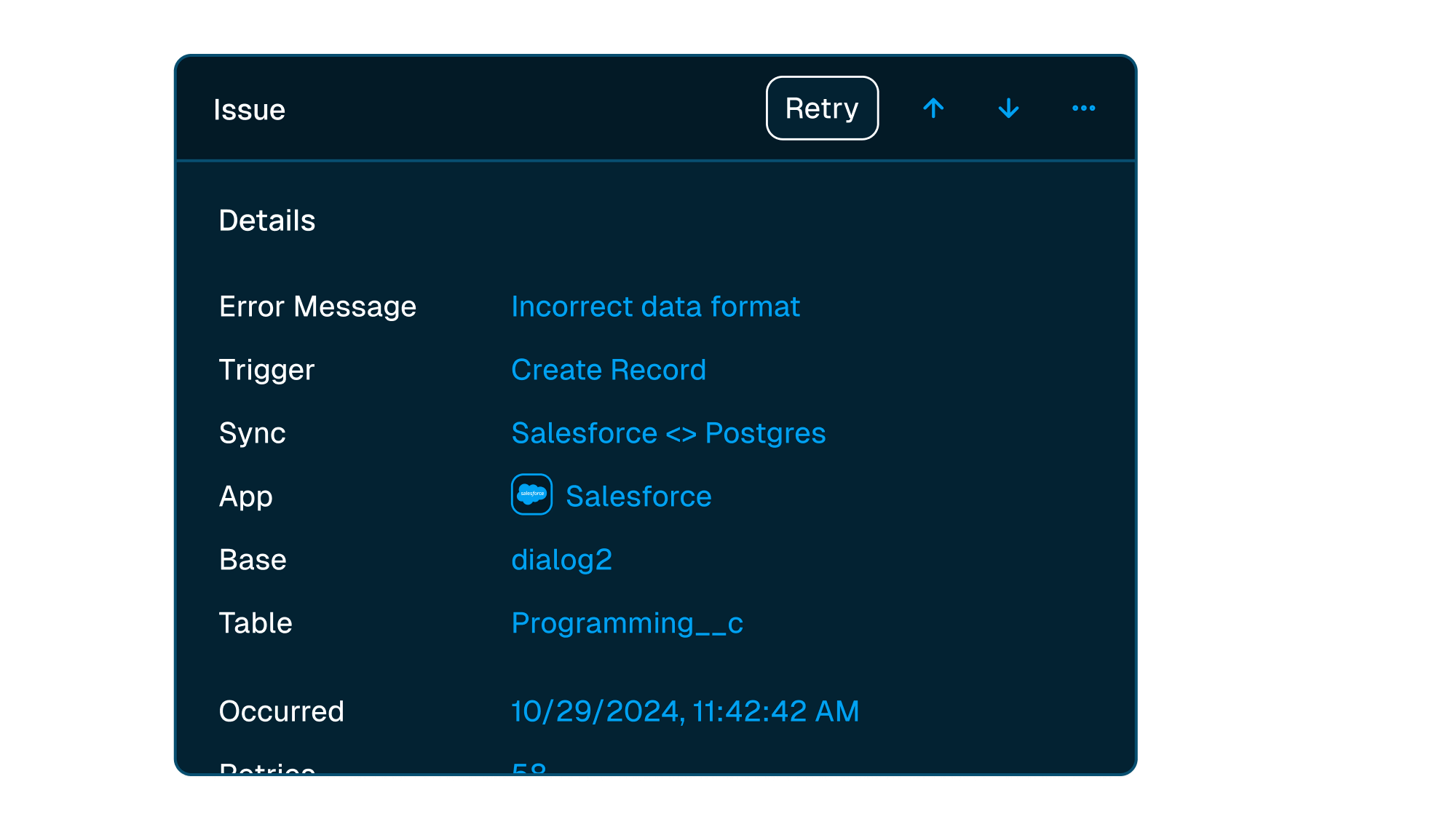


Scale with support
Easily manage issues at scale, while knowing you have a dedicated account manager on stand by to support.
Frequently asked questions
Yes! Whalesync offers true two-way sync. Unlike most apps that offer one-way syncs in two directions, Whalesync actually keeps your data in sync bi-directionally. Update data in one app and see it instantly to sync to the other (or vice-versa).
When a record syncs for the first time it becomes a record in sync. For example, if you sync 10 rows from Airtable to Webflow, you will have 10 records in sync. We do not "double-count" records across the two different apps.
Unlike other automation tools that count updates or tasks, Whalesync allows unlimited updates: those records can change as many times as you'd like.
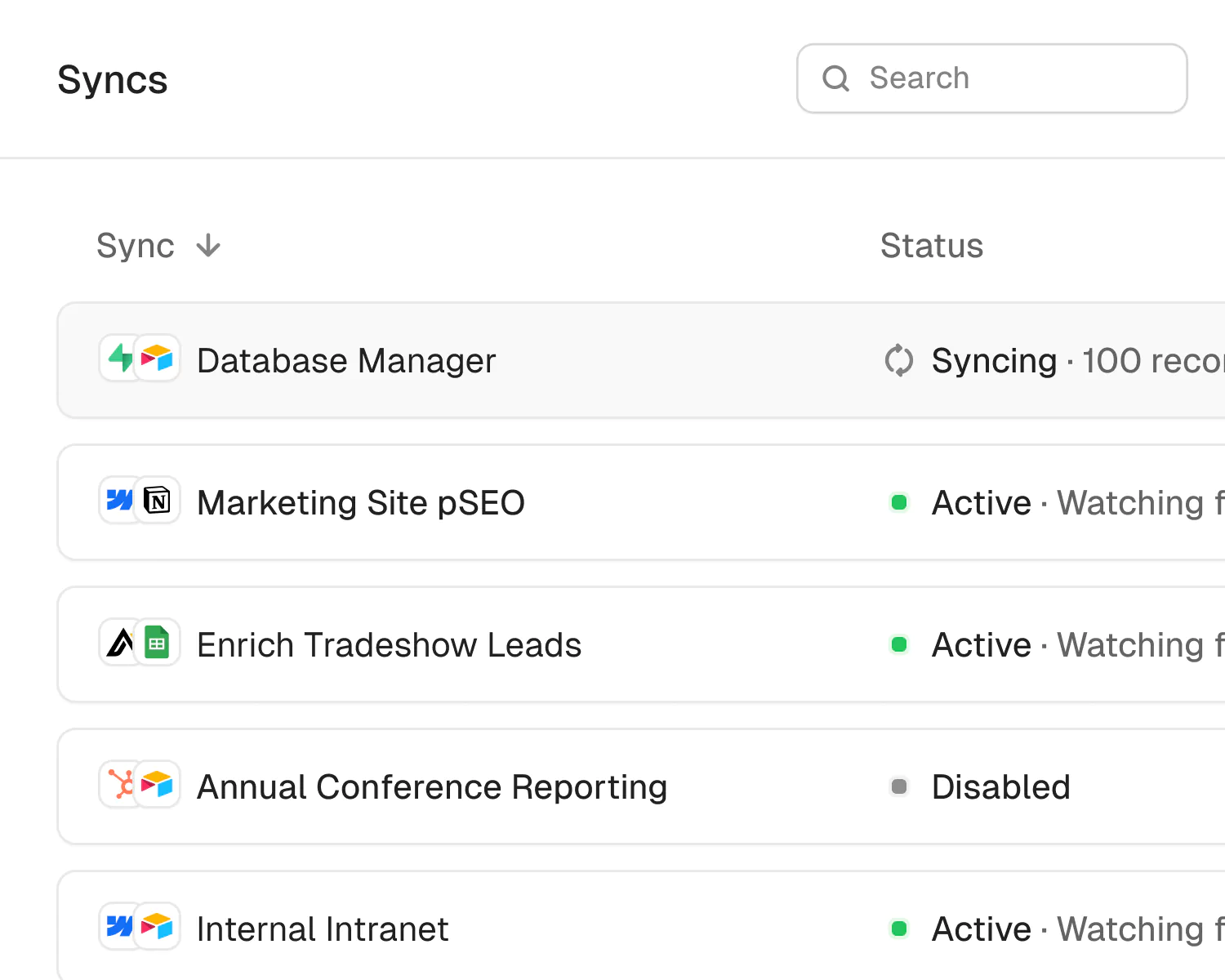
A sync is a connection between two different apps (e.g. Salesforce & Airtable). When you turn sync on, Whalesync will continuously sync data between your apps.
A single sync includes as many data tables and field as you'd like.
You bet! We've simplified all the annoying parts of setting up a sync with Zapier. We support multi-reference fields, rich text, and images. For a full list, see our supported fields docs.
If data can't be synced (e.g. a required field is missing), Whalesync will alert you on the Issues page. This alert provides the exact error from your destination app and any other info that will help you fix the issue. In the meantime, Whalesync will continue to sync all data that doesn't have errors.
Absolutely! We love supporting organizations that are making the world a better place, so we're happy to offer a 20% discount to all nonprofits. To apply, just send us a note with proof of your nonprofit status (e.g. your 501(c)(3) determination letter) to support@whalesync.com and we'll get the discount applied to your account.






Connect your tools in minutes