The easiest way to sync HubSpot and Postgres
Get true, two-way sync between HubSpot and Postgres in minutes. Update data in one tool, and Whalesync mirrors it in the other.


Empowering top operators — From startups to enterprises
-
 Series C$350M
 -
 Series C$330M
 -
 Series C$100M
 -

-
 Series B$72M
 -
 Series C$30M
 -
 Series A$50M
 -
 Series B$86M
 -
 Series B$65M
 -
 Series B$100M
How to connect HubSpot and Postgres in 3 steps
Whalesync doesn't just connect HubSpot and Postgres; it syncs them. Simple connections are brittle. They only move data one way, creating data silos and requiring constant maintenance.
Whalesync was built on a different principle: true, two-way sync. This creates a single, reliable source of truth between your most important tools. And while it's powerful enough for engineers, it was designed for operators. You can build a rock-solid data integration in minutes.
Connect your apps
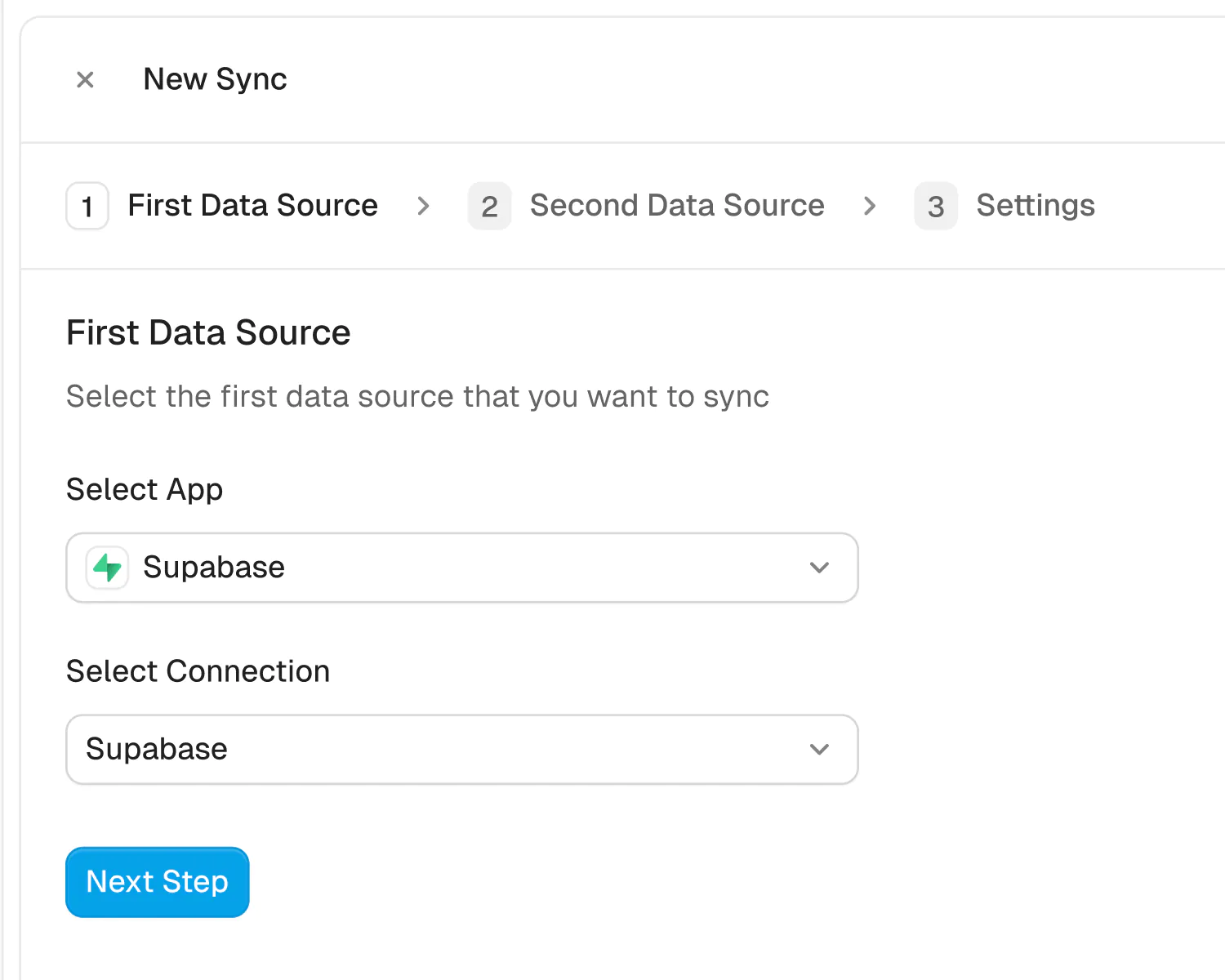
Securely connect your HubSpot and Postgres accounts in seconds. Just authorize Whalesync with a few clicks and you're ready for the next step.
How to sync PostgreSQL to HubSpot in 5 minutes
PostgreSQL is the workhorse behind thousands of products. Users, accounts, subscriptions, orders, usage data: whatever your application knows, it keeps in Postgres. HubSpot is where the go-to-market side of the company lives, handling contacts, deals, marketing emails, and the automation that turns signups into revenue.
The problem is that these two systems rarely talk. Marketing wants to send onboarding emails based on what users actually do in the product, but HubSpot only knows what was in the last import. Sales wants to prioritize accounts that are growing, but the growth numbers live in a database they cannot query. So engineers get pulled into writing exports, and everyone works from data that is days old.
Whalesync fixes this with a no-code, real-time, two-way sync between PostgreSQL and HubSpot. Your database rows appear in HubSpot as live CRM records, changes flow both ways, and nobody has to maintain a pipeline. In this guide, we will walk through the setup in about five minutes.
Why two-way sync beats CSV exports and Zapier
Most teams start with one of two workarounds, and both eventually break down.
The first is the CSV shuffle: an engineer exports a query result, someone imports it into HubSpot, and for a day or two the CRM looks current. Then the data drifts, duplicates creep in with each import, and the whole exercise has to be repeated next week. It is manual work that produces a stale copy.
The second is trigger-based automation like Zapier. These tools are great at reacting to events in SaaS apps, but a Postgres database is not a SaaS app; it does not fire tidy triggers when a row changes. And even a working setup only pushes data one way. Corrections your team makes in HubSpot never travel back to the database, so the two systems disagree a little more with every passing week.
Whalesync takes the database approach to the problem. It keeps your Postgres tables and your HubSpot objects continuously matched, in both directions, in real time. Insert a row and a HubSpot record appears. Update a field in HubSpot and your table reflects it. There are no scripts to run and no zaps to maintain.
How to sync PostgreSQL to HubSpot in 5 minutes
Here is the full setup, one step at a time.
Step 1: Create your Whalesync account
Sign up for Whalesync and start your free trial. From the dashboard, click 'New sync' and select PostgreSQL and HubSpot as your app pair.
Step 2: Connect PostgreSQL
Authorize the PostgreSQL connector by entering your database connection details and choosing the tables you want to sync. Whalesync reads your schema, so your actual tables and columns are what you will see in the mapping step.
Step 3: Connect HubSpot
Authorize the HubSpot connector and choose the HubSpot account you want to keep in sync. This gives Whalesync permission to read and update CRM records on your behalf.
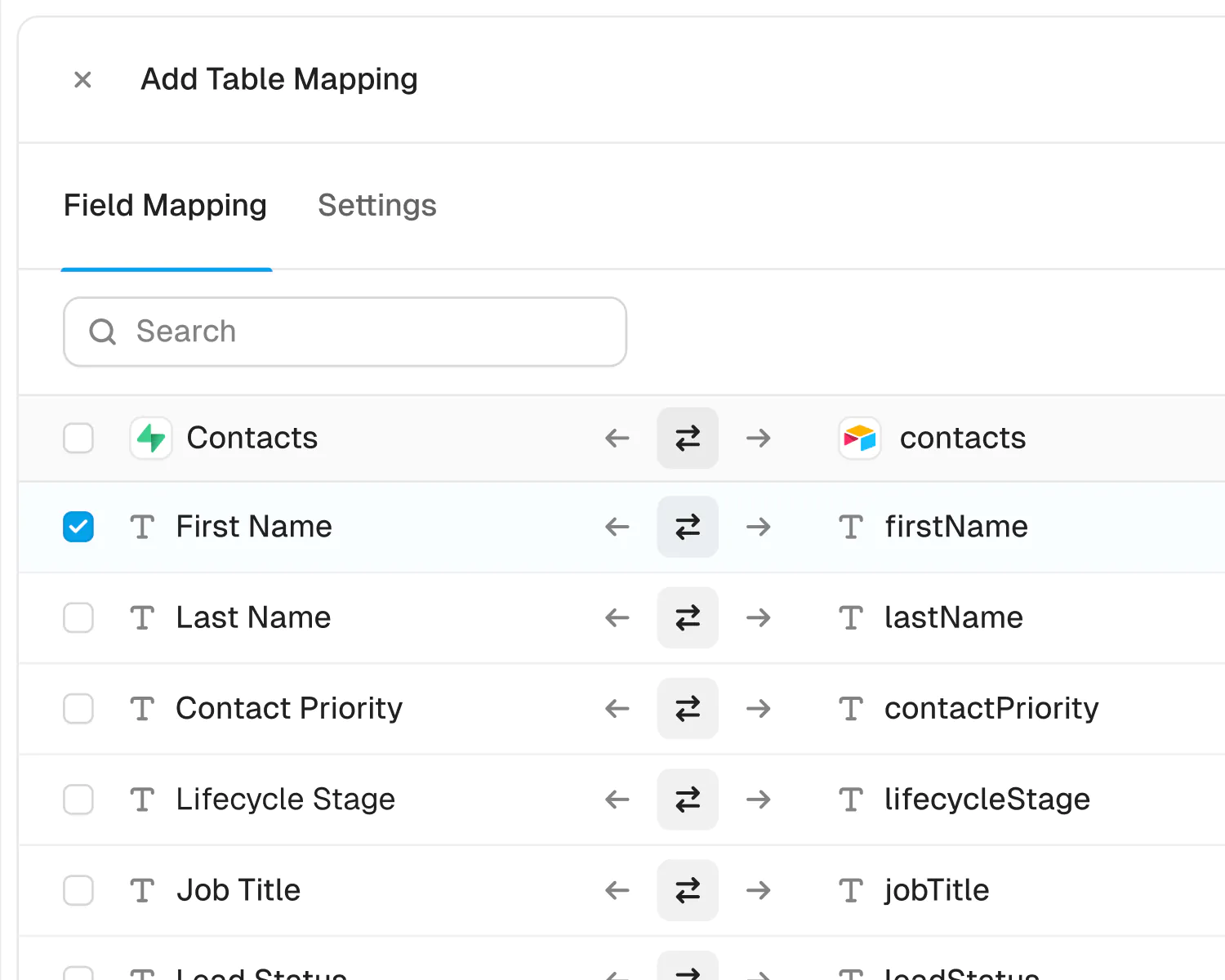
Step 4: Map your tables and fields with AI automapping
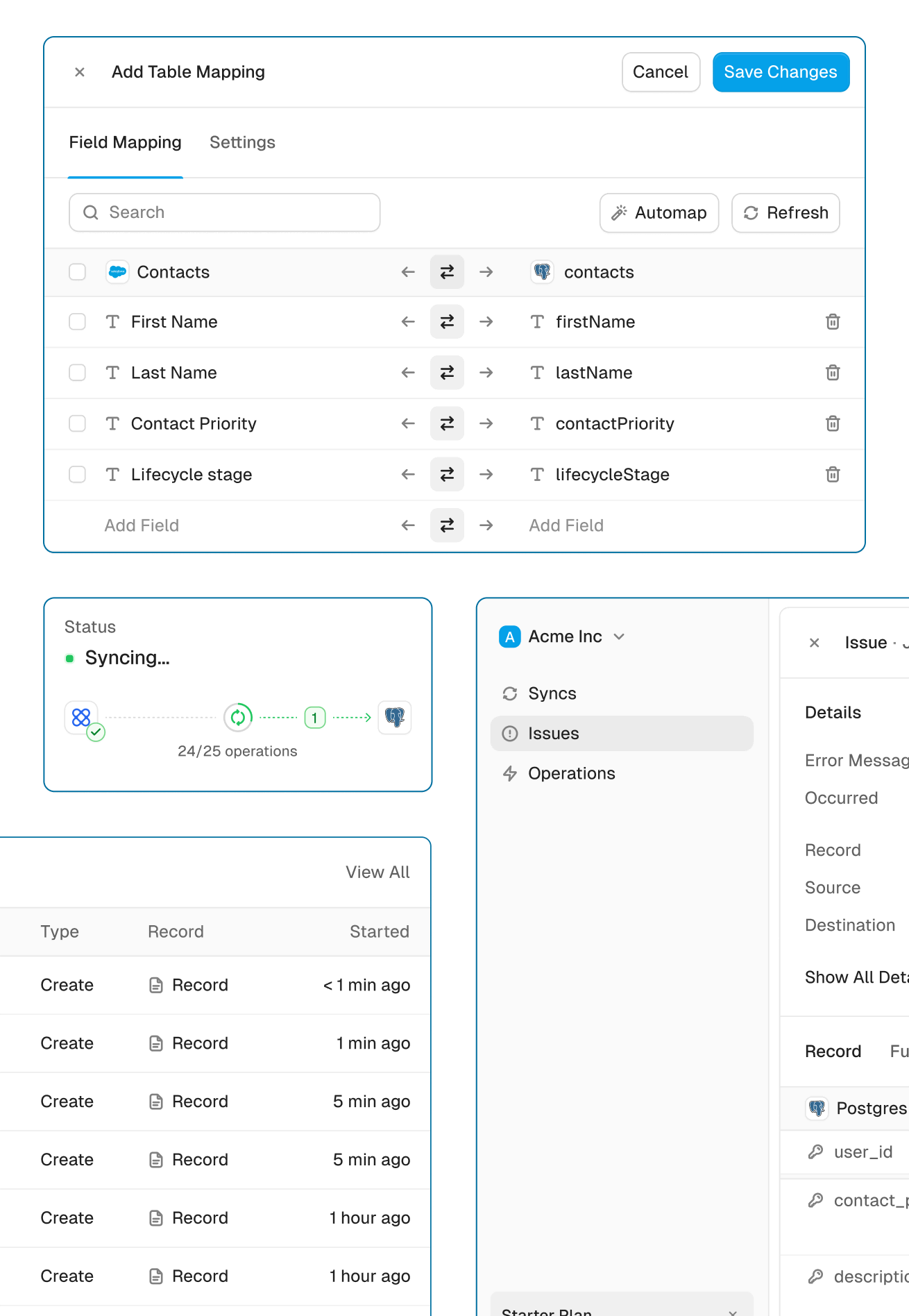
Pair each table with a HubSpot object: users with contacts, organizations with companies, subscriptions with deals, whatever fits your data model. Whalesync's AI automapping proposes the table and field matches for you by comparing names and types, so setup is mostly reviewing suggestions and confirming. You can map every column or only the ones marketing and sales actually need.
Step 5: Turn on your sync
Whalesync shows a preview of how many records will be created in each tool before anything moves, and it matches existing rows to existing HubSpot records using your mapped fields. When the preview looks right, activate the sync.
Done! PostgreSQL and HubSpot are synced
From here on, your CRM updates itself.
What syncs between PostgreSQL and HubSpot
Whalesync's HubSpot integration goes well beyond contacts. You can sync contacts, companies, deals, tickets, tasks, notes, calls, meetings, quotes, line items, and products, plus your custom objects. On the Postgres side, any table can participate, with columns mapped to HubSpot properties field by field.
That coverage means you can connect the whole revenue picture, from a product catalog stored in your database all the way to the line items on a quote, rather than syncing contacts and calling it done.
Three ways teams use a PostgreSQL to HubSpot sync
1. Lifecycle emails driven by real product behavior
Sync your users table into HubSpot contacts along with fields like plan and activation status. Marketing can then build onboarding and upgrade campaigns that respond to what users actually do in the product, not to a week-old import.
2. A pipeline that knows how accounts are doing
Enrich HubSpot companies and deals with live figures from your database, like seat counts or usage trends. Reps walk into every call knowing the current state of the account, and forecasts rest on real numbers instead of guesses.
3. Products and line items straight from your catalog
If your product catalog lives in Postgres, sync it into HubSpot products and line items. Quotes always reference current offerings and prices, and nobody has to re-key catalog changes into the CRM.
Start syncing PostgreSQL and HubSpot today
Your database already holds the freshest customer data in the company. A two-way sync between PostgreSQL and HubSpot puts that data in front of marketing and sales the moment it changes, and carries their updates back without a line of code.
Setup takes about five minutes and starts with a free trial. Ready to stop exporting CSVs? Get your database and your CRM syncing today.
About HubSpot and Postgres
HubSpot
About
HubSpot is one of the world's most popular CRM platforms, bringing marketing, sales, and customer service together on a single system of record. Whalesync's HubSpot connector creates a true two-way sync between HubSpot and your other tools: contacts, companies, deals, tickets, tasks, notes, calls, meetings, quotes, line items, products, and even custom objects stay in sync automatically, in real time.
Use it to manage your HubSpot data from a spreadsheet: bulk-edit contacts in Airtable or Google Sheets, build reporting dashboards in Notion, or pipe CRM data into Postgres for analytics. Because the sync is bidirectional, updates made in either app flow to the other instantly: no CSV exports, no Zapier chains, no stale data.
Category
Supported Objects
-
CallsSupported
-
CompaniesSupported
-
ContactsSupported
-
Custom ObjectsSupported
-
DealsSupported
-
LeadsSupported
-
Line ItemsSupported
-
MeetingsSupported
-
NotesSupported
-
ProductsSupported
-
QuotesSupported
-
TasksSupported
-
TicketsSupported
Postgres
About
Postgres is one most popular databases on the planet used by both small startups and large enterprises. Whalesync lets you sync Postgres with no-code tools like Airtable, Webflow, and Notion.
By connecting Postgres and the tools your team already uses, you can quickly create powerful apps and internal tools.
Category
Supported Objects
-
All TablesSupported
Powerful features, built for reliability
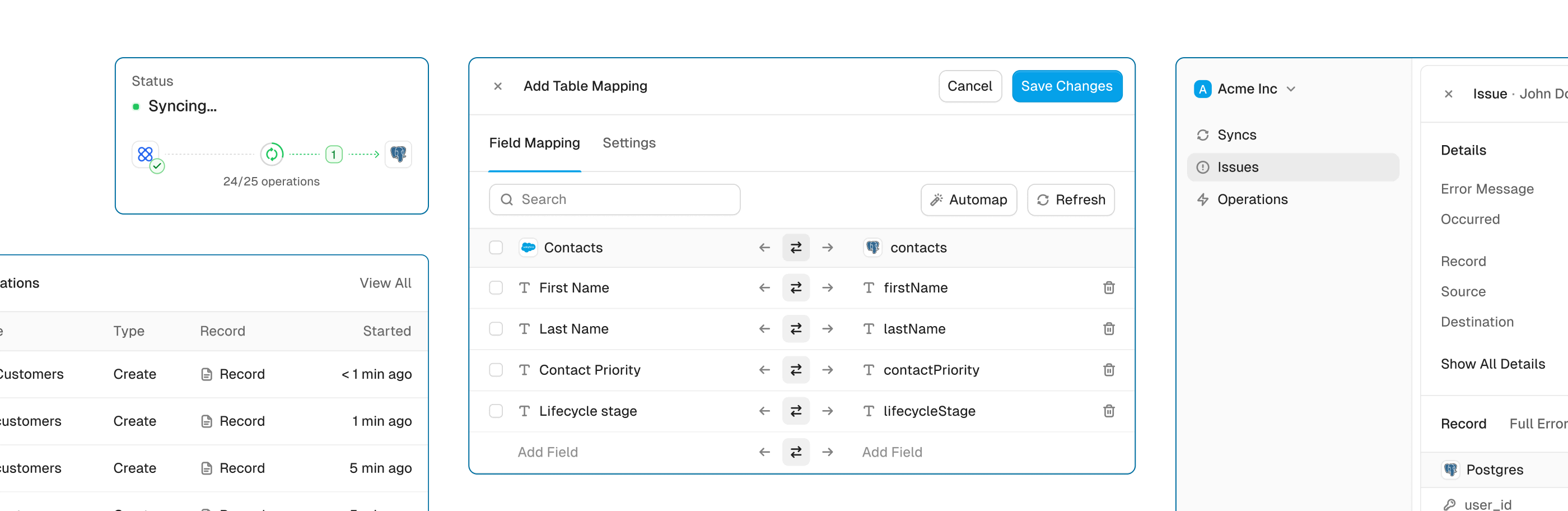
Get the power of an engineering-grade data sync with the simplicity of a no-code tool. Whalesync lets you build a robust, two-way, real-time sync between your apps in minutes, all through a simple visual interface.
Real-time & historical sync
Instantly sync new changes and bring over all your historical data. Your records will be up-to-date across apps from day one.
Efficient error handling
Instant email alerts for quick issue monitoring.
Automatic API handling
Forget about rate limits. Whalesync automatically manages API traffic and retries to ensure your sync runs smoothly without breaking.
Advanced filters
Precision filtering for targeted data sync.
HubSpot and Postgres guides

Built for Enterprise
Connect your data with top-grade security, role based access control, SSO, and audit logs.

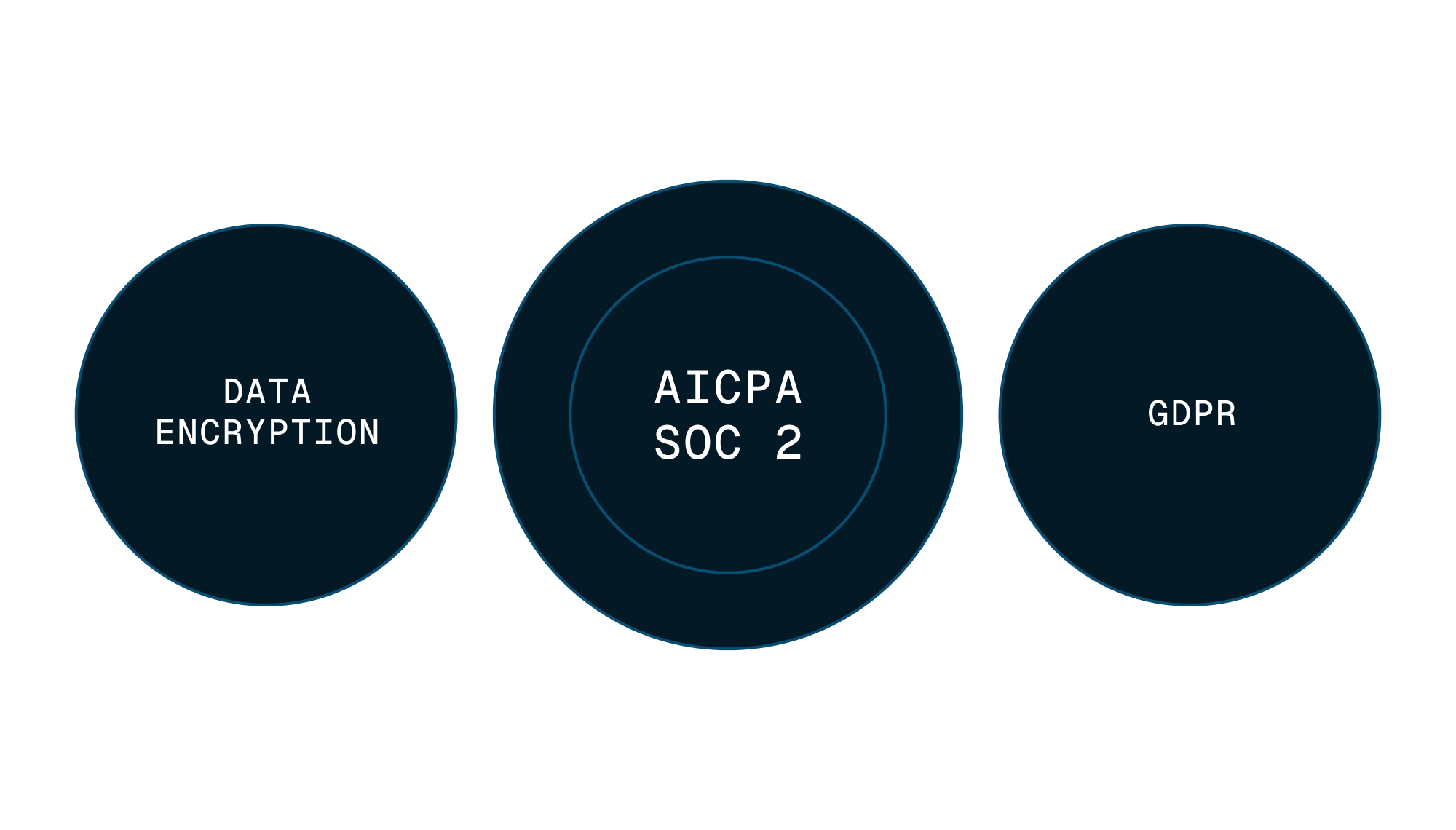

Security
Enterprise-grade data safety with SOC 2 Type II, GDPR compliance, and encryption at rest monitored by Vanta.
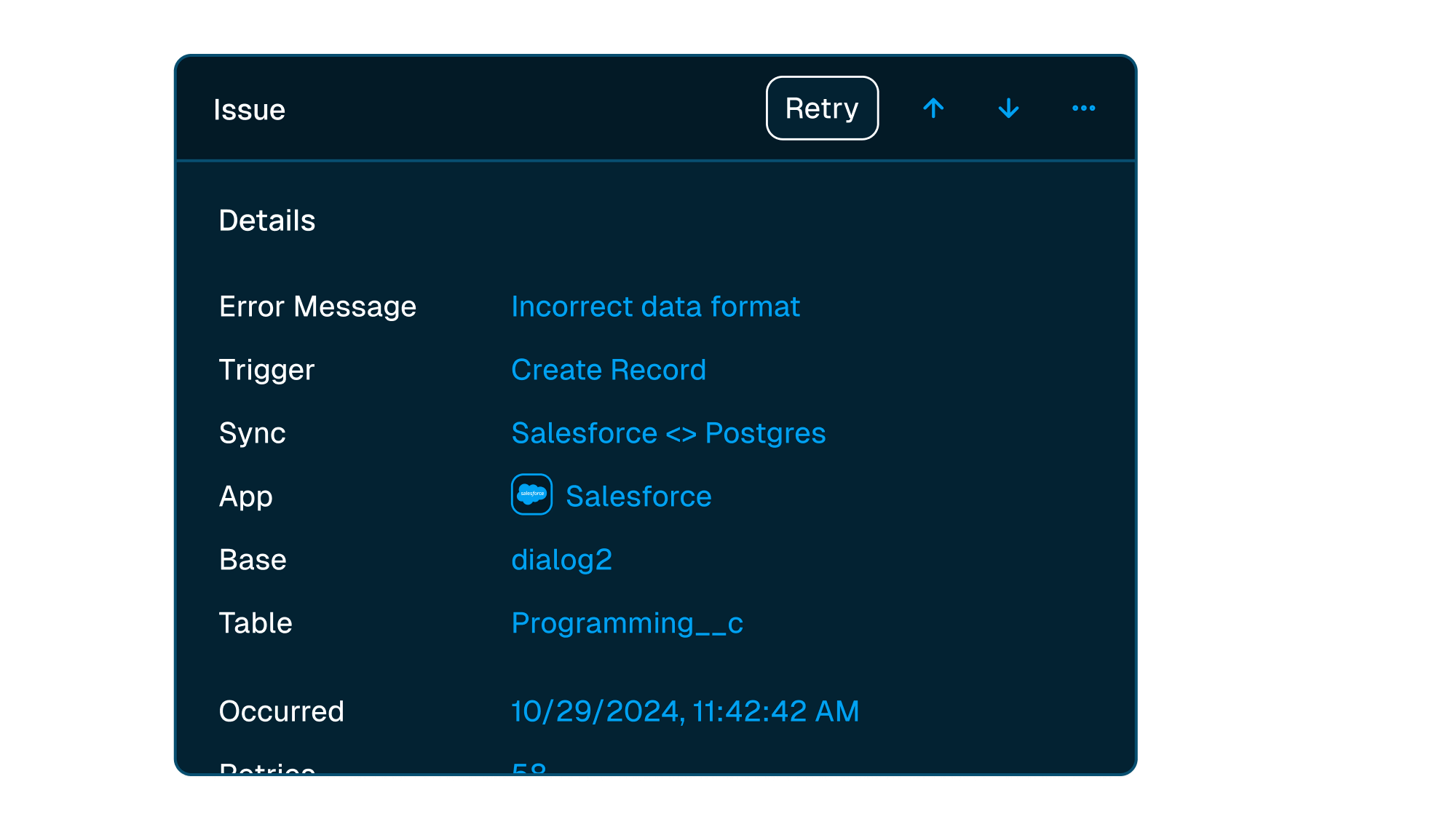


Scale with support
Easily manage issues at scale, while knowing you have a dedicated account manager on stand by to support.
Frequently asked questions
Is it really two-way sync?
Yes! Whalesync offers true two-way sync. Unlike most apps that offer one-way syncs in two directions, Whalesync actually keeps your data in sync bi-directionally. Update data in one app and see it instantly to sync to the other (or vice-versa).
What counts as a "record in sync"?
When a record syncs for the first time it becomes a record in sync. For example, if you sync 10 rows from Airtable to Webflow, you will have 10 records in sync. We do not "double-count" records across the two different apps.
Unlike other automation tools that count updates or tasks, Whalesync allows unlimited updates: those records can change as many times as you'd like.
What is a "sync"?
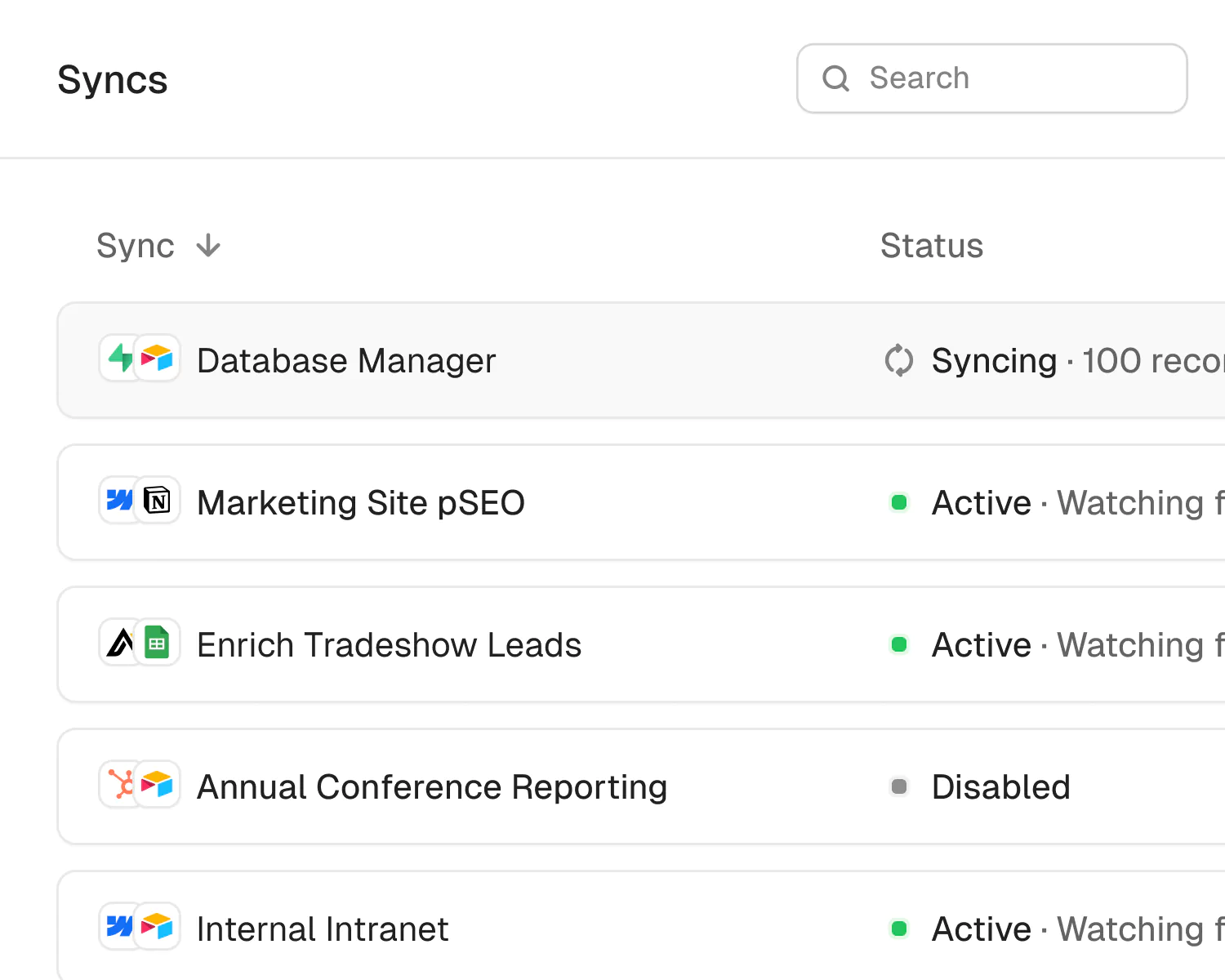
A sync is a connection between two different apps (e.g. Salesforce & Airtable). When you turn sync on, Whalesync will continuously sync data between your apps.
A single sync includes as many data tables and field as you'd like.
Does Whalesync support multi-reference fields? Rich text?
You bet! We've simplified all the annoying parts of setting up a sync with Zapier. We support multi-reference fields, rich text, and images. For a full list, see our supported fields docs.
What happens if my data has an error and can't be synced?
If data can't be synced (e.g. a required field is missing), Whalesync will alert you on the Issues page. This alert provides the exact error from your destination app and any other info that will help you fix the issue. In the meantime, Whalesync will continue to sync all data that doesn't have errors.
Do you offer a discount for nonprofits?
Absolutely! We love supporting organizations that are making the world a better place, so we're happy to offer a 20% discount to all nonprofits. To apply, just send us a note with proof of your nonprofit status (e.g. your 501(c)(3) determination letter) to support@whalesync.com and we'll get the discount applied to your account.






Connect your tools in minutes