CRM (Notion)
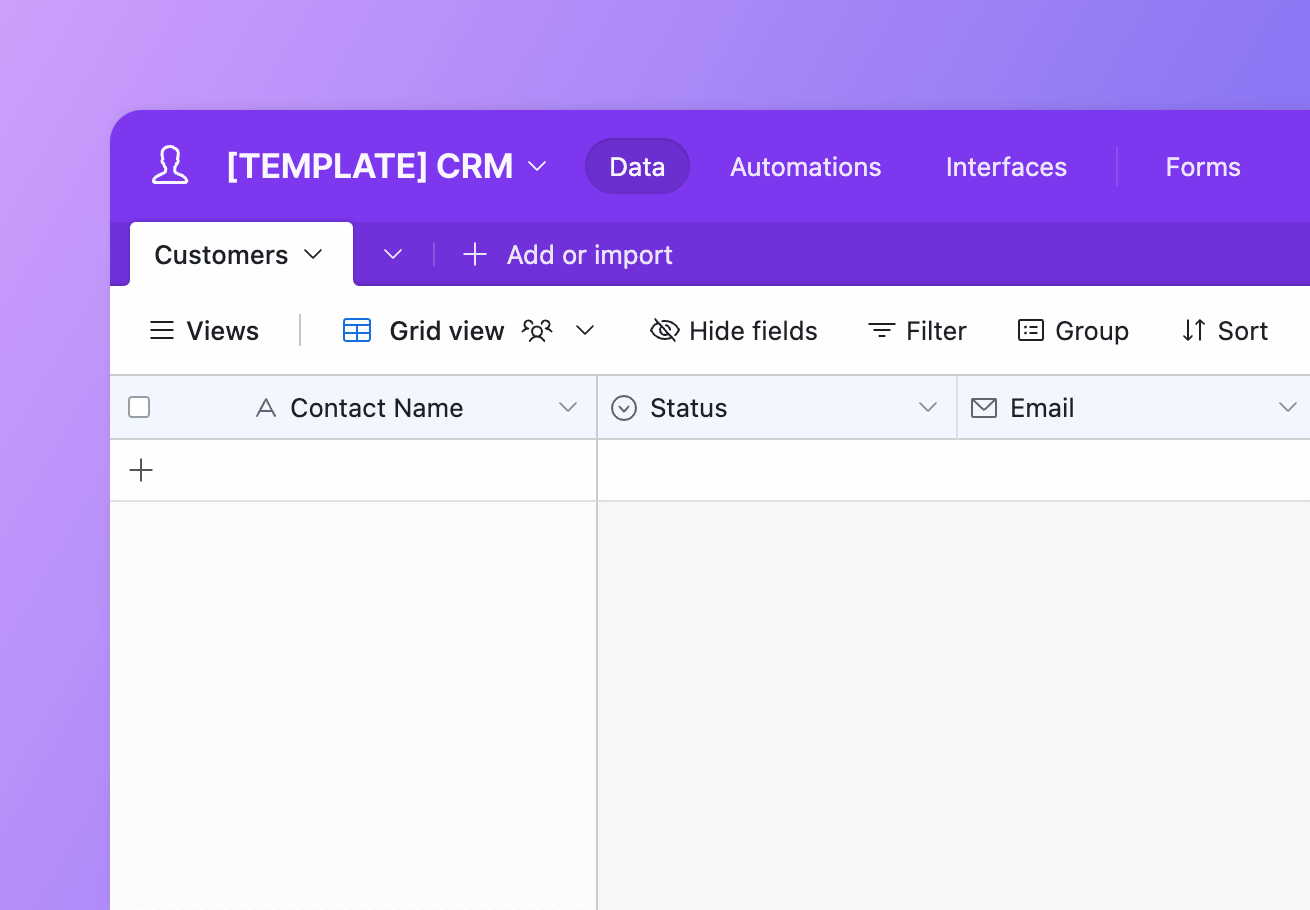
Create a lightweight CRM (eg. Salesforce) using Airtable and Notion. This template pack was created based on the CRM we use at Whalesync.
How to setup
Setup
How to setup the CRM (Notion) template
1
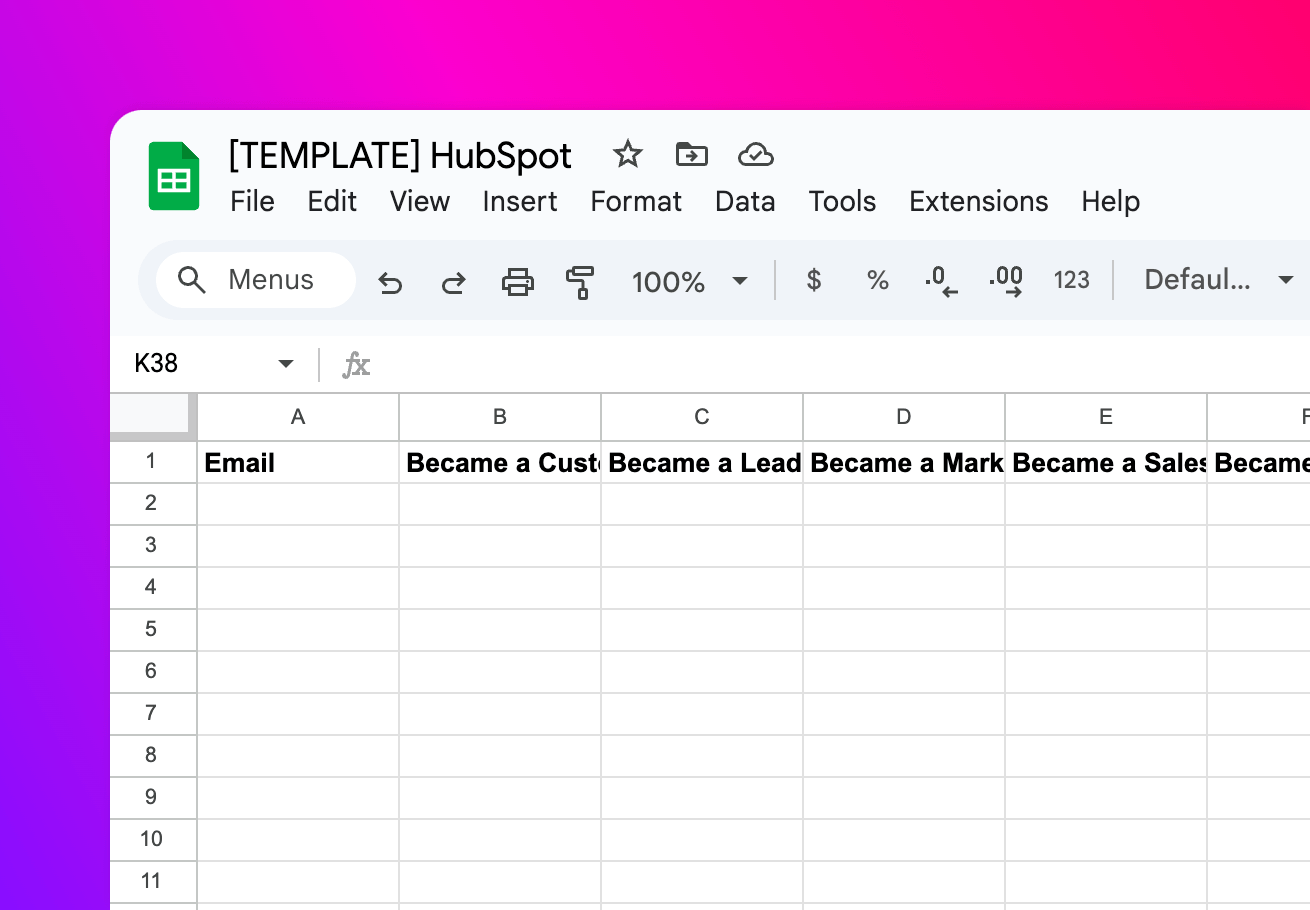
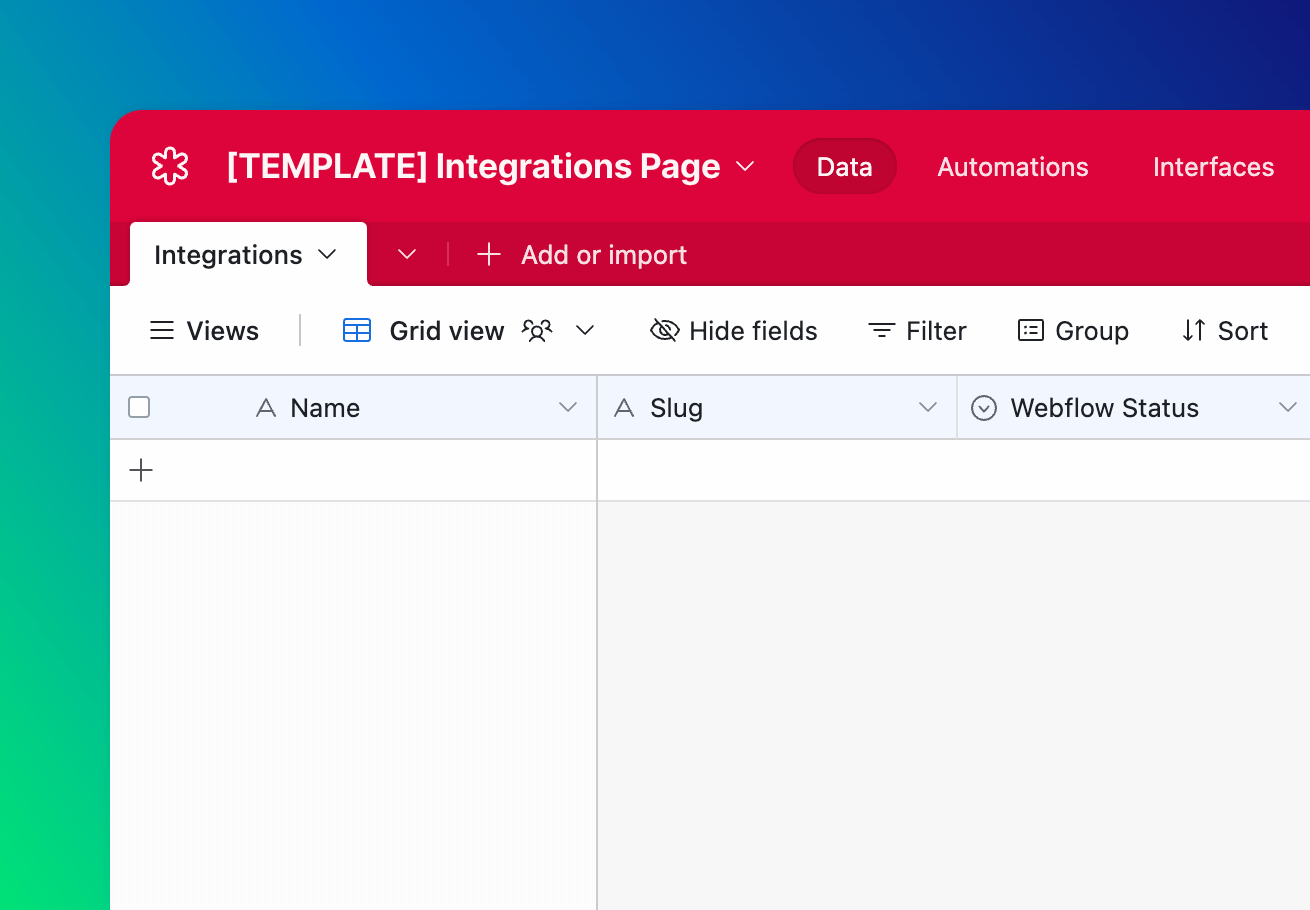
Copy Airtable
Click the button below to open the template then find a button in the top left to copy.
Open template

2
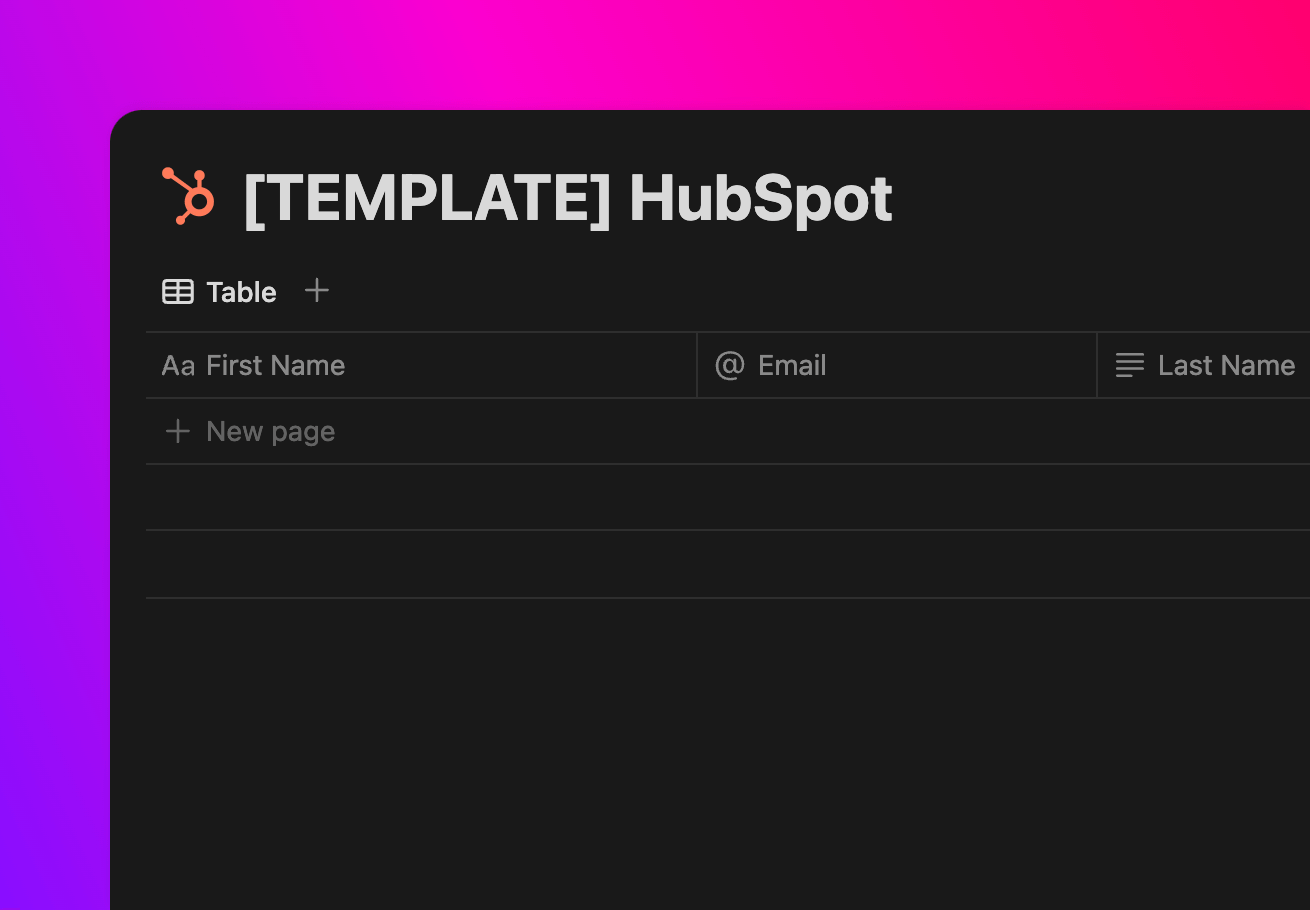
Copy Notion
Click the button below to open the template then find a button in the top right to duplicate.
Open template

3
Sync with Whalesync
Now the fun part! Use Whalesync to connect these two templates and build your app.
Get started free
Discover more
Related template packs



Connect your tools in minutes