All your tools.
Always in sync.
Make your data accessible and actionable in any tool your team relies on, using seamless two-way syncing and automation workflows built to collaborate with your favorite AI agent.

| Company Try ME! ↓ |
Contact | Position |
|---|---|---|
| Acme Corporation | John Smith | Chief Executive Officer |
| Globex Industries | Sarah Johnson | Director of Marketing |
| Umbrella Technologies | Michael Chen | Lead Developer |
| Stark Enterprises | Jessica Rodriguez | Chief Financial Officer |
| Wayne Innovations | David Williams | VP of Operations |
| Oscorp Systems | Emma Brown | Head of Research |

| Company TRY me! ↓ |
Contact | Position |
|---|---|---|
| Acme Corporation | John Smith | Chief Executive Officer |
| Globex Industries | Sarah Johnson | Director of Marketing |
| Umbrella Technologies | Michael Chen | Lead Developer |
| Stark Enterprises | Jessica Rodriguez | Chief Financial Officer |
| Wayne Innovations | David Williams | VP of Operations |
| Oscorp Systems | Emma Brown | Head of Research |


Trusted by the world’s leading business operators
 Series C$350M
 Series C$330M
 Series C$100M

 Series B$72M
 Series C$30M
 Series A$50M
 Series B$86M
 Series B$65M
 Series B$100M
Seamlessly work between your preferred tools with data integrity guaranteed.
No more broken links, mangled formatting, missing images, or outdated sales pipelines. Enable your team to use real-time 2-way syncs between tools, so you’re always aligned.
 Webflow
 Postgres
 Stripe
 Notion
 Google Sheets
 Airtable
A simple, one-time setup. When your data changes in one tool, it instantly syncs in the other.
Your data, now flexible and actionable, without compromise.
Skip the manual data management or reliance on limited engineering resources. With Whalesync your data and your teams are always in sync, so you can focus on real work.
Manage your complex CMS from a spreadsheet
Enjoy the ease of managing your inventory, updating event sites, blog content, or even multiple SEO landing pages from a spreadsheet. It all syncs in real time to your CMS.
Learn more
Easy CRM to spreadsheet syncing so deals are never lost
Your sales and ops teams need to collaborate, but often use different tools. Ensure every stakeholder has the data they need to close crucial business deals.
Learn more
Power your custom internal apps by mirroring your CRM data to your database
Skip the manual work of constantly updating your database by connecting your CRM to Postgres. Your data stays protected, and changes sync automatically.
Learn more
Extract your data safely and easily with Live Export
Build reports, train your AI agent on approved data, or create data backups while ensuring your data isn’t compromised.
Read docs
171 million sync operations a year and counting. Ready to add yours?
Connect your tools, map your data, and start syncing in minutes.
Tools define and handle data differently, and with a powerful data translator like Whalesync, you can be sure your data is correct in every tool, in real time.
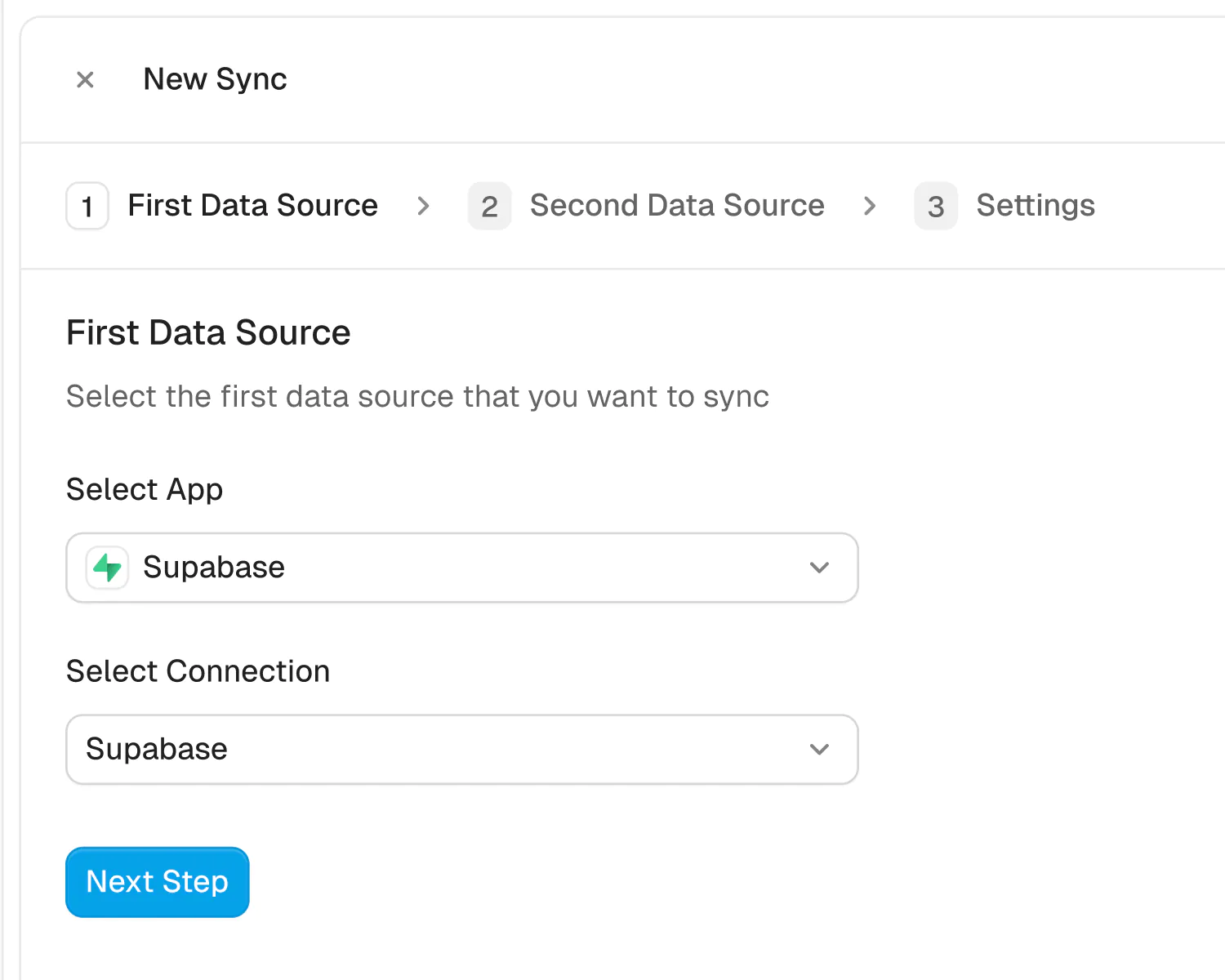
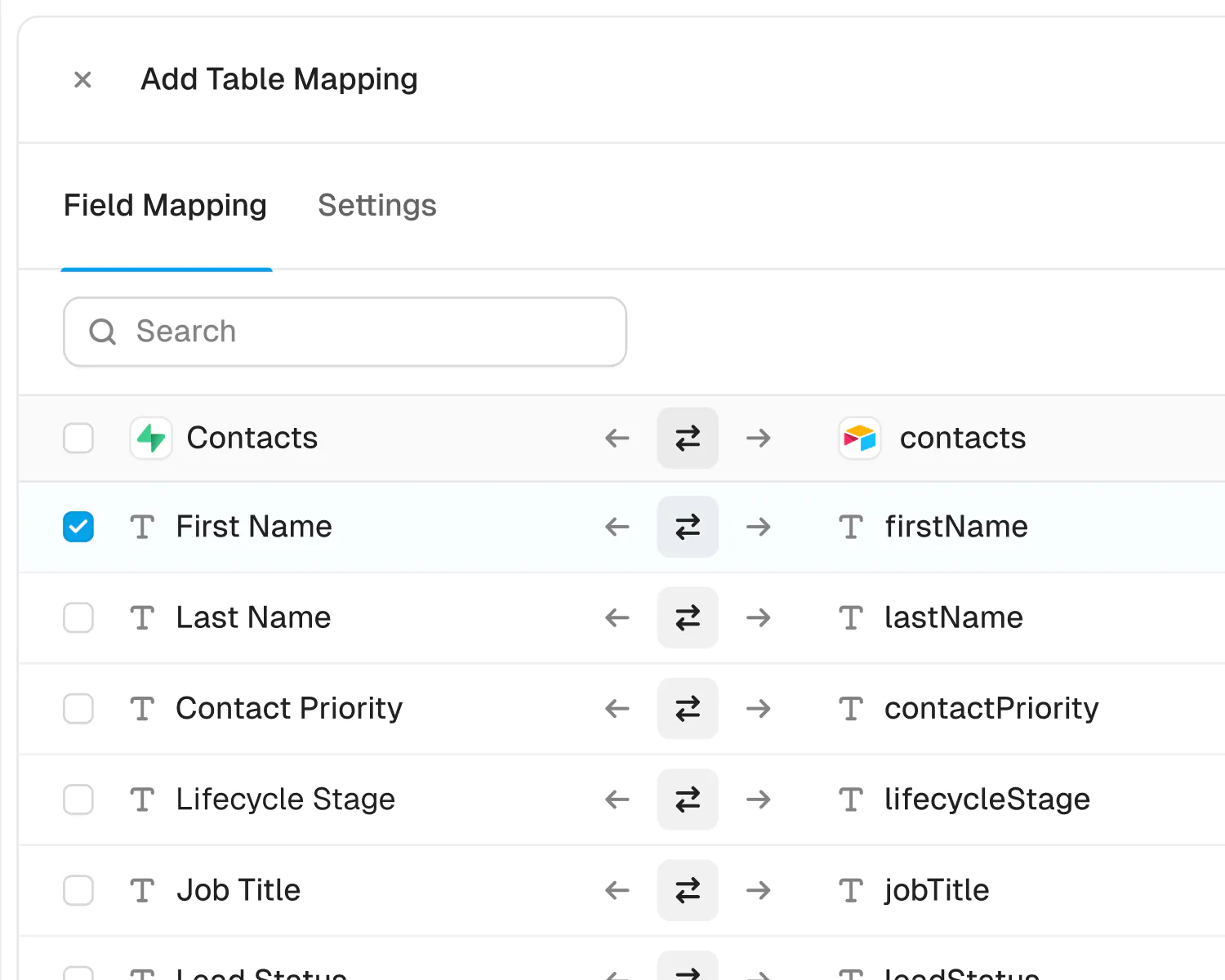
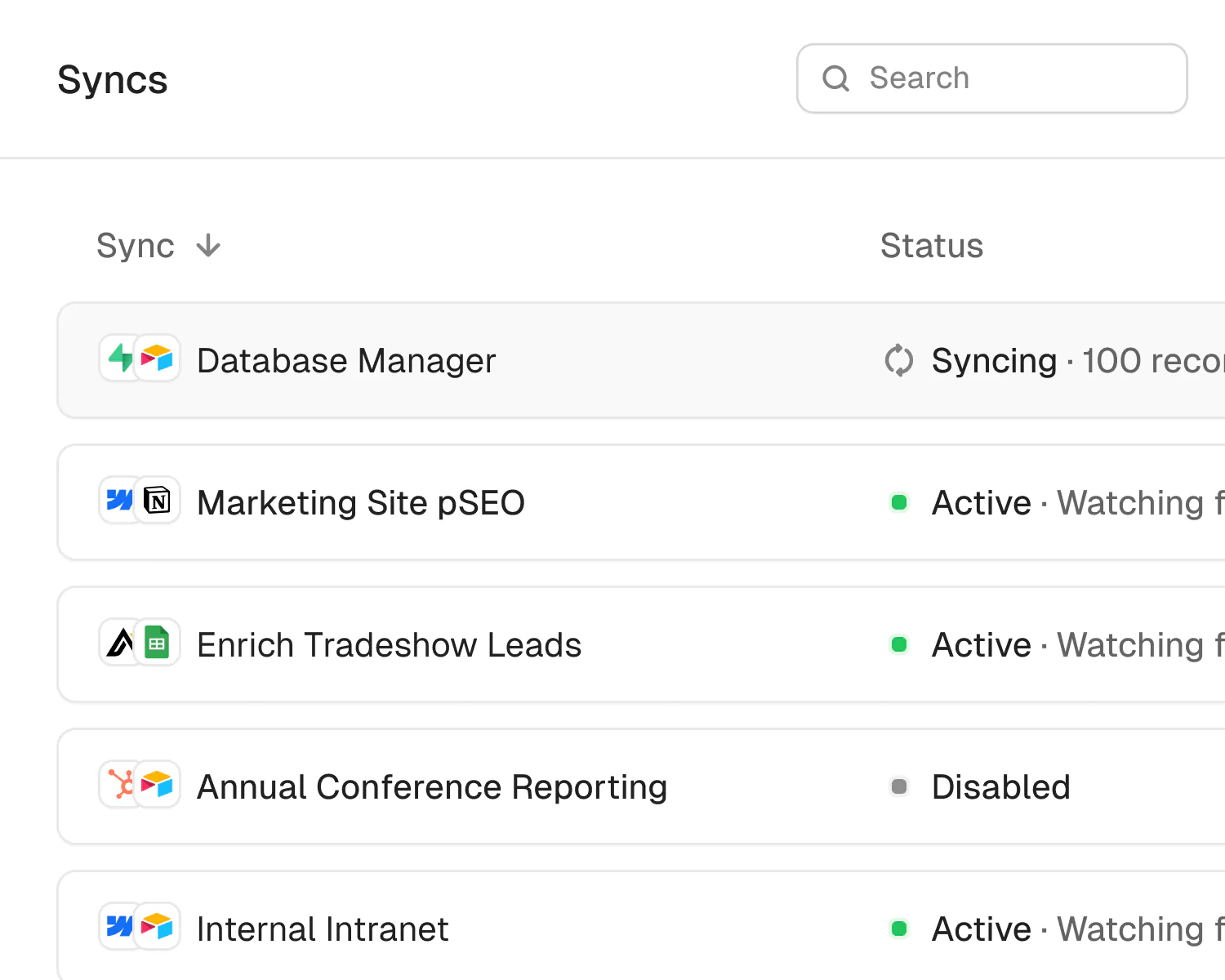
Explore available integrations you rely on daily to get business done.
Curious if the tools you already use are available with Whalesync? Check our full list of powerful connectors for managing your CRM, updating your CMS, and more.
Airtable
SpreadsheetAirtable
SpreadsheetView itemWebflow
CMSSupabase
DatabaseView itemNotion
SpreadsheetSupabase
DatabaseView itemSupabase
DatabaseAirtable
SpreadsheetView itemGoogle Sheets
Spreadsheet
Affinity
CRMView item
Memberstack
No-CodeAirtable
SpreadsheetView itemAffinity
CRMNotion
SpreadsheetView itemAirtable
SpreadsheetWebflow
CMSView itemWebflow
CMSGoogle Sheets
SpreadsheetView itemNotion
SpreadsheetGoogle Sheets
SpreadsheetView item
Google Sheets
SpreadsheetSupabase
DatabaseView itemAffinity
CRMAirtable
SpreadsheetView itemAirtable
SpreadsheetGoogle Sheets
SpreadsheetView itemWebflow
CMSNotion
SpreadsheetView itemNotion
Spreadsheet
WordPress
CMSView itemGoogle Sheets
Spreadsheet
Wix CMS
CMSView itemAirtable
SpreadsheetNotion
SpreadsheetView itemNotion
SpreadsheetWix CMS
CMSView itemAirtable
SpreadsheetWix CMS
CMSView item


Paul R
Member since2022It's awesome! It's just the perfect tool 💪
Show all
Andrea P
Member since2022I LOVE WHALESYNC... It has made my life 10000% better.
Show all
art_lover
Member since2022Cannot recommend it enough - as valuable as Airtable and weblow alone imo.
Show all
Cait T
Member since2022Whalesync is an absolute game changer - I wish I had this a year ago when we were building our current website!
Show all
Aaron R
Member since2022Whalesync is a godsend for the project I'm working on!
Show all
Steve S
Member since2022It works like a Dream! 👌
Show all
“Whalesync helped us create the perfect integrations library on our website. No one on my team has to bother me now for updates!”

Vishal Agarwala

Enterprise-grade security for every team.
Have peace of mind connecting your business-critical data with top-grade security, personalized support, and SSO.


Whalesync uses Google user data only to provide and improve the features you set up. If you sign in with Google, we use your name, email address, and profile picture to create your account and sign you in. If you connect Google Sheets, we read and write only the spreadsheets you connect to a sync or Live Export. If you connect BigQuery for a Live Export, we list the projects and datasets your account can access so you can choose one, create tables in that dataset, and read and write rows only in those tables. Read how we handle Google user data in our Privacy Policy.
Frequently asked questions
Is it really two-way sync?
Yes! Whalesync offers true two-way sync. Unlike most apps that offer one-way syncs in two directions, Whalesync actually keeps your data in sync bi-directionally. Update data in one app and see it sync to the other instantly (or vice versa).
Does Whalesync sync my existing data?
Yes. When you activate a sync, Whalesync runs an initial sync over the data already in both apps, using your record-matching settings to line up records that exist on both sides. Sync Preview shows what will change before anything runs. The same happens when you add a table mapping or change a filter.
Is there a free trial?
Yes. Every plan starts with a 7-day free trial, and no credit card is required to start it. When the trial ends, syncing pauses until you pick a plan; plans start at $20 a month.
Ready to have your data visible in the right tools, at the right time?
Get started in minutes or book a call to discuss how Whalesync can streamline your workflows.