Sync Status in Your WordPress Dashboard
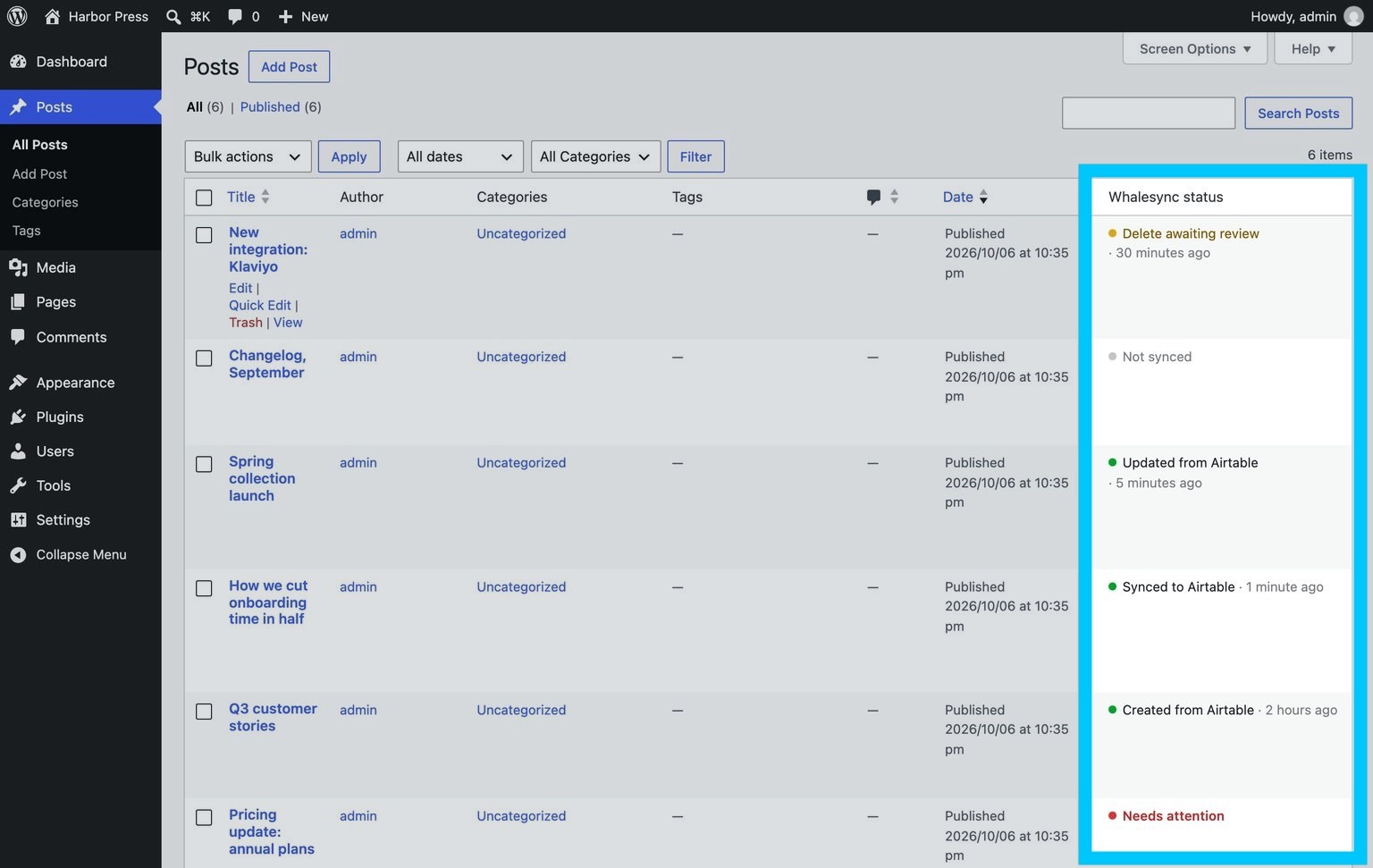
A status column for your synced posts

We made a small WordPress plugin. It’s called Whalesync Status, and it’s in the WordPress plugin directory today.
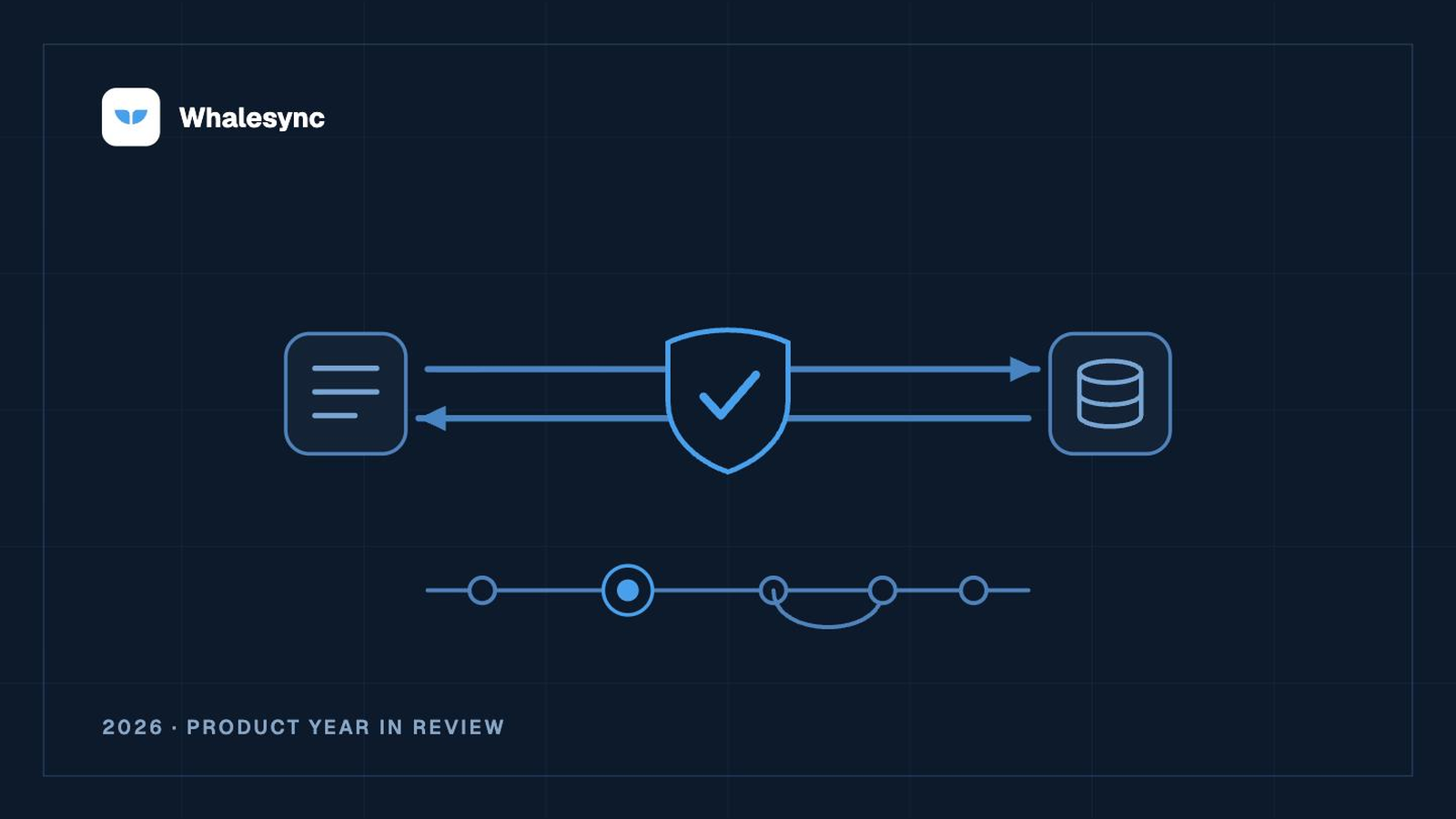
Our WordPress connector syncs your posts and pages with Airtable, Notion, Google Sheets and the rest without anything installed on your site. The plugin isn't a required part of syncing with Whalesync, but it makes the experience a bit nicer. It lets your whole team see what the sync has been up to inside your dashboard, without opening Whalesync.
What it adds
- A status column in your posts list, so each synced post says what last happened to it: “Updated from Airtable · 5 minutes ago”. Pages and custom post types get it too, if your sync maps them.
- A banner on the edit screen, so whoever opens a post knows it’s being synced by Whalesync, with a Sync now button for when you don’t want to wait.
- A sync overview under Settings → Whalesync Status, with any issues or pending deletes that need someone to look at them.
Getting set up
- In WP admin, go to Plugins → Add New, search for “Whalesync”, and install and activate it.
- Open Settings → Whalesync Status and click Connect with Whalesync.
- Sign in, pick your sync, and approve.
It’s version 1.0 and pretty small on purpose. If you find it useful or there’s something more you’d like it to show, let us know. See the plugin’s docs for the full details.
Subscribe for more
Stay up to date with the latest no-code data news, strategies, and insights sent straight to your inbox!