How to Sync Attio and Airtable (Two-Way): 5 Methods Compared
Attio’s own Airtable app is read-only. Compare all five ways to sync Attio and Airtable, then set up real-time two-way sync in five no-code steps.

How to Sync Attio and Airtable (Two-Way)
Attio holds the relationships: people, companies, and deals. Airtable holds the operations: onboarding trackers, content calendars, fulfillment queues. Every time a deal closes, someone retypes the record into the other tool.
Short answer: Attio and Airtable have no native two-way sync. Attio’s own Airtable app is read-only. It lets Attio workflows read Airtable data and never writes back. To keep both tools current you pick one of five methods: CSV exports, Attio’s read-only app, one-way automations in Zapier or Make, a custom API build, or a dedicated two-way sync tool like Whalesync. Only the last one keeps edits flowing in both directions, and it takes minutes to set up with no code.
Below: all five methods compared, the honest limit on each, and a step-by-step two-way setup.
Every way to sync Attio and Airtable, compared
| Method | Direction | Effort | Best for |
|---|---|---|---|
| CSV export and import | One-way, one time | An hour per run | A migration you never repeat |
| Attio’s Airtable app | Read-only into Attio | Minutes | Giving Attio workflows Airtable context |
| Zapier, Make, or Relay | One-way per automation | Hours, then upkeep | A single simple handoff |
| Custom API build | Whatever you code | Weeks, then upkeep | Teams with a spare engineer |
| Two-way sync (Whalesync) | Two-way, real time | Minutes, no code | Both teams editing the same records |
Method 1: CSV export and import
Export records from Attio as a CSV, then import the file into Airtable, or the reverse. It costs nothing and it works.
The limits:
- Snapshots only. The data is stale the second you export it.
- Manual forever. Every refresh means another export, another cleanup, another import.
- Duplicates pile up. Airtable will import the same contact twice unless you dedupe by hand.
Use it for: a one-time migration. Nothing else.
Method 2: Attio’s native Airtable app
Attio publishes an Airtable app in its app store, and it is easy to assume that means sync. It does not. Attio’s own app page describes read access for workflow agent blocks: an agent can find a base, pull records, and use them as context. Attio states it never writes back to Airtable.
Use it for: letting an Attio workflow reason over Airtable data. Do not use it for: keeping records matched. Nothing you change in Attio reaches Airtable.
Method 3: One-way automations (Zapier, Make, Relay)
Automation platforms watch for a trigger in one app and fire an action in the other. Zapier exposes Attio triggers for record created, record updated, and record deleted, plus Airtable triggers for new and updated records. You build one automation per path.
The limits:
- One automation per event, per direction. Creates, updates, and deletes each need their own build. Two objects in both directions can mean a dozen automations to maintain.
- Loops and duplicates. Point two automations at each other and an update in Attio triggers an update in Airtable, which triggers Attio again. Breaking the loop takes filter logic you own.
- Cost scales with volume. Every record change spends a task. Busy tables get expensive.
Use it for: one simple handoff, like creating an Airtable row when a deal reaches Closed Won.
Purpose-built connectors are often still one-way
Outfunnel sells a dedicated Attio and Airtable connector with field-to-column mapping. Worth checking before you buy: its product page describes syncing Airtable into Attio and lists the Attio to Airtable direction as coming soon. If sales edits in Attio and ops edits in Airtable, one direction still loses one side’s work.
Method 4: Build on the Attio and Airtable APIs
Both products ship REST APIs, so your engineer can build the bridge.
The build is the cheap part. You then own change detection, retries, conflict resolution, and both platforms’ rate limits. Airtable’s API allows 5 requests per second per base, and Attio publishes its own limits, so a backfill of a few thousand records needs queueing and backoff. Every schema change on either side becomes a ticket. Without a spare engineer, this option is off the table.
Method 5: Two-way sync
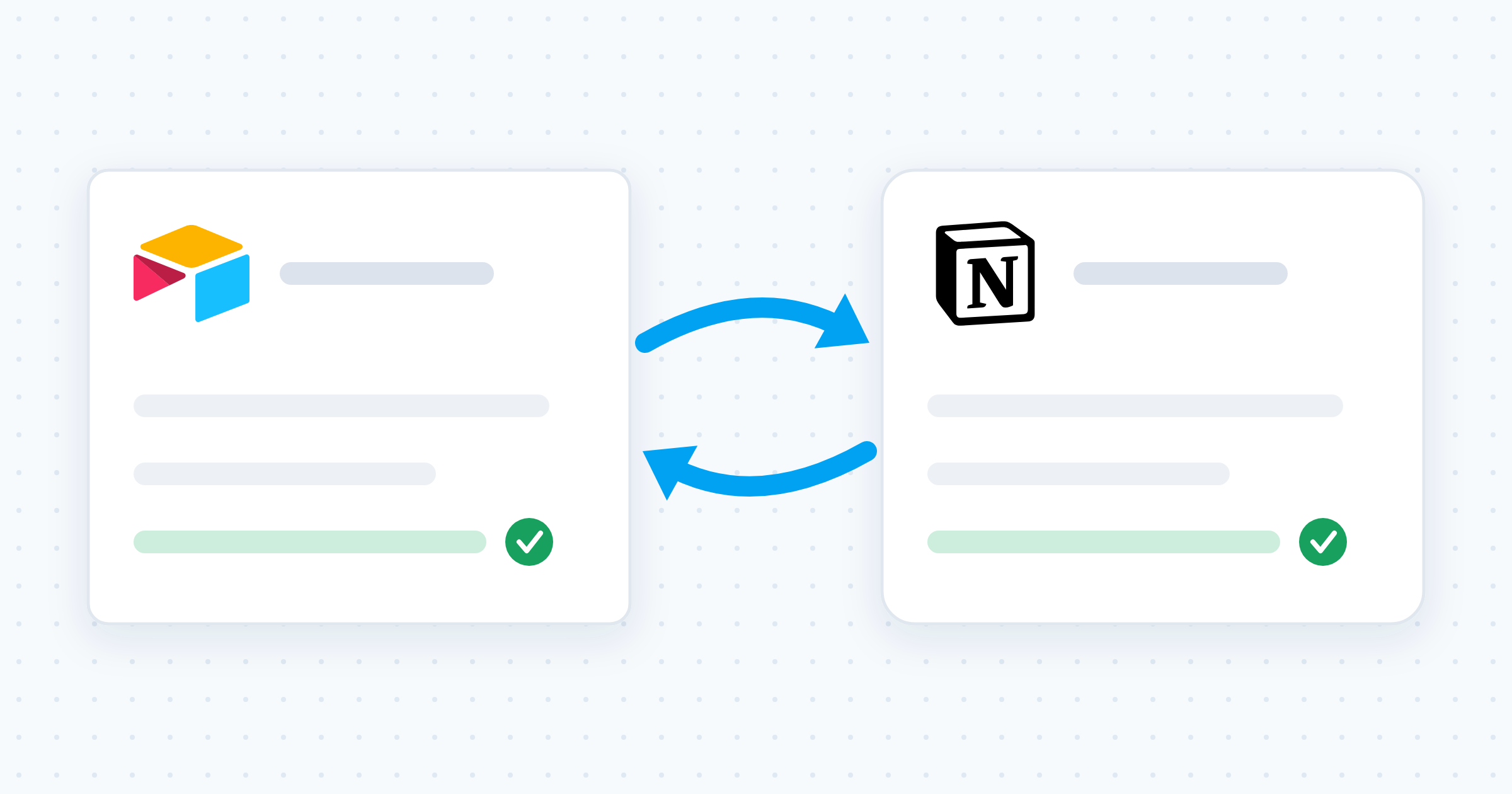
A dedicated sync tool connects an Attio object to an Airtable table and keeps both current automatically. Edit a record in either app and the change lands in the other. No triggers, no scripts, no loop logic.
Whalesync does this for Attio and Airtable with real-time two-way sync, visual field mapping, and no code. Stacksync and Polytomic serve the same job for larger data teams.
Why two-way sync beats one-way automation
One-way automation assumes one tool is always right. Real teams do not work that way. Sales updates a company in Attio while ops corrects that company’s address in Airtable. With a one-way pipe, one of those edits is silently lost.
- Each team keeps its own tool. Sales in Attio, ops in Airtable, the same records underneath.
- No ping-pong. The sync tracks state on both sides, so a mirrored edit does not re-trigger itself.
- Nothing goes stale. Changes flow as they happen, not on a nightly batch.
How to sync Attio and Airtable with Whalesync (5 steps)
Whalesync syncs Attio people, companies, deals, and custom objects with Airtable tables. Setup is no-code and takes minutes.
Step 1: Create a sync. Sign up for Whalesync, start a new sync, and pick Attio and Airtable as your two apps.
Step 2: Authorize both apps. Connect your Attio workspace and your Airtable base. Whalesync walks you through each authorization screen.
Step 3: Pick the object and the table. Choose which Attio object pairs with which Airtable table, for example Attio people with your Contacts table. Start with one pair and add the rest later.
Step 4: Map your fields. Match the fields you want kept in sync: name to name, email to email, deal stage to status. Leave anything that should stay local unmapped.
Step 5: Turn it on. Review the mapping and activate. Whalesync brings over your existing records, then keeps changes flowing both ways in real time. Edit a company in Attio and watch the Airtable row update.
Check these four things before you turn the sync on
Most sync problems are mapping problems. Five minutes here saves a cleanup later.
- Computed fields cannot receive data. Airtable formula, rollup, lookup, and autonumber fields are calculated by Airtable, so nothing can write into them. Sync them outward only, or leave them unmapped.
- Pick one matching field. Decide what makes a record the same record, usually email for people or domain for companies. Without it you end up with two versions of the same customer.
- Agree on who owns each field. If both teams edit deal stage, name the source of truth before the first conflict, not after.
- Decide what a deletion means. Deleting an Airtable row and archiving an Attio deal are different intents. Confirm the behavior you want before go-live.
What teams build with an Attio and Airtable sync
- Client onboarding. A deal closes in Attio and the customer appears in your Airtable onboarding tracker. As ops checks off kickoff tasks, status flows back to Attio, so sales sees progress without asking.
- Fulfillment and delivery. Run projects, orders, or services in Airtable against live customer data. Address changes and contact swaps land in Airtable the moment sales records them.
- Reporting in one place. Pull Attio companies and deals into Airtable, join them with your operational tables, and build interfaces and dashboards that stay current.
Attio and Airtable sync FAQ
Does Attio integrate with Airtable natively?
Yes, but not as a sync. Attio’s Airtable app gives Attio workflow agents read access to your Airtable bases so they can pull records as context. Attio states the app never writes back to Airtable. To keep records matched in both tools, you need a third-party sync.
Can you sync Attio and Airtable two ways?
Yes, with a dedicated sync tool. Whalesync, Stacksync, and Polytomic all offer two-way sync for this pair. Automation platforms like Zapier and Make can imitate it by pointing two automations at each other, but that setup risks duplicate records and update loops, so it needs filter logic you maintain by hand.
How fast do changes sync between Attio and Airtable?
A real-time sync tool moves edits in seconds rather than on a schedule. Automation platforms depend on the trigger type: instant triggers fire on the change, while polling triggers check on an interval, commonly up to 15 minutes. CSV imports are only as fresh as your last export.
Which Attio objects can I sync with Airtable?
Whalesync supports Attio people, companies, deals, and custom objects, each mapped to an Airtable table. Map one pair first, confirm the records look right, then add the others.
Do I need a developer to connect Attio and Airtable?
No. Every option except a custom API build is no-code. A sync tool needs an Attio workspace login, an Airtable base you can access, and a field mapping you click through. Build on the raw APIs only if you need transformation logic no off-the-shelf tool covers, and budget for the ongoing maintenance.
Start syncing
Still deciding which tool should own which job? Read our Attio vs Airtable comparison. If you are still picking a CRM, our Attio vs Folk breakdown compares two leading lightweight options.
Ready to stop copy-pasting customer records? Start your free Whalesync trial and set up your first sync in minutes, or see the Attio and Airtable connect page.
Subscribe for more
Stay up to date with the latest no-code data news, strategies, and insights sent straight to your inbox!