Airtable and Postgres integration
Whalesync syncs Airtable and Postgres both ways. Your team edits rows in an Airtable base, your app reads and writes the same rows in Postgres, and each side sees the other's changes.


What you can do with Airtable and Postgres
Pack and ship orders from Airtable
Your web shop writes each order to Postgres. The packing team works from an Airtable view of those rows, filtered to what's paid and not yet sent, and types in the tracking number as each box leaves. The new status and the tracking number are written to the order's row, so the shop's order page shows them without anyone opening a database client.
Query Airtable data with SQL
The farm team keeps its harvest log in Airtable, with a formula that turns kilos of olives into liters of oil. Synced to Postgres, the log is a table you can join against sales and chart in any BI tool that reads Postgres. Formulas, rollups, and lookups arrive as ordinary columns, synced one way, since only Airtable can compute them.
Track wholesale accounts with their orders linked
Sales keeps wholesale accounts in Airtable, each linked to the orders it has placed. The links sync as foreign keys, so every order row in Postgres points at its account, and moving an order to another account in either app moves it in both. Checkbox fields, such as whether a tasting kit went out, map to boolean columns and sync both ways too.
Everything that syncs
Each card is something you can sync between Airtable and Postgres.
-
All Tables
Two-way
-
All Tables
Two-way
How to sync Airtable to PostgreSQL in 5 minutes
The video walks through an earlier version of this setup, then builds a customer dashboard on the synced tables with Airtable Interfaces. The steps below follow the app as it is today.
Step 1: Create a new sync
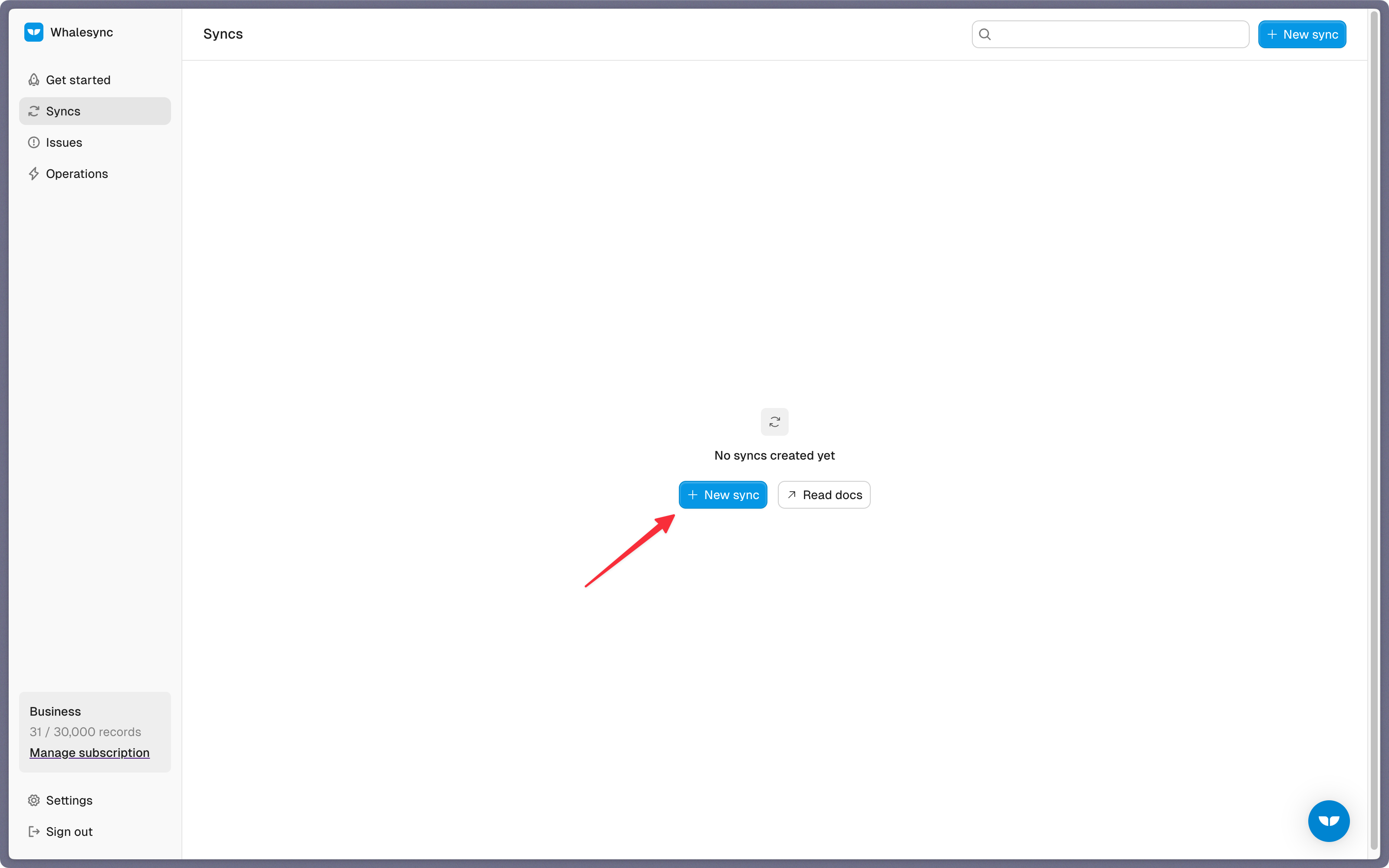
Sign in to Whalesync, click New sync, and choose Airtable and Postgres as the two apps.
Step 2: Authorize your apps
Sign in to Airtable and, on its consent screen, grant Whalesync the base you plan to sync. Whalesync can reach only the bases you grant there.

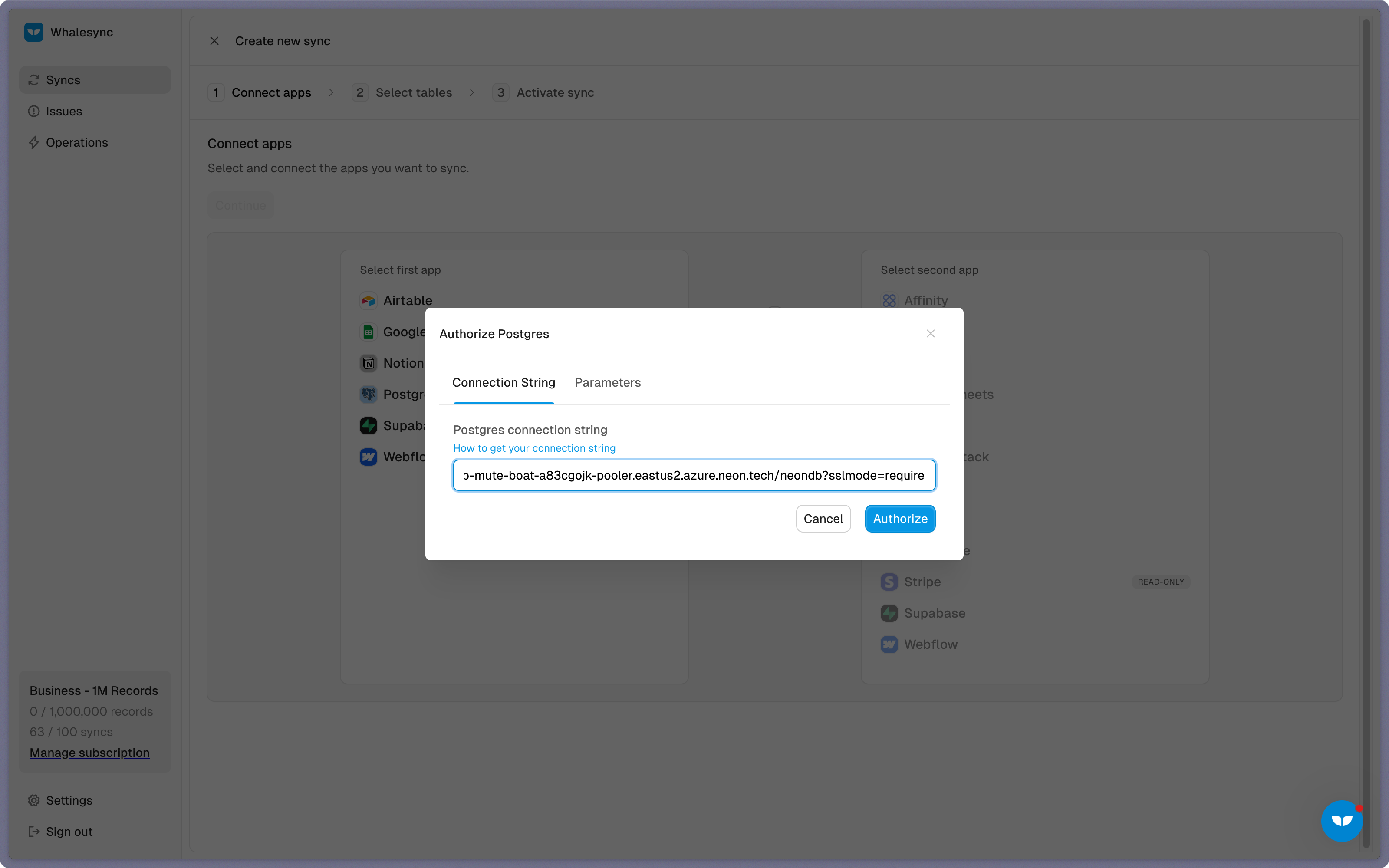
For Postgres, paste a connection string on the Connection String tab, or enter its parts on the Parameters tab, then pick the schema to sync. One connection reads one schema, so the tables you can map are the ones in it. The database has to accept connections from the internet; if it lets in only known addresses, allow Whalesync's, 34.66.3.22. If your host requires SSL, add sslmode=require to the string.
Step 3: Map your tables
Pair each Airtable table with a Postgres table, such as Orders with orders. Where a table exists on one side only, choose Create new table, and Whalesync builds it on the other side with the same fields; a table it creates in Postgres gets a whalesync_postgres_id key. An existing Postgres table needs a key Whalesync can use, a single primary key column with a generated default such as serial or gen_random_uuid(). A table without one shows as needing setup, and Add Whalesync ID column gives it one.

Step 4: Map your fields
When a table mapping opens, Whalesync asks an AI model to pair its fields by their names and types. Click Automap to apply the pairs it found, then map the rest by hand, or use Create fields to add a column or field the other side lacks. Each mapping's arrows set its direction. Airtable formulas, rollups, and lookups can only flow into Postgres, and the Postgres primary key only into Airtable, where it's worth keeping in a text field.

To keep links between tables, map an Airtable linked record field to a foreign key column, such as the Customer field on Orders to orders.customer_id, and map the table it points at as well. A Postgres foreign key holds one row, so map the link from the table whose records each point at a single record.

Step 5: Activate sync
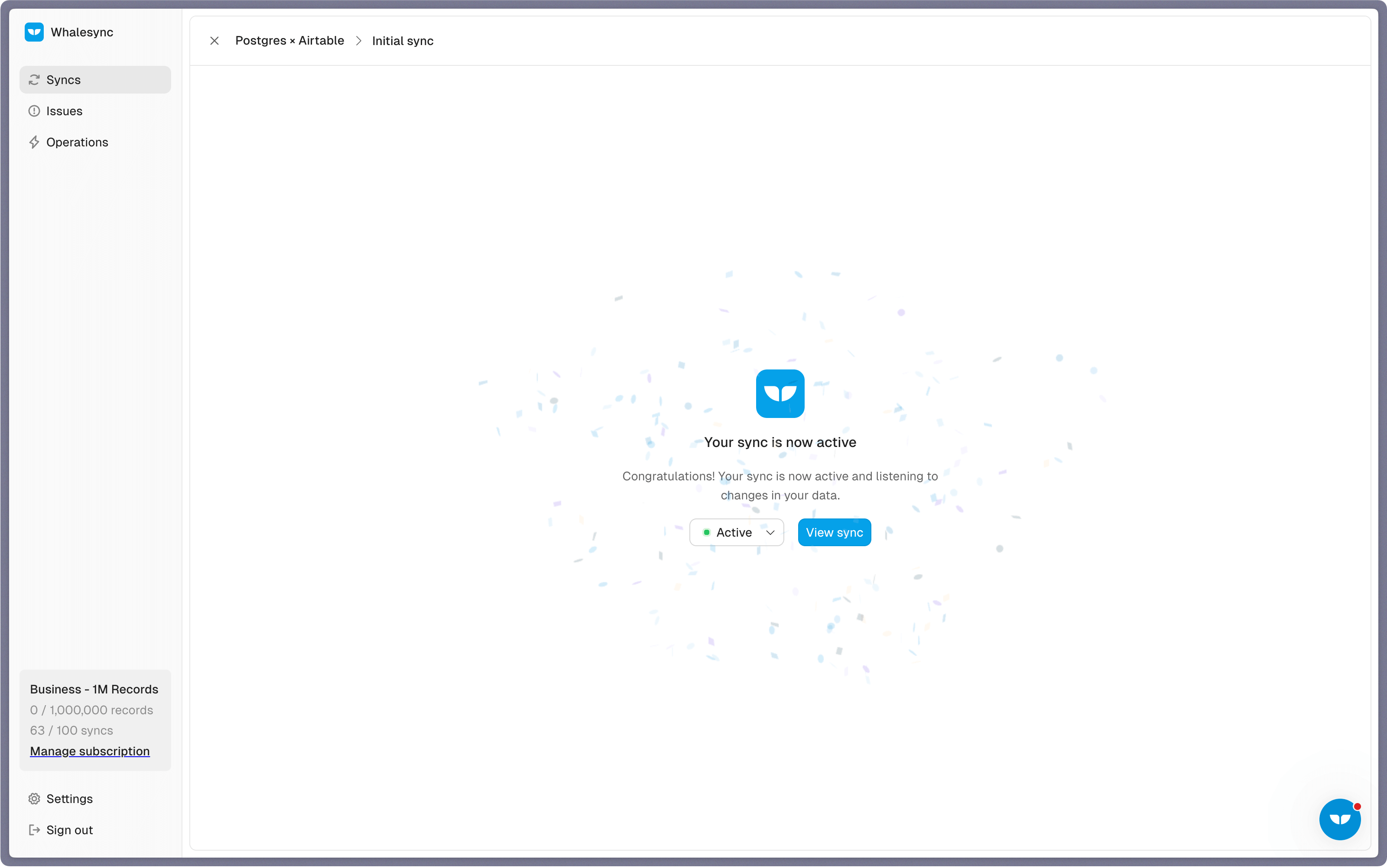
If the same records already exist in both apps, Whalesync asks you to match them. Pick a field that identifies a record in both, such as an order number, and choose which app wins where a matched pair disagrees; matching runs once, at this step. Whalesync then previews how many records it will add and update on each side.

Before you confirm, read the notes it shows. Editing or dropping the whalesync_postgres_id column breaks the sync, and so does renaming a mapped Postgres table. A busy sync can also reach the monthly API call cap on Airtable's Free and Team plans. Confirm, and the sync is on.
3 ways to connect Airtable and Postgres
-
Airtable Web API
Best when an engineer will write and maintain the sync code, and a job that runs on a schedule is fresh enough.
-
Zapier
Best when each new row in one app should create a record in the other, in one direction.
- Triggers on new or updated Postgres rows and Airtable records
- Checks for new data every 1 to 15 minutes, by plan (Zapier)
- Zaps writing to each other can loop, and Zapier doesn't support two-way syncing
-
Whalesync
Best when your team edits in Airtable, your app writes to Postgres, and both have to stay right with no script in between.
- Both directions in one sync, with each field's direction yours to set
- Linked records and foreign keys sync as links, both ways
- Priced by the records kept in sync, however often they change
Airtable Web API and Zapier checked against their own pages in November 2026.
Frequently asked questions
Does Airtable integrate with PostgreSQL?
Not directly: none of Airtable's built-in sync sources is a database. Teams write scripts against Airtable's Web API, build one-way Zaps, or use Whalesync, which keeps an Airtable base and a Postgres schema in sync both ways.
Can I edit a Postgres table from Airtable?
Yes. Pair the table with an Airtable table, and edits made in Airtable are written to the matching rows. The primary key, generated and identity columns, and any column your database user can't update stay read-only, and an enum column accepts only its own values.
Do Airtable linked records sync to Postgres foreign keys?
Yes, both ways, when the Postgres column has a foreign key constraint and the table it references is in the sync. A foreign key holds one row, so map the link field on the table whose records each point at one other record, such as an order's customer.
Does my Postgres table need a primary key?
Whalesync needs one column it can use as each row's ID: a single primary key with a generated default, such as a serial or gen_random_uuid(). A table without one shows as needing setup, and Whalesync can add a whalesync_postgres_id column to it. See the Postgres docs.
Will the sync use up my Airtable API calls?
Whalesync reads and writes Airtable through its API, so the calls count toward your workspace's limit. Free and Team workspaces have a monthly cap; if it's reached, Whalesync stops writing to Airtable and flags the problem on the sync. Business and Enterprise Scale workspaces have no monthly cap (Whalesync docs).
Is the Airtable Postgres sync real-time?
Airtable notifies Whalesync of each change, so Airtable edits reach Postgres soon after they're made. Postgres sends no notifications, so Whalesync reads the mapped tables again and again and picks up a change on its next pass, which takes longer on a large table.
Other apps to connect





Connect your tools in minutes


