Free no-code templates
Build apps faster with template packs
Quickly duplicate templates from your favorite tools to build your syncs.
Get in Sync
Powerful features, built for reliability
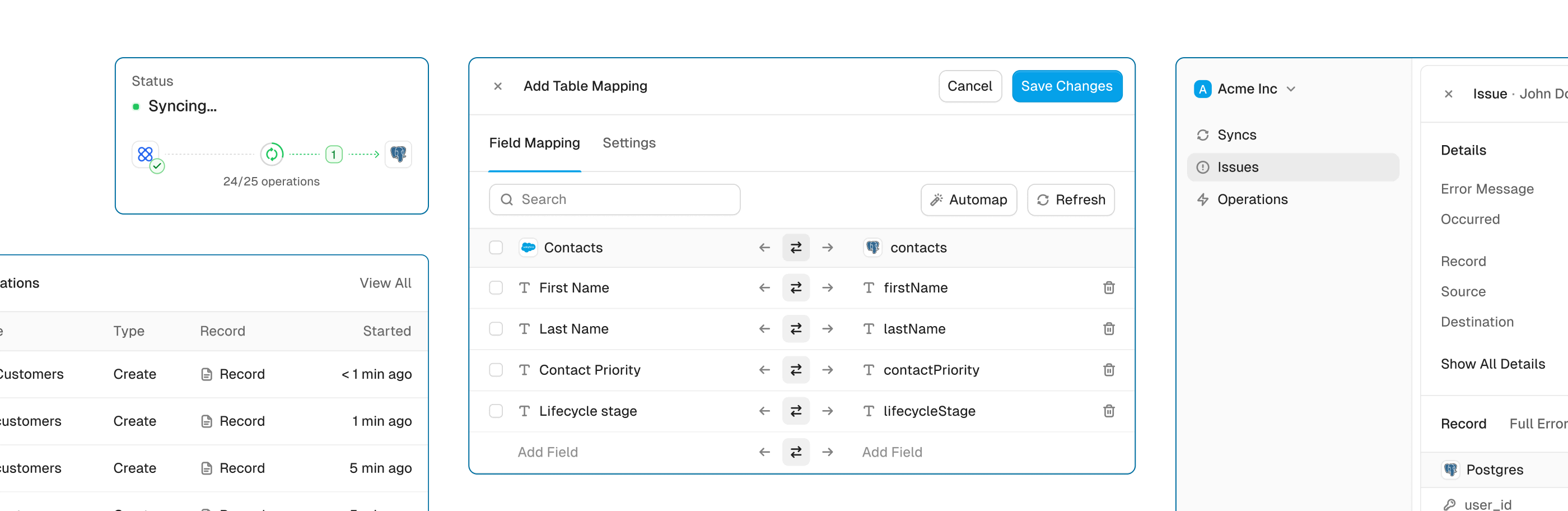
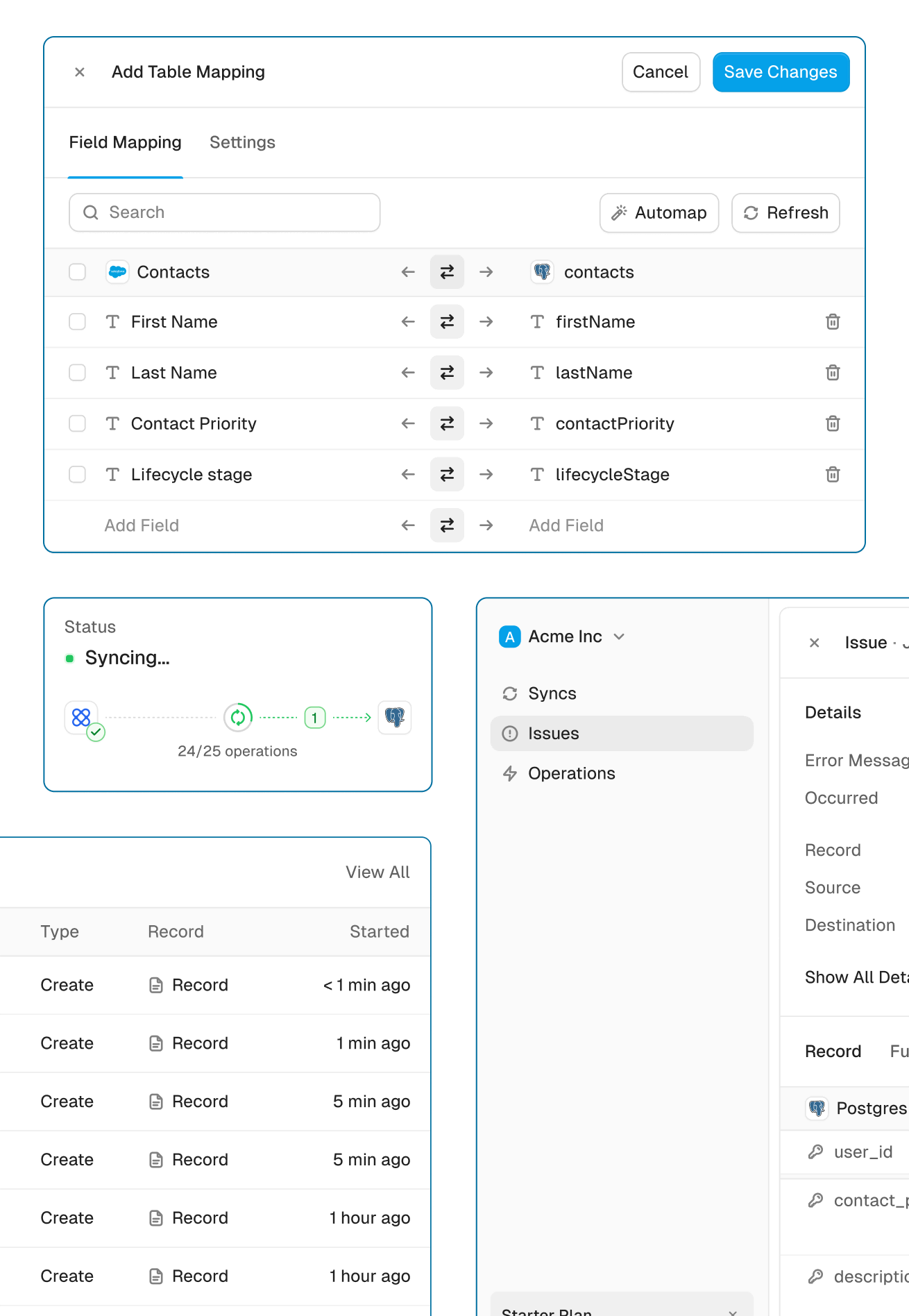
Get the power of an engineering-grade data sync with the simplicity of a no-code tool. Whalesync lets you build a robust, two-way, real-time sync between your apps in minutes, all through a simple visual interface.
Real-time & historical sync
Instantly sync new changes and bring over all your historical data. Your records will be up-to-date across apps from day one.
Efficient error handling
Instant email alerts for quick issue monitoring.
Automatic API handling
Forget about rate limits. Whalesync automatically manages API traffic and retries to ensure your sync runs smoothly without breaking.
Advanced filters
Precision filtering for targeted data sync.
All template packs
Every pack, ready to copy.
- Marketplace
- Close (Airtable)
- Zoho CRM (Airtable)
- Close (Notion)
- pSEO Locations (Webflow)
- Zoho CRM (Notion)
- Internal Tool (Notion)
- HubSpot (Airtable)
- Notion Blog
- Internal Tool (Google Sheets)
- Integrations Page
- WordPress.org Blog (Airtable)
- Pipedrive (Airtable)
- HubSpot - Simple (Notion)
- Salesforce (Airtable)
- Stripe (Notion)
- Pipedrive (Notion)
- Affinity (Notion)
- HubSpot - Simple (Airtable)
- WordPress.org Blog (Notion)
- Stripe (Airtable)
- HubSpot (Notion)
- Memberstack (Airtable)
- Job Board (Airtable)
- Salesforce (Notion)
- Memberstack (Notion)
- Affinity (Airtable)
- pSEO Integrations (Airtable)
- pSEO Integrations (Google Sheets)
- Job Board (Google Sheets)
- Affinity (Google Sheets)
- pSEO Locations (Google Sheets)
- HubSpot (Google Sheets)
- Copper (Airtable)
- Attio (Airtable)
- Attio (Notion)
- Attio (Google Sheets)
- Salesforce (Google Sheets)
- Webflow CMS Map
- Webflow CMS Map Notion
- Programmatic SEO - Coinbase
- CRM (Notion)
- ATS (Airtable)
- Blog (Airtable)
- Investor CRM (Notion)
- ATS (Google Sheets)
- Blog (Google Sheets)
- CRM (Google Sheets)
- Investor CRM (Google Sheets)
- Copper (Notion)
- Resource List
- Wall of Love
- Changelog












