How to Sync Attio and Notion (Two-Way): 5 Methods Compared
Every way to sync Attio and Notion, compared: the native Notion app, Zapier and Make, contact-only tools, the APIs, and a real-time two-way sync you set up in five steps.

How to Sync Attio and Notion (Two-Way)
Your customer data lives in Attio. Your company runs on Notion. Account plans, onboarding trackers, and pipeline reviews all reference customers, so someone copies records between the two every week.
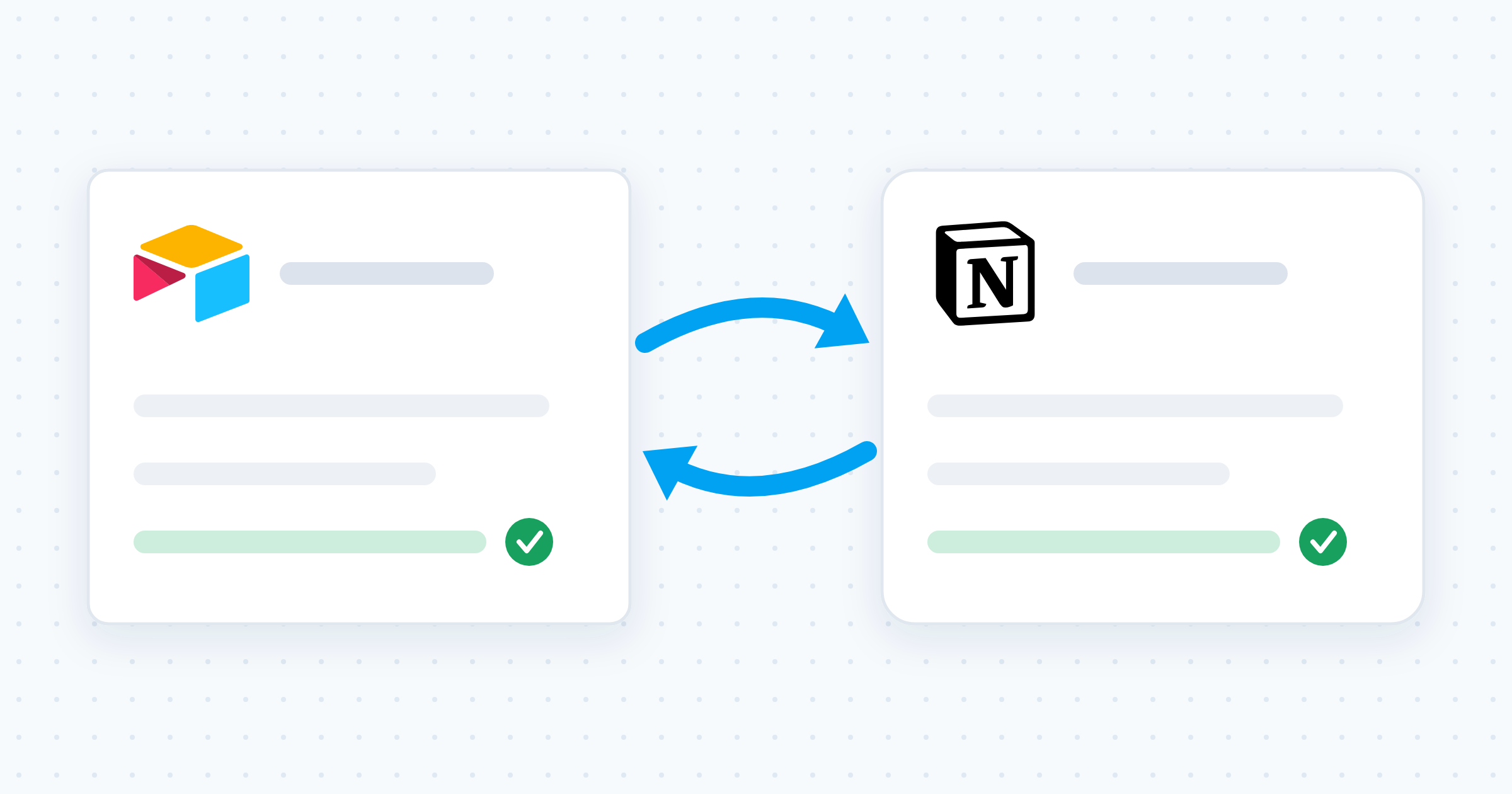
Quick answer: five methods connect Attio and Notion. Attio’s official Notion app pushes data one way, from Attio into Notion pages and databases. Zapier and Make also run one way, one scenario at a time. Contact-only sync tools run both ways but cover people records and nothing else. A custom API script does whatever you build and whatever you maintain. Whalesync is the no-code option that keeps Attio objects and Notion databases in real-time two-way sync, so an edit in either app updates the other. Setup takes five steps.
Every way to sync Attio and Notion, compared
| Method | Direction | Effort | Best for |
|---|---|---|---|
| Copy-paste or CSV | One way, manual | Minutes, every single time | A one-time snapshot |
| Attio’s official Notion app | One way, Attio to Notion | Medium: needs a Notion access token | Logging Attio activity into Notion |
| Zapier or Make | One way per scenario | Medium: one scenario per direction | Occasional triggers at low volume |
| Contact-only sync tools | Two way, on a polling interval | Low | People records and nothing else |
| Custom API script | Whatever you build | High: engineering time, forever | Teams with developers to spare |
| Whalesync | Two way, real time | Low: no-code, minutes | Keeping Attio objects and Notion databases identical |
1. Attio’s official Notion app
Attio ships an official Notion app that runs inside Attio workflows. It offers three actions: create a page, create a page in a database, and add content to a page. When it writes to a database, it loads that database’s property schema so you can map Attio data to the right fields, and it supports text, URL, number, checkbox, date, email, phone number, select, status, multi-select, and people properties.
Attio’s documented setup:
- Install the Notion app from workspace settings in Attio. You need admin access in both tools.
- Create a connector in the Notion developer portal and pick access token authentication.
- Enable read content, insert content, and update content. Add read user information if you map people properties.
- Copy the access token and paste it into the Notion app in Attio’s workspace settings.
- Share the connector with each Notion page you want to write to, from that page’s connection settings.
The limit: it runs Attio to Notion only. Nothing your team edits in Notion travels back to the CRM. Attio also notes that content over 2,000 characters splits into multiple blocks, and that MCP tools inside custom agents are read only for now.
2. Zapier or Make
Both platforms connect the two apps without code. Zapier lists Attio triggers for records and list entries created, updated, and deleted, plus actions including create or update record and find records. Make watches Attio entries and pairs them with a long list of Notion modules.
You can build one flow per direction and get something that looks like two-way sync. It rarely holds up:
- Loops and duplicates. Two flows pointed at each other re-trigger on their own writes unless you build the matching logic yourself.
- Cost tracks change volume. Every record edit consumes a task or an operation, and a busy CRM produces a lot of edits.
- Silent gaps. A failed run leaves a missing record you discover weeks later.
- No backfill. Triggers fire on new changes only, so the records already sitting in both apps stay unlinked.
3. Contact-only sync tools
A few tools do move data both ways, with the scope fixed to people. SyncPenguin syncs contact fields such as names, email addresses, and phone numbers, and states that it checks for changes every 10 minutes. Outfunnel lists a two-way Attio and Notion contact sync as early access. Both are fine if contacts are all you need. Neither helps when your Notion workspace tracks companies, deals, or a custom object.
4. CSV export and import
Attio exports records to CSV and Notion imports CSV into a database. Every import creates a fresh snapshot, and Notion does not match imported rows to existing pages, so repeat imports leave you deduplicating by hand. Use it for a one-time migration, not for upkeep.
5. The Attio and Notion APIs
Attio has a REST API and so does Notion, so a developer can script a custom sync. Budget for authentication in both apps, rate limits, retries, conflict handling when both sides change the same field, and permanent ownership of the script. It works. It is rarely the cheapest option once you count the maintenance.
Why two-way sync beats one-way automation
A one-way automation pushes copies. A two-way sync keeps one dataset alive in two places.
- Edit anywhere. Change a field in Notion and the linked record updates in Attio. Change it in Attio and Notion follows.
- No duplicate pages. The sync updates the matching record instead of stacking a new copy on every change.
- Existing records included. Your current records get linked up front, rather than the sync starting from the next edit.
- Always current. Updates flow in real time, so the Notion view your team reads holds the same data as the CRM.
For a team that reviews accounts in Notion but manages pipeline in Attio, that is the difference between a report and a working surface.
How to sync Attio and Notion with Whalesync (5 steps)
Whalesync connects Attio and Notion with a real-time, two-way sync. Setup is no-code and takes minutes.
Step 1: Create a sync. Sign in to Whalesync, create a new sync, and pick Attio and Notion as your two apps.
Step 2: Authorize both apps. Connect your Attio workspace and your Notion workspace, and grant Whalesync access to the databases you want to keep in sync.
Step 3: Pair your tables. Match an Attio object to a Notion database. Companies, People, Deals, and custom objects are supported, so you are not limited to contacts.
Step 4: Map your fields. Use the visual field mapper to connect the fields you care about, such as company name, deal stage, and owner. You decide exactly which fields sync.
Step 5: Activate and test. Whalesync brings over your existing records and then keeps both sides updated in the background. Edit a record in Attio and watch the matching Notion page update, then edit it in Notion and watch the change flow back.
What you can build once Attio and Notion stay in sync
Account plans with live CRM data. Sync Attio companies into a Notion database, then build account plan pages on top of it. Deal stage, owner, and next steps stay current without anyone updating them by hand. Our guide to Notion databases two-way sync shows how far you can push Notion once its databases stay live.
An onboarding tracker your whole team trusts. When a deal closes in Attio, the customer appears in your Notion onboarding board automatically. When success marks a step complete in Notion, the update writes back to the record in Attio, so sales and success read the same status.
A weekly pipeline review inside your workspace. Run your Monday review from a Notion view of live Attio data, next to the meeting notes and action items it produces. Still choosing the CRM itself? Read our Attio vs Folk comparison first.
Frequently asked questions
Does Attio have a native Notion integration?
Yes. Attio ships an official Notion app that runs as part of Attio workflows, with three actions: create a page, create a page in a database, and add content to a page. Attio lists it as available on all plans, but it needs a workspace admin in both tools plus an access token from the Notion developer portal. It only sends data from Attio to Notion.
Can I sync Notion back to Attio?
Not with the native app, and not with a single Zap or Make scenario. Each of those runs in one direction. To have Notion edits update Attio records, you need a real two-way sync: either a dedicated sync tool or a custom script that matches records on both sides and resolves conflicts.
Can I sync Attio companies and deals, or only contacts?
It depends on the tool. Contact-only sync services cover people records and stop there. Whalesync supports Attio Companies, People, Deals, and custom objects, so you can pair a Notion database with whichever object your team works from.
Do I need a developer to sync Attio and Notion?
No. Attio’s own app, Zapier, Make, and Whalesync are all no-code. You need a developer only for the API route, and that route also makes you the long-term owner of the sync: authentication, rate limits, retries, and conflict handling all become code you maintain.
What happens to the records I already have?
Automations built on triggers fire on new changes only, so records that already exist in both apps stay unlinked until someone edits them. A sync handles the starting state instead: Whalesync brings over your existing records first, then keeps both sides updated in the background.
Ready to retire the copy-paste routine? Create a free Whalesync account and set up your first sync in minutes, or see the full details on the Notion and Attio connect page.
Subscribe for more
Stay up to date with the latest no-code data news, strategies, and insights sent straight to your inbox!