How to Sync Airtable and Google Sheets: 5 Methods (Including Two-Way)
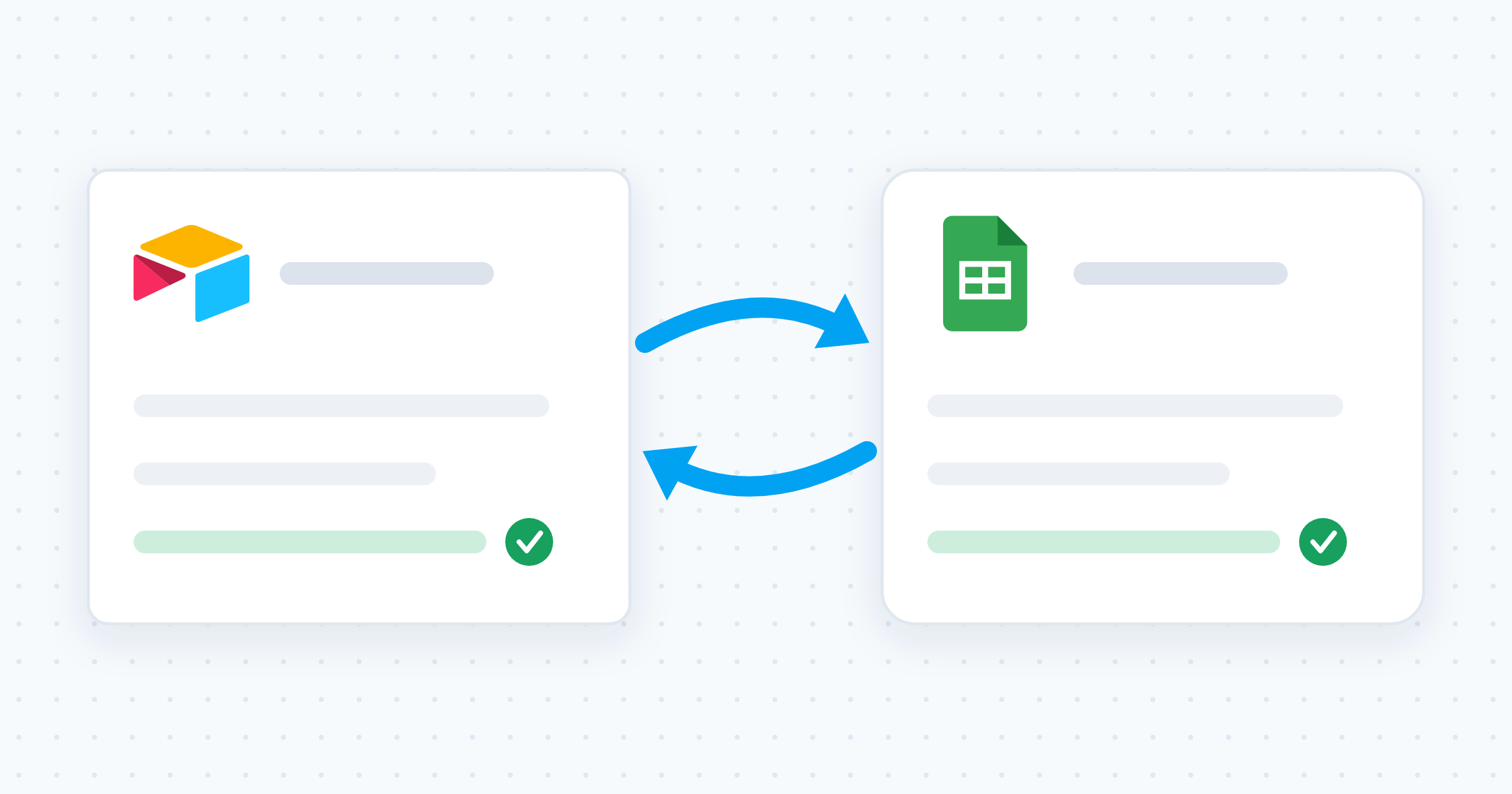
Airtable has no native Google Sheets sync. Compare all five ways to connect the two tools, with the honest limits of each, then set up real-time two-way sync in minutes.

How to Sync Airtable and Google Sheets: 5 Methods (Including Two-Way)
Ops runs projects, inventory, and customers in Airtable. Finance builds the reports in Google Sheets. So every week someone exports a CSV, pastes it into a Sheet, and emails it around. By Monday the numbers are stale and nobody knows which copy is right.
The quick answer
Airtable has no native Google Sheets sync. Airtable’s built-in sync connects one base to another, plus a fixed list of integrations. Google Sheets is not on that list. To keep the two tools aligned you need a third-party connection. For one direction, an Airtable automation or a Zap will do. For real-time two-way sync, where an edit in either tool updates the other, use a dedicated sync tool like Whalesync: connect both accounts, map your fields, turn it on. No code, and it takes minutes.
Every way to sync Airtable and Google Sheets
You have five options. Four move data in one direction. One keeps both sides editable.
| Method | Direction | Effort | Stays current? | Best for |
|---|---|---|---|---|
| CSV export and import | One way, by hand | 5 minutes | No | A one-time migration |
| Airtable native sync | Not available for Sheets | n/a | n/a | Airtable base to base |
| IMPORTDATA from a shared view | Airtable to Sheets | 10 minutes | Yes, on a delay | Free read-only reporting |
| Automations (Airtable, Zapier, Make) | One way per automation | 20 to 60 minutes | New changes only | Simple hand-offs |
| Two-way sync (Whalesync) | Both ways | Minutes, no code | Yes, real time | Teams editing in both tools |
1. CSV export and import
Airtable exports any view as a CSV, and Google Sheets imports it from File > Import. Fine for a one-time move.
- The copy goes stale the second either side changes
- Linked records and attachments flatten into plain text
- Someone repeats the whole process for every refresh
2. Airtable’s native synced tables (and why they miss Sheets)
Airtable’s sync feature pulls a shared view into a synced table in your base. It is genuinely useful, but Google Sheets is not one of its sources. Airtable’s documented sync sources are other Airtable bases plus integrations like Box, Google Drive, Google Calendar, GitHub, and Miro, with Salesforce, Jira, and Zendesk on higher plans.
Three more limits worth knowing before you go looking for this feature:
- Synced tables are read-only in the destination base. Nobody edits the synced fields where they land.
- Two-way syncing is base to base only, and Airtable lists it on its Business and Enterprise Scale plans.
- Integrated sync sources cap at 10,000 records, per Airtable’s own documentation.
What you can do natively is a one-time import: Airtable reads a Google Sheet on the way in. After that, it is a static copy, and changes on either side never cross.
3. IMPORTDATA from a shared Airtable view
The free route. Share an Airtable grid view, copy the CSV link from that share dialog, and pull it into a Sheet with =IMPORTDATA("your-csv-link"). Google Sheets refreshes the range on its own schedule.
- One direction only. Nothing you type in Sheets returns to Airtable.
- The formula owns the cells. You cannot edit inside the imported range, so no notes, no extra columns inside the block.
- The share link is public. Anyone who has the URL can read the view, so keep customer and financial data off it.
- Refresh is periodic, not instant.
4. One-way automations (Airtable, Zapier, Make)
Automations watch for a trigger ("new record in Airtable") and run an action ("add row to Google Sheets"). Airtable’s own Google Sheets action appends a row: it does not hunt down an existing row and update it. Zapier and Make can update rows, but you build and maintain each path yourself.
- One direction per automation. Pointing two at each other risks an endless loop of updates.
- New changes only. Existing records stay behind; the clock starts when you switch it on.
- Per-task pricing. Every row change burns a task, so busy tables get expensive.
- Maintenance. You need separate paths for created, updated, and deleted records, and one renamed column quietly breaks the chain.
5. Real-time two-way sync (Whalesync)
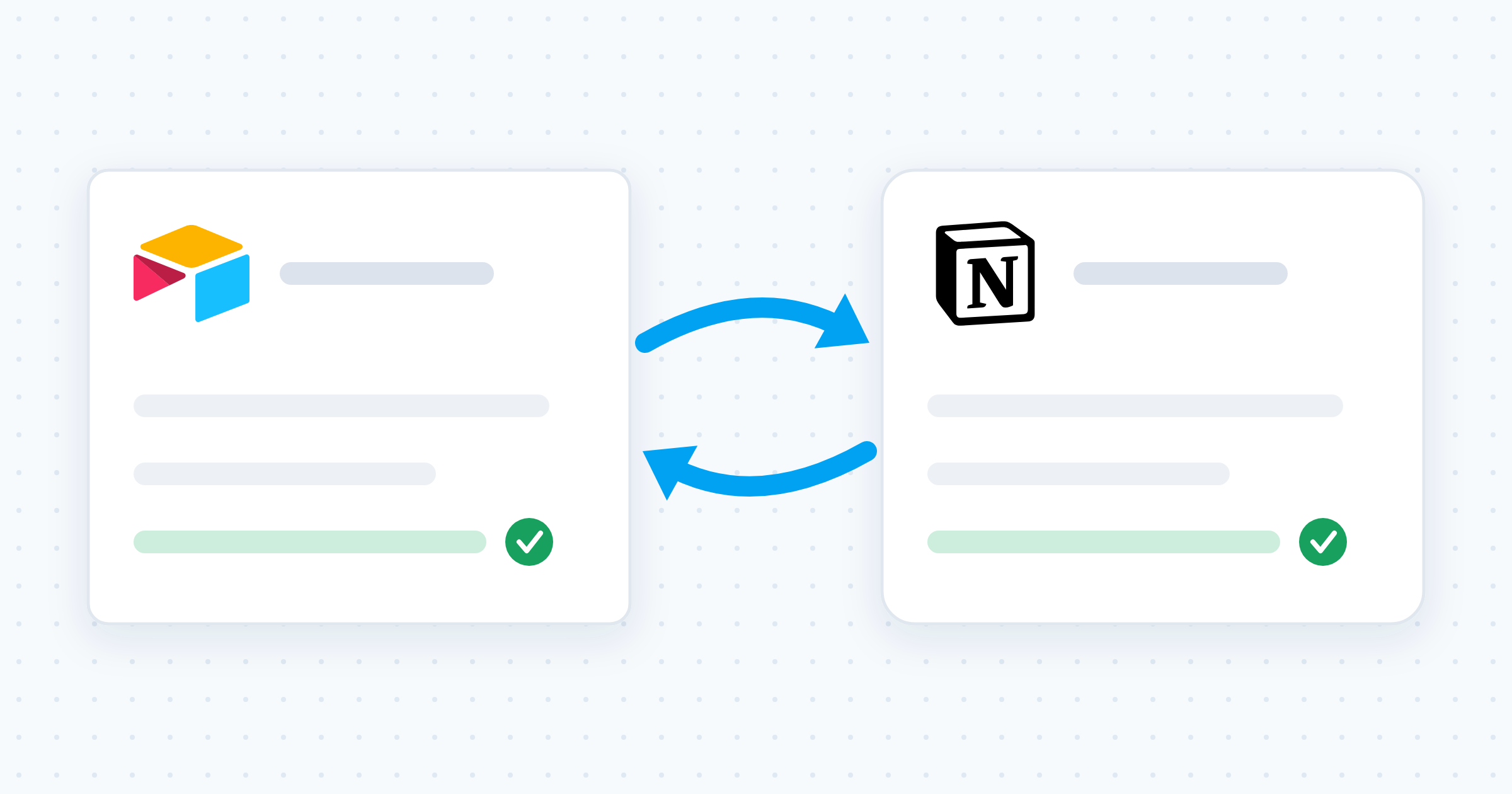
A two-way sync treats your Airtable table and your Sheet as two views of the same data. Edit a record in either tool and the change appears in the other. Whalesync does this with no code: connect both accounts, map the fields visually, turn the sync on. Your existing records come across at setup, not just future ones.
Why two-way sync beats one-way
One-way tools move data. Two-way sync keeps data agreed.
- Everyone works where they already work. Ops stays in Airtable, finance stays in Sheets, both see the same records.
- No duplicate data entry. A change lands once and shows up everywhere.
- No loops. The sync knows which Airtable record matches which Sheet row, so updates never ping-pong.
- Historical data included. Your back catalogue syncs at setup.
How to sync Airtable and Google Sheets with Whalesync
Before you start
- Give your Sheet one header row in row 1, with a distinct name for every column.
- Decide which fields each team actually needs. Map those, skip the rest.
- Have login access to both the Airtable base and the Google account that owns the Sheet.
The five steps
Step 1: Create a new sync
Sign in to Whalesync and create a sync. Choose Airtable and Google Sheets as your two apps.
Step 2: Authorize both apps
Connect your Airtable account and your Google account. Whalesync walks you through each authorization screen.
Step 3: Pick the table and the Sheet
Choose the Airtable table on one side and the Google Sheet tab on the other. This pair is what the sync keeps aligned.
Step 4: Map your fields
Match the columns visually: name to name, status to status, owner to owner. You control exactly which fields stay in sync and which stay private to one tool.
Step 5: Turn the sync on
Activate it. Whalesync brings over your existing records, then watches both sides. Edit a record in Airtable and the row updates in Google Sheets. Edit the Sheet and Airtable follows. From here it runs in the background.
What teams build with an Airtable and Google Sheets sync
Ops database, finance reporting. Keep customers, projects, or inventory structured in Airtable, and give finance a live Sheet for pivot tables, charts, and budget models. Each tool does what it is best at. Still deciding which tool owns what? Read our Airtable vs Google Sheets guide.
Sharing with people who live in spreadsheets. Executives, clients, and partners want a spreadsheet, not a login to your base. Sync the records they need into a Sheet and share that. They always see current data, and you never export another CSV.
A live, portable copy of your base. If Airtable runs your content operation (see using Airtable as a CMS), a synced Sheet is an always-current copy of every record outside Airtable. It also makes base growth easy to watch as you approach the Airtable record limit.
Common problems, and how to avoid them
- Duplicate rows. Almost always an append-only automation firing twice. A sync that matches records to rows does not create a second copy.
- A renamed column breaks everything. Rename in one tool, then remap the field, rather than leaving the pair guessing.
- Blank or merged header rows. Google Sheets needs a single clean header row for any tool to read the columns.
- Two people editing the same cell. Agree which tool owns which fields, and only map the fields each side genuinely needs.
Airtable and Google Sheets sync FAQ
Does Airtable sync with Google Sheets natively?
No. Airtable’s sync feature covers base-to-base syncing and a set list of integrations that does not include Google Sheets. You can import a Google Sheet into Airtable once, but that creates a static copy: later edits on either side never cross. Any ongoing connection needs a third-party tool.
Can I sync Google Sheets back to Airtable?
Yes, but only with a tool built for it. Airtable’s built-in Google Sheets automation action pushes rows out, not in. Zapier and Make can write into Airtable, though you build that direction as a separate automation. A two-way sync handles both directions from one setup.
Is there a free way to sync Airtable and Google Sheets?
Yes, with trade-offs. The IMPORTDATA method costs nothing and pulls Airtable into Sheets on a delay, but it is one direction, the imported cells are read-only, and the share link is public. Airtable automations are included in paid Airtable plans and push rows out one way. You can also create a Whalesync account for free and set up your first sync.
How fast is a two-way sync?
Whalesync syncs in real time, so an edit in one tool shows up in the other without you refreshing or waiting for a schedule. Automations run per trigger, and formula-based imports refresh on Google’s own timetable rather than instantly.
What happens if the same record is edited in both tools at once?
One value has to win. That is true of every sync tool, so the fix is organizational rather than technical: decide which tool owns which fields, and map only the fields each team needs to edit. Fields that only one side ever touches never collide.
Ready to stop copy-pasting? Create your free Whalesync account and set up your first Airtable and Google Sheets sync in minutes.
Subscribe for more
Stay up to date with the latest no-code data news, strategies, and insights sent straight to your inbox!