The easiest way to sync Google Sheets and Zoho CRM
Get true, two-way sync between Google Sheets and Zoho CRM in minutes. Update data in one tool, and Whalesync mirrors it in the other.


Empowering top operators — From startups to enterprises
-
 Series C$350M
-
 Series C$330M
-
 Series C$100M
-

-
 Series B$72M
-
 Series C$30M
-
 Series A$50M
-
 Series B$86M
-
 Series B$65M
-
 Series B$100M
How to connect Google Sheets and Zoho CRM in 3 steps
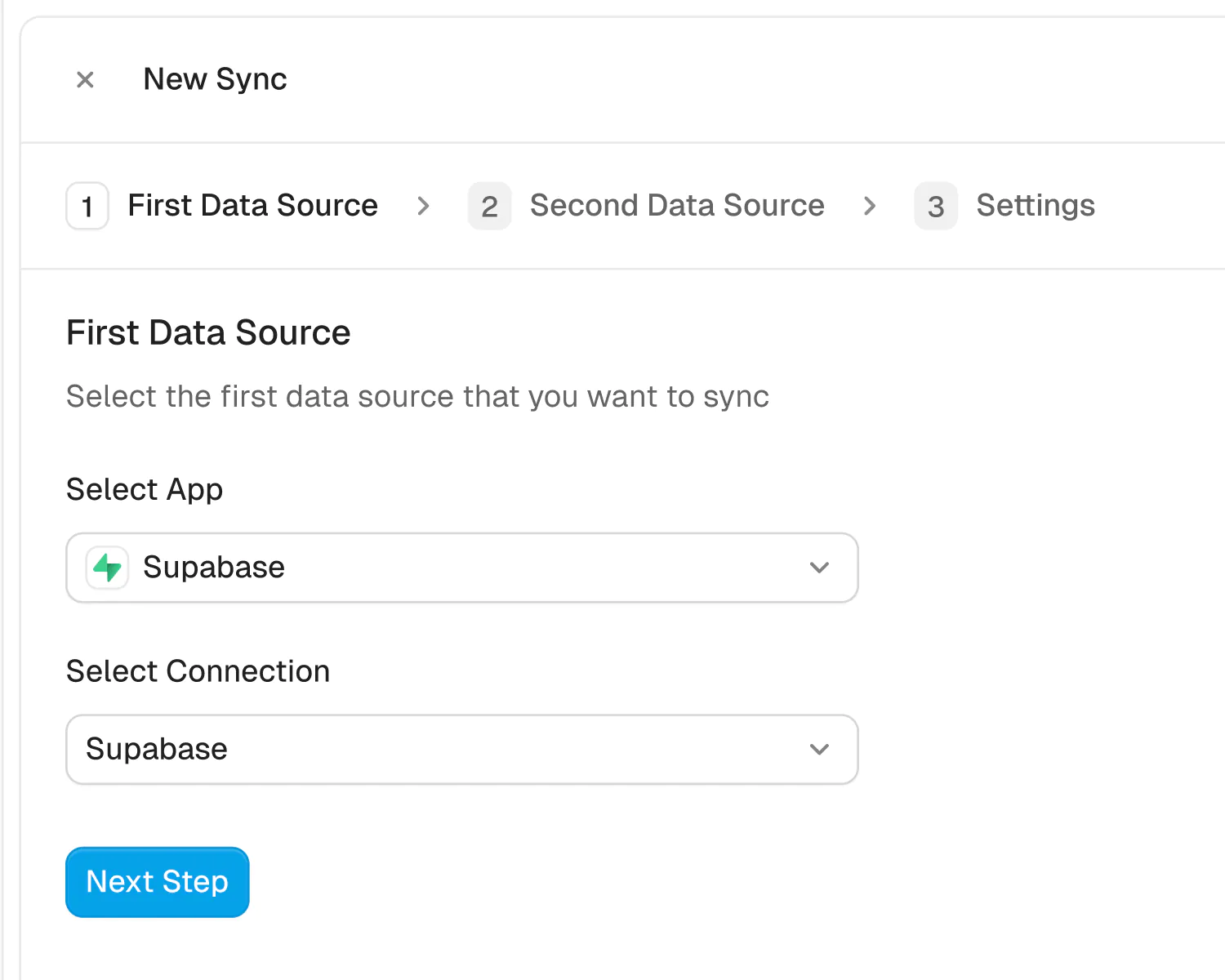
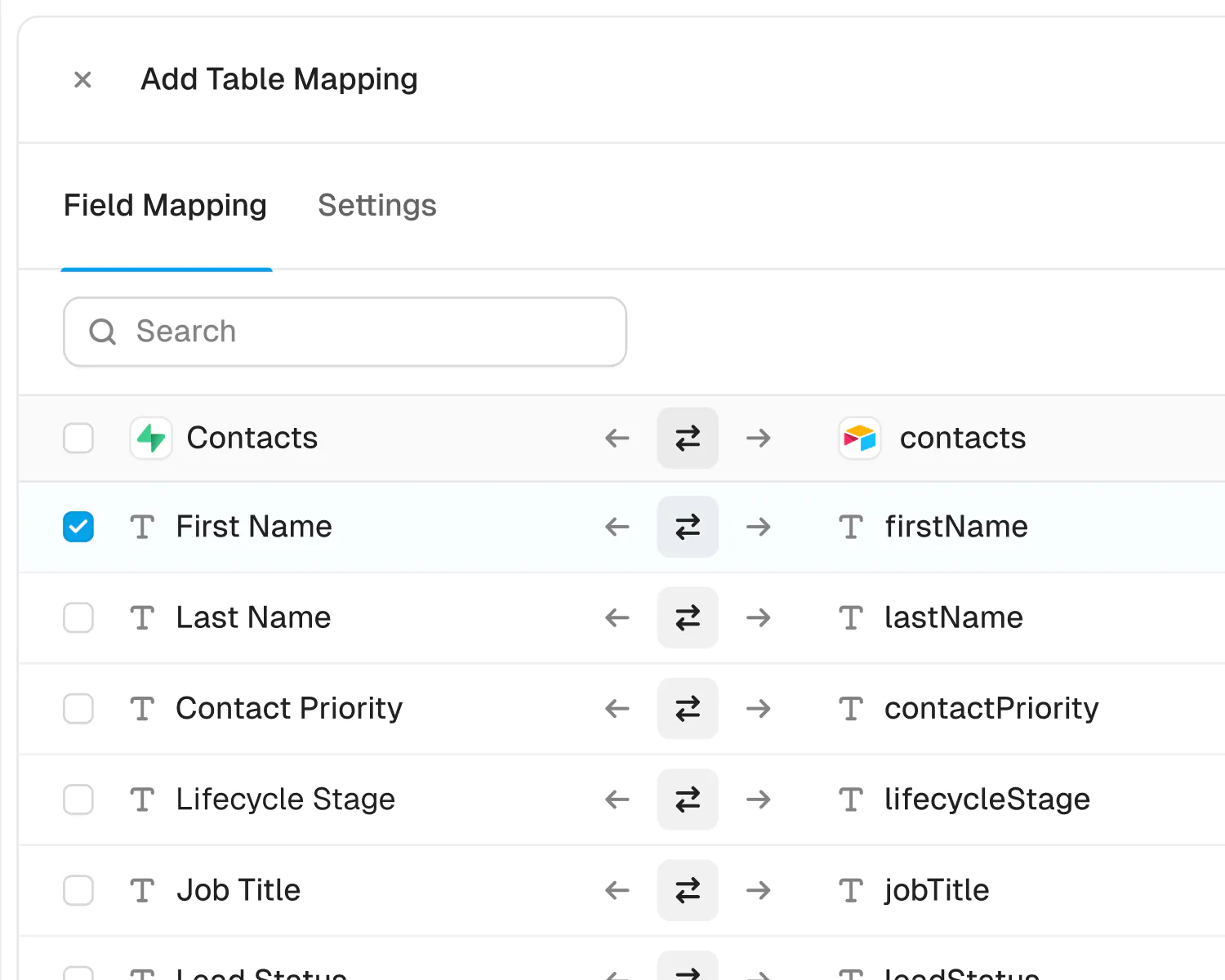
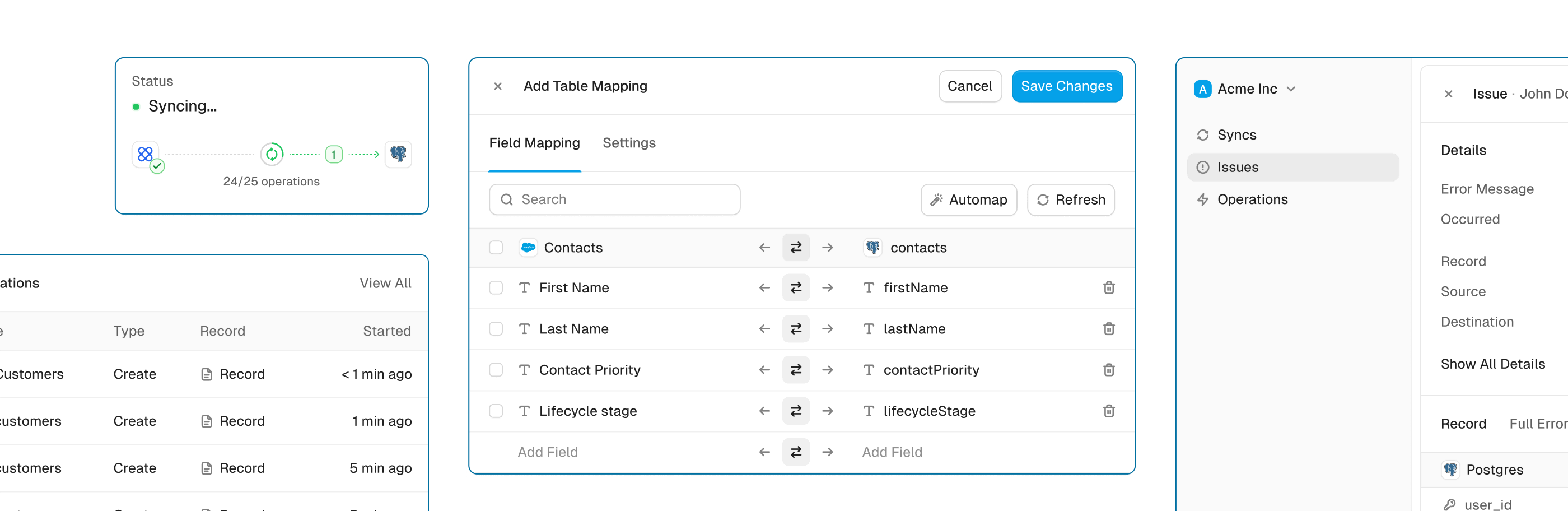
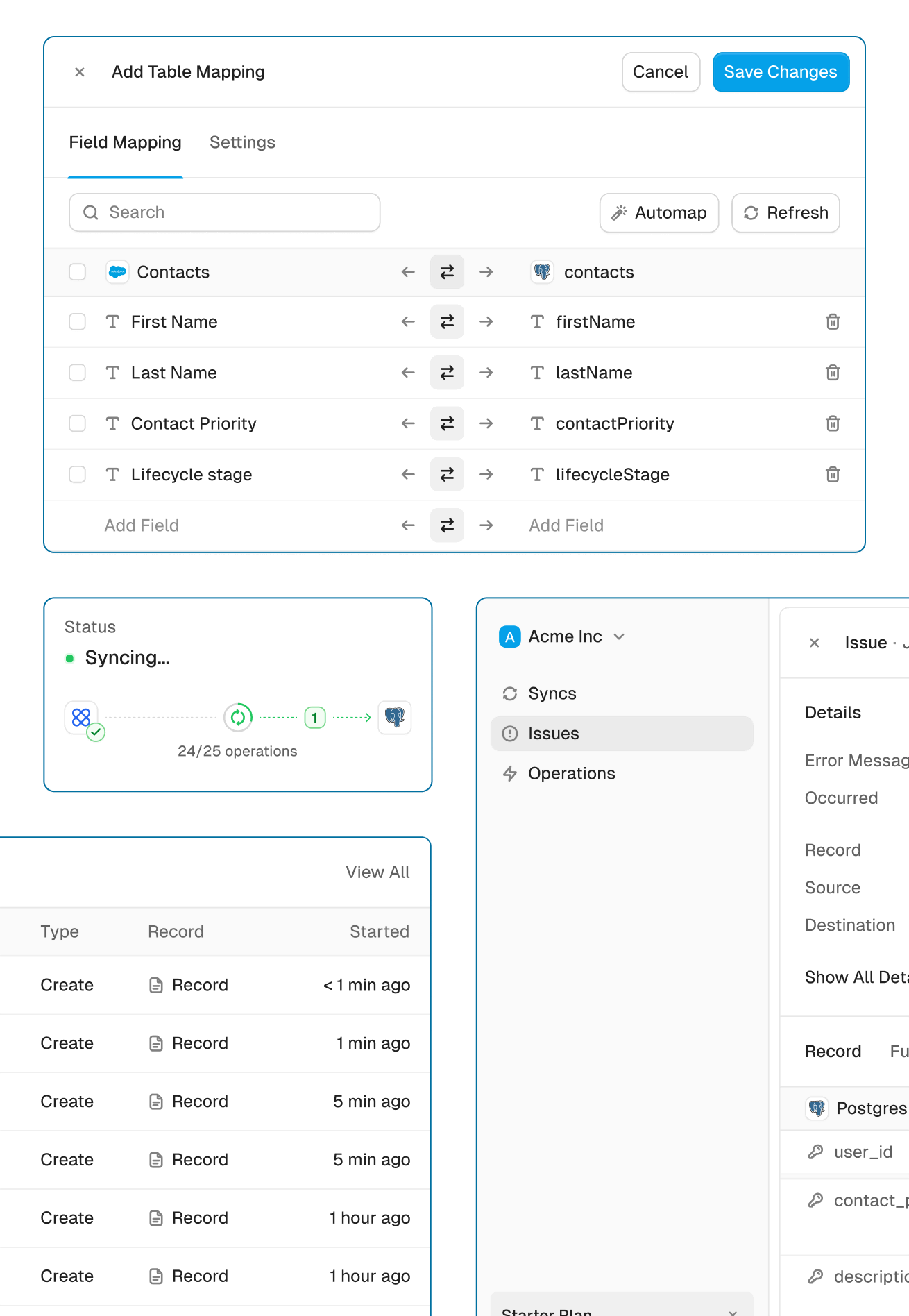
Connect Google Sheets and Zoho CRM, map the fields you want, and turn sync on. From then on, a change in either app shows up in the other.
Connect your apps
Securely connect your Google Sheets and Zoho CRM accounts in seconds. Just authorize Whalesync with a few clicks and you're ready for the next step.
About Google Sheets and Zoho CRM
Google Sheets
Google Sheets is the free web-based spreadsheet in Google Workspace.
What syncs
All Tables
Zoho CRM
Zoho CRM is a customizable sales CRM for startups through enterprises.
What syncs
Leads, Contacts, Accounts, Deals, Tasks, Notes, and Custom Objects
Read only: Users
Just need a copy of Zoho CRM in Google Sheets?
Live Export keeps a one-way copy of your Zoho CRM data in Google Sheets, on a schedule, for the reports, pivot tables, and dashboards that only read it. It's on every plan, with a record allowance of its own.
-
Two-way sync
Best when your team works in both apps, and an edit in either belongs in the other.
- Maps fields between tables you choose, in Zoho CRM and Google Sheets
- Picks changes up by itself, with no schedule to set
- Counts toward your plan's records in sync
-
Live Export
Best when you only read Zoho CRM data in Google Sheets, and nothing you change there should go back.
- Creates a tab for each Zoho CRM table you pick, in a new spreadsheet or one you already have
- Runs daily, hourly, or every 10 minutes, depending on your plan, and whenever you click Run now
- Writes only what changed on each run, over any edits to what it copied
- Copies every module your edition offers (custom modules included) and Users
Powerful features, built for reliability
Get the power of an engineering-grade data sync with the simplicity of a no-code tool. Whalesync lets you build a robust, two-way, real-time sync between your apps in minutes, all through a simple visual interface.
Real-time & historical sync
Instantly sync new changes and bring over all your historical data. Your records will be up-to-date across apps from day one.
Efficient error handling
Instant email alerts for quick issue monitoring.
Automatic API handling
Forget about rate limits. Whalesync automatically manages API traffic and retries to ensure your sync runs smoothly without breaking.
Advanced filters
Precision filtering for targeted data sync.
Google Sheets and Zoho CRM guides
Built for Enterprise
Connect your data with top-grade security, role based access control, SSO, and audit logs.

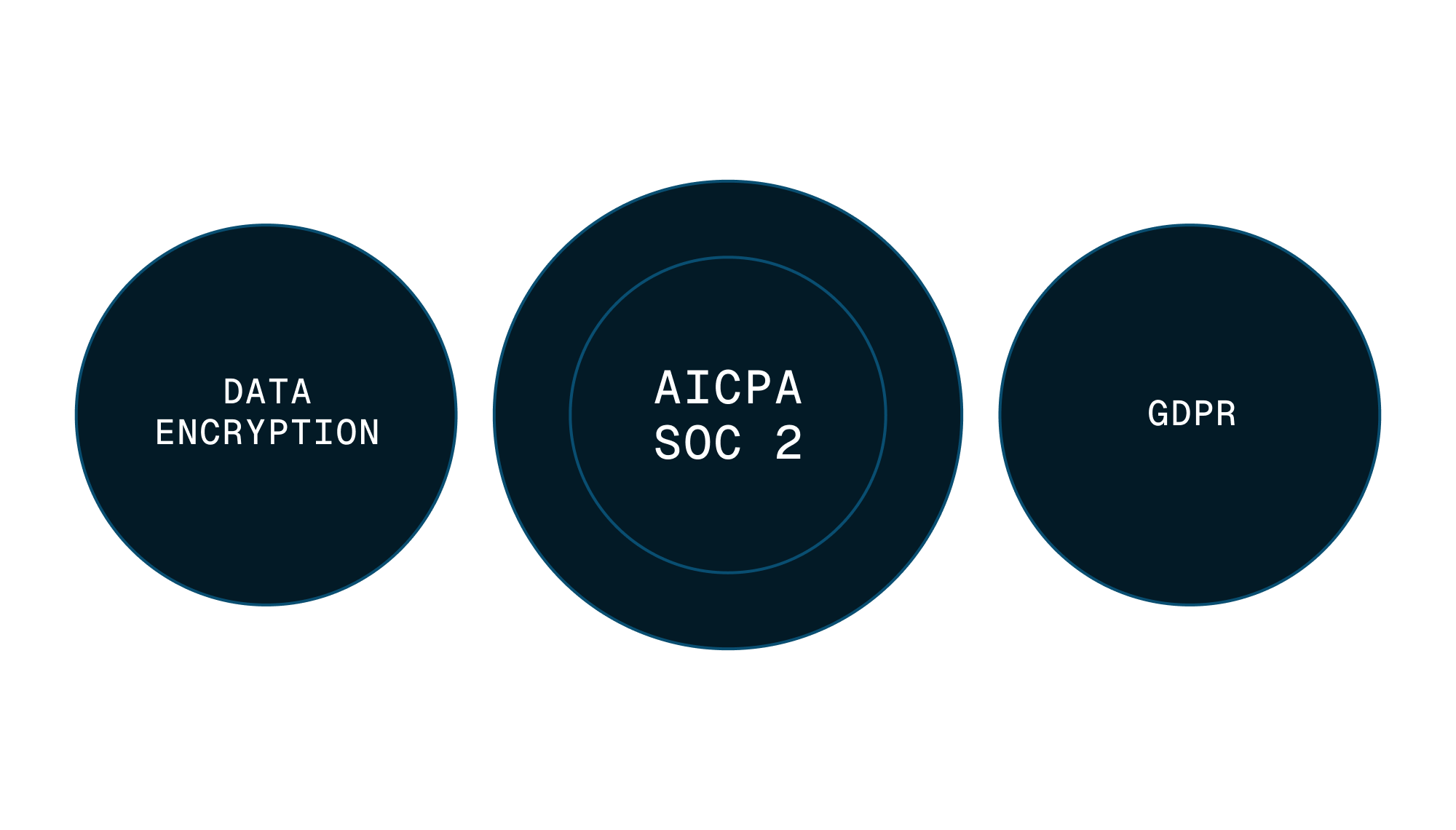
Security
Enterprise-grade data safety with SOC 2 Type II, GDPR compliance, and encryption at rest monitored by Vanta.
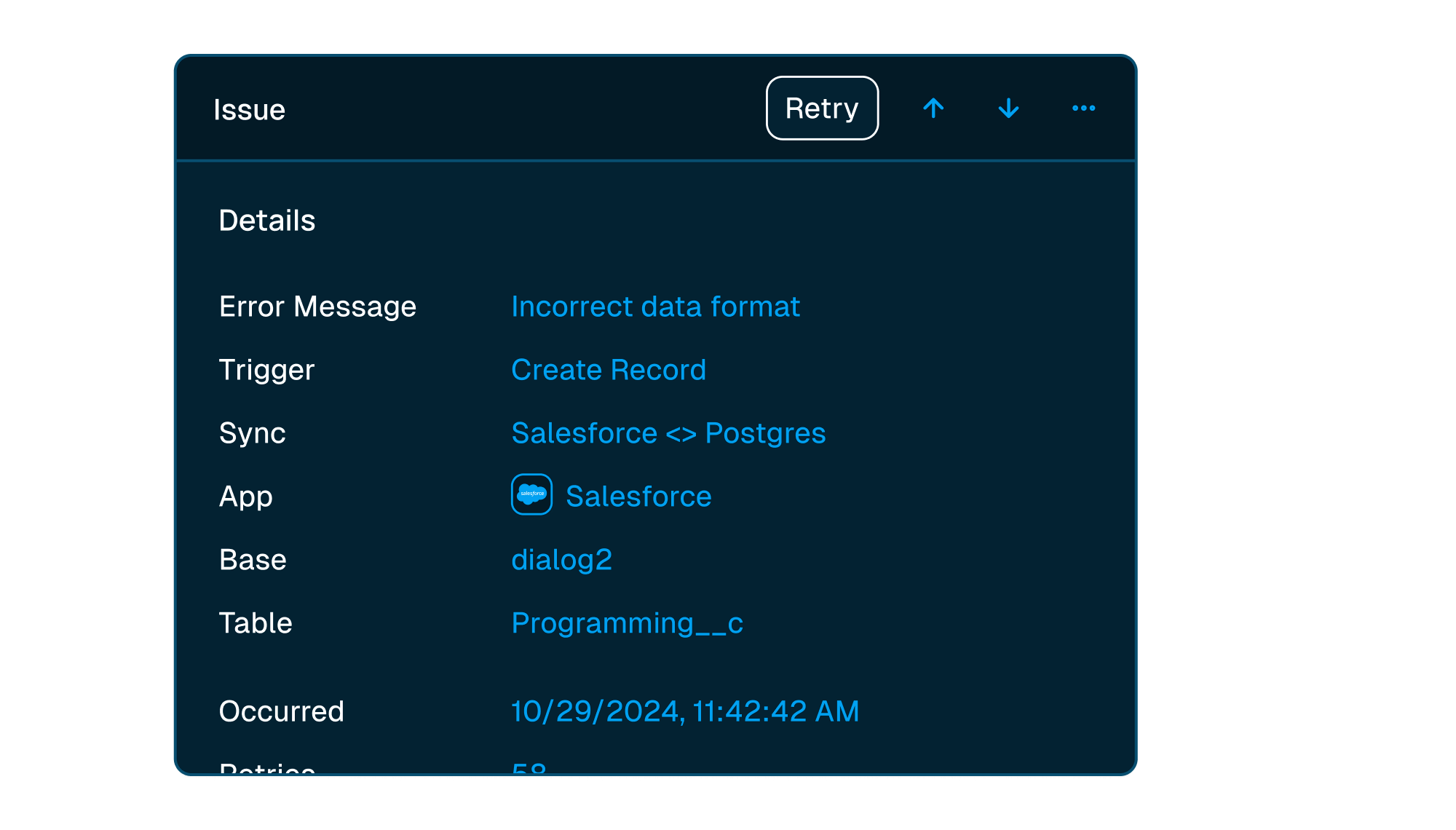


Scale with support
Easily manage issues at scale, while knowing you have a dedicated account manager on stand by to support.
Frequently asked questions
Is it really two-way sync?
Yes! Whalesync offers true two-way sync. Unlike most apps that offer one-way syncs in two directions, Whalesync actually keeps your data in sync bi-directionally. Update data in one app and see it instantly to sync to the other (or vice-versa).
Can I export Zoho CRM to Google Sheets on a schedule instead?
Yes, with Live Export. It keeps a one-way copy of your Zoho CRM data in Google Sheets, refreshed daily, hourly, or every 10 minutes depending on your plan, and copies every module your edition offers (custom modules included) and Users. Nothing you change in Google Sheets goes back to Zoho CRM.
What counts as a "record in sync"?
When a record syncs for the first time it becomes a record in sync. For example, if you sync 10 rows from Airtable to Webflow, you will have 10 records in sync. We do not "double-count" records across the two different apps.
Unlike other automation tools that count updates or tasks, Whalesync allows unlimited updates: those records can change as many times as you'd like.
What is a "sync"?
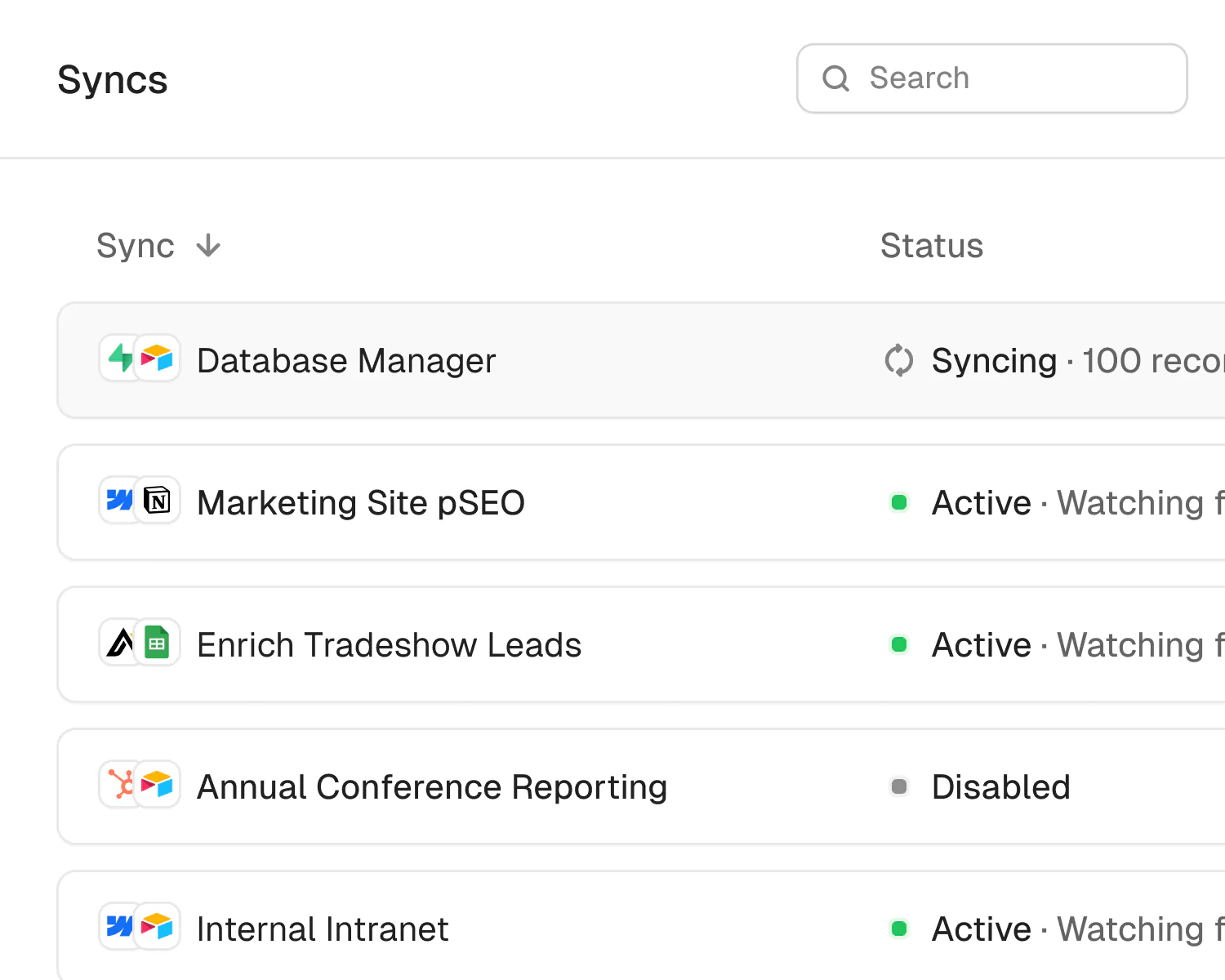
A sync is a connection between two different apps (e.g. Salesforce & Airtable). When you turn sync on, Whalesync will continuously sync data between your apps.
A single sync includes as many data tables and field as you'd like.
Does Whalesync support multi-reference fields? Rich text?
You bet! We've simplified all the annoying parts of setting up a sync with Zapier. We support multi-reference fields, rich text, and images. For a full list, see our supported fields docs.
What happens if my data has an error and can't be synced?
If data can't be synced (e.g. a required field is missing), Whalesync will alert you on the Issues page. This alert provides the exact error from your destination app and any other info that will help you fix the issue. In the meantime, Whalesync will continue to sync all data that doesn't have errors.
Do you offer a discount for nonprofits?
Absolutely! We love supporting organizations that are making the world a better place, so we're happy to offer a 20% discount to all nonprofits. To apply, just send us a note with proof of your nonprofit status (e.g. your 501(c)(3) determination letter) to support@whalesync.com and we'll get the discount applied to your account.
Other apps to connect




Connect your tools in minutes