The easiest way to sync HubSpot and Airtable
Get true, two-way sync between HubSpot and Airtable in minutes. Update data in one tool, and Whalesync mirrors it in the other.


Empowering top operators — From startups to enterprises
-
 Series C$350M
-
 Series C$330M
-
 Series C$100M
-

-
 Series B$72M
-
 Series C$30M
-
 Series A$50M
-
 Series B$86M
-
 Series B$65M
-
 Series B$100M
How to connect HubSpot and Airtable in 3 steps
Connect HubSpot and Airtable, map the fields you want, and turn sync on. From then on, a change in either app shows up in the other.
Connect your apps
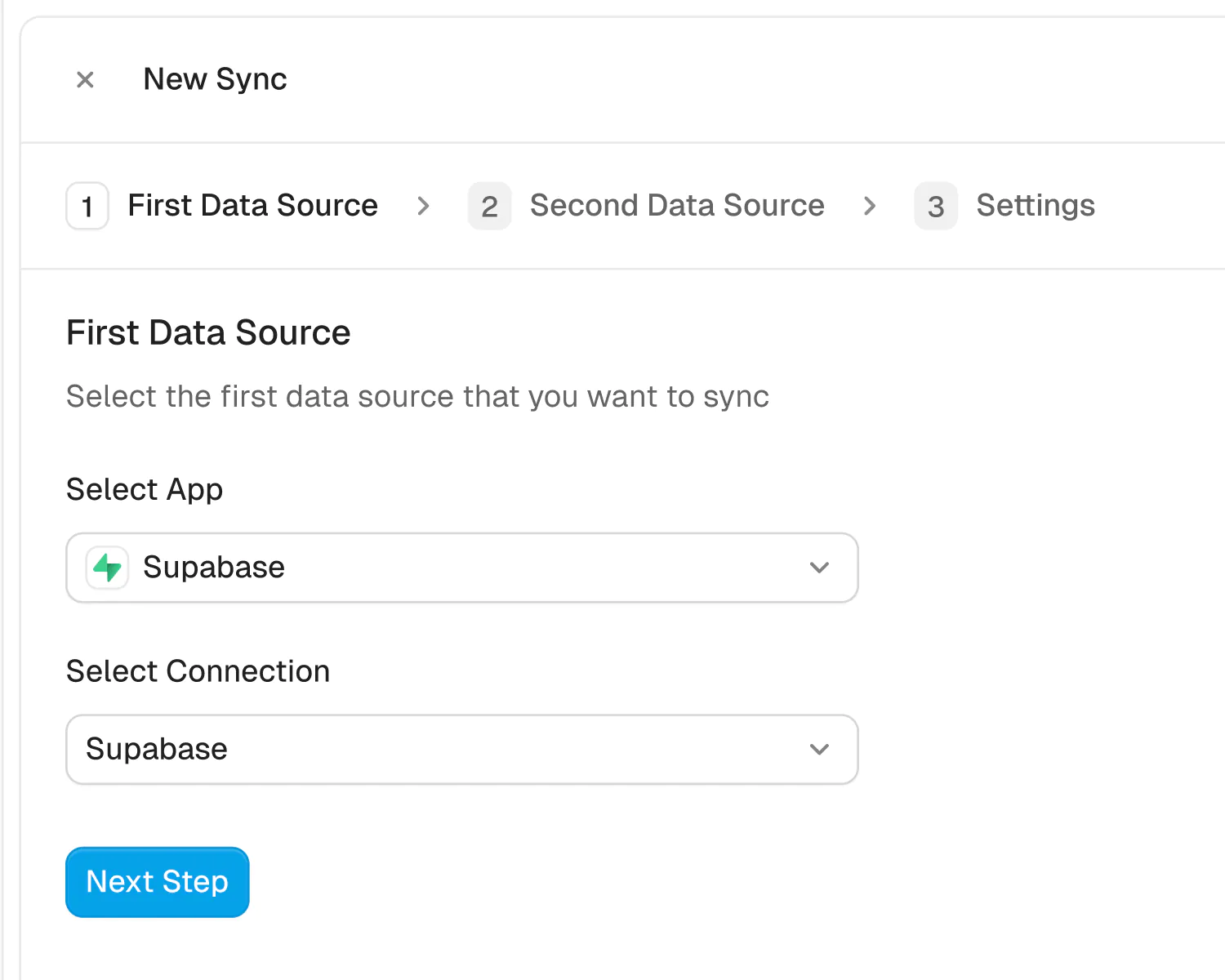
Securely connect your HubSpot and Airtable accounts in seconds. Just authorize Whalesync with a few clicks and you're ready for the next step.
How to sync Airtable to HubSpot in 5 minutes
Airtable is a flexible way to manage lead lists, form responses, and internal workflows. HubSpot is a powerful CRM used to track contacts, deals, and marketing activity.
If you’re collecting or organizing customer data in Airtable, syncing it to HubSpot ensures your CRM is always up to date without needing manual entry. You can connect and sync Airtable to HubSpot in 5 minutes.
Let’s begin.
Why should you connect Airtable to HubSpot?
If you're managing contacts, leads, or customer data in Airtable, connecting it to HubSpot helps you keep your CRM updated automatically. You eliminate manual data entry, avoid CSV uploads, and ensure your sales and marketing teams are working with accurate, timely information.
This is especially valuable if you're collecting data from multiple sources such as forms, spreadsheets, or events and organizing it in Airtable before moving it into HubSpot. Syncing the two saves time, reduces human error, and ensures HubSpot reflects what’s happening across your business.
Whether you're tracking outreach, onboarding new customers, or updating contact records, connecting Airtable to HubSpot helps you streamline your workflow and keep teams aligned.
When should you connect Airtable and HubSpot?
Here are a few common scenarios where connecting the two makes sense:
- You use Airtable to collect leads from forms, events, or partner lists and want those contacts automatically synced to HubSpot so your marketing and sales teams can take action right away
- You run onboarding, support, or operations workflows in Airtable but want to keep your customer records in HubSpot updated with the latest activity, status, or tags
- Your team prefers working in Airtable to update customer details, track progress, or assign owners, but your company uses HubSpot as the primary CRM
- You need to reduce handoffs between teams by syncing Airtable updates to HubSpot in real time so sales, marketing, and support are always looking at the same source of truth
- You export campaign or enrichment data to Airtable and want it reflected back in HubSpot without a manual import every week
How to sync Airtable and HubSpot
Here’s a step by step guide to sync Airtable and HubSpot.
You can also watch our video tutorial here:
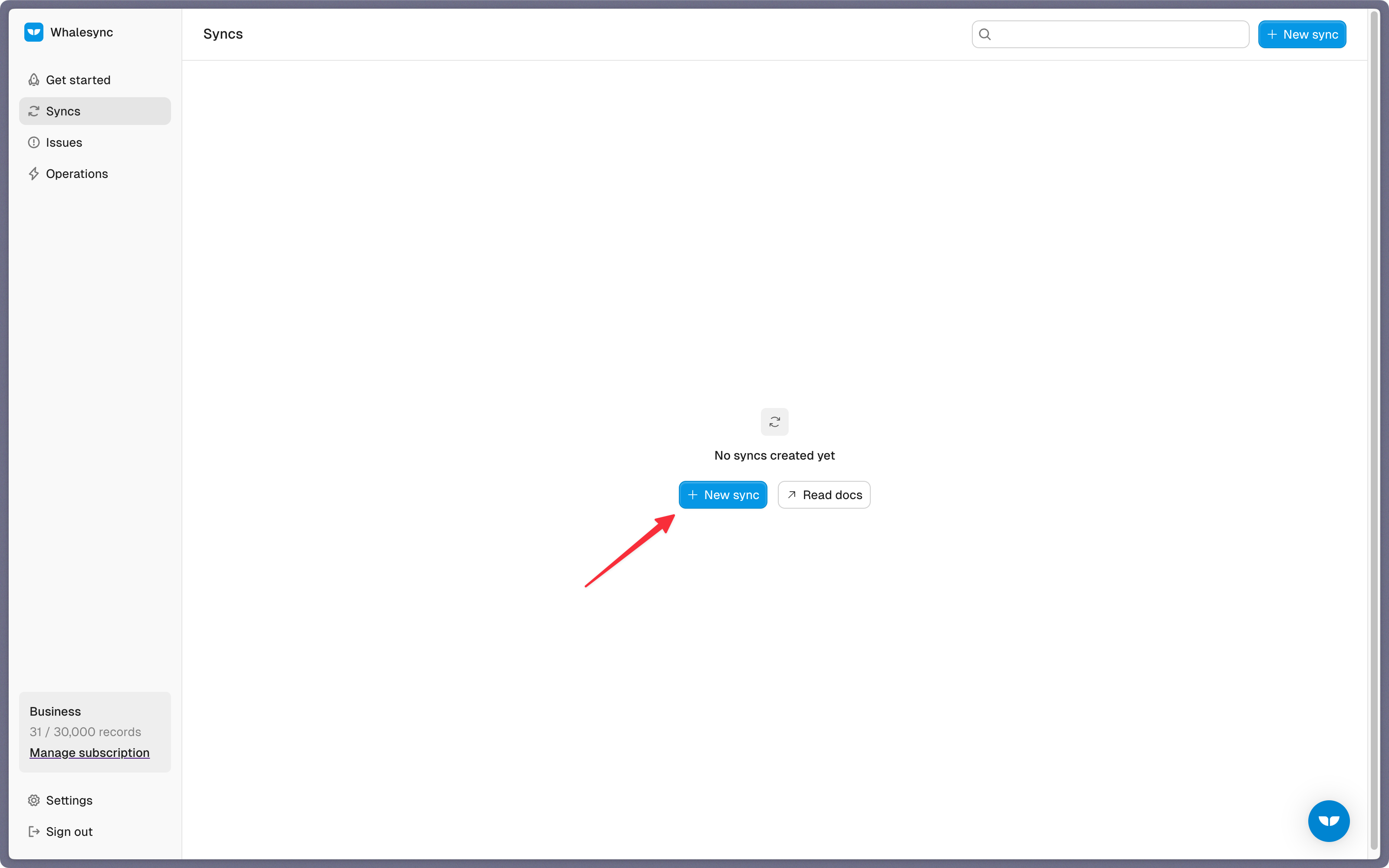
Step 1: Create a new sync
Log in to your Whalesync account and click ‘New sync’
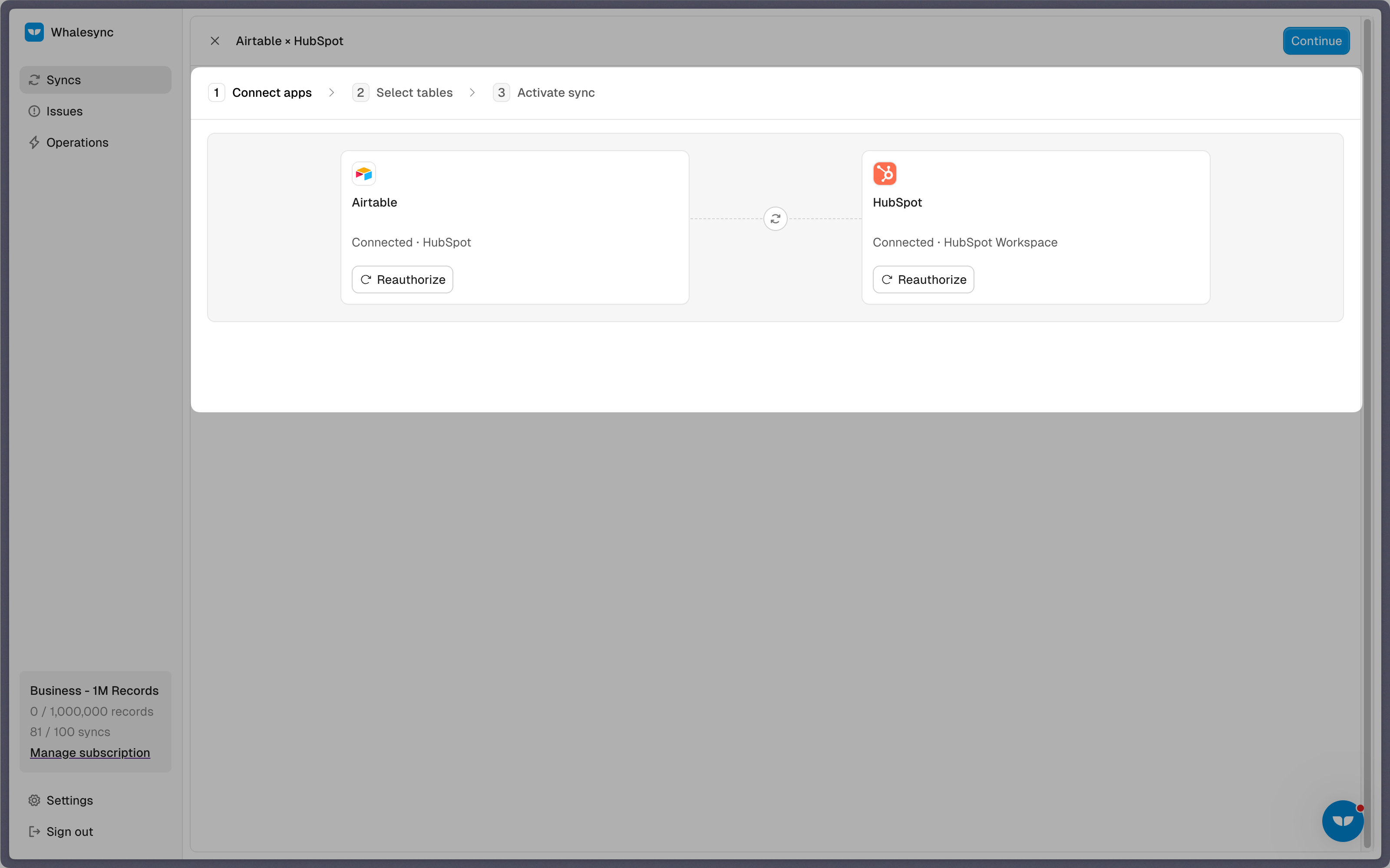
Step 2: Authorize your apps
Select the apps you want to connect. In this case, it’s Airtable and HubSpot. Then, authorize these two apps. Authorizing the apps enables Whalesync to have access to your app data in order to complete the syncs.
When you’re authorizing the apps, you need to select the Airtable base you want to sync the data from and the destination in HubSpot where the data should be synced.
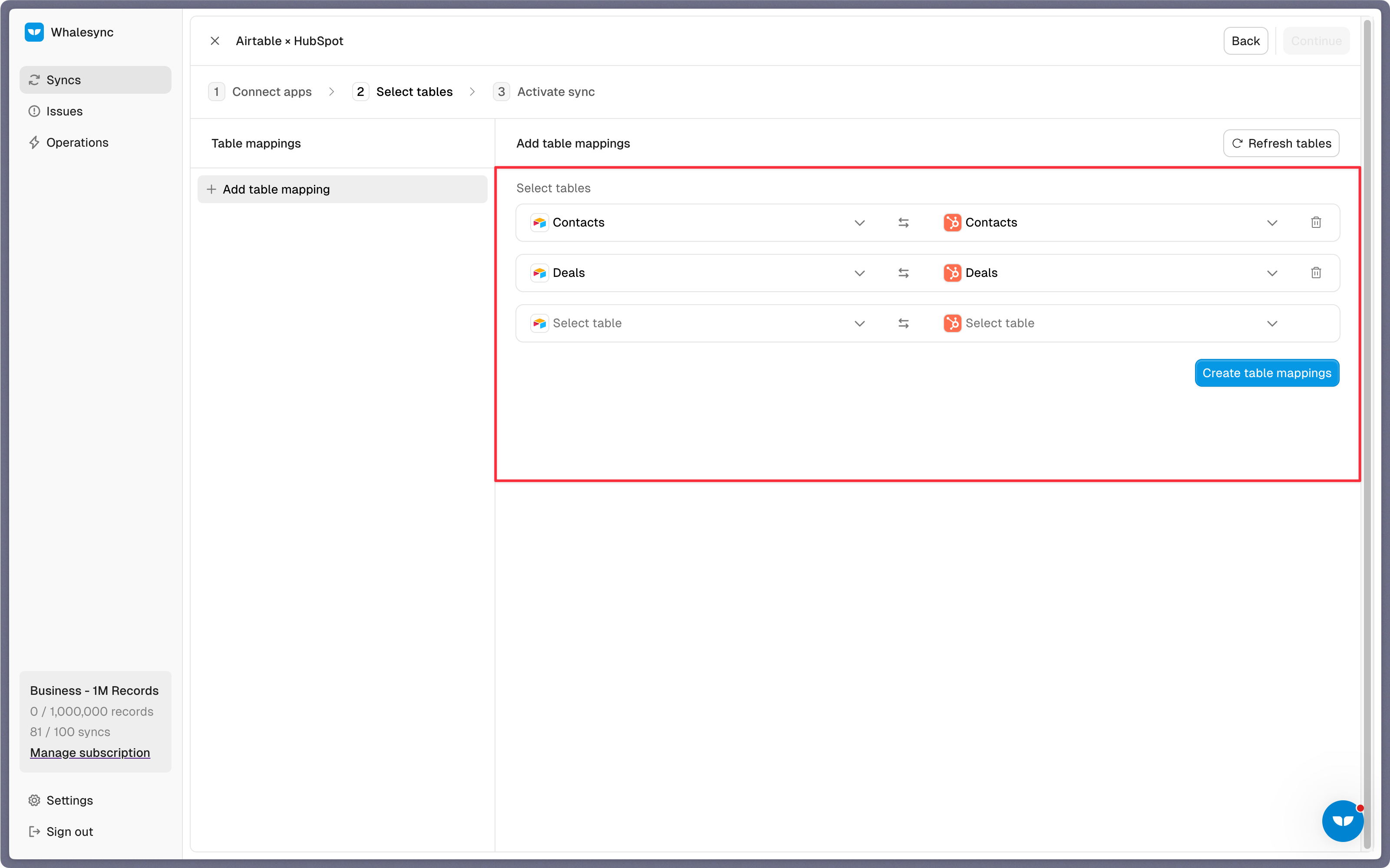
Step 3: Map your tables
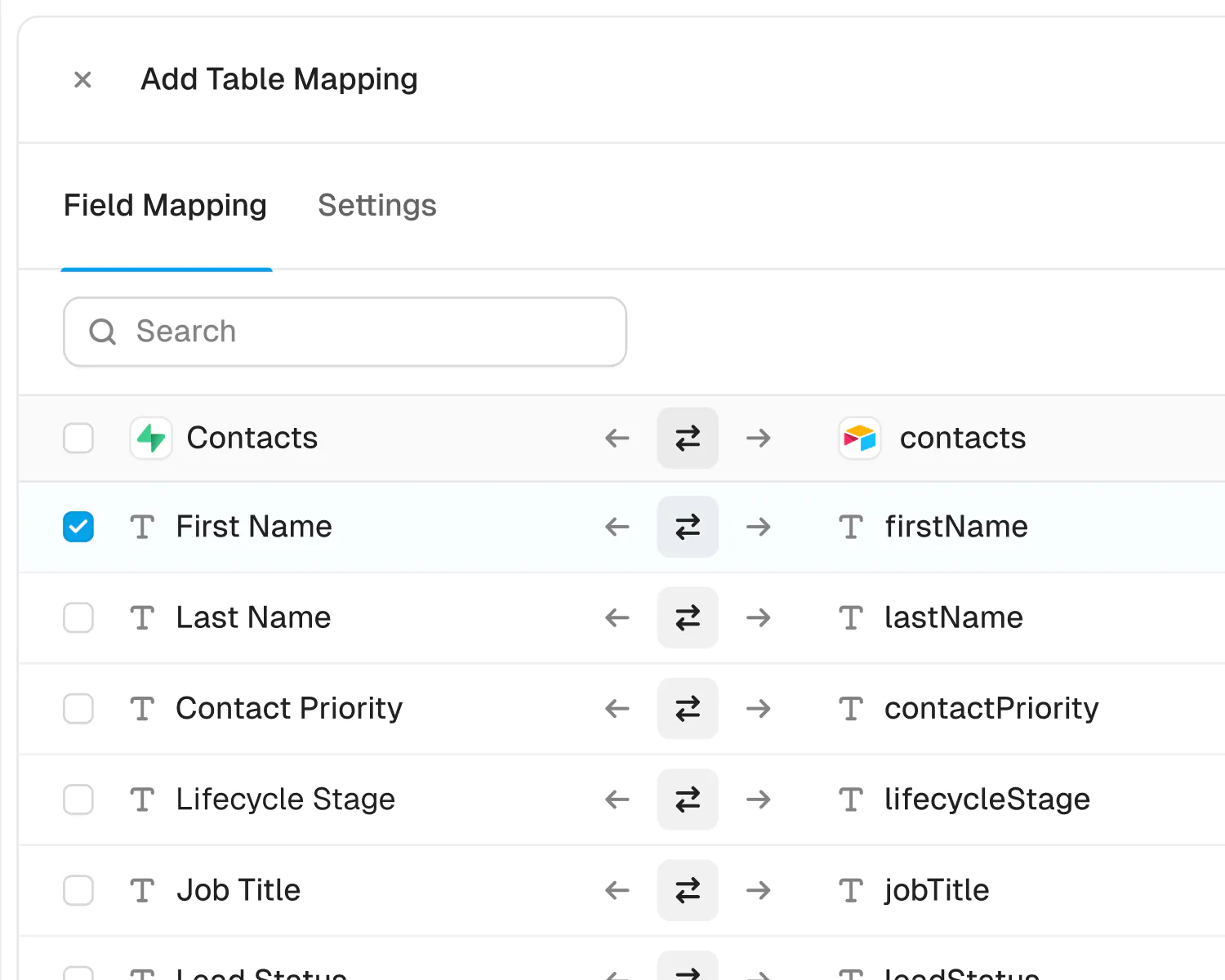
Choose the tables that you want to sync from Airtable to HubSpot. You can add multiple table mappings to a sync and related fields. You can also create the tables you want to map from Whalesync’s user interface, making it much faster to get started with your syncing.
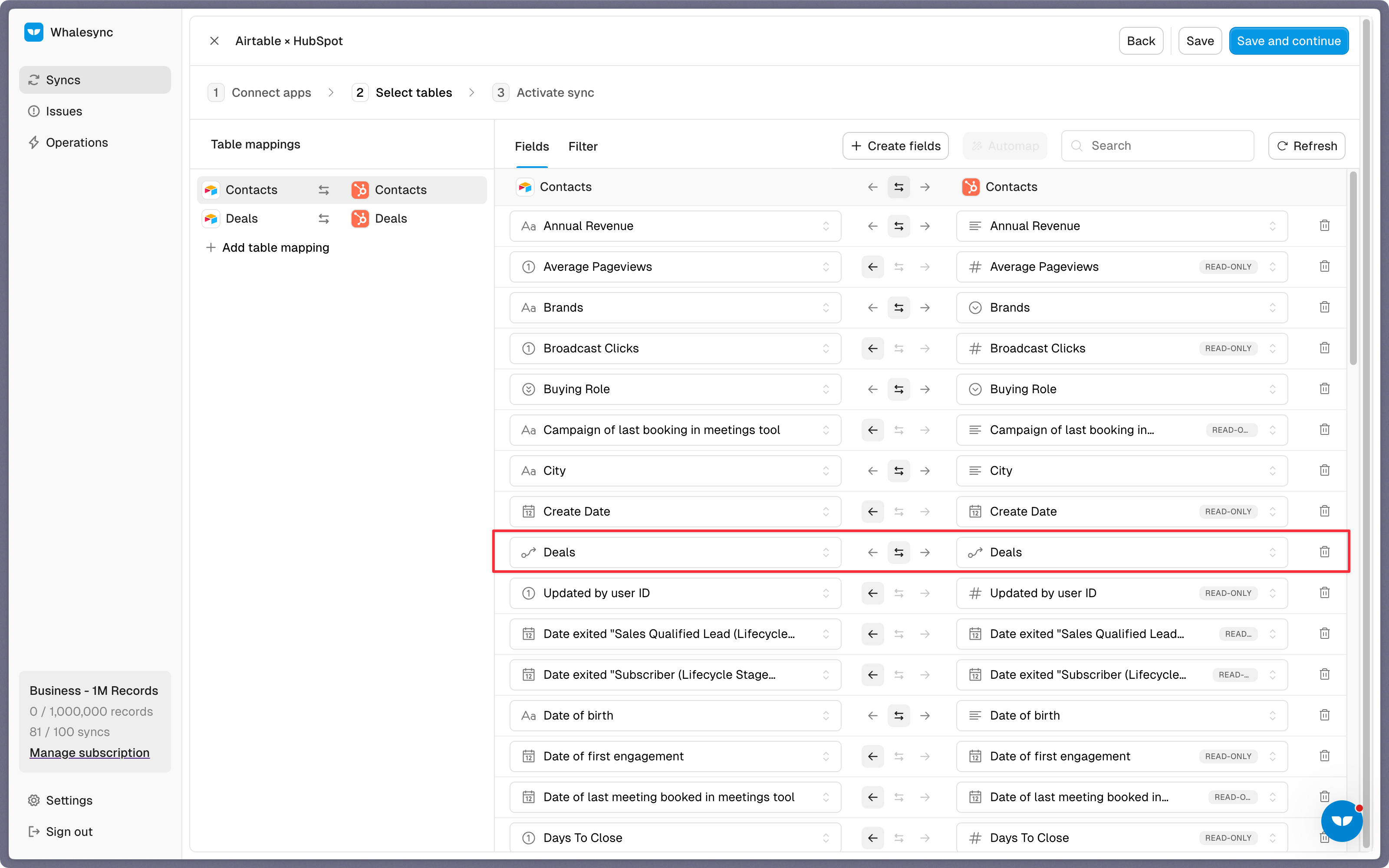
Step 4: Map your fields
You can choose how many fields you want to map, whether you want to map all of the fields or just a few.
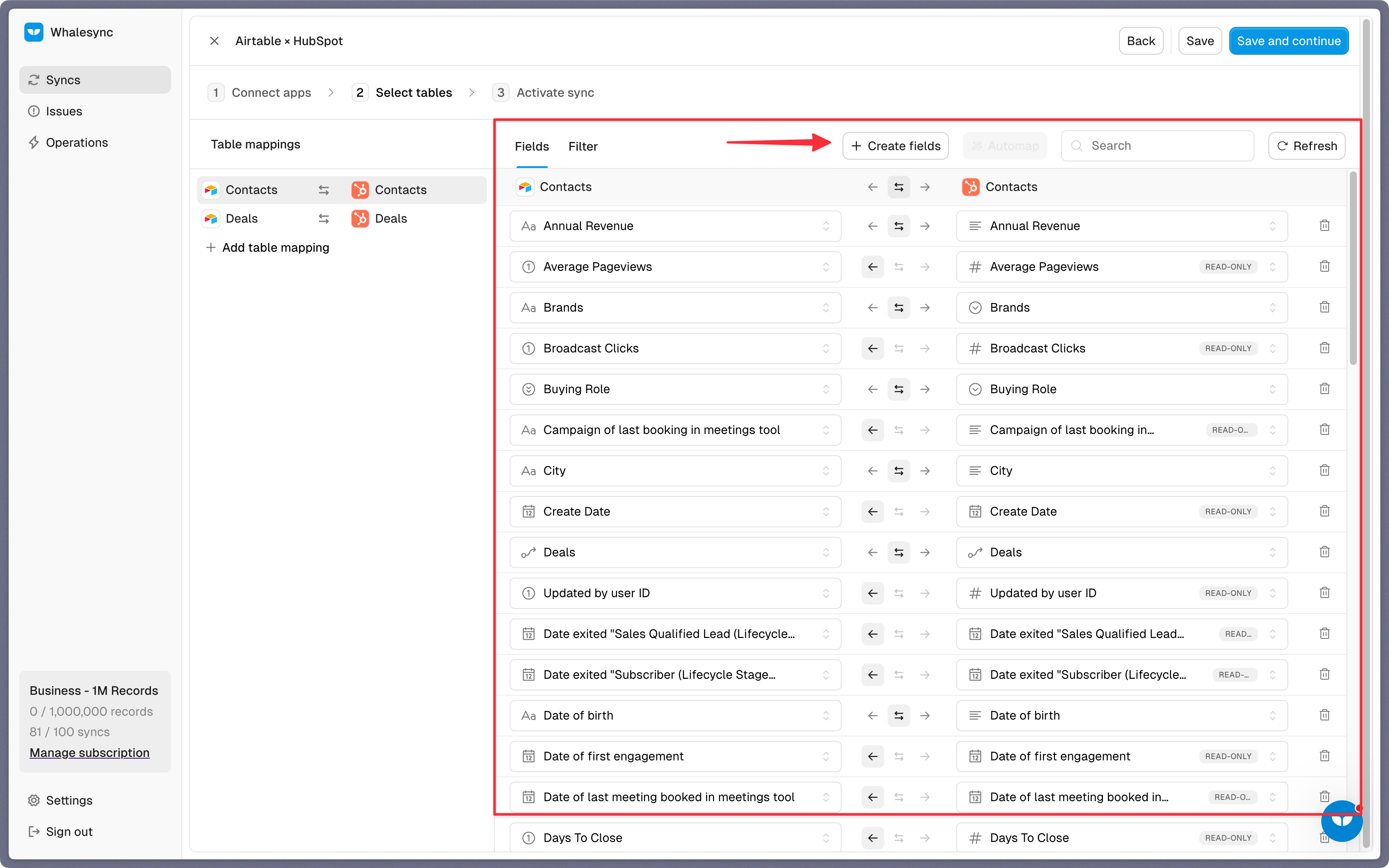
You can also create fields here.
If you have existing data in your Airtable base, Whalesync will match the records according to the fields you mapped.
If you are starting from a new base that doesn’t have any data, once you start entering data into your Airtable base, the data will automatically sync to HubSpot.
Step 5: Activate sync
The final step is to activate your sync!
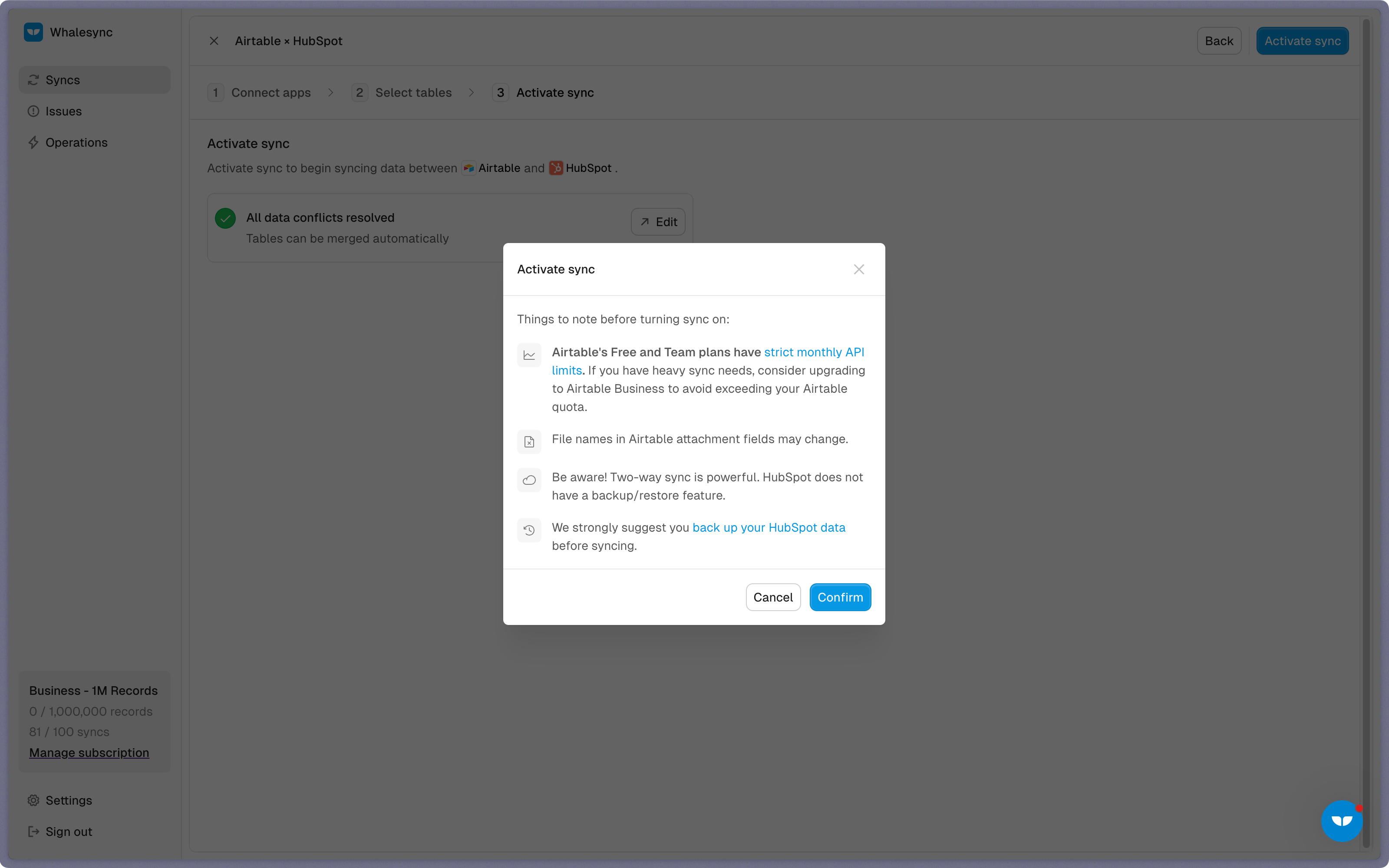
Before you activate your sync, you’ll see a preview that shows you how many records will be added to each tool.
Done! Airtable and HubSpot is synced 🤝
Now it’s time to start adding to your Airtable base and view your data across both tools.
Start syncing today
You can connect Airtable and HubSpot in just a few minutes. Avoid manual updates, keep your CRM clean, and give your team the visibility they need to move faster.
Ready to connect Airtable and HubSpot? Get syncing today
About HubSpot and Airtable
HubSpot
HubSpot is a leading CRM platform for marketing, sales, and service.
What syncs
Contacts, Companies, Deals, Tickets, Tasks, Notes, Meetings, Quotes, Line Items, Products, Taxes, Appointments, and Custom Objects
Read only: Calls, Emails, and Communications
Airtable
Airtable is an easy-to-use relational database in the browser.
What syncs
All Tables

Just need a copy of HubSpot in Airtable?
Live Export keeps a one-way copy of your HubSpot data in Airtable, on a schedule, for the reports, pivot tables, and dashboards that only read it. It's on every plan, with a record allowance of its own.
-
Two-way sync
Best when your team works in both apps, and an edit in either belongs in the other.
- Maps fields between tables you choose, in HubSpot and Airtable
- Picks changes up by itself, with no schedule to set
- Counts toward your plan's records in sync
-
Live Export
Best when you only read HubSpot data in Airtable, and nothing you change there should go back.
- Creates a table for each HubSpot table you pick, in a base you already have
- Runs daily, hourly, or every 10 minutes, depending on your plan, and whenever you click Run now
- Writes only what changed on each run, over any edits to what it copied
- Copies Contacts, Companies, Deals, Tickets, Line Items, Products, Quotes, Notes, Tasks, Emails, Calls, Meetings, Communications, Appointments, Services, Leads, and your custom objects
Powerful features, built for reliability
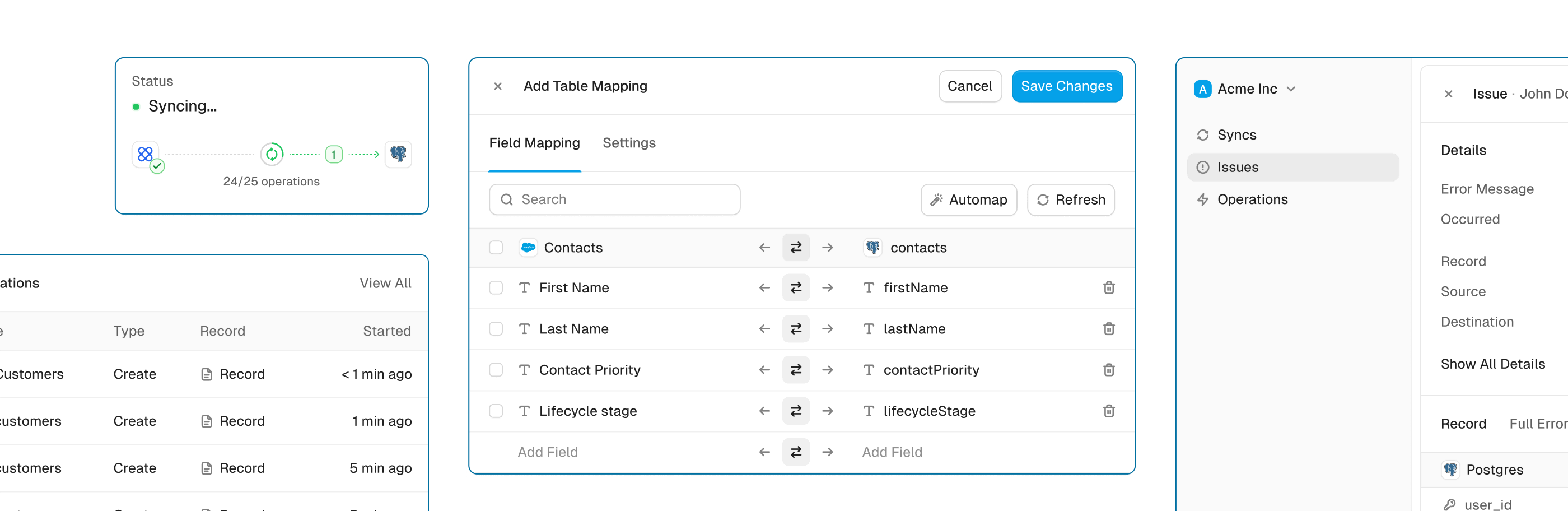
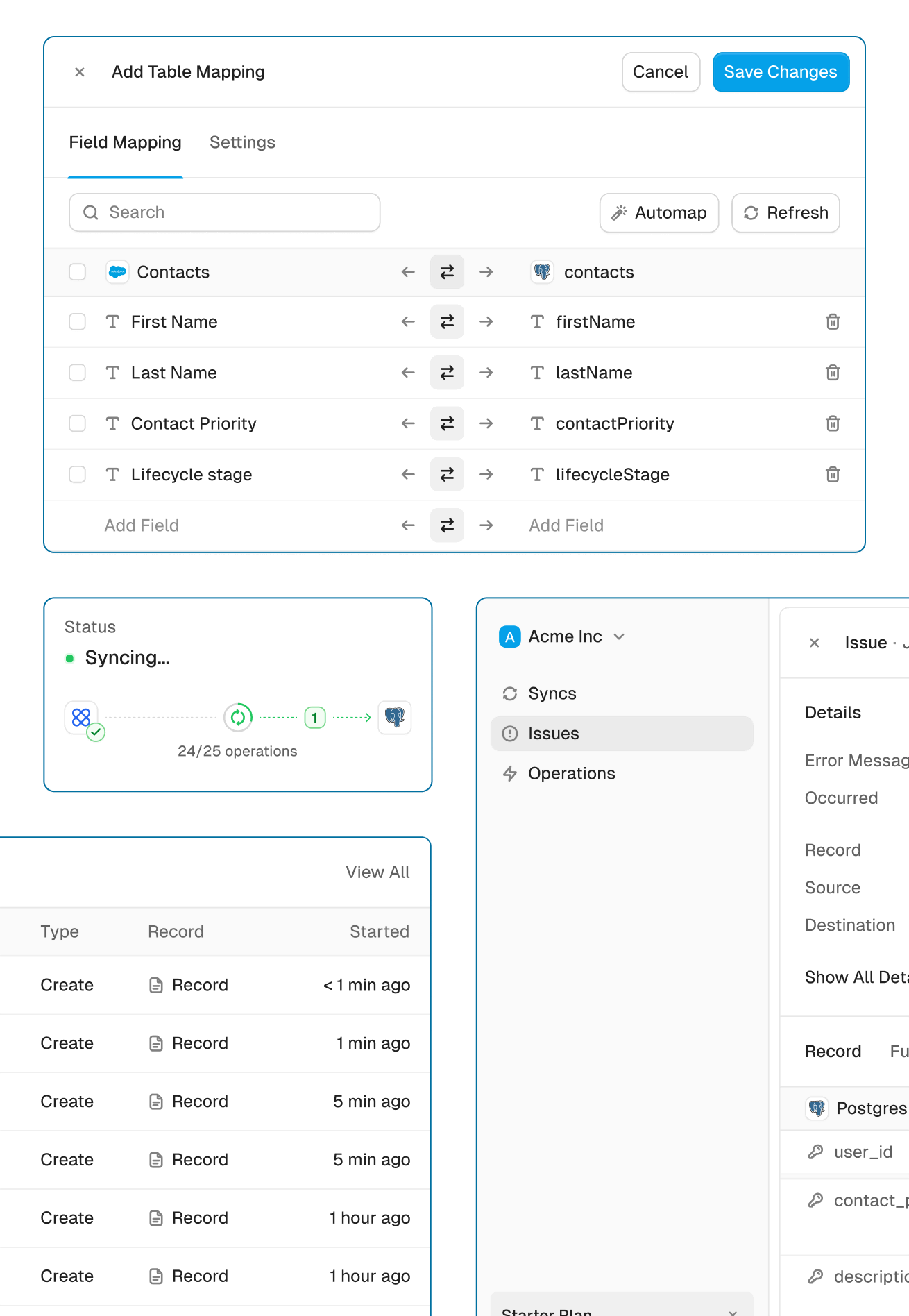
Get the power of an engineering-grade data sync with the simplicity of a no-code tool. Whalesync lets you build a robust, two-way, real-time sync between your apps in minutes, all through a simple visual interface.
Real-time & historical sync
Instantly sync new changes and bring over all your historical data. Your records will be up-to-date across apps from day one.
Efficient error handling
Instant email alerts for quick issue monitoring.
Automatic API handling
Forget about rate limits. Whalesync automatically manages API traffic and retries to ensure your sync runs smoothly without breaking.
Advanced filters
Precision filtering for targeted data sync.
HubSpot and Airtable guides
Built for Enterprise
Connect your data with top-grade security, role based access control, SSO, and audit logs.

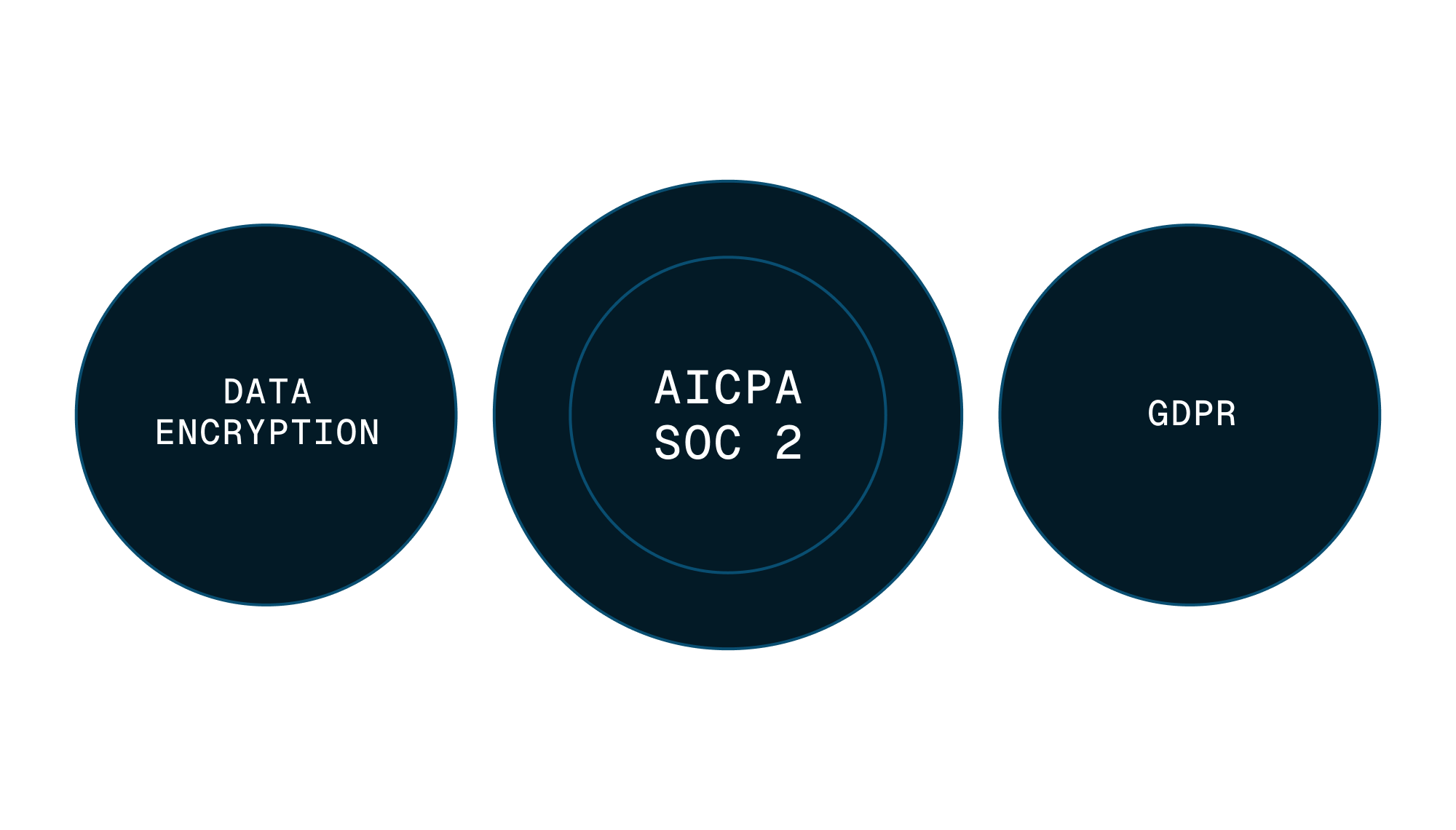

Security
Enterprise-grade data safety with SOC 2 Type II, GDPR compliance, and encryption at rest monitored by Vanta.
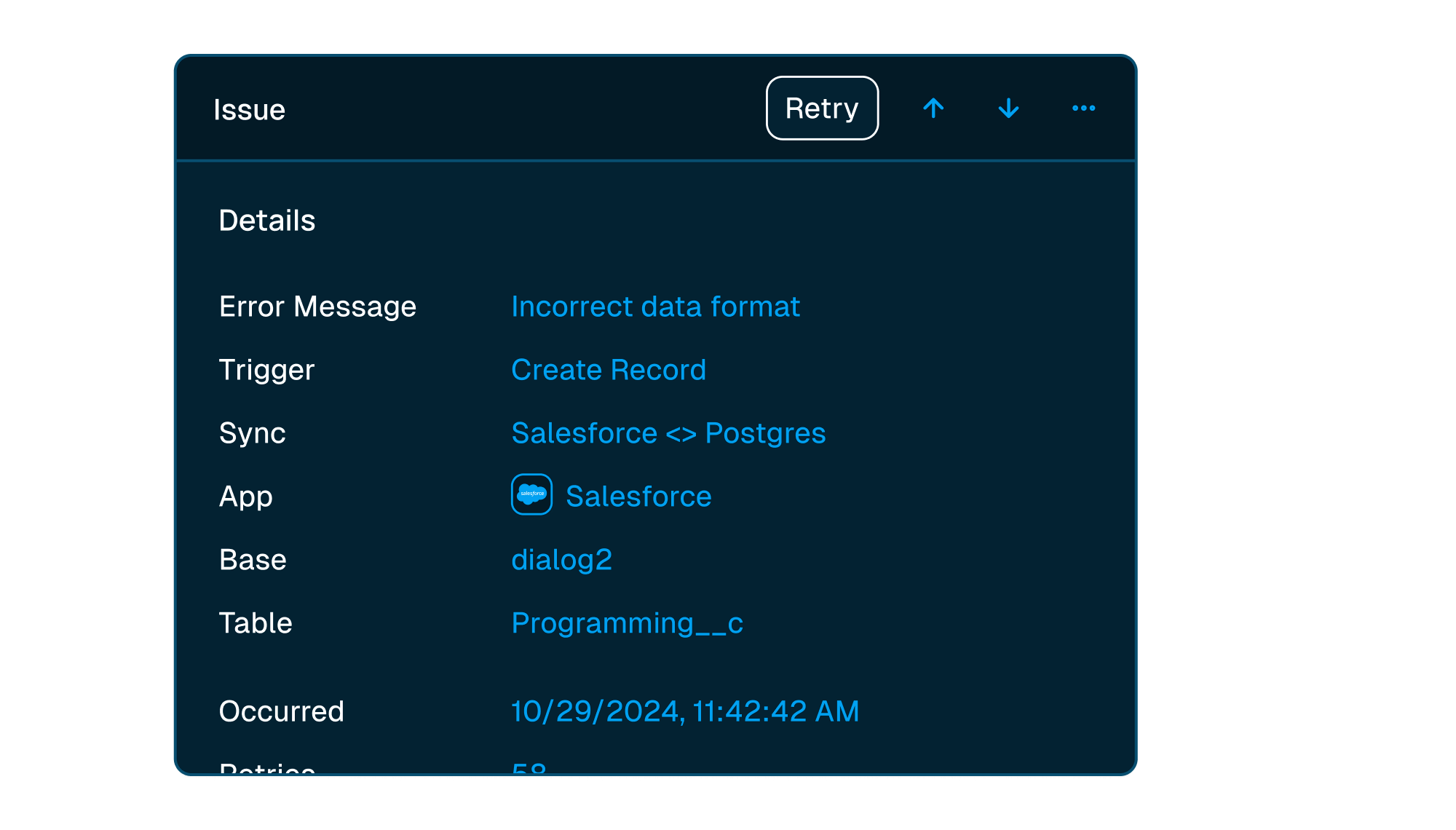


Scale with support
Easily manage issues at scale, while knowing you have a dedicated account manager on stand by to support.
Frequently asked questions
Is it really two-way sync?
Yes! Whalesync offers true two-way sync. Unlike most apps that offer one-way syncs in two directions, Whalesync actually keeps your data in sync bi-directionally. Update data in one app and see it instantly to sync to the other (or vice-versa).
Can I export HubSpot to Airtable on a schedule instead?
Yes, with Live Export. It keeps a one-way copy of your HubSpot data in Airtable, refreshed daily, hourly, or every 10 minutes depending on your plan, and copies Contacts, Companies, Deals, Tickets, Line Items, Products, Quotes, Notes, Tasks, Emails, Calls, Meetings, Communications, Appointments, Services, Leads, and your custom objects. Nothing you change in Airtable goes back to HubSpot.
What counts as a "record in sync"?
When a record syncs for the first time it becomes a record in sync. For example, if you sync 10 rows from Airtable to Webflow, you will have 10 records in sync. We do not "double-count" records across the two different apps.
Unlike other automation tools that count updates or tasks, Whalesync allows unlimited updates: those records can change as many times as you'd like.
What is a "sync"?
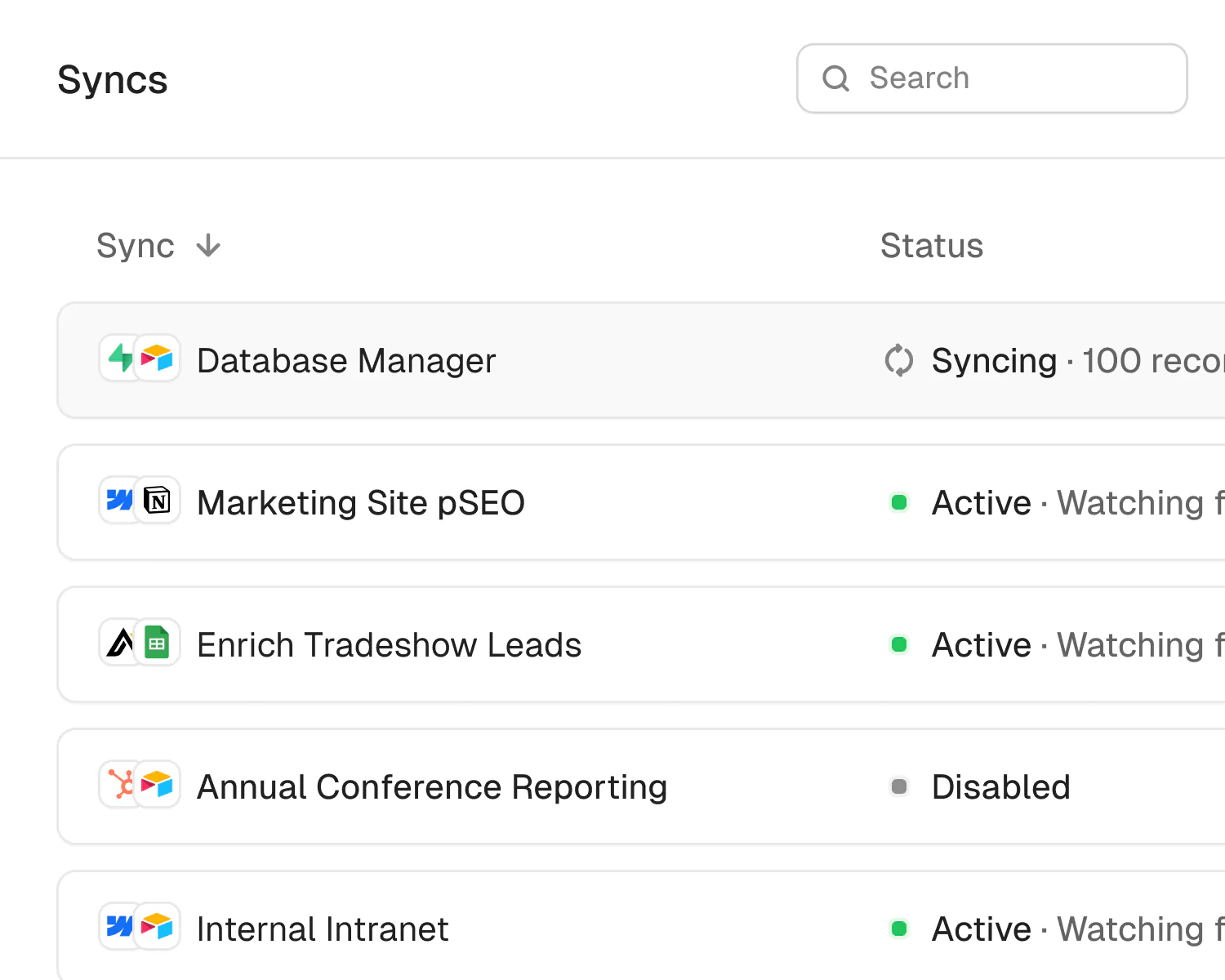
A sync is a connection between two different apps (e.g. Salesforce & Airtable). When you turn sync on, Whalesync will continuously sync data between your apps.
A single sync includes as many data tables and field as you'd like.
Does Whalesync support multi-reference fields? Rich text?
You bet! We've simplified all the annoying parts of setting up a sync with Zapier. We support multi-reference fields, rich text, and images. For a full list, see our supported fields docs.
What happens if my data has an error and can't be synced?
If data can't be synced (e.g. a required field is missing), Whalesync will alert you on the Issues page. This alert provides the exact error from your destination app and any other info that will help you fix the issue. In the meantime, Whalesync will continue to sync all data that doesn't have errors.
Do you offer a discount for nonprofits?
Absolutely! We love supporting organizations that are making the world a better place, so we're happy to offer a 20% discount to all nonprofits. To apply, just send us a note with proof of your nonprofit status (e.g. your 501(c)(3) determination letter) to support@whalesync.com and we'll get the discount applied to your account.
Other apps to connect


Connect your tools in minutes