The easiest way to sync Supabase and Wix CMS
Get true, two-way sync between Supabase and Wix CMS in minutes. Update data in one tool, and Whalesync mirrors it in the other.


Empowering top operators — From startups to enterprises
-
 Series C$350M
-
 Series C$330M
-
 Series C$100M
-

-
 Series B$72M
-
 Series C$30M
-
 Series A$50M
-
 Series B$86M
-
 Series B$65M
-
 Series B$100M
How to connect Supabase and Wix CMS in 3 steps
Connect Supabase and Wix CMS, map the fields you want, and turn sync on. From then on, a change in either app shows up in the other.
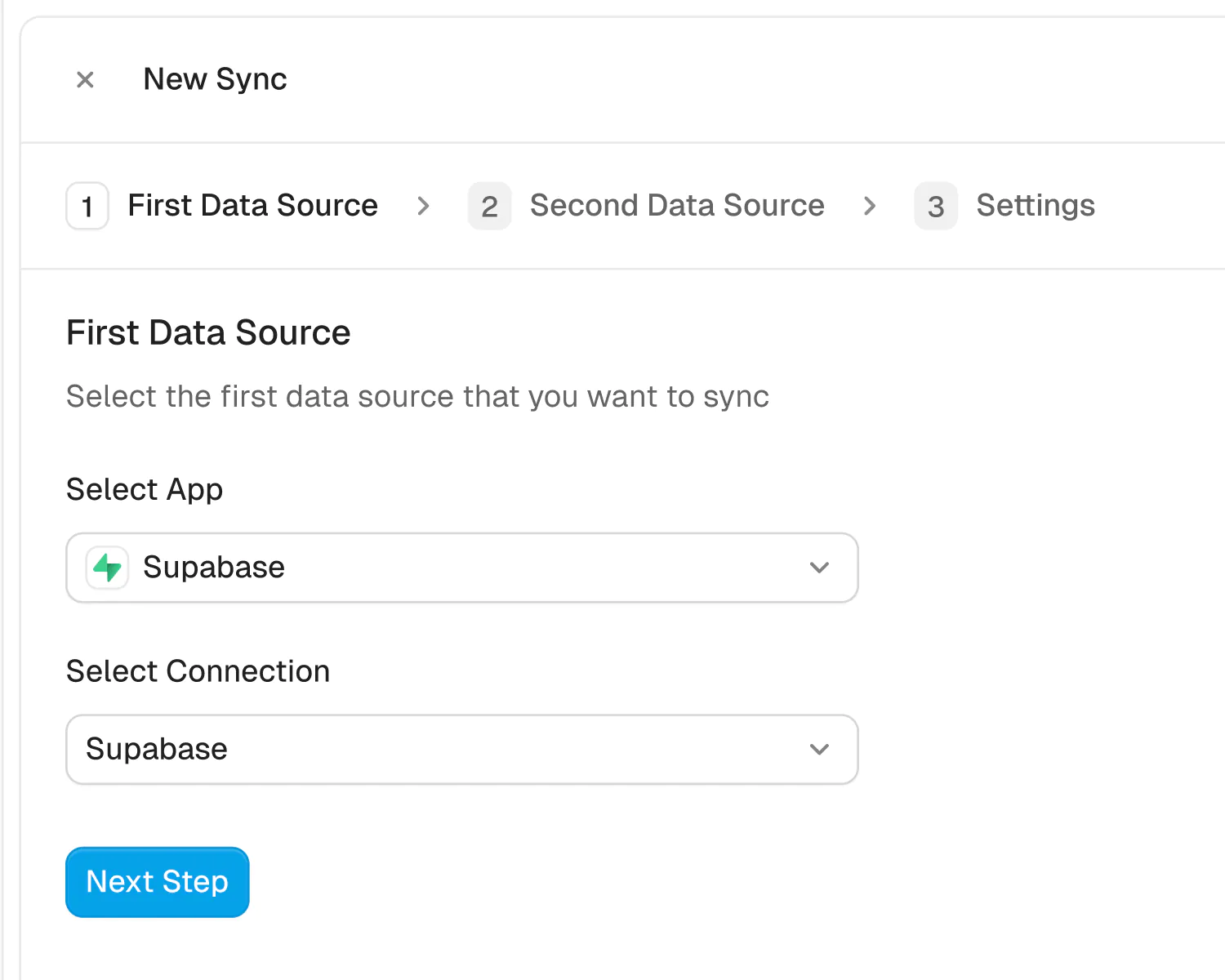
Connect your apps
Securely connect your Supabase and Wix CMS accounts in seconds. Just authorize Whalesync with a few clicks and you're ready for the next step.
How to sync Supabase to Wix CMS in 5 minutes
Supabase is a powerful open-source database that makes it easy to manage structured data like products, user profiles, or resource libraries. Wix CMS, powers dynamic content on Wix sites such as blogs, directories, catalogs, and more.
The challenge is keeping the two in sync. Without a data syncing tool, you’re stuck exporting data from Supabase, reformatting it, and uploading it into Wix CMS.
With Whalesync, you can connect Supabase and Wix CMS in 5 minutes. Once synced, any changes you make in Supabase automatically upload into Wix CMS collections, keeping your site accurate and up to date.
Why should you connect Supabase and Wix CMS?
Connecting Supabase to Wix CMS gives you an efficient way to manage dynamic content on your website. Instead of manually uploading and updating your content, you can automate the entire process for content like:
- Product catalogs: Sync inventory and pricing stored in Supabase directly to Wix CMS product collections.
- Directories & listings: Manage real estate listings, service directories, or job boards in Supabase and display them on Wix.
- Resource libraries: Store guides, FAQs, or documentation in Supabase and sync them straight to Wix.
By syncing Supabase with Wix CMS, you can:
- Manage structured data in Supabase (products, listings, events, etc.)
- Automatically publish updates to your Wix CMS collections
- Eliminate manual exports and reformatting
- Keep your website accurate with real-time updates
When should you connect Supabase and Wix CMS?
Connecting Supabase and Wix CMS is most useful when your site depends on dynamic content that changes often. It’s also a great fit if you:
- Host events or schedules: Keep event data in Supabase and automatically push updates to your Wix event pages.
- Operate content-heavy sites: Scale blogs, resource hubs, or knowledge bases without manually updating each page.
- Work across teams: Let developers manage data in Supabase while marketers and non-technical teammates see it update live on Wix.
If your website needs structured content that’s always up to date, connecting Supabase and Wix CMS ensures everything stays up to date.
How to connect Supabase and Wix CMS in 5 minutes
Here’s how to connect Supabase and Wix CMS:
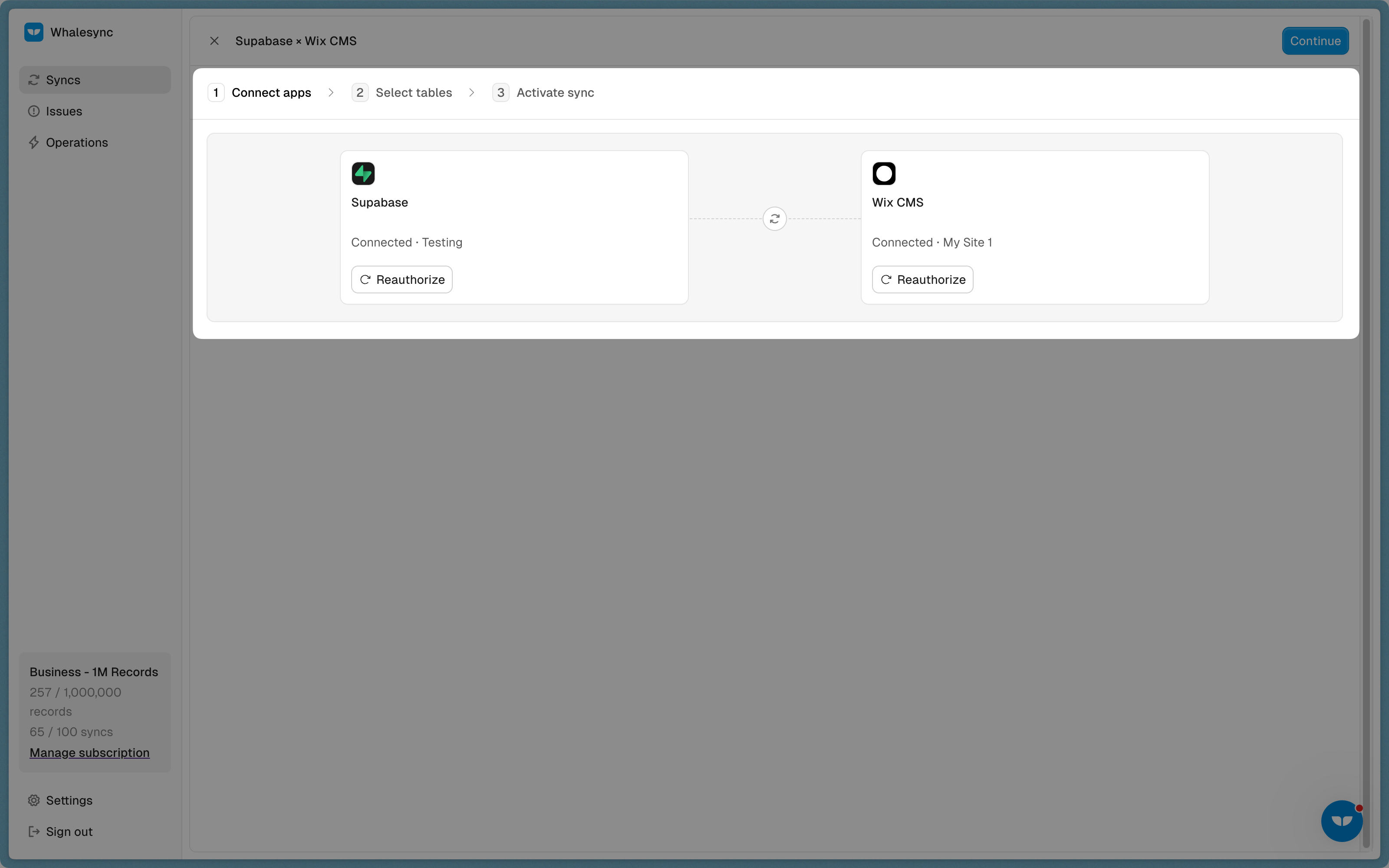
Select and authorize your apps
Select Supabase and Wix CMS and authorize Whalesync to have access to these two apps.
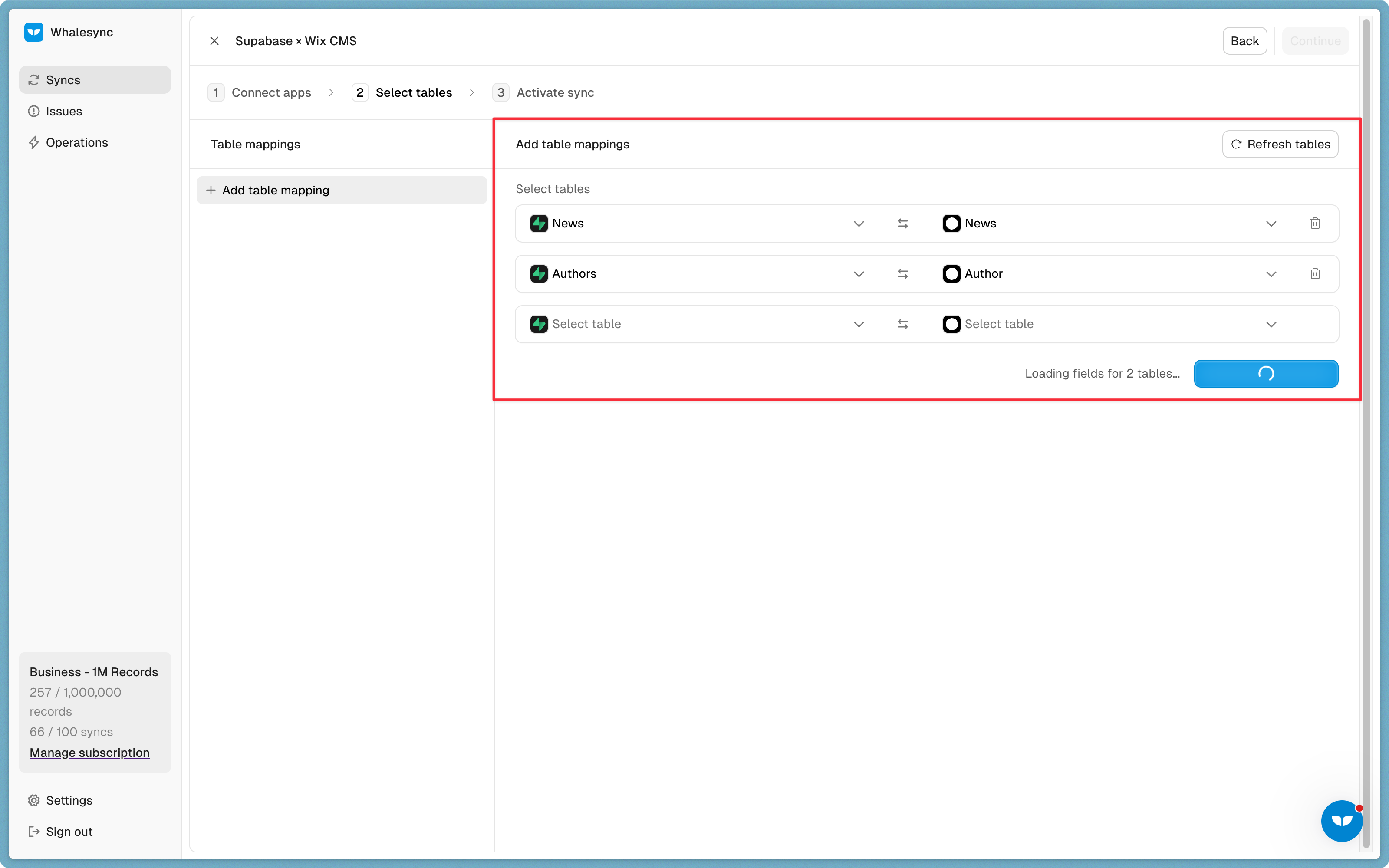
Map your tables
Choose the Supabase tables you want to sync with Wix CMS collections.
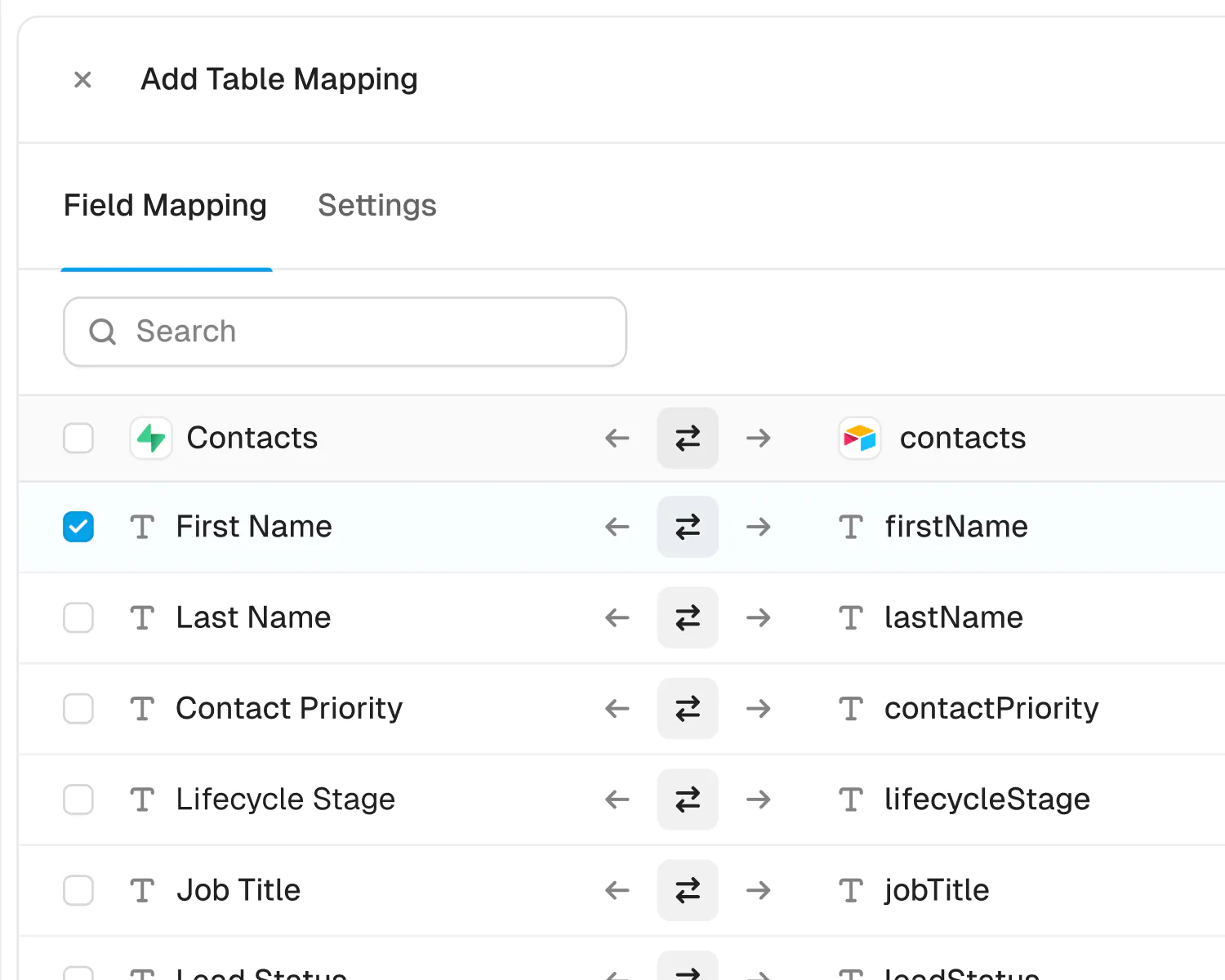
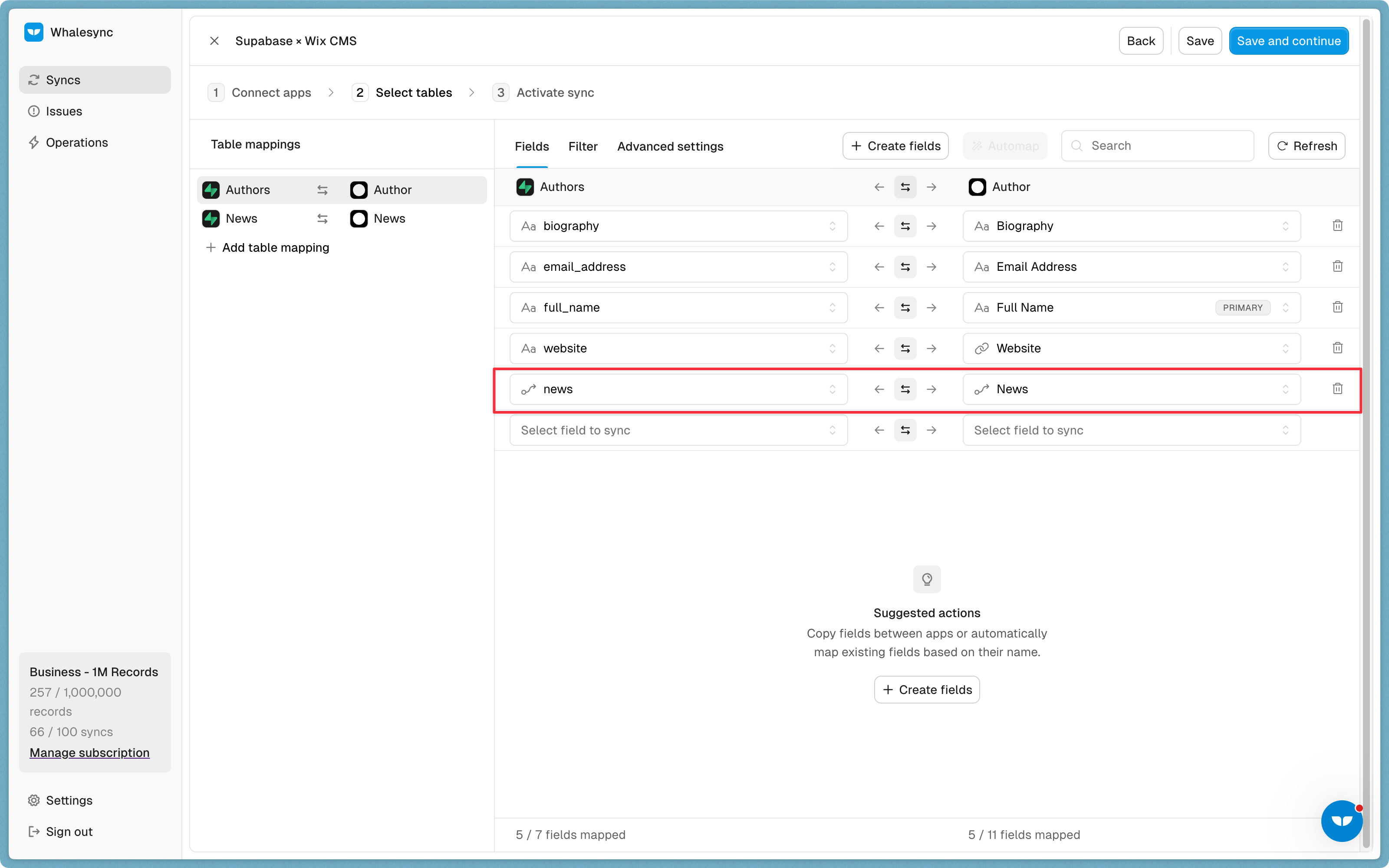
Map your fields
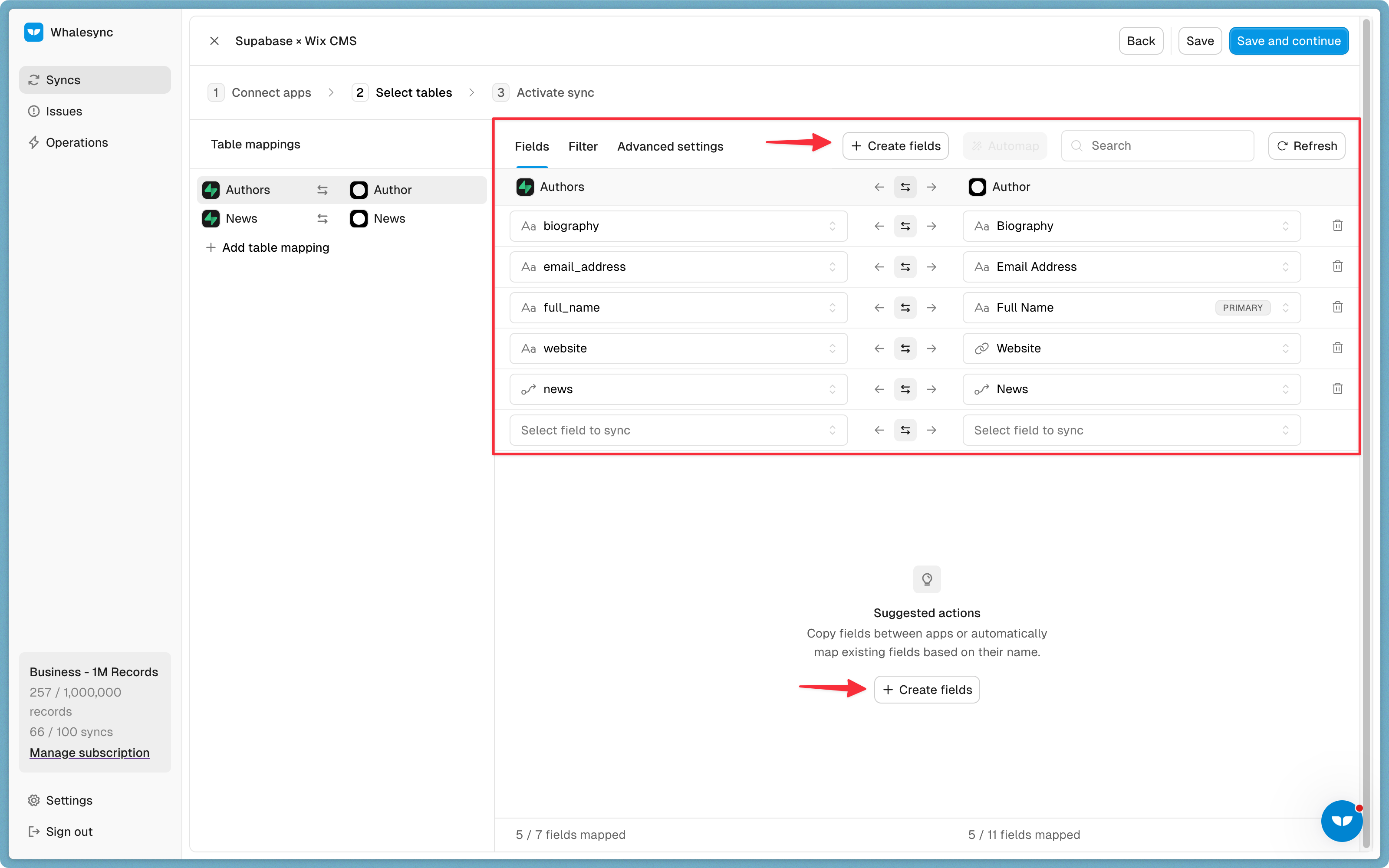
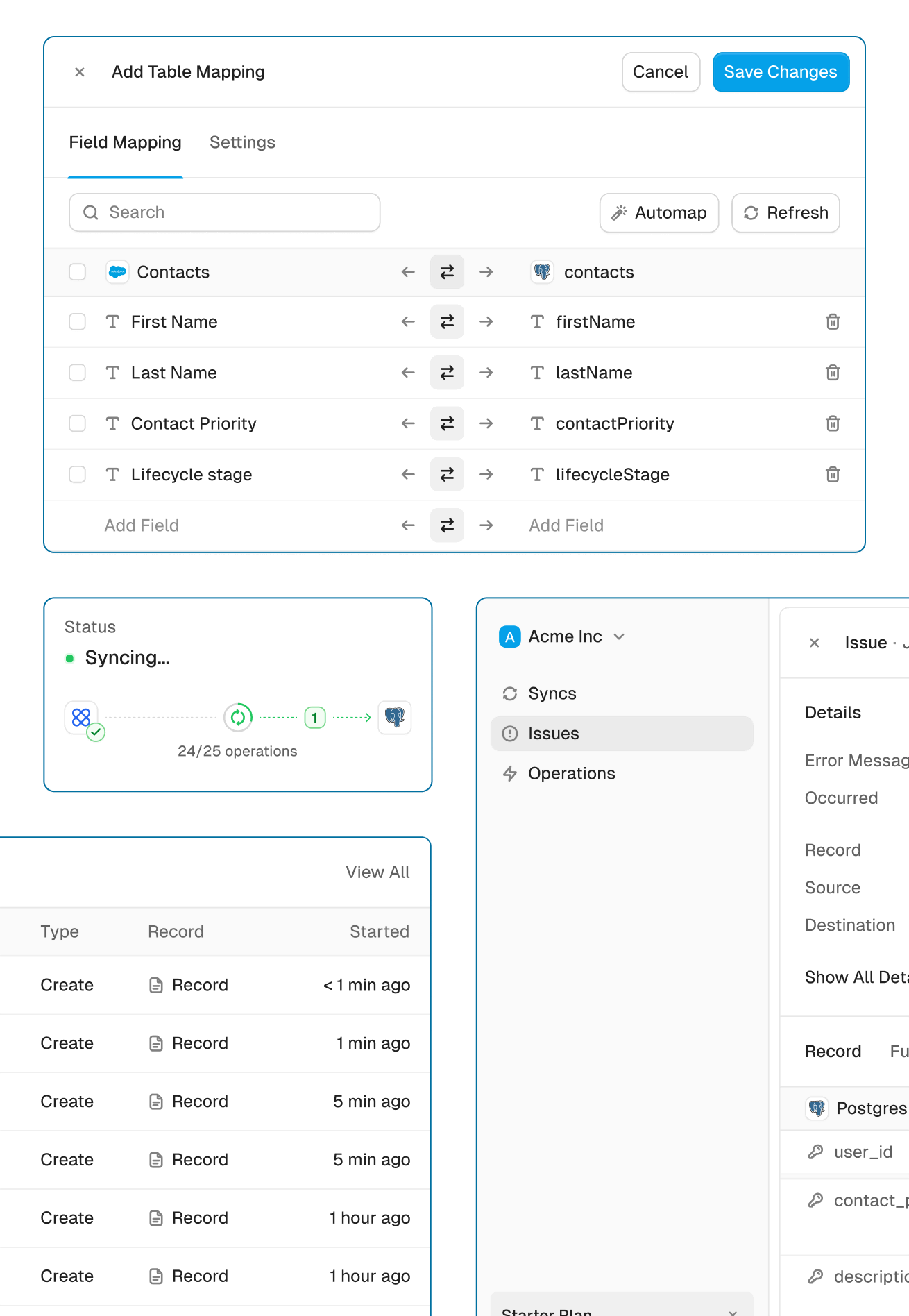
Select the fields you want to manage from Supabase and map them to the right fields in Wix CMS. You can choose to one-way or two-way sync them.
You can also auto-create fields directly in Whalesync’s UI.
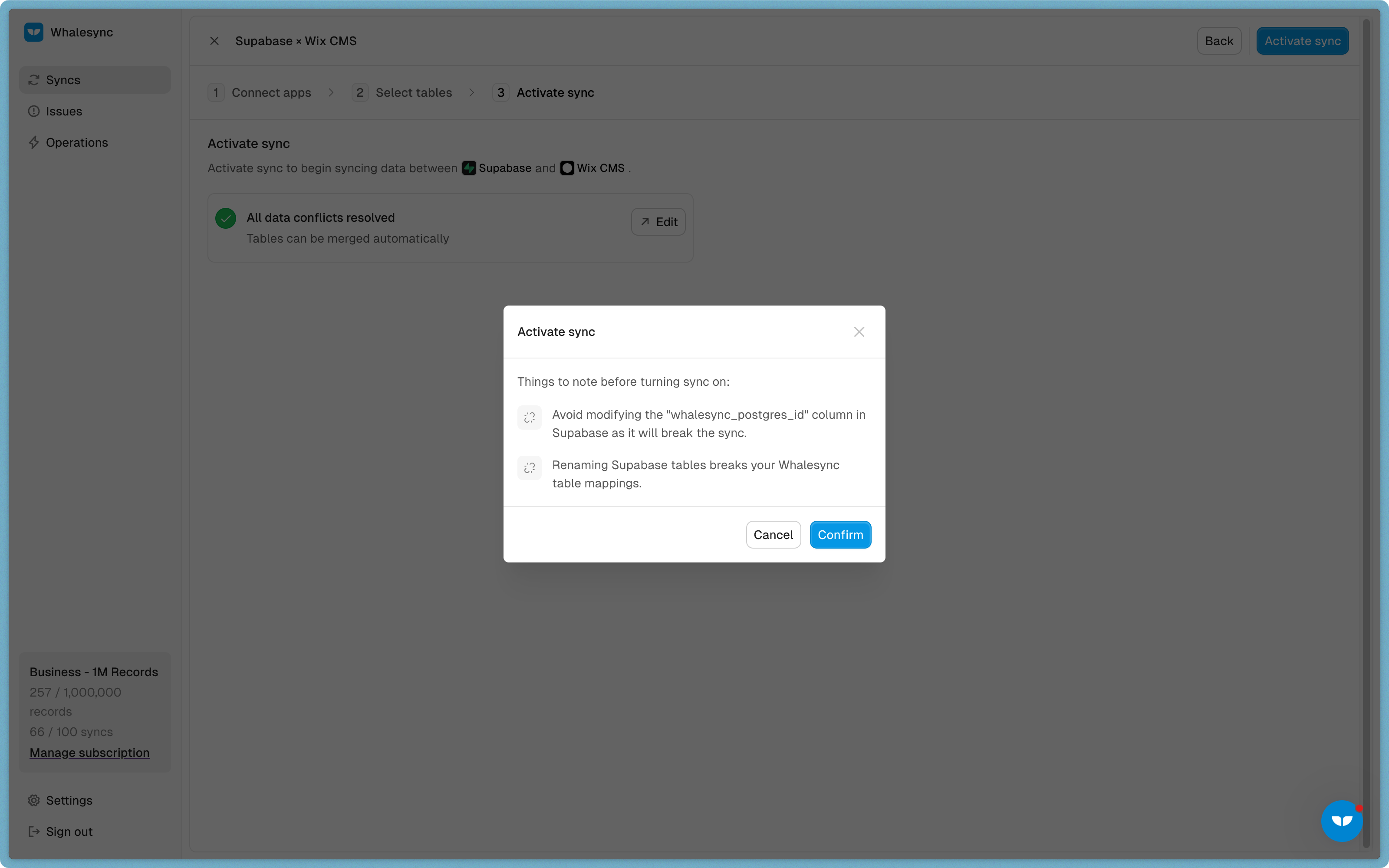
Activate sync 🎉
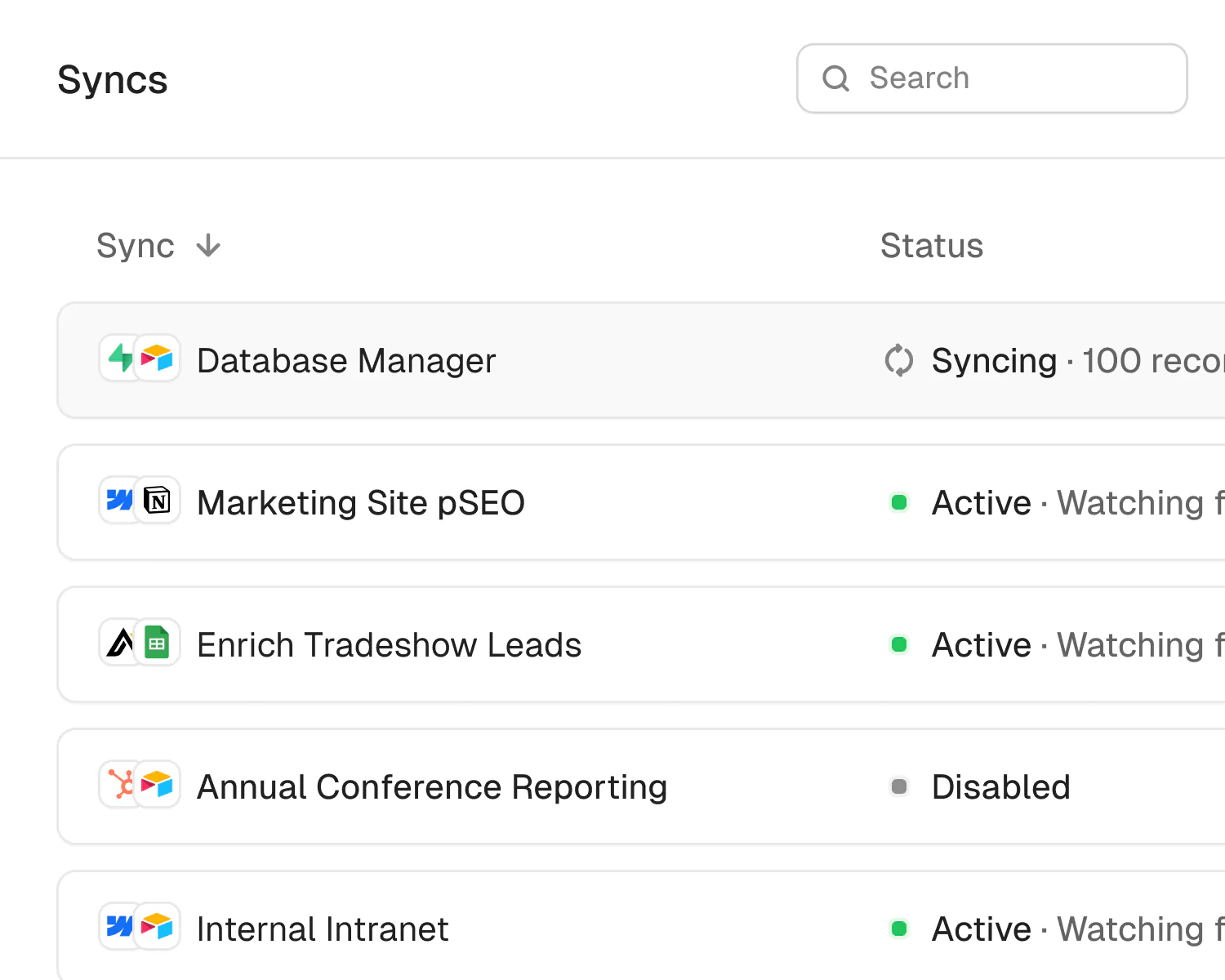
Now, Supabase and Wix CMS are synced! Any changes you make in Supabase will automatically flow into Wix CMS.
Connect and sync Supabase and Wix CMS today
It’s easier than ever for teams, creators, and businesses to manage dynamic content. Try it today.
Frequently asked questions (FAQs)
What’s the difference between Wix and Wix CMS?
Wix is the website builder, while Wix CMS is the content management system inside Wix that powers dynamic collections like blogs, product catalogs, and directories. Whalesync connects directly to Wix CMS collections.
Can I use Supabase as a CMS for Wix?
Yes. Supabase can store and manage your structured content while Wix CMS handles the publishing. With Whalesync, the two work together seamlessly.
Is two-way sync possible between Supabase and Wix CMS?
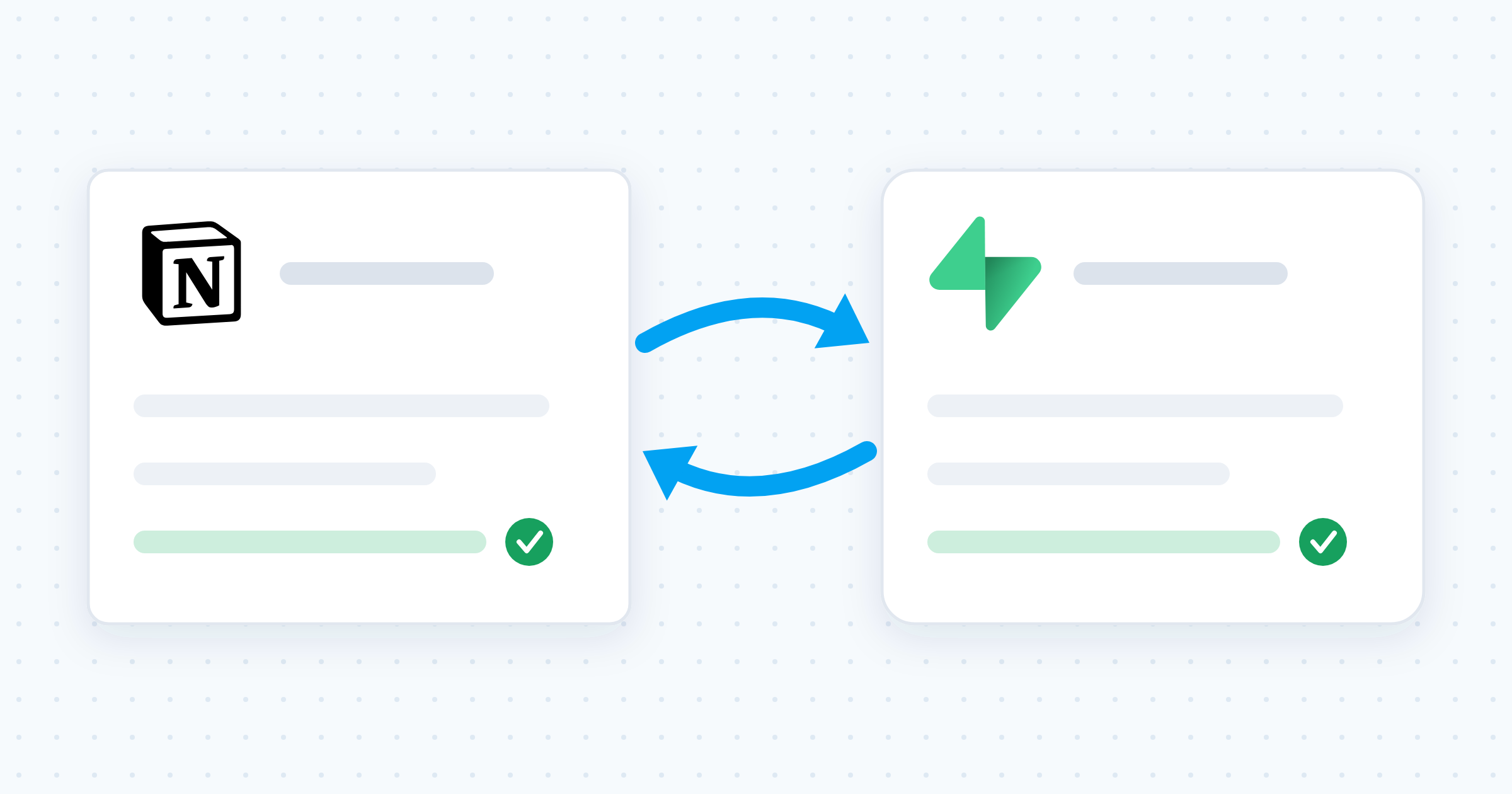
Yes. Whalesync supports two-way syncs, meaning updates in Supabase push to Wix CMS, and changes in Wix CMS can flow back into Supabase.
Next steps
Ready to connect Supabase and Wix CMS? Here’s how to get started:
- Explore the connector: Learn more on the official Wix CMS Connector page.
- Start building: Sign up for free and create your first Supabase and Wix CMS sync today.
About Supabase and Wix CMS
Supabase
Supabase is an open-source Firebase alternative built on Postgres.
What syncs
All Tables
Wix CMS
Wix CMS manages structured content collections for your drag-and-drop website.
What syncs
All CMS Collections
Powerful features, built for reliability
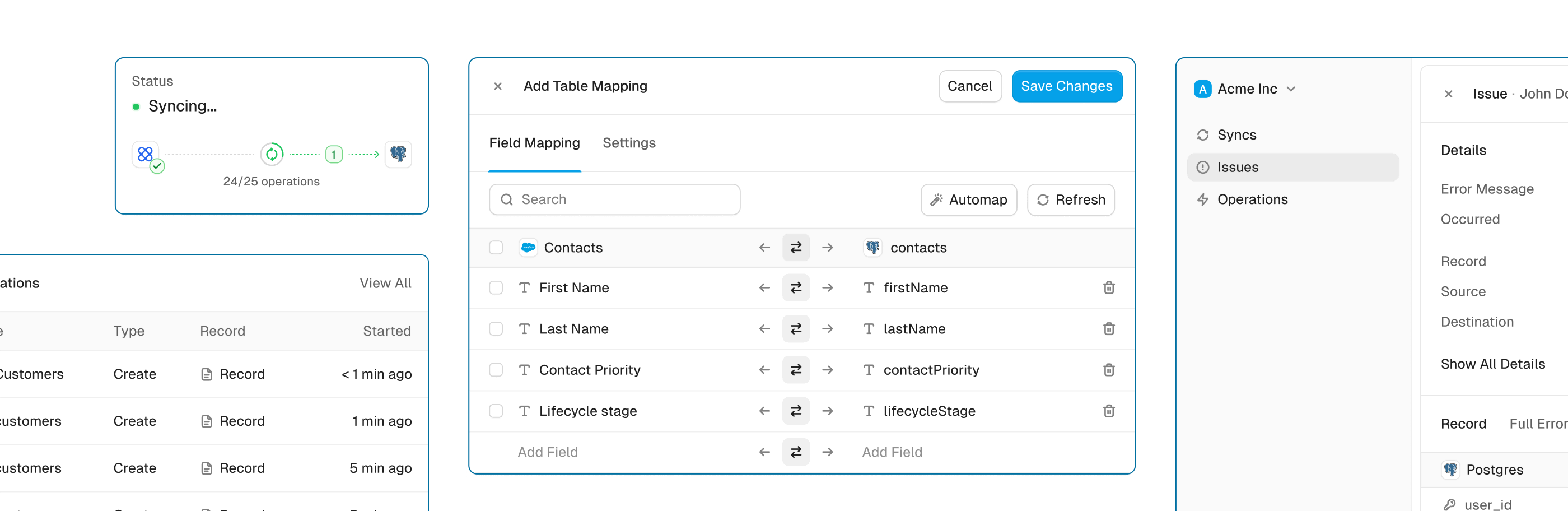
Get the power of an engineering-grade data sync with the simplicity of a no-code tool. Whalesync lets you build a robust, two-way, real-time sync between your apps in minutes, all through a simple visual interface.
Real-time & historical sync
Instantly sync new changes and bring over all your historical data. Your records will be up-to-date across apps from day one.
Efficient error handling
Instant email alerts for quick issue monitoring.
Automatic API handling
Forget about rate limits. Whalesync automatically manages API traffic and retries to ensure your sync runs smoothly without breaking.
Advanced filters
Precision filtering for targeted data sync.
Supabase and Wix CMS guides



Built for Enterprise
Connect your data with top-grade security, role based access control, SSO, and audit logs.


Security
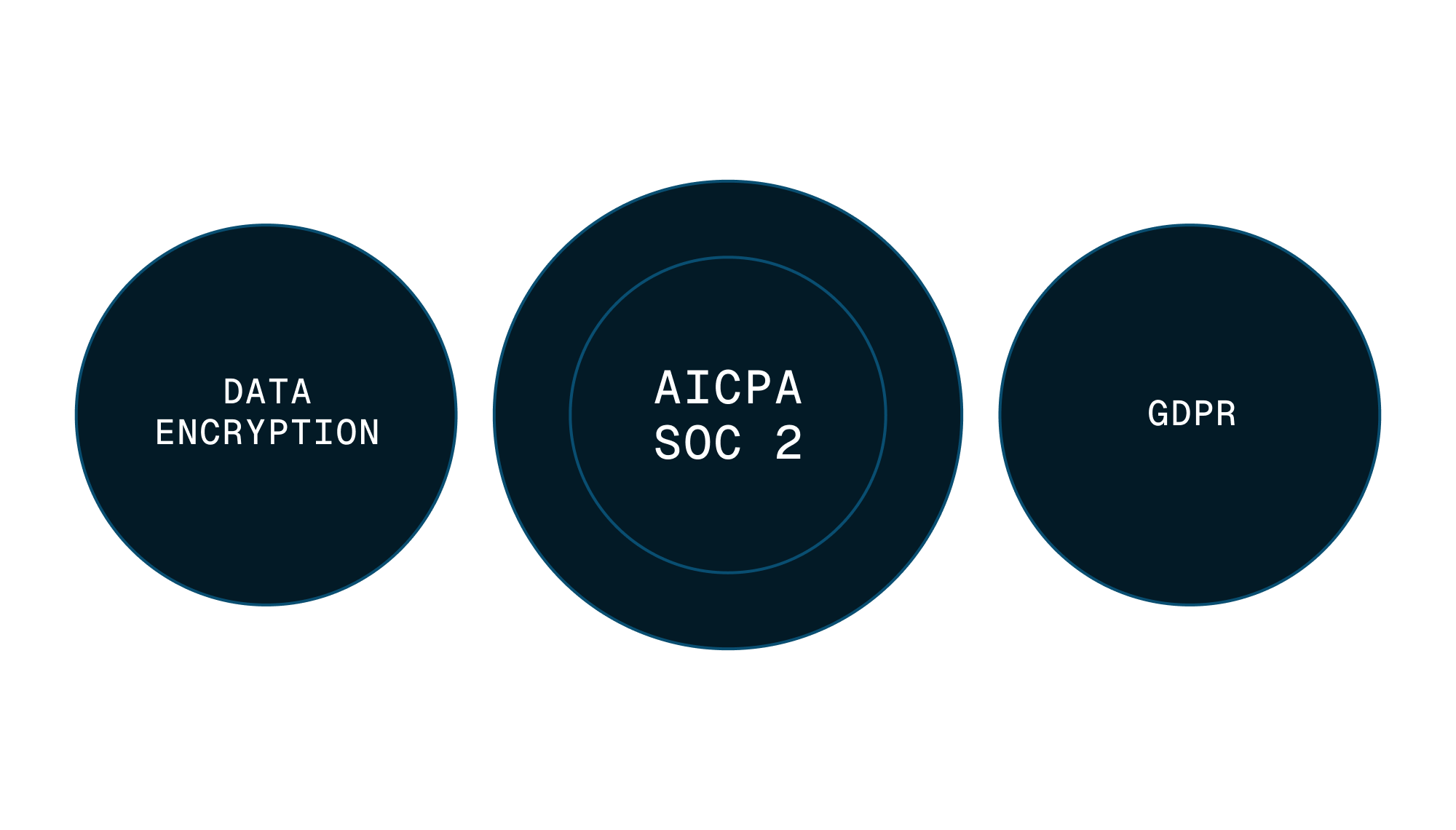
Enterprise-grade data safety with SOC 2 Type II, GDPR compliance, and encryption at rest monitored by Vanta.
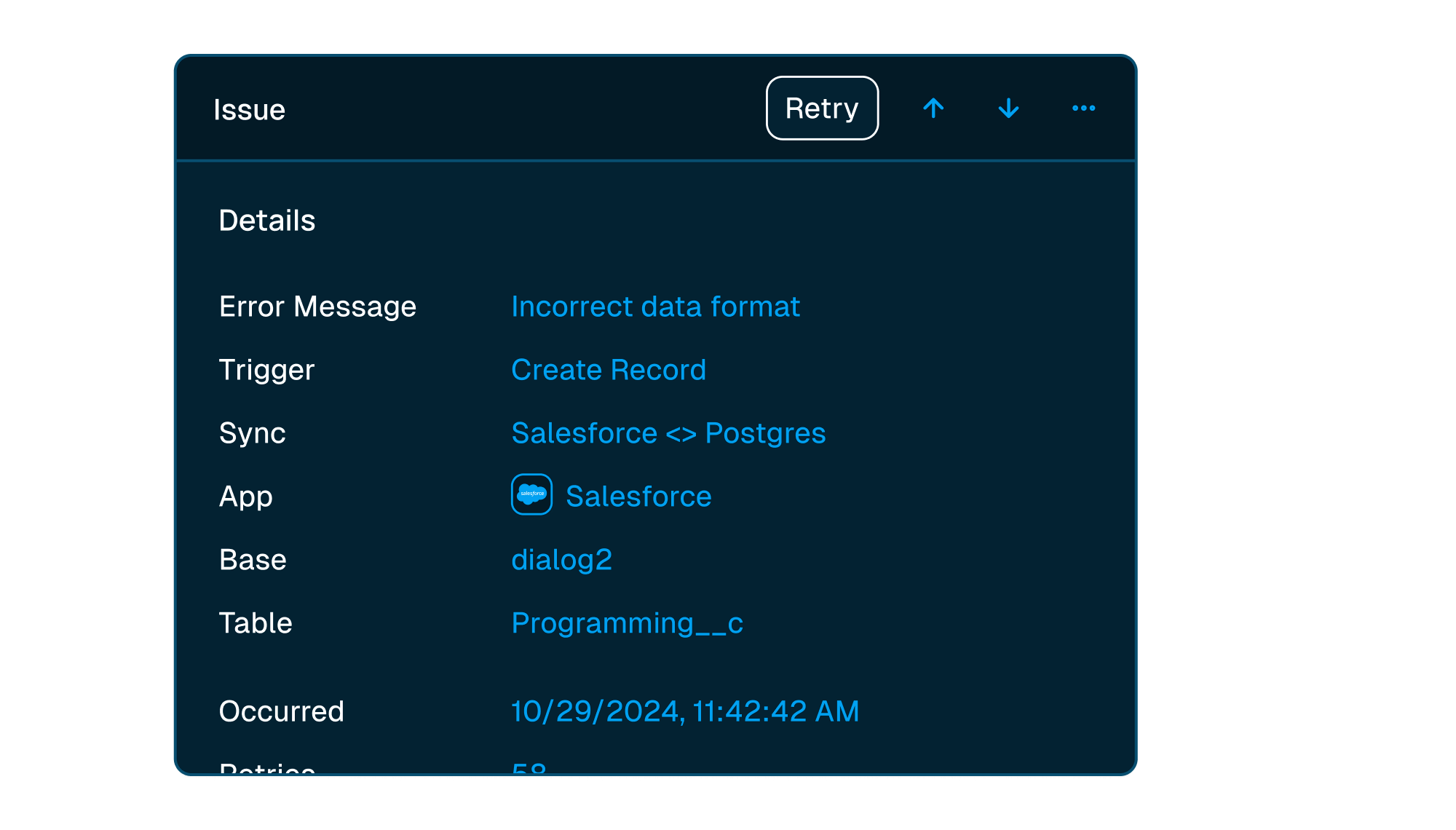


Scale with support
Easily manage issues at scale, while knowing you have a dedicated account manager on stand by to support.
Frequently asked questions
Is it really two-way sync?
Yes! Whalesync offers true two-way sync. Unlike most apps that offer one-way syncs in two directions, Whalesync actually keeps your data in sync bi-directionally. Update data in one app and see it instantly to sync to the other (or vice-versa).
What counts as a "record in sync"?
When a record syncs for the first time it becomes a record in sync. For example, if you sync 10 rows from Airtable to Webflow, you will have 10 records in sync. We do not "double-count" records across the two different apps.
Unlike other automation tools that count updates or tasks, Whalesync allows unlimited updates: those records can change as many times as you'd like.
What is a "sync"?
A sync is a connection between two different apps (e.g. Salesforce & Airtable). When you turn sync on, Whalesync will continuously sync data between your apps.
A single sync includes as many data tables and field as you'd like.
Does Whalesync support multi-reference fields? Rich text?
You bet! We've simplified all the annoying parts of setting up a sync with Zapier. We support multi-reference fields, rich text, and images. For a full list, see our supported fields docs.
What happens if my data has an error and can't be synced?
If data can't be synced (e.g. a required field is missing), Whalesync will alert you on the Issues page. This alert provides the exact error from your destination app and any other info that will help you fix the issue. In the meantime, Whalesync will continue to sync all data that doesn't have errors.
Do you offer a discount for nonprofits?
Absolutely! We love supporting organizations that are making the world a better place, so we're happy to offer a 20% discount to all nonprofits. To apply, just send us a note with proof of your nonprofit status (e.g. your 501(c)(3) determination letter) to support@whalesync.com and we'll get the discount applied to your account.






Connect your tools in minutes