The easiest way to sync Stripe and Airtable
Sync your Stripe data into Airtable in minutes. As records change in Stripe, Whalesync updates them in Airtable, and it never writes to Stripe.


Empowering top operators — From startups to enterprises
-
 Series C$350M
-
 Series C$330M
-
 Series C$100M
-

-
 Series B$72M
-
 Series C$30M
-
 Series A$50M
-
 Series B$86M
-
 Series B$65M
-
 Series B$100M
How to connect Stripe and Airtable in 3 steps
Connect Stripe and Airtable, map the fields you want, and turn sync on. From then on, changes in Stripe show up in Airtable automatically.
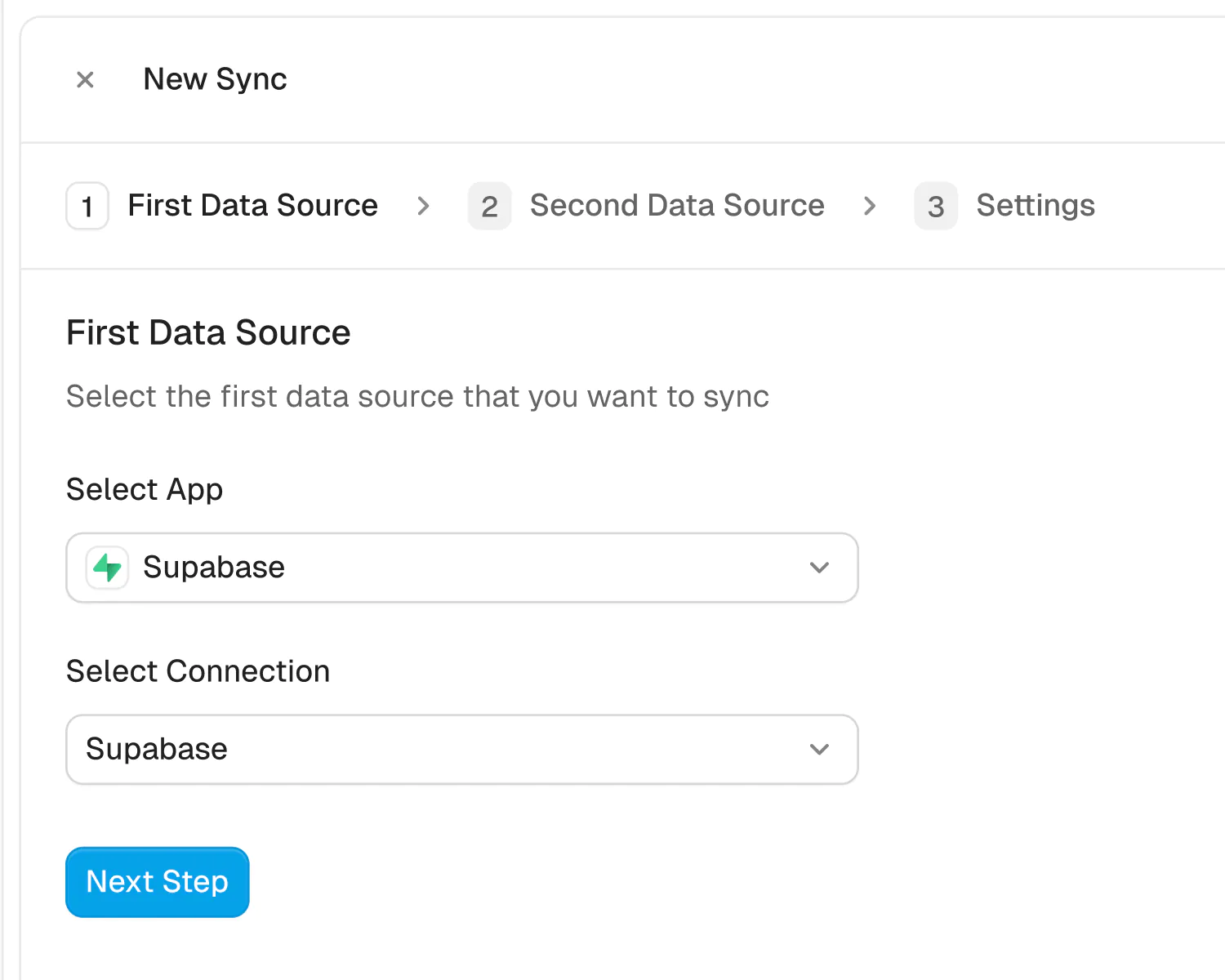
Connect your apps
Securely connect your Stripe and Airtable accounts in seconds. Just authorize Whalesync with a few clicks and you're ready for the next step.
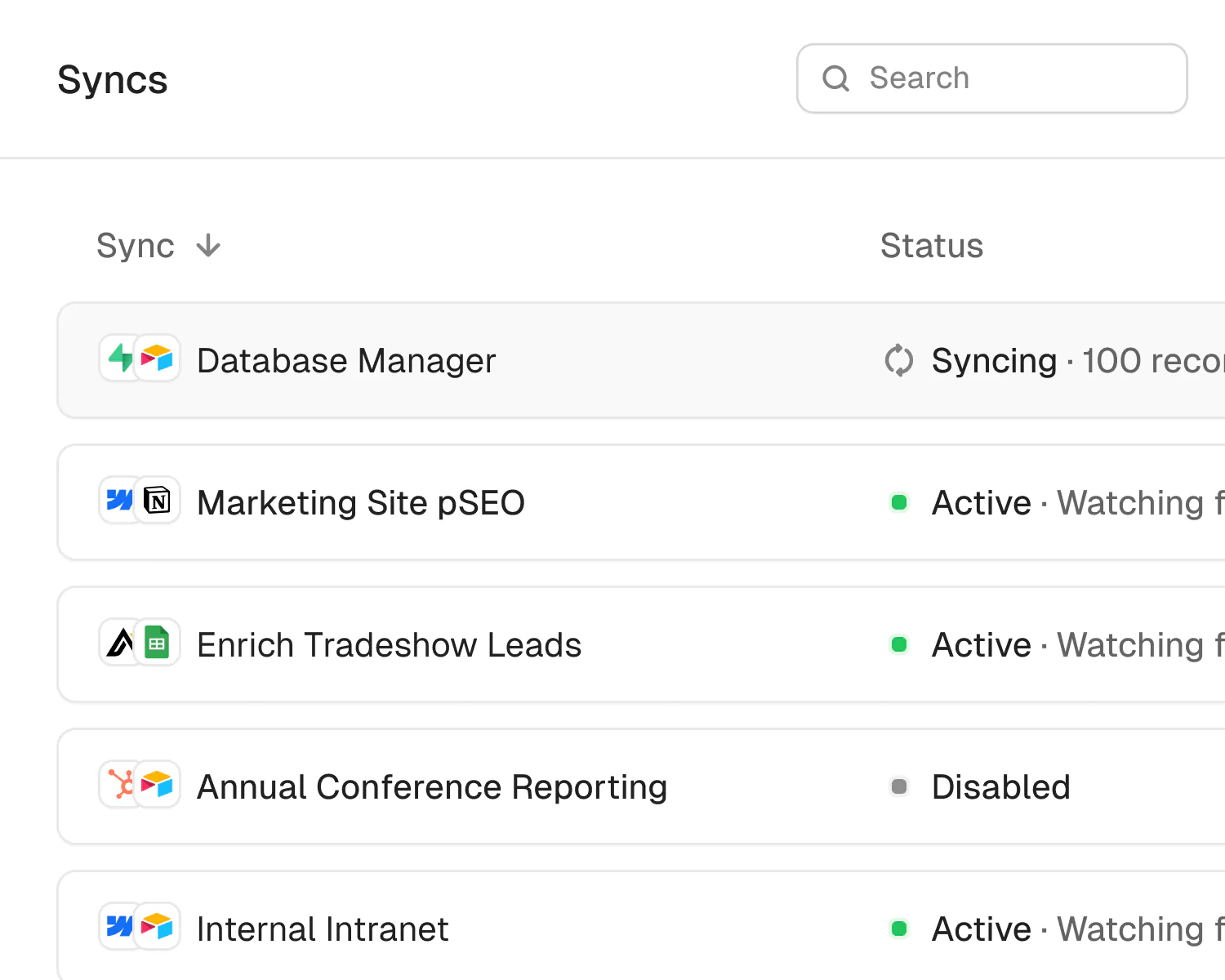
How to sync Stripe to Airtable in 5 minutes
Airtable is a go-to tool for managing operations, customer info, or internal processes. Stripe is the backbone of many businesses' payments infrastructure.
If you use Airtable to track customers or workflows, and Stripe to manage billing or subscriptions, syncing the two helps you organize and act on your financial data inside a more flexible interface.
Here’s how to connect and sync Stripe and Airtable in five minutes.
Let's begin
Why should you connect Airtable to Stripe?
Connecting Airtable and Stripe allows you to pull billing data from Stripe directly into Airtable, giving your team a centralized place to view customer status, payment activity, and subscription details. Airtable becomes a live reference layer for Stripe data, enabling operations, support, and marketing to work with up-to-date information without needing direct access to Stripe.
Since the sync is one-way (Airtable → Striple), you can’t push data into Stripe, but you can view and use Stripe data inside Airtable. This is ideal for reporting, tracking, and referencing key account metrics.
It reduces manual entry, minimizes the risk of billing errors, and gives your team real-time visibility into customer payment status using a familiar tool.
When should you connect X and X?
Here are a few common scenarios where connecting the two makes sense:
- You manage customer records in Airtable: You can sync payment and subscription data from Stripe to track billing status and subscription tiers into Airtable, where you manage customer records.
- Your operations or support teams need visibility into financial activity: While the team needs visibility into the organization’s financial activity, the team shouldn’t have access to Stripe’s dashboard. Syncing to Airtable provides a secure view.
- You use Airtable as a lightweight internal CRM or operations hub: Sync Airtable to Stripe to enrich your internal CRM or operations hub with real-time Stripe data for reporting, customer health tracking, or subscription lifecycle monitoring.
How to sync Airtable and Stripe
Here’s a step by step guide to sync Airtable and Stripe
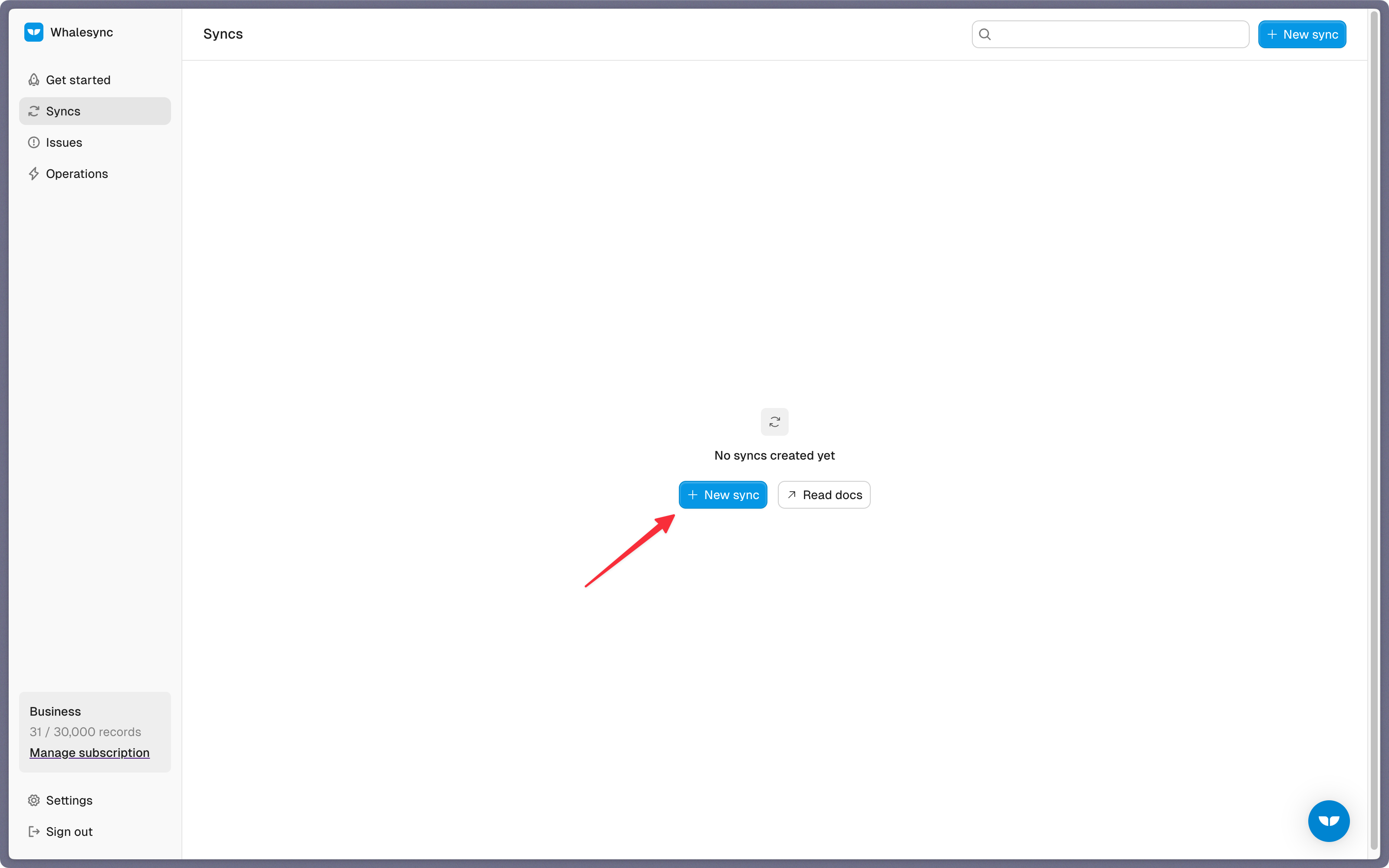
Step 1: Create a new sync
Log in to your Whalesync account and click ‘New sync’
Step 2: Authorize your apps
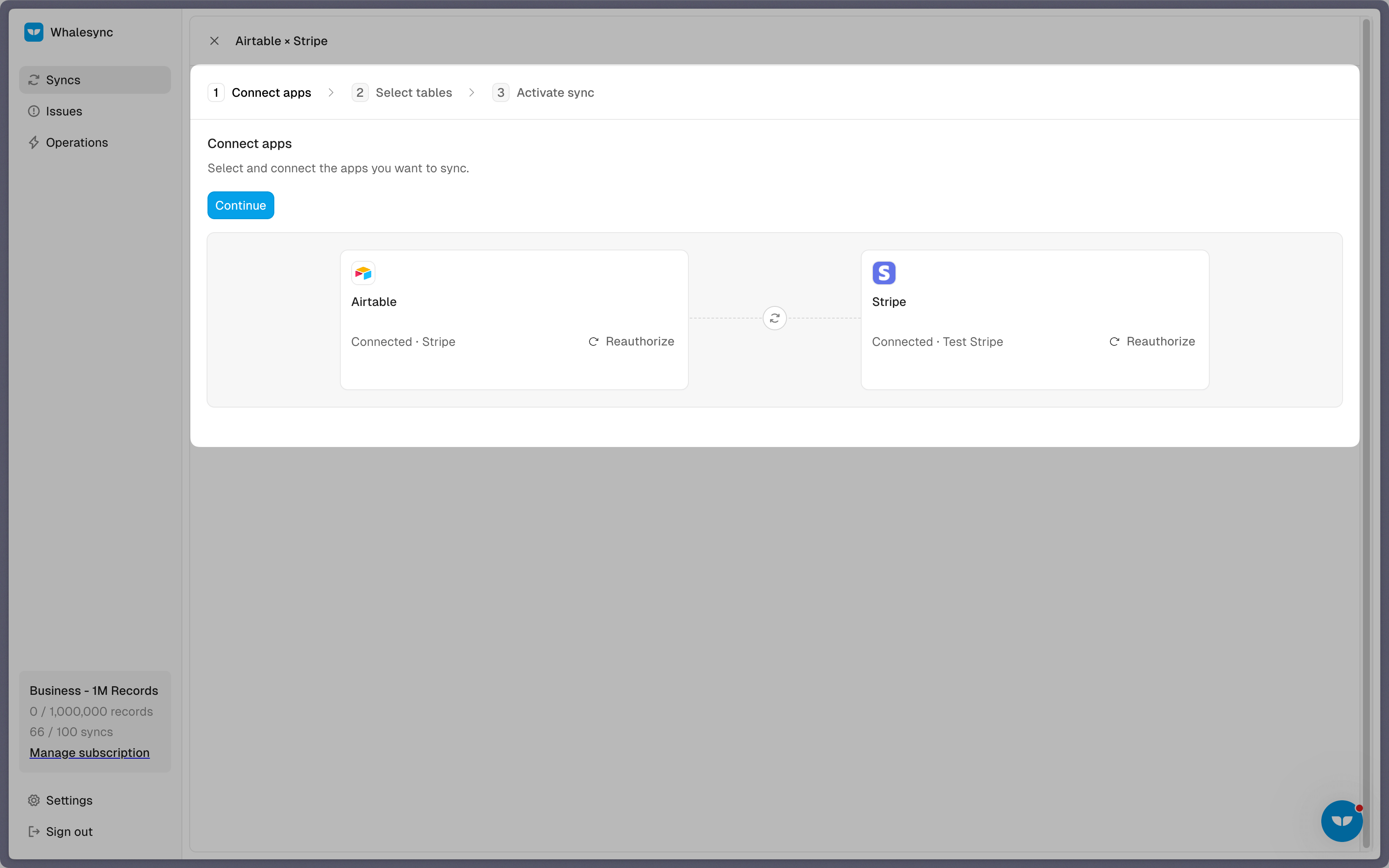
Select the apps you want to connect. In this case, it’s Airtable and Stripe. Then, authorize these two apps. Authorizing the apps enables Whalesync to have access to your app data in order to complete the syncs.
When you’re authorizing the apps, you need to select the Airtable base you want to sync the data to.
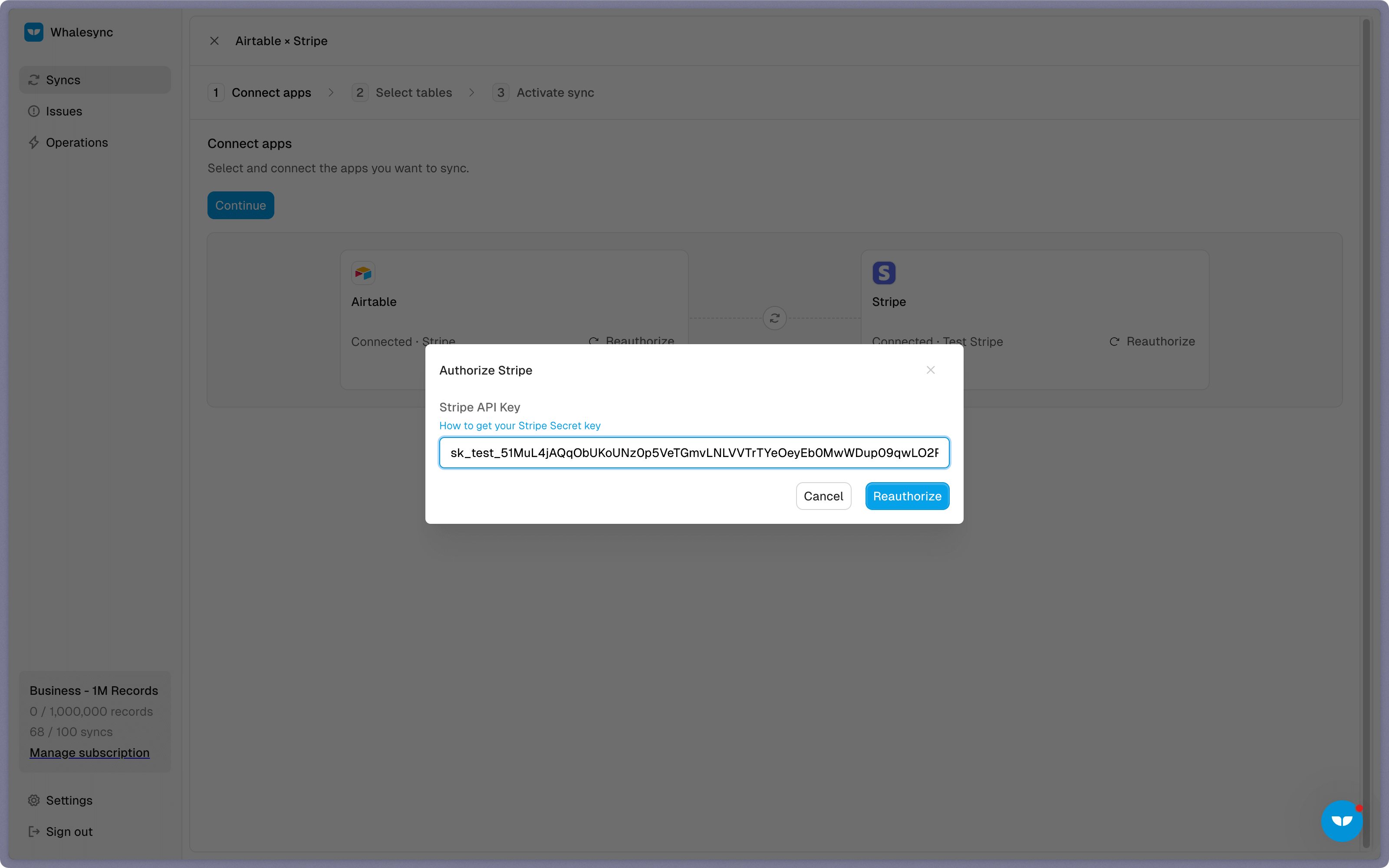
To authorize Stripe you need to enter your Stripe API Secret Key.
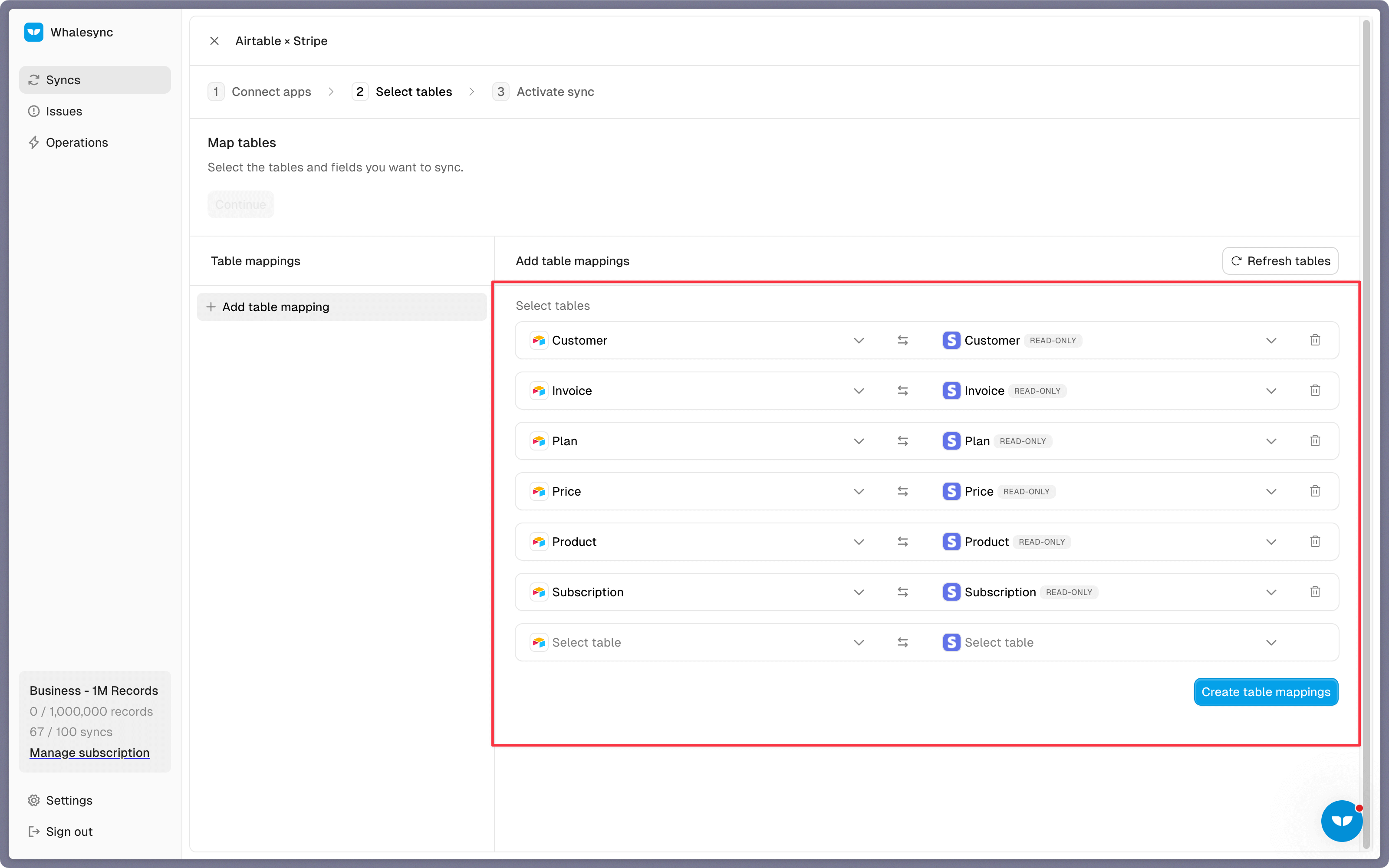
Step 3: Map your tables
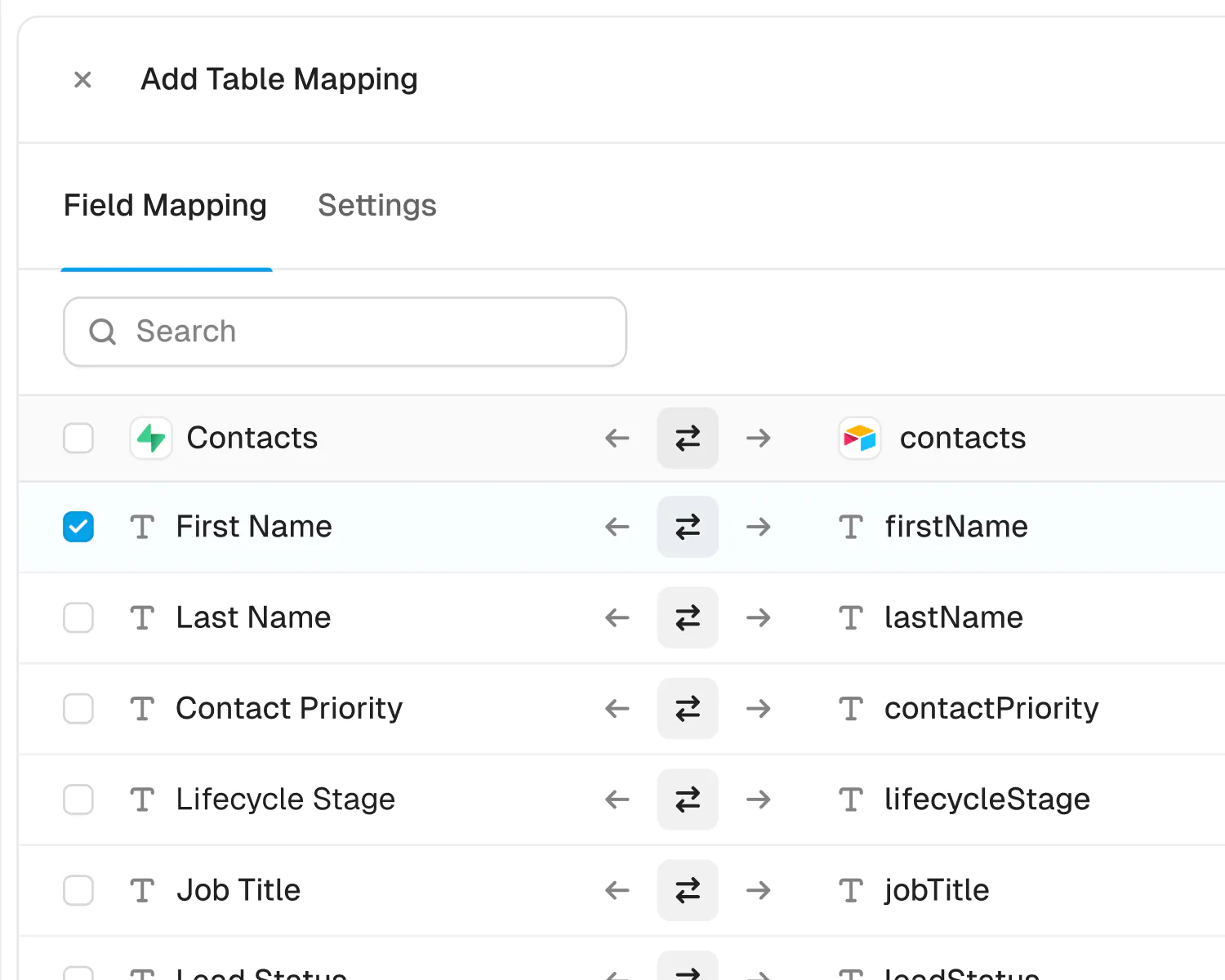
Choose the tables that you want to sync from Airtable to Stripe. You can add multiple table mappings to a sync and related fields. You can also create the tables you want to map from Whalesync’s user interface, making it much faster to get started with your syncing.
Step 4: Map your fields
You can choose how many fields you want to map, whether you want to map all of the fields or just a few.
When mapping your fields, consider what data you want to give your team access and visibility to, ensuring that you comply with data privacy and protection laws.
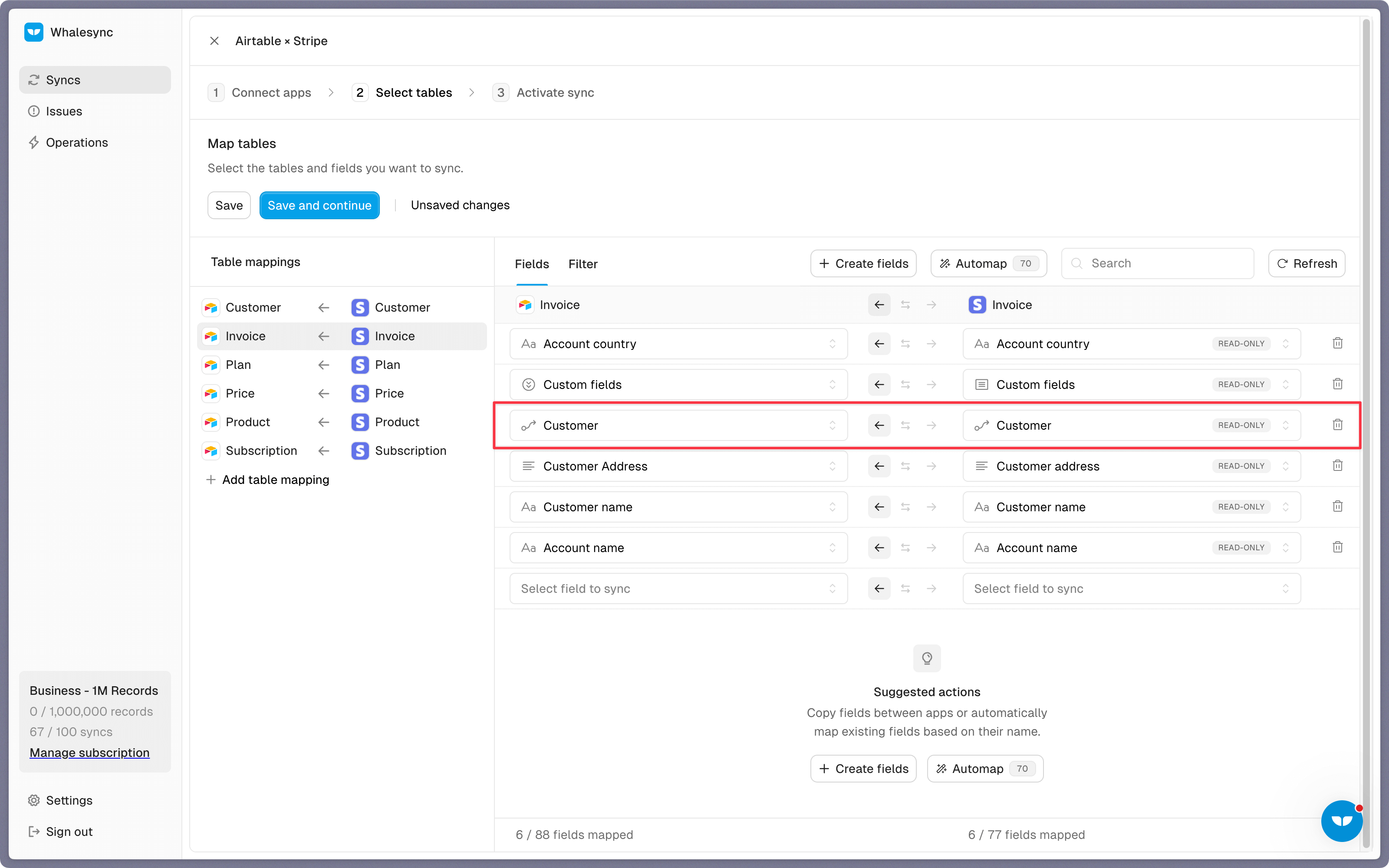
You can also create fields here.
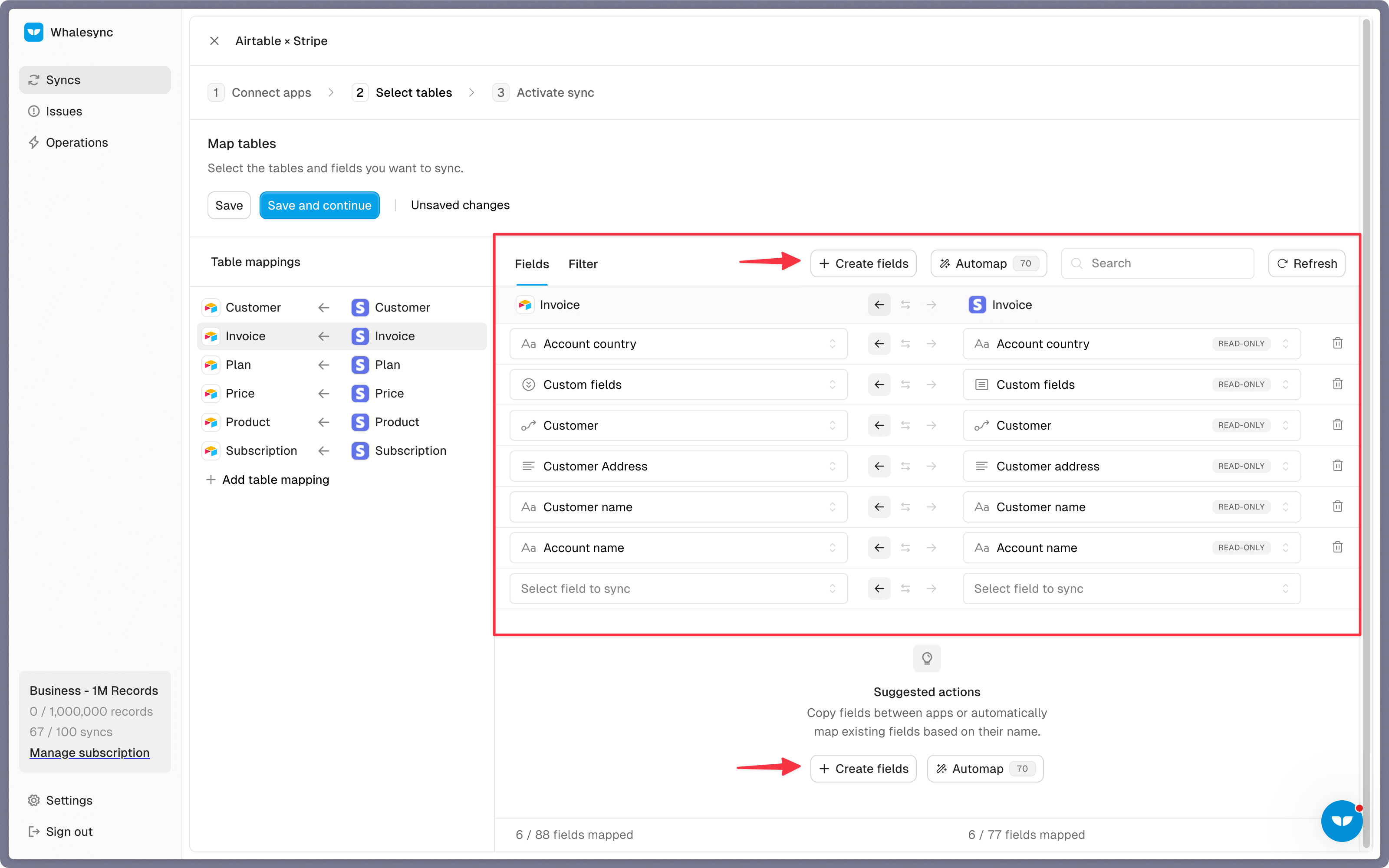
Once the sync is set up, your Stripe data will automatically sync to Airtable.
Step 5: Activate sync
The final step is to activate your sync! Before you activate your sync, you’ll see a preview that shows you how many records will be added to Airtable.
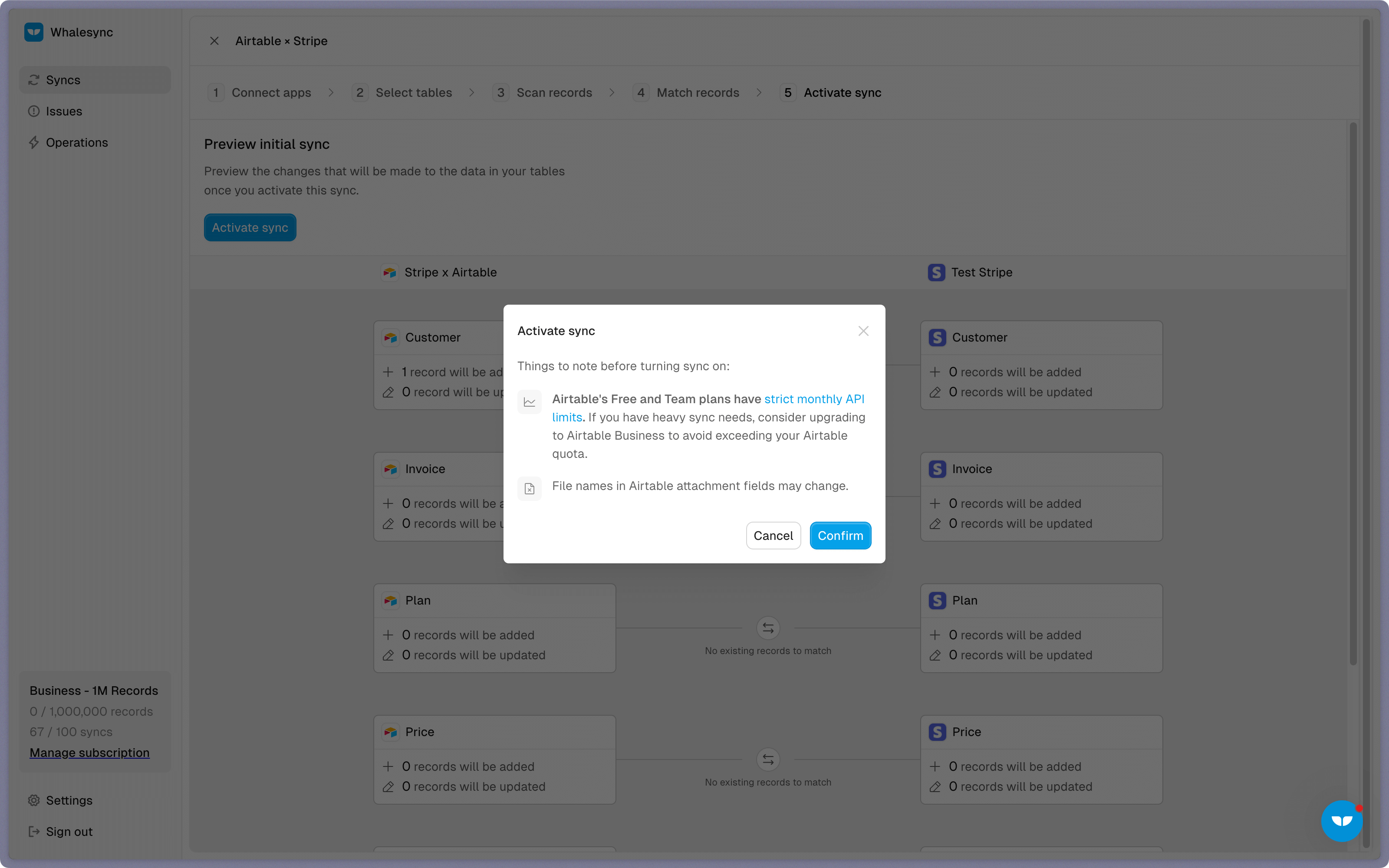
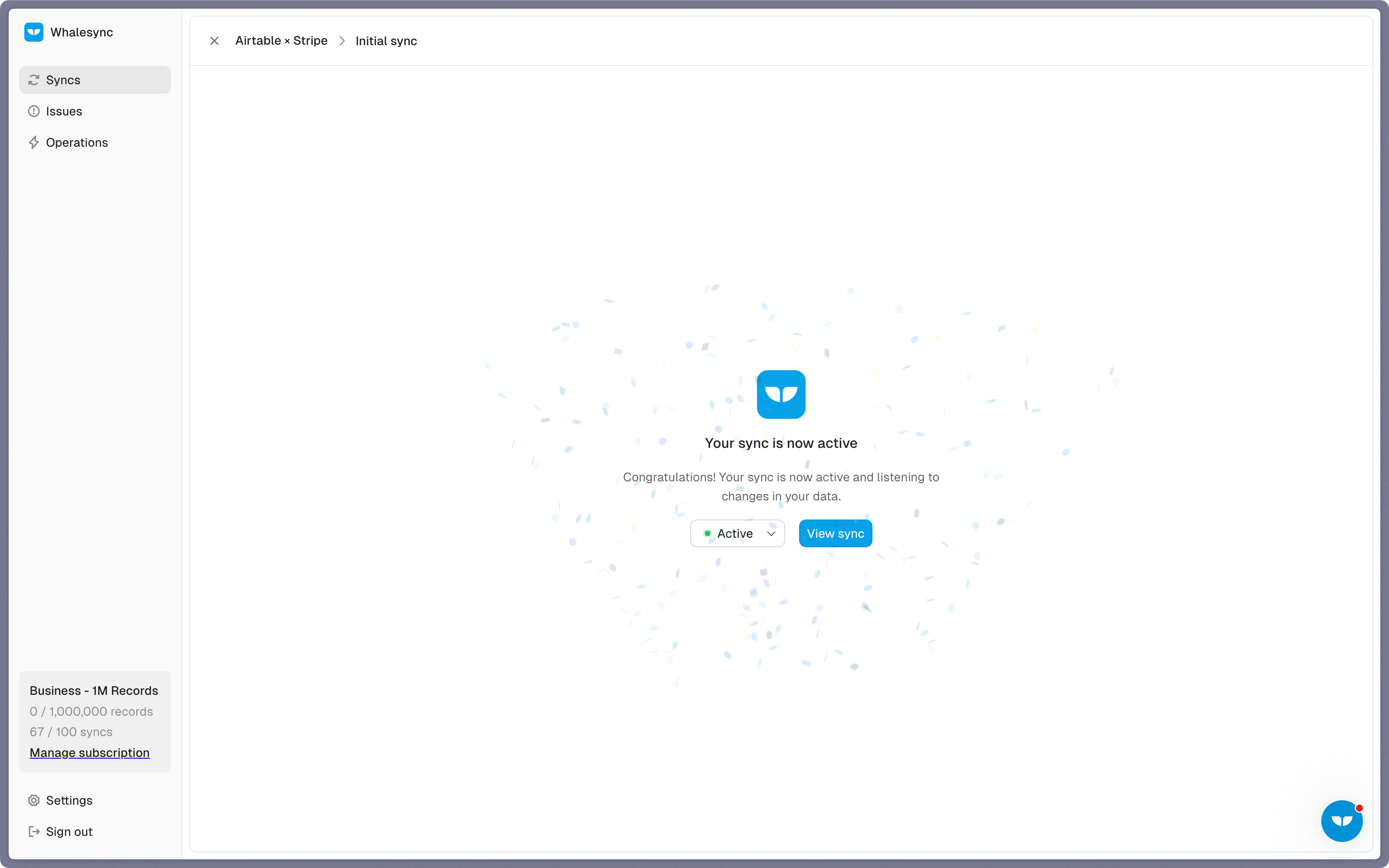
Done! Stripe and Airtable is synced 🤝
Wait a few seconds and you’ll see your Airtable base synced with data from Stripe.
Start syncing today
Syncing Airtable and Stripe creates a new level of visibility and efficiency for your team. By syncing Stripe data into Airtable you can centralize billing insights, streamline workflows, and reduce costly manual processes. Set up your sync in minutes and give every team the context they need.
Ready to connect Stripe and Airtable? Get syncing today
About Stripe and Airtable
Stripe
Stripe is a suite of payment APIs powering online commerce.
What syncs, one way
Customers, Subscriptions, Invoices, Invoice Items, Charges, Payment Intents, Products, Prices, Plans, Coupons, Promotion Codes, Refunds, Disputes, Payouts, Balance, Balance Transactions, Credit Notes, Quotes, Payment Links, Payment Methods, Events, Shipping Rates, Tax Codes, and Tax Rates
Airtable
Airtable is an easy-to-use relational database in the browser.
What syncs
All Tables
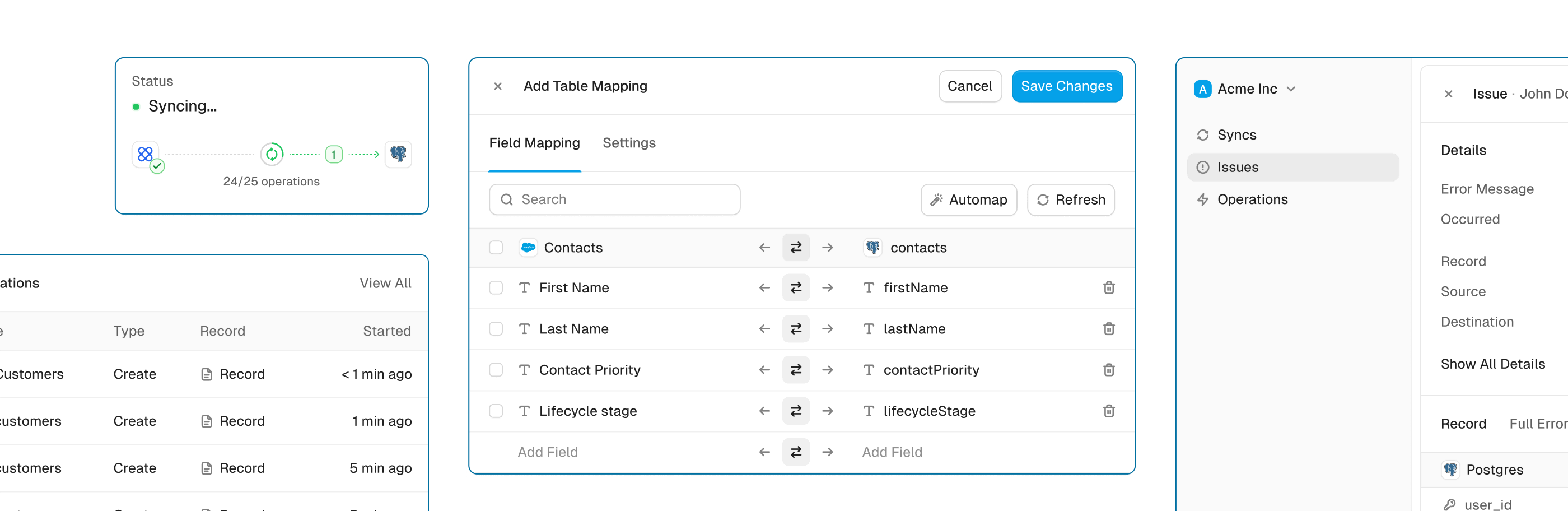
Powerful features, built for reliability
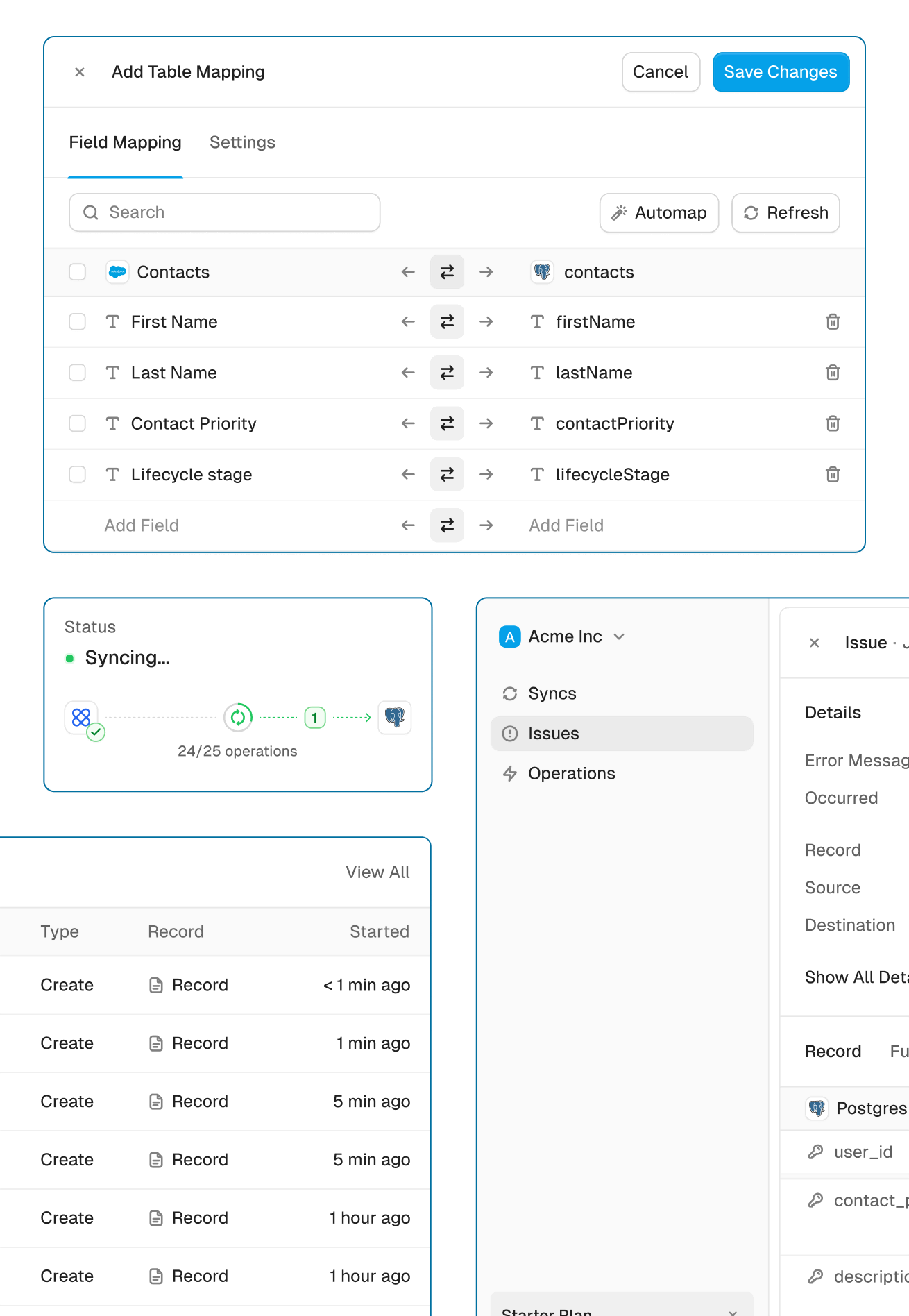
Get the power of an engineering-grade data sync with the simplicity of a no-code tool. Whalesync lets you build a robust, two-way, real-time sync between your apps in minutes, all through a simple visual interface.
Real-time & historical sync
Instantly sync new changes and bring over all your historical data. Your records will be up-to-date across apps from day one.
Efficient error handling
Instant email alerts for quick issue monitoring.
Automatic API handling
Forget about rate limits. Whalesync automatically manages API traffic and retries to ensure your sync runs smoothly without breaking.
Advanced filters
Precision filtering for targeted data sync.
Stripe and Airtable guides




Built for Enterprise
Connect your data with top-grade security, role based access control, SSO, and audit logs.


Security
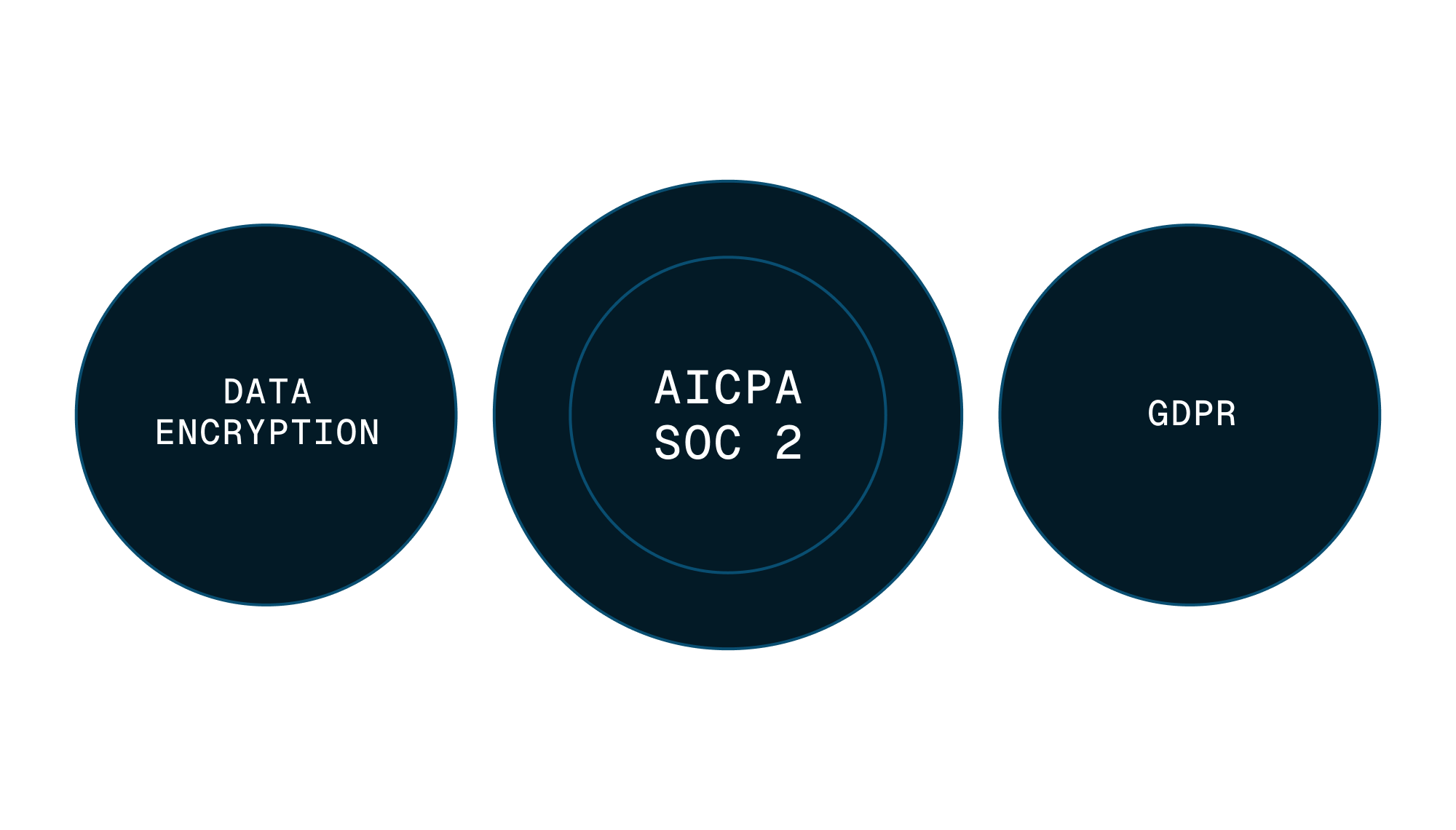
Enterprise-grade data safety with SOC 2 Type II, GDPR compliance, and encryption at rest monitored by Vanta.
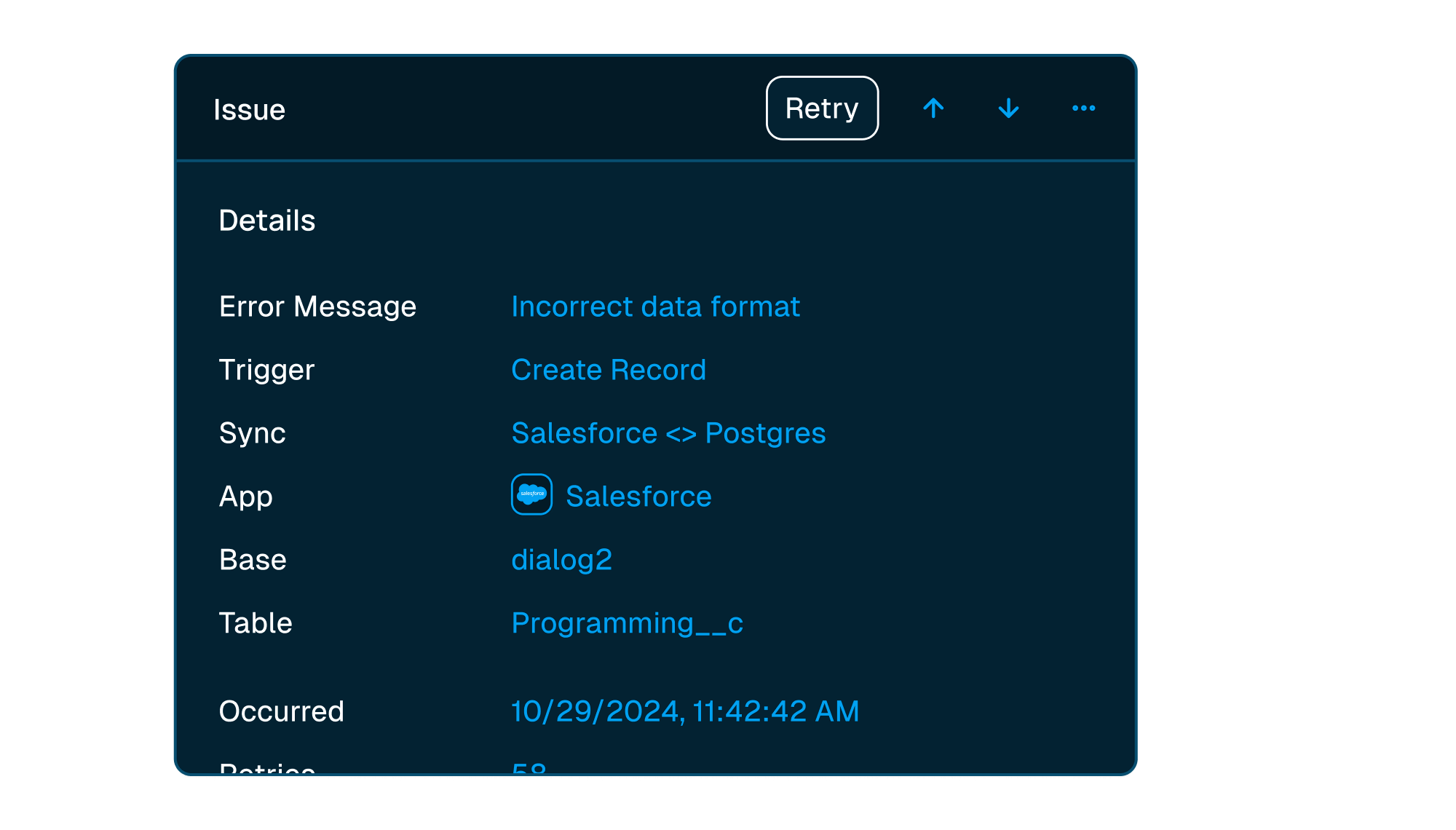


Scale with support
Easily manage issues at scale, while knowing you have a dedicated account manager on stand by to support.
Frequently asked questions
Does Stripe sync both ways?
No. Stripe syncs one way, into Airtable: Whalesync reads your Stripe data, keeps it current in Airtable, and never writes to Stripe.
What counts as a "record in sync"?
When a record syncs for the first time it becomes a record in sync. For example, if you sync 10 rows from Airtable to Webflow, you will have 10 records in sync. We do not "double-count" records across the two different apps.
Unlike other automation tools that count updates or tasks, Whalesync allows unlimited updates: those records can change as many times as you'd like.
What is a "sync"?
A sync is a connection between two different apps (e.g. Salesforce & Airtable). When you turn sync on, Whalesync will continuously sync data between your apps.
A single sync includes as many data tables and field as you'd like.
Does Whalesync support multi-reference fields? Rich text?
You bet! We've simplified all the annoying parts of setting up a sync with Zapier. We support multi-reference fields, rich text, and images. For a full list, see our supported fields docs.
What happens if my data has an error and can't be synced?
If data can't be synced (e.g. a required field is missing), Whalesync will alert you on the Issues page. This alert provides the exact error from your destination app and any other info that will help you fix the issue. In the meantime, Whalesync will continue to sync all data that doesn't have errors.
Do you offer a discount for nonprofits?
Absolutely! We love supporting organizations that are making the world a better place, so we're happy to offer a 20% discount to all nonprofits. To apply, just send us a note with proof of your nonprofit status (e.g. your 501(c)(3) determination letter) to support@whalesync.com and we'll get the discount applied to your account.


Connect your tools in minutes