Changelog
Product news and feature updates.
The Mailchimp connector is live in beta, on the Starter plan. Each Mailchimp audience becomes a base you can sync with Airtable, Notion, Google Sheets, a database, or any other Whalesync connector.
Contacts sync both ways, with their merge fields, groups, tags, VIP status, and GDPR consent. Campaign results, saved segments with their members, and survey responses are read-only, for reporting.
Whalesync never sends an email. A new contact is stored as transactional unless you sync a subscribed status, and deleting a record archives the contact rather than deleting it for good. Read the Mailchimp connector docs.
The Klaviyo connector is live in beta. A Klaviyo account becomes a base with three tables, Profiles, Lists, and Segments, that you can sync with Airtable, Notion, Google Sheets, Supabase, HubSpot, or any other Whalesync connector.
Profiles sync both ways: the built-in fields, the address, the custom properties Whalesync finds on your profiles, and list membership, so adding a row to a list in Airtable adds that person to the list in Klaviyo. Lists can be created, renamed, and deleted. Segments, segment membership, email and SMS consent, and Klaviyo’s predictive analytics are read-only. Changes arrive by polling rather than webhooks. Whalesync never deletes a Klaviyo profile and never sends a message to one.
Sign in with Klaviyo or paste a private API key, and map. Read the Klaviyo connector docs.
The Asana connector is live in beta. Each Asana project becomes a table in Airtable, Notion, Google Sheets, Supabase, or any other Whalesync connector, synced both ways.
The columns are the fields every task has plus the project’s custom fields. Assignees, followers, tags, and parent tasks stay links, sections are a select, descriptions are rich text, and attachments hosted by Asana come across as files. A webhook on each project carries an edit over within seconds. Attachments, dependencies, and the Users, Tags, and Projects tables are read-only for now, and comments are not synced.
Sign in with Asana or paste a personal access token, pick a workspace and its projects, and map. Read the Asana connector docs.
Our Sanity connector is live in beta. Two-way sync Sanity documents with Airtable, Notion, Google Sheets, and our other connectors.
Every document type in your deployed Studio schema becomes a table, nested objects and references included. Drafts are synced as the latest content, and a Draft field lets you keep a change unpublished or publish it from the other app. Portable Text and images sync out of Sanity as HTML and URLs.
Deploy your Studio schema with npx sanity schema deploy, create an Editor API token, and you are set. Read the Sanity connector docs.
Visual changes to the sync connector picker. Easier to read and search to find your connector.
Also this week
- New screen for initial sync. Partially rolled out last week, now it's used everywhere. More clear instructions and workflow.
- Google Sheets permission errors simplification. Better instructions, and inline action buttons.
- Google Sheets setup stops before it writes anything if a selected tab has a merged cell in the header row. It names the tabs and links Google's docs, instead of failing partway through on creating the Whalesync ID column.
- A Webflow site publish that Webflow refuses now shows Webflow's own reason — "a full site publish is required," for example — and points you at the Webflow Designer.
- In the table mapper, setting the last two-way column to one-way turns the table one-way to match, so you can't end up creating empty records on the other side. Clicking an arrow the table doesn't allow offers to make the table two-way instead. The field list header stays put while you scroll.
- Listing a side's bases over the public API or MCP when its authorization is broken now comes back as a connection error that says it needs reconnecting, rather than a generic server error you could retry forever.
- Supabase started rejecting our token refresh on September 12. Affected syncs keep running on their stored credentials, the connection is flagged for reconnection with an email, and it clears itself once Supabase accepts us again.
- Attio locations: a city, state or country part not synced to Attio could fail the push outright, or go out empty and clear what Attio had.
- Postgres databases behind AWS RDS Proxy couldn't be connected at all. Session timeouts are applied after connecting now rather than in the startup packet, which poolers reject.
- Two MCP tools were failing on their own: record status when the table wasn't given as a table id, and field listings run in parallel against Postgres and Webflow sides.
- Reauthorizing a sync with unchanged credentials returned a server error. Nothing was lost — the reauthorization finished either way — but the error is gone.
- A WordPress connection created through the public API without a site URL reported success and then failed later when fetching previews. It's rejected up front.
- Turning a sync on while its initial sync is still applying is refused, instead of killing the initial sync partway through and marking it failed.
Double the record count for Starter plans — 2000 for two-way sync, 4000 for Live Export.
Also this week
- Phone app usability. Support small screen sizes in the Whalesync app.
- Webhooks have a home in settings. A new Webhooks tab lists every sync that has one — endpoint, status, last delivery — plus every sync that doesn't, with a button to add it. Each row links straight into that sync's webhook settings.
- One-click ChatGPT setup. The Whalesync MCP server is listed in the ChatGPT app directory, so the MCP settings page has a ChatGPT tile that opens the listing. The paste-the-URL path is still there under Manual setup for workspaces that restrict apps.
- Tell us which app you're missing. Both connector pickers — the sync flow and Live Export, source and destination — have a "Don't see your app?" box to tell the team what you are looking for.
- Paused Supabase projects stay in the base picker with a
[Paused]label instead of disappearing. When every project in the organization is paused, the connection error names them and links to Supabase's docs on restoring one. - Billing during a trial shows a "Free trial" badge in place of a monthly price (that you don't pay), and the buttons read "Manage payments" and "Compare plans".
- Sync error messages are plain text on every screen they appear on. Whalesync's own guidance for an error keeps its formatting — explanation, suggested action, and links to the relevant docs.
- Attio authorization was broken by some changes on their side. If you tried to connect Attio in the last few weeks and gave up, it works now.
- Webflow answers valid requests with a bare "Not Acceptable" during its own platform incidents. Those are treated as temporary — the request retries on its own and the error says as much, instead of stranding the change.
- Webhooks over 100kb were turned away. This mostly hit localized Webflow sites, where one edit arrives as one event per locale; those changes waited for the next poll rather than arriving immediately.
- Re-running an initial sync over an existing sync got slower the bigger the sync was, down to a crawl on large ones. Back to full speed.
- An account whose login address is a Whalesync team address could get stuck with a sync that should have been turned off.
Close is available to everyone. It joins the CRM lineup on every plan version. Marked beta while the full live pass runs.
Also this week
- Salesforce sandbox organizations. The connect dialog has a "Use sandbox" checkbox. Tick it and you sign in at the sandbox host; the choice is stored with the connection, so token refreshes go back to the same place.
- A sync troubleshooting playbook over MCP. An agent connected to the Whalesync MCP server can pull the guide a support engineer would work from — recurring gotchas, per-connector failure modes, which remediations are safe, and an escalation template. Built from a year of support conversations.
- Live Export: run a full sync on demand. "Run now" is now a split button, and the menu has "Run a full sync" — the pull mode that covers every record rather than only what changed, and the way to bring back a destination record deleted or archived outside Whalesync. A publish that fails because the destination record is gone says that in plain language instead of showing the connector's raw error, and the rerun button offers the full sync right there.
- See what a publish changed. A finished Live Export publish lists every destination record it touched, marked created, updated, or deleted. Click a row and it expands to a field-by-field before and after.
- Live export records get their own line on the billing page — usage against your plan's Live Export cap, counted separately from two-way sync records.
- The Live Export schedule picker shows which cadences your plan allows, with a badge naming the plan that unlocks the faster ones. Manual runs are unaffected.
- Run now, rename, and schedule changes on a Live Export surface failures as a toast with the server's own reason.
- The row for a table mapping you're about to create draws a dotted line rather than two-way arrows, with a tooltip saying the direction is picked after the mapping exists. Rows for mappings that already exist show a real direction and keep their arrows.
- Issues and operations opened from inside a sync now sit at their own URL under that sync, so the back button returns to the list you came from. The rows are real links, so command-click and middle-click open them in a new tab.
- Requesting account deletion sends a confirmation email naming the purge date and the deadline to cancel.
- Notion and Airtable connections created since late April each drew on a request budget of their own instead of sharing one per workspace. Two connections pointing at the same workspace ran at twice the intended request rate and got throttled.
- MCP clients that build the OAuth discovery URL from the resource path got a 404 on the one document carrying the issuer. It's served at the
/mcpdiscovery path now too.
Whalesync gets an MCP server and API. Create and monitor syncs using an agent. More info.
Also this week
- Notion parent page picker improvements. Live search added, and a page that lives inside a database is no longer filtered out (sharing only such a page produced "No pages shared with Whalesync"). Regular pages list first, database rows after, with their real titles instead of "New page".
- Webflow validation errors name the field. A rejected push used to show Webflow's raw JSON. Now it shows helpful, unpacked error messages.
- "Create new table". Now depends only on the connector that would receive the table.
- Supabase Live Exports get their own schema. A live export to Supabase now creates a new schema for its tables.
- Dynamic debounce expiry. A stale debounce value could block a record from ever merging or pushing; it now expires.
- Webflow batches re-split around unpublished items. A batch rejected because one item was never published now re-splits, so the healthy records go through and the error names the item.
HIPAA add-on. The Billing page now shows the terms and a link to book a call, or a confirmation that your account is covered. It's added once the business associate agreement is signed.
Also this week
- Webflow warns before a sync fails. Webflow won't create items in a collection that wasn't part of the site's last publish, which made a first Airtable to Webflow sync die on activation. The activate dialog now names the collections that would fail and puts Publish front and center; the warning clears once you publish.
- A recommended plan for legacy plan holders. Whichever current plan best matches your connectors and record count gets a "Recommended" marker, instead of the full tier list with no guidance.
- Clearer HubSpot errors. The "Deal needs a pipeline" error now explains what HubSpot requires and the three ways to satisfy it.
- Clearer Webflow import errors. "Remote file failed to import: network timeout" gets a plain explanation on the Issues page, as does an image URL that returns a web page instead of a file.
- Faster Notion Live Exports. Notion destinations stop pulling page bodies. An export only writes properties, so the block tree was most of a run's pull time for data nothing read.
- Supabase and Postgres tables with spaces in the name. A table called "Form Responses 1" was never created, so every push failed with "relation does not exist". Both creation and webhook triggers work now.
- Postgres and Supabase views. Selecting a view alongside regular tables no longer fails the whole "Create primary key fields" batch. Views are listed separately with instructions for exposing a primary key column, and a Refresh tables button picks the flow back up.
- Accurate record counts. Records whose deletion had been detected but not fully synced no longer inflate the count.
Customize your scan schedule. A new option on a sync's Settings page controls how often Whalesync scans for changes. Scan less frequently to save API quota, or set a schedule to scan at a specific time.
Also this week
- Fix a failed payment without leaving Whalesync. The Billing page shows an Update Payment Method button when a payment fails and a Resubscribe button when a plan has expired, and the plan picker lets an expired subscriber restart the plan they had.
- Intercom as a Live Export source. Sync from Intercom to Sheets, Supabase, or Airtable.
- Plan requirements up front. A sync that uses a connector outside your plan shows a "Pro required" badge on the syncs list and a banner on the sync overview, both linking to Billing.
- Live Export UI improvements. A set of small polish fixes across Live Export.
- Accurate record counts. Counts drifted upward during the day, warning customers who were actually under their plan limit. Deleted records are now subtracted as they go, and the count is recomputed before anyone is warned or paused.
- Clearer connection errors. Connection drops and timeouts no longer report "Unknown error from remote service." They say the service couldn't be reached and that Whalesync will retry. Notion drops are no longer treated as permanent, so affected records keep syncing, and Notion page content that fails validation stops retrying forever.
- WordPress file uploads. A failed upload no longer blocks the record's other fields, and uploads now carry a filename WordPress accepts.
Google Sheets is now a Live Export destination. The export creates a brand-new spreadsheet for you; you pick its name, prefilled with a suggestion. Since a destination never reads existing data, the connect form skips the spreadsheet-URL question entirely.
Also this week
- Outbound webhooks. Get an HTTP notification every time Whalesync pushes a change. See our docs for details.
- A new pricing lineup. Starter, Plus, Pro, and Enterprise are now what new signups see. Existing subscriptions are untouched.
- Billing in one place. A new Billing page, and every subscription link in the app routes there. Plan cards show only the connectors each tier adds, and trials show a days-left badge.
- Clearer sync errors. A pass over the most common production errors: Airtable synced-field edits explain which field to unmap, Notion and Postgres errors surface the real cause instead of a raw failure, Google Sheets permission errors explain the likely wrong-account fix, and temporary outages say so and that Whalesync will retry.
- Webflow locale control. Creating items in all locales is now a per-site setting in the sync's Advanced settings, with the trade-off explained where you turn it on.
- Live Export shows where your data goes. The destination spreadsheet or base is named, with a button to open it, in the export header, side panel, and setup.
- Fixes. Copper close dates sync again, blocked field-mapping saves always say why, stale validation errors clear after a schema refresh, Google Sheets exports no longer split across two spreadsheets, and reference fields no longer show as "Broken" when their linked table is in the export.
Postgres and Supabase views can now be Live Export sources, materialized views included. If a view has no column Whalesync can prove is unique, you pick which column identifies a record when adding the table.
Also this week
- Notion setup without a shared page. Connecting Notion with no page shared is no longer a dead end: the base picker shows which pages and databases are authorized and warns instead of blocking, and if creating databases fails the modal offers an in-place fix (reauthorize, pick a page, retry).
- Record titles across the CRMs. Attio list tables and custom objects, HubSpot static tables and custom objects, Pipedrive, Affinity notes, and Salesforce tasks now show real record names in sync logs and previews instead of coming up blank.
- Zoho cleanup. Permission-gated fields and modules are filtered out automatically (no more permission errors on new syncs), and object-valued fields show a clean name instead of a JSON blob.
- Accurate initial-sync previews. The preview no longer shows a stale update count left over from a previous plan, and "1 record" pluralizes correctly.
- Live Export fixes. Adding a table and clicking Next while its fields were still loading silently dropped it from the export (the buttons now wait), and related tables in a non-public Postgres or Supabase schema can now be exported together.
Live Export is here. Keep a live, updated copy of your data in another tool, set up in a few clicks. See our docs for details. Expect more services to be supported in the near future.
Also this week
- Attio custom objects. Custom objects now appear as sync-able tables, grouped with Lists under a new Attio section in the table picker.
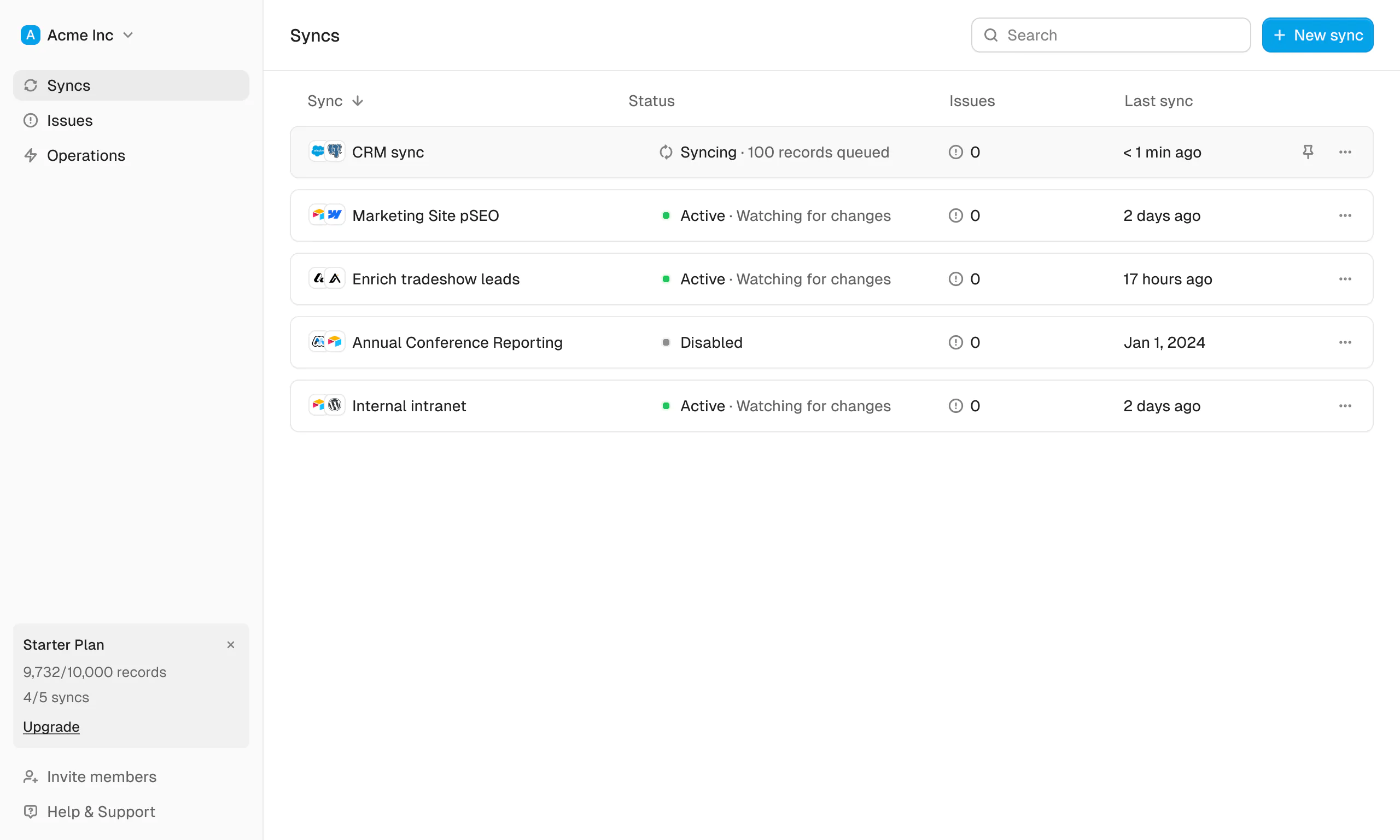
- Per-sync record usage. A new dialog shows how your monthly active record count is distributed across each sync, accessible from the sync list.
- Pending deletes on Record Status. Queued deletions now show on the Record Status page, so you can see what will be removed before it goes through.
- Google Sheets ordering. The primary field is always listed first, new fields are inserted after already-synced columns, and long text in the Whalesync ID column is clipped to stay readable.
- Zoho. Linked-record fields that can never resolve are no longer created, avoiding dead columns in the destination.
- Fixes. Attio actor-reference fields now resolve correctly in sync and Live Export, and the Live Export field warning tooltip is readable again.
Two-way sync for HubSpot, Salesforce, Attio, Affinity, and Pipedrive is back. We pulled our CRM connectors a while ago because we were not happy with them. We spent the time since making sync safer, and now they return with delete approvals built in, so a sync keeps your CRM in step both ways without ever removing a record you did not sign off on.
Pick the objects you care about, map your fields, and your CRM stays in sync with the spreadsheet, database, or CMS your team actually works in. More CRM connectors are on the way.
Live Export is the fastest way to get your CRM data into a flexible spreadsheet or database, kept continuously up to date.
Instead of wiring up tables and field mappings one by one, Live Export sets up a clean, read-only copy of your CRM in just a few clicks. Pick the objects you care about, and Whalesync provisions the destination tables and fields and keeps the copy up to date as your CRM changes. Your CRM stays the system of record.
A guided wizard walks you through connecting your CRM, choosing your data, and going live, with real record counts and suggested transforms along the way. Once it's running, you get a rich run-detail view so you can always see exactly what was exported.
Live Export is available on our Plus and Pro plans.
WordPress connection errors now distinguish login failures from permission errors, so you can tell which one you hit and act on it faster.
Also this week
- Fixes. Notion property push now keys correctly by name, Webflow multi-locale creates publish to the right locale, and stray alt-text no longer leaks into rich text content.
- HubSpot Leads table. To meet HubSpot's marketplace requirements, the Leads table has been retired. If you had a Leads sync, reconfigure it using a different table; the rest of your HubSpot syncs are unaffected.
All updates
Every entry we have published, newest first.
- Mailchimp Connector
- Klaviyo Connector
- Asana Connector
- Sanity Connector
- Visual changes to the sync connector picker
- Double the records on Starter
- Close on every plan
- MCP server and API
- HIPAA add-on
- Customize your scan schedule
- Google Sheets as a Live Export destination
- Postgres and Supabase views as Live Export sources
- Live Export is here
- CRM sync is back, and safer
- Introducing Live Export
- Clearer WordPress connection errors
- Pipedrive API key authentication
- Stuck syncs now recover on their own
- Customizable email notifications
- Webflow CMS localization
- More reliable Attio publishing
- More reliable Google Sheets connections
- Deletes now wait for your approval
- Get notified about pending deletes
- Whalesync API & token management
- Copy field mappings as Markdown
- Download your sync Issues
- Rich text support for Wix CMS fields
- Record Status & History
- Two-way sync for Notion page content
- Wix CMS Connector
- WordPress Connector
- AI automapping
- Airtable views 2-way sync
- Postgres is now in the Solo tier
- Autocreate fields in Airtable
- AI issue suggestions
- Refreshed Sync Status
- Search Issues & Operations
- (Up to) 10x faster Airtable syncing
- Sync Overview
- Notion usability improvements
- Auto-create collections in Webflow
- Supabase OAuth
- Auto-create tables in Sheets
- Auto-create tables
- Attio Connector
- Sync filters
- Record matching
- Record usage per sync
- Google Sheets connector
- Outreach connector
- Get Started
- Sync Preview
- Brand new look & feel
- MS Dynamics - Sales Hub connector
- Copper connector
- Close connector
- Zoho CRM connector
- Pipedrive connector
- Improved Auth
- Announcing Whalesync in the HubSpot App Marketplace
- Salesforce connector
- Expanded HubSpot object support
- Shopify connector
- Postgres Connector
- HubSpot Connector
- Airtable OAuth
- Stripe Connector
- Notion Page Sync
- Whalesync Memberships Sync (to GA)
- Webflow Memberships Sync
- Webflow Status Extension
- Base Cards 2.0